Piktochart
Piktochart AI revolutionizes visual content creation, offering tools for infographics, presentations, and social media graphics without needing design experience.
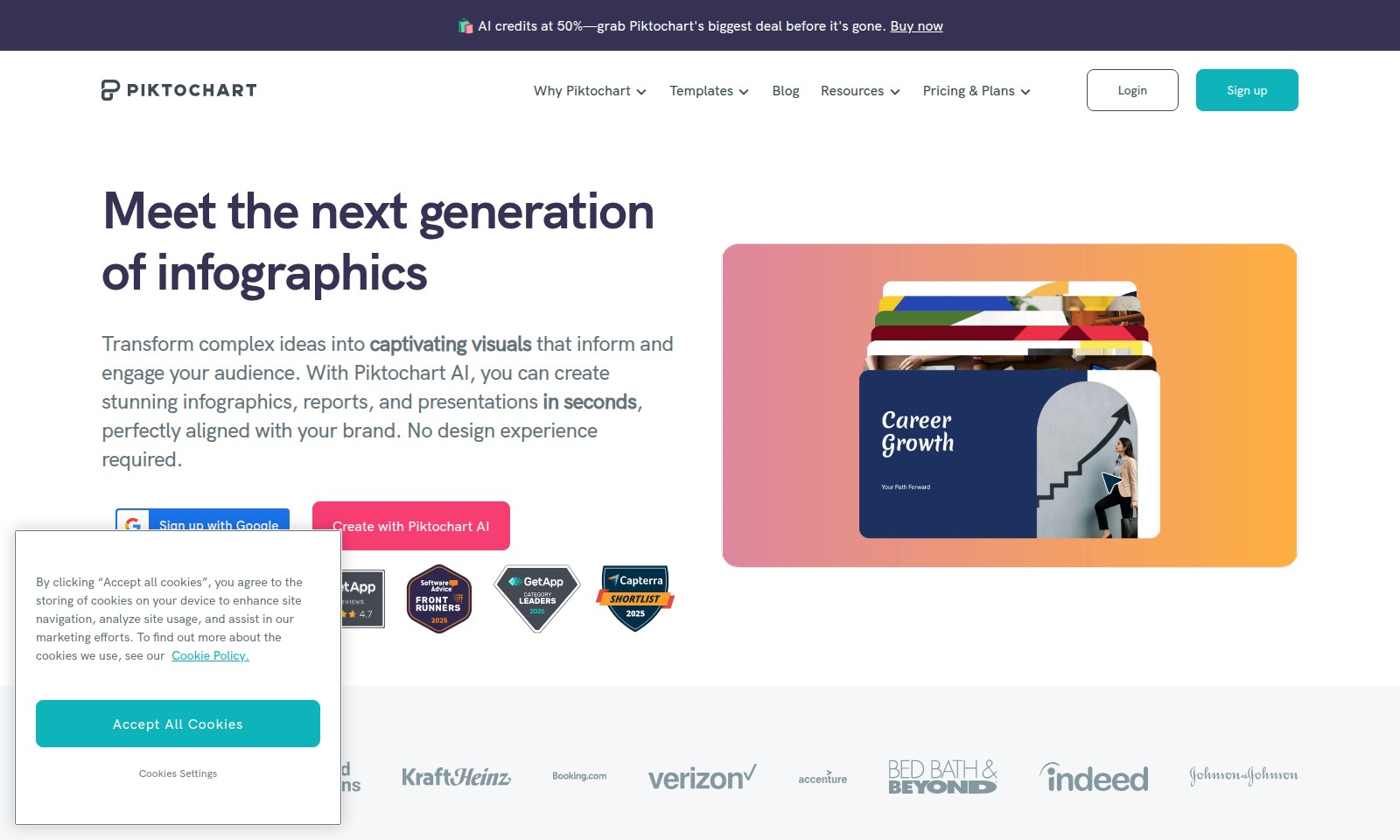
Piktochart Introduction
Meet the Next Generation of Infographics
Piktochart AI empowers you to transform complex ideas into captivating visuals that inform and engage your audience. With a user-friendly platform, it's now easier than ever to create stunning infographics, reports, and presentations that align perfectly with your brand—no design experience required.
Piktochart Features
AI Image Generator - Transform Your Ideas into Visuals
Create high-quality images for your projects effortlessly. This tool utilizes advanced algorithms to turn text prompts into stunning visuals, allowing users to visualize concepts without prior design skills.
AI Image Modifier - Enhance Your Creativity
Make adjustments to existing images with precision. The AI Image Modifier provides intuitive tools that cater to both novice and experienced users, ensuring that your visuals are always on-brand and impactful.
Frequently Asked Questions About Piktochart
FAQ
What is Piktochart?
Piktochart is a web-based design tool that allows users to create infographics, reports, and presentations with ease. Utilizing AI capabilities, it simplifies the design process, making it accessible for individuals without a design background.
How does Piktochart AI work?
Piktochart AI operates by allowing users to type a prompt, and the AI generates a visual representation of those words in under 10 seconds. This capability helps users quickly produce engaging visuals without needing prior design experience.
Can I try Piktochart for free?
Yes, Piktochart offers a free version with limited features. Users can sign up and explore basic functionalities before deciding to invest in premium options that provide more capabilities and templates.
What types of visuals can I create with Piktochart?
With Piktochart, you can create a wide range of visuals, including infographics, reports, presentations, and social media graphics. The tool is versatile, catering to various creative needs for businesses and individuals alike.
Is there customer support for Piktochart users?
Absolutely! Piktochart provides customer support through various channels, including email and help center articles. Users can find resources and guidance to help navigate any questions or issues they encounter while using the platform.
How to Use Piktochart
Step 1: Sign Up for Piktochart
To begin your journey, visit the Piktochart website and click on 'Sign up.' Fill in the necessary details such as your name, email address, and create a password. Follow the prompts to verify your email and activate your account.
Step 2: Set Up Your Profile
Once logged in, navigate to your profile settings. Here, you can upload a profile picture and provide some information about yourself. This helps personalize your experience and allows others to know more about you in the community.
Step 3: Explore the Dashboard
Familiarize yourself with the dashboard interface. Take a moment to explore various sections, including templates, blogs, and resources. Getting acquainted will make it easier to find what you need later.
Step 4: Choose a Template
Select a ready-made template that suits your project. Piktochart offers a wide range of customizable templates for infographics, presentations, and reports. Choose one that aligns with your content goals to save time.
Step 5: Customize Your Content
Begin editing by inserting your text, images, and data into the chosen template. Use the intuitive drag-and-drop interface to rearrange elements and adjust styles. Make sure to incorporate your branding for a cohesive look.
Step 6: Utilize AI Features
Explore Piktochart’s AI tools like the AI Image Generator and Modifier. Input prompts to generate stunning visuals quickly. This feature is particularly useful for beginners who want to enhance their designs without needing extensive graphic design skills.
Step 7: Save and Share Your Work
Once you’re satisfied with your design, click on ‘Save’ to store your work. You can then share it directly via social media or download it in various formats for offline use. This step ensures your hard work reaches your audience effectively.
Step 8: Keep Learning
Leverage Piktochart’s resources such as blogs and tutorials. This knowledge base offers tips and tricks to improve your design skills and maximize the platform's potential. Continuous learning will enhance your creative workflow and output.
Reviews
Pros
- Easy to use
- Fast processing
- Great results
- Affordable pricing
Cons
- Limited free version
- Requires internet connection
Comments
No comments yet. Be the first to share your thoughts!
Piktochart - Alternative Platforms
For some alternatives to Piktochart that you may need, we provide you with sites divided by features.

Cradle's innovative platform enhances protein engineering, offering accelerated optimization and data security for biopharma and industrial applications.
Discover the top AI models in design, ranked by user votes and performance ratings, including leaderboards and community tournaments.
Discover how Maket democratizes architecture with AI-driven tools for floorplan generation, regulatory assistance, and design exploration.
Interior AI is an innovative app that allows users to upload images of their interiors and receive instant, photorealistic redesigns in various styles.