Qwen3 TTS
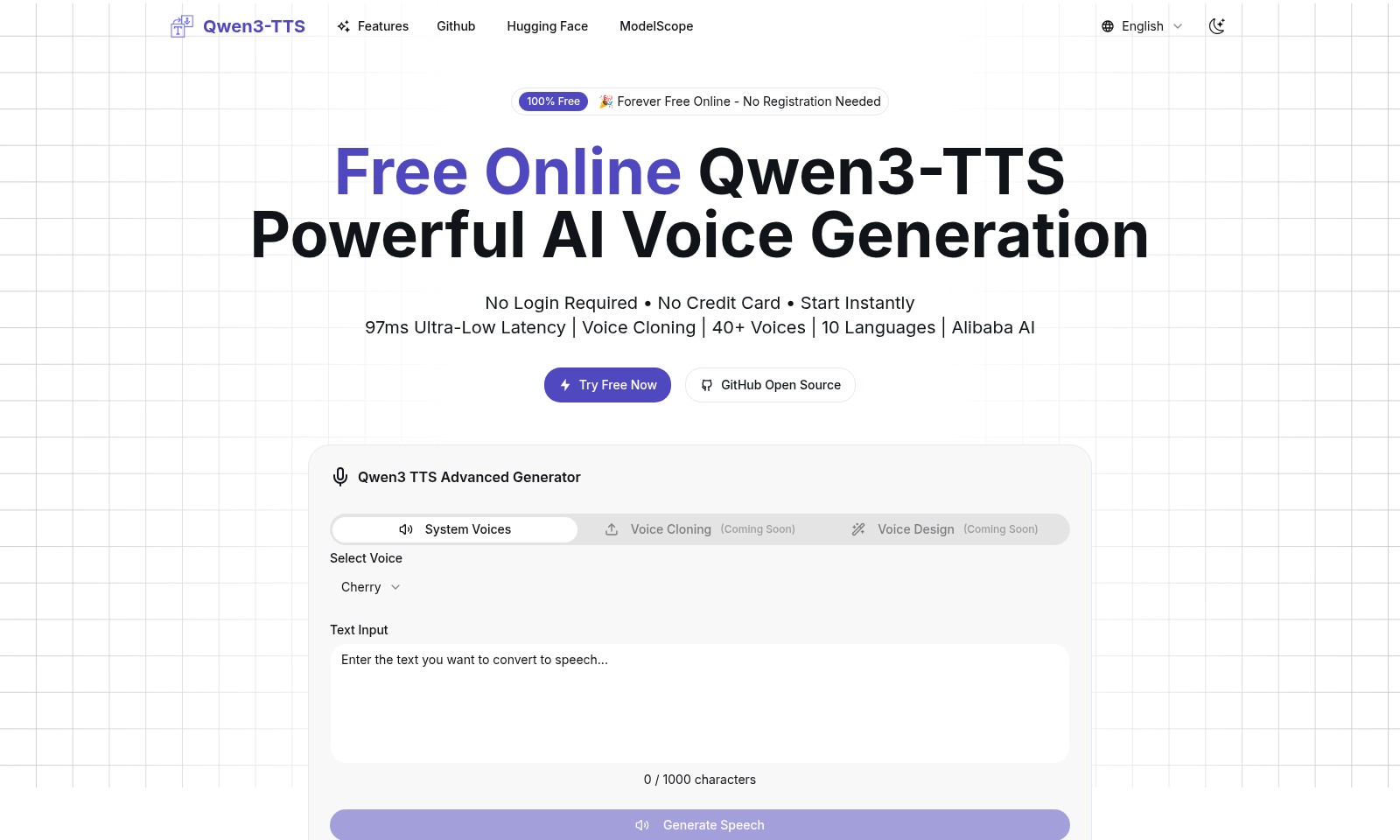
Qwen3-TTS is an open-source text-to-speech tool by Alibaba Cloud, enabling rapid voice cloning and multi-language support without registration.
Qwen3 TTS Introduction
Qwen3-TTS: Revolutionizing Text-to-Speech
Qwen3-TTS is a cutting-edge open-source text-to-speech model developed by the Qwen team at Alibaba Cloud, designed to provide fast, stable, and expressive voice generation. With its advanced capabilities, Qwen3-TTS enables users to produce high-quality speech with minimal latency, making it an invaluable resource for developers and content creators alike.
Qwen3 TTS Features
Ultra-Low Latency Streaming - Seamless Experience
Experience ultra-low latency at just 97ms, ensuring a seamless interaction for your speech generation needs. This allows for immediate feedback and rapid response, enhancing user engagement and satisfaction.
Voice Cloning - Personalized Voices
Create unique audio outputs with our advanced voice cloning feature that captures your essence in just 3 seconds. This not only personalizes your interaction but also allows for creative applications across various platforms.
Multi-Language Support - Global Reach
With support for 10 languages and 40+ diverse voices, you can reach a broader audience without barriers. This feature is particularly beneficial for businesses seeking to expand into international markets.
Open-Source Accessibility - Community Driven
Built on GitHub, Qwen3-TTS promotes a community-driven approach, encouraging collaboration and innovation. Being open-source means you can easily modify and enhance the technology to suit specific needs, making it an ideal solution for developers and companies alike.
Instant Start - No Hassle
Our platform requires no registration, login, or credit card, allowing users to start generating audio instantly. This hassle-free access is ideal for users who need quick solutions without administrative delays.
Frequently Asked Questions About Qwen3 TTS
What is Qwen3-TTS?
Qwen3-TTS is a powerful open-source text-to-speech model developed by the Qwen team at Alibaba Cloud. It provides users with stable, expressive speech generation in multiple languages, and allows for voice cloning and design without the need for complex processes.
Do I need to register to use Qwen3-TTS?
No, Qwen3-TTS is completely free and does not require any registration or login. You can start using the service immediately without any need for a credit card.
What are the features of Qwen3-TTS?
Qwen3-TTS supports features such as ultra-low latency streaming, with response times as low as 97 milliseconds. It offers voice cloning capabilities and allows users to select from over 40 different voices across 10 languages.
How can I generate speech using Qwen3-TTS?
To generate speech, simply input your text into the provided text box and click on the generate button. The system will produce audio output almost instantly, thanks to its advanced synthesis technology.
Is there a limit to the text I can input?
Yes, the text input limit for Qwen3-TTS is 1000 characters per request. If you have more text, you can split it into multiple requests for processing.
How does voice cloning work in Qwen3-TTS?
Voice cloning is achieved by inputting a short audio sample from the user’s voice. The system then creates a rapid clone of that voice within just three seconds, enabling personalized voice outputs.
How to Use Qwen3 TTS
Register for Qwen3-TTS
Visit the Qwen3-TTS website to start using the free online service. You don't need to register; simply click on 'Try Free Now' to begin.
Input Your Text
In the provided text input box, type your message. You have up to 1000 characters to enter your desired text for speech generation.
Select a Voice
Choose suitable voice options from the 40+ voices available. This allows you to personalize the speech output to fit different tones and styles.
Generate Speech
Once your text is ready and a voice is selected, click on 'Generate Speech.' The AI will convert your text into natural-sounding speech almost instantly.
Listen to the Output
After generating the speech, you can play the audio output directly on the webpage. This feature allows you to evaluate if the spoken output meets your expectations.
Download Options
If you would like to keep the audio, check if there is an option to download it directly from the site. This feature might be available based on the updates to the Qwen3-TTS service.
Explore Advanced Features
As you become more familiar with the platform, explore additional features such as voice cloning and voice design when they become available. These will enhance your experience with personalized voice outputs.
Reviews
Pros
- Easy to use
- Fast processing
- Great results
- Affordable pricing
Cons
- Limited free version
- Requires internet connection
Comments
No comments yet. Be the first to share your thoughts!
Qwen3 TTS - Alternative Platforms
For some alternatives to Qwen3 TTS that you may need, we provide you with sites divided by features.