Seedance 2.0
Seedance 2.0 revolutionizes video creation by offering a multimodal AI platform that allows users to generate high-quality videos from text and image inputs.
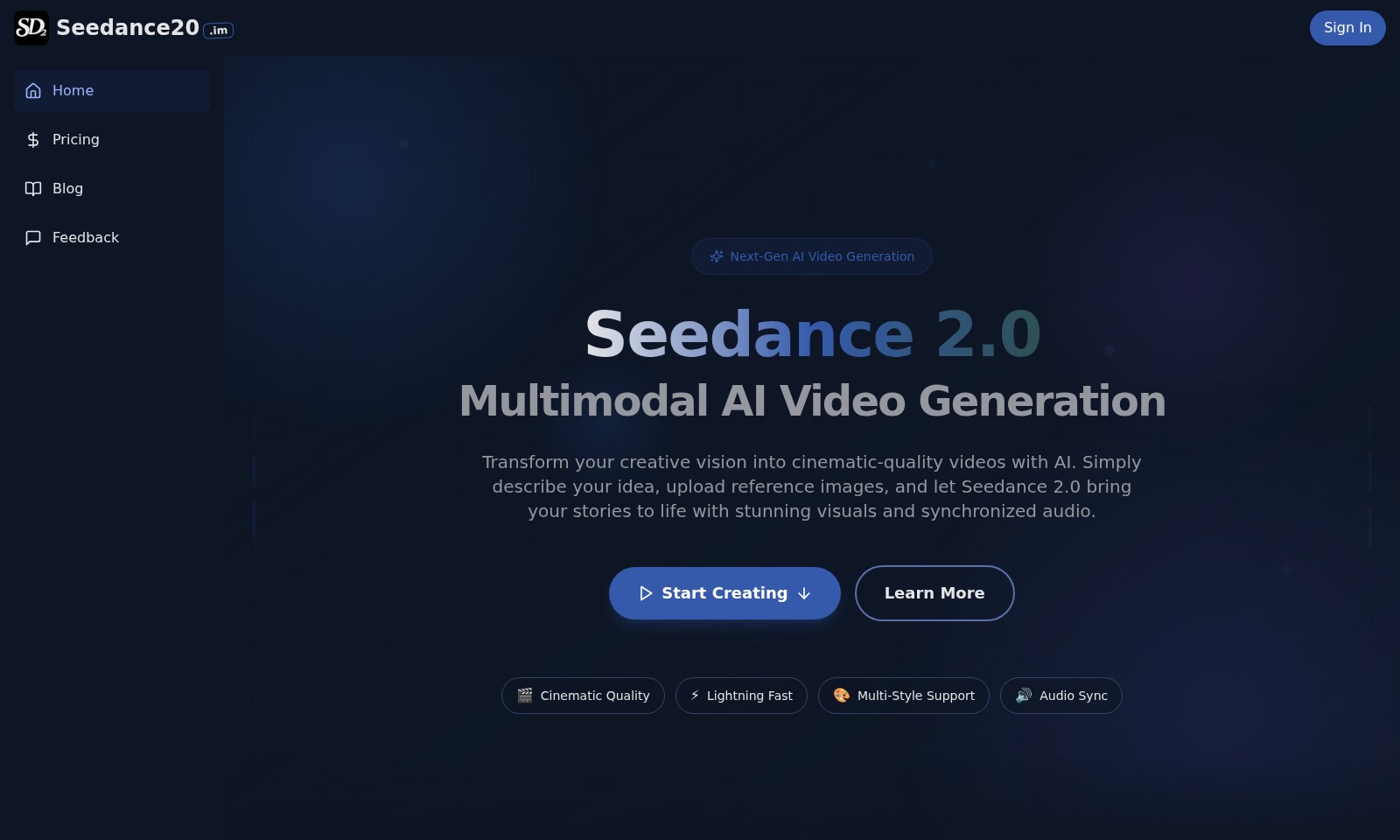
Seedance 2.0 Introduction
Transform Your Creative Vision with Seedance 2.0
Seedance 2.0 offers cutting-edge multimodal AI video generation that empowers users to turn their ideas into cinematic-quality videos seamlessly and efficiently. With just a description of your concept and any reference images, our sophisticated AI technology can bring your stories to life, complete with stunning visuals and perfectly synchronized audio.
Seedance 2.0 Features
Next-Gen AI Video Generation - Empower Your Creativity
Seedance 2.0 offers an unparalleled opportunity for creators to elevate their projects. By harnessing the power of AI, users can transform simple concepts into cinematic-quality videos with ease, significantly reducing production time. The platform's ability to adapt to various creative inputs ensures that it meets the diverse needs of creators across different industries.
Multimodal AI Video Generation - Comprehensive Creative Solutions
With Seedance 2.0, users can upload reference images and outline their vision for a video, making the creative process seamless. This innovative feature allows creators to visualize their ideas effectively, while ensuring synchronization of audio and visuals effortlessly. As a result, users can expect a polished final product that maintains their original intent.
Cinematic Quality - Professional Output
The platform guarantees professional-grade quality in video production. Users benefit from finely-tuned algorithms that analyze visual content for optimal clarity and aesthetics. This level of precision is crucial for filmmakers, advertisers, and educators who demand high-quality visuals to deliver impactful messages.
Lightning Fast - Efficiency in Production
Seedance 2.0 is designed for those who value time without compromising quality. The platform’s quick processing capabilities mean videos can be generated rapidly, allowing users to pivot and adapt their content in real-time. This feature is particularly beneficial for industries that rely on speed, such as digital marketing and social media.
Multi-Style Support - Versatility in Creative Expression
With support for various artistic styles, Seedance 2.0 accommodates the unique preferences of every user. Whether you’re aiming for photorealism or a cartoonish aesthetic, the platform’s advanced algorithms adjust accordingly. This versatility makes it an attractive option for artists, designers, and businesses wanting to tailor their video content to specific audiences.
Audio Sync - Seamless Integration of Sound
Audio synchronization is a critical component of video production, and Seedance 2.0 excels in this area. Users will find that the audio aligns perfectly with the visuals, providing a cohesive narrative experience. This feature is essential for video creators, podcasters, and educators seeking to enhance their stories through synced soundtracks and dialogues.
User-Friendly Interface - Accessibility for All
Seedance 2.0 prioritizes a user-friendly experience, ensuring that even those with limited technical skills can utilize its advanced features. The intuitive interface guides users through the video generation process, reducing the learning curve and making it accessible for creators at all levels. This inclusivity enables a broader range of users to take advantage of cutting-edge video production technology.
Frequently Asked Questions About Seedance 2.0
FAQs for Seedance 2.0
How does Seedance 2.0 work?
Seedance 2.0 utilizes advanced multimodal AI technology to transform your creative ideas into cinematic-quality videos. You simply describe your concept, upload any reference images, and the AI takes over, generating visually stunning and audio-synchronized videos that match your vision.
What are the credits used for?
Credits in Seedance 2.0 are used to create videos. Each video generation costs 50 credits, and you can purchase additional credits as needed. This allows you to manage your budget efficiently while experimenting with different video creations.
What formats and sizes of images can I upload?
You can upload images in JPG and PNG formats, with a maximum file size of 2MB. This flexibility allows you to provide high-quality visuals that will enhance the story and overall quality of the video generated.
Can I use Seedance 2.0 for commercial projects?
Yes, Seedance 2.0 is suitable for creating videos for various purposes, including commercial projects. However, it’s essential to review the terms of service to understand any restrictions or guidelines related to commercial usage of the generated content.
What if I don’t have a clear concept in mind?
If you’re unsure about your concept, Seedance 2.0 offers creative assistance. You can explore the showcase gallery for inspiration, seeing how other users have turned their ideas into videos, which may help spark your creativity and lead to better video projects.
How to Use Seedance 2.0
Register an Account
To start using Seedance 2.0, you need to register an account. Visit the Sign In page and click on 'Register'. Fill out the required information like your email and create a password. Once submitted, check your email for a verification link.
Sign In to Your Account
Once you have registered, go back to the Sign In page. Enter your email and password, then click on 'Sign In'. This will take you to your account dashboard where you can start your creative journey.
Set Up Your Profile
After signing in, set up your profile for a personalized experience. Click on your profile icon, navigate to the settings, and add information like your display name, profile picture, and preferences. This helps Seedance tailor content and features to your liking.
Explore Pricing Plans
Before using the features, familiarize yourself with the pricing plans. Visit the Pricing section to choose a plan that fits your needs. Seedance 1 Pro offers 50 credits, while Seedance 2 provides 220 credits. Make sure to consider what works best for your video generation needs.
Select an AI Tool
Now that your profile is ready, you can select the appropriate AI tool. Go to the homepage where various AI tools are listed. Choose between Seedance 1 Pro and Seedance 2, based on the credits available in your account.
Upload Reference Images
To create videos, you can enhance your inputs by uploading reference images. Click on the 'Upload Image' button to upload JPEG or PNG files up to 2MB. This will help the AI understand your creative vision better.
Describe Your Video Idea
In the prompt section, describe the video idea you want to create. Be clear and concise, detailing the scenes, themes, or emotions you want the video to convey. This input is crucial for generating the best results from the AI.
Choose Aspect Ratio
You can customize the output video by selecting an aspect ratio. Options include 16:9, 9:16, 1:1, and others. Pick one that suits your intended platform, whether it’s for social media or presentations.
Generate Video
Once you have set everything up, click on the 'Generate Video' button. The generation process may take a moment, so be patient. The AI will start creating your cinematic-quality video based on your inputs and uploaded references.
View and Save Your Results
After the generation is complete, your results will appear in the designated area on the same page. Review the video to ensure it meets your expectations. If satisfied, save your video to your history for future access.
Explore the Showcase Gallery
Finally, visit the Seedance 2.0 AI Video Generation Showcase Gallery. Here, you can explore curated examples of cinematic videos created using the platform. This can inspire your future projects and give you ideas on how to maximize the features of Seedance 2.0.
Reviews
Pros
- Easy to use
- Fast processing
- Great results
- Affordable pricing
Cons
- Limited free version
- Requires internet connection
Comments
No comments yet. Be the first to share your thoughts!
Seedance 2.0 - Alternative Platforms
For some alternatives to Seedance 2.0 that you may need, we provide you with sites divided by features.

AI Baby Dance enables parents to transform baby photos into trending dance videos for TikTok, Instagram, and more, with no editing skills needed.
Medeo is a platform for creating professional videos by chatting with AI, offering multiple video formats and features.
Golpo AI enables users to create high-quality whiteboard videos in minutes, offering various pricing plans and a user-friendly interface.
Explore Wan Animate's cutting-edge technology for AI-driven character animation and replacement, ideal for creators across various industries.