AI Logo Creator
Design unique logos effortlessly with our AI Logo Creator, tailored for freelancers, small business owners, and online creators.
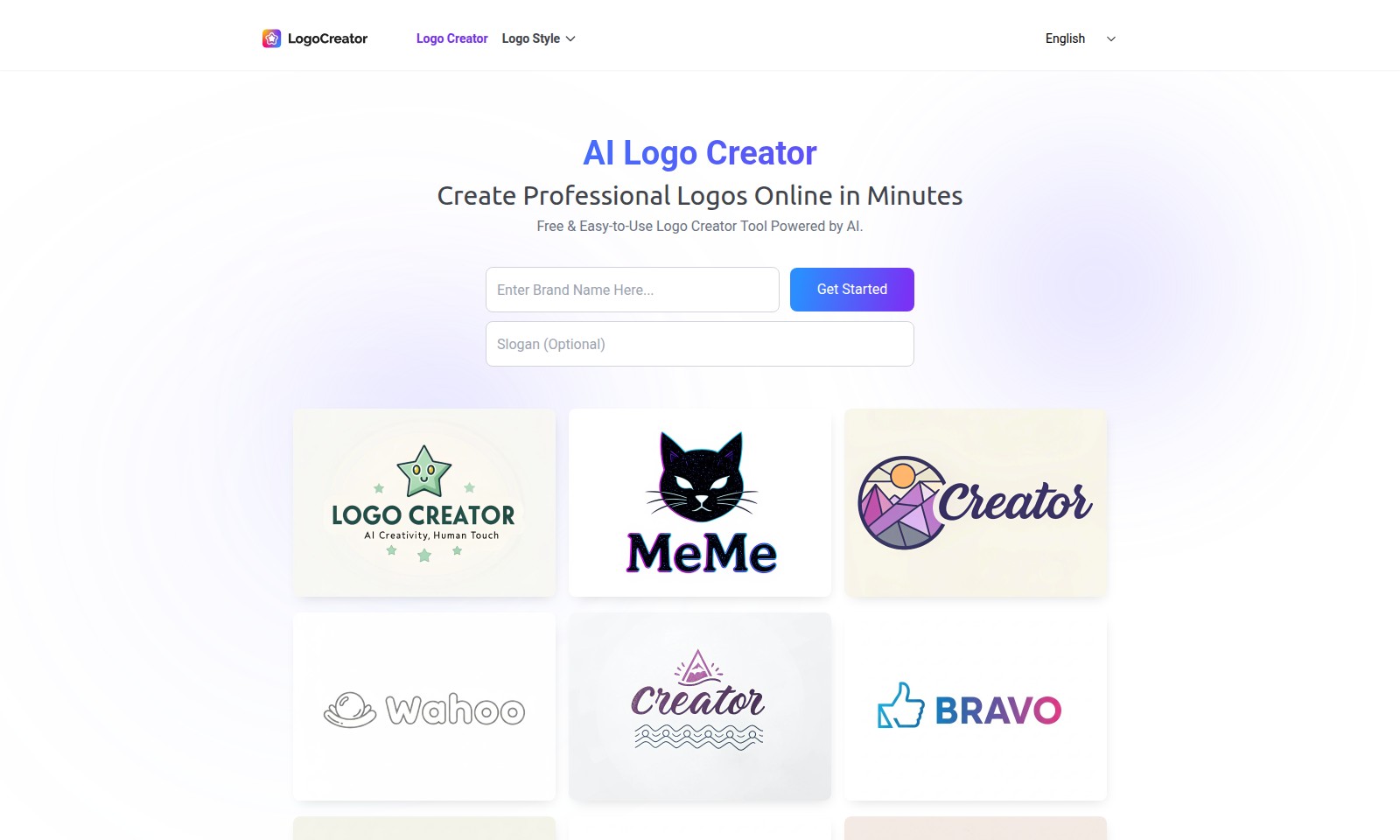
AI Logo Creator Introduction
Create Professional Logos Online in Minutes
Our AI-powered Logo Creator offers a free and easy-to-use tool that allows you to design professional logos online. With the ability to create logos anytime and anywhere, you can achieve your branding goals without the hassle of software downloads or hidden fees. This is an invaluable resource for entrepreneurs, businesses, and creative projects seeking to establish a unique identity in a competitive market.
AI Logo Creator Features
Logo Creator - Professional Design Made Easy
Unleash your creativity with our user-friendly online logo creator. This tool allows users to design professional logos in a matter of minutes, catering to individuals and businesses alike who need quick branding solutions.
AI-Powered Design - Innovative Logo Concepts
Harness the power of artificial intelligence to generate unique logo designs tailored to your requirements. This feature sets our platform apart by ensuring that every user receives personalized designs based on their inputs, saving time and enhancing brand identity.
Easy Customization - Tailor Your Logo
Customize your logo effortlessly with a wide array of options for colors, fonts, and layouts. This functionality ensures that users can align their logos perfectly with their brand identity, meeting the specific aesthetic and functional needs of diverse audiences.
Free & Online - Accessibility and Convenience
Our logo creator is accessible online, allowing users to create logos anytime and anywhere without any software downloads or hidden fees. This feature offers maximum flexibility for users with varying workloads and time constraints.
Simple Process - Quick Logo Creation in Three Steps
Creating a logo is straightforward: enter your brand name, choose your preferred style, and download your logo instantly. This process is designed to be user-centric, addressing the needs of busy entrepreneurs and individuals who prioritize efficiency without sacrificing quality.
Frequently Asked Questions About AI Logo Creator
Frequently Asked Questions
1. How do I start creating my logo?
To begin, simply enter your brand or project name into our AI logo creator. This serves as the foundation for generating unique logo concepts tailored to your brand identity.
2. Can I customize my logo after it's generated?
Absolutely! After selecting a logo design, you can easily adjust colors, fonts, and layouts to ensure it aligns perfectly with your brand's vision and style. Our tool allows for flexible customization to get the logo just right.
3. Is the logo creator really free to use?
Yes, our logo creator is completely free and easy to use, allowing you to create logos online without any hidden fees or software downloads. You can get started anytime and anywhere.
4. In what formats can I download my logo?
Once you’ve finalized your logo design, you can download high-quality files suitable for websites, social media, and print. There’s no waiting period—your logo files are ready for immediate use.
5. How long does it take to create a logo?
Creating a logo with our AI tool takes just a few minutes. In three simple steps—enter your brand name, choose a style, and download your logo—you’ll have a professional logo ready to go in no time.
6. Who can benefit from using this logo creator?
Our logo creator is tailored for anyone needing a professional logo, whether you’re a business owner, freelancer, or part of a non-profit organization. It’s designed to meet diverse branding needs swiftly and effectively.
How to Use AI Logo Creator
Step 1: Register Your Account
Begin by clicking on the 'Get Started' button. Fill in your email address and create a strong password. This will help you secure your account.
Step 2: Activate Your Account
Check your email for an activation link. Click the link to verify your email and activate your account, allowing you access to our logo creation tools.
Step 3: Enter Your Brand Name
Once logged in, type your business or project name into the designated field to kickstart the logo creation process. This name will be incorporated into your logo design.
Step 4: Choose a Style, Font & Color
Explore our selection of trendy styles, unique fonts, and color palettes. Select the options that best reflect your brand identity and vision for your logo.
Step 5: Customize Your Logo
Adjust elements of your logo such as colors, fonts, and layouts to ensure they align with your brand's aesthetic. This easy customization process is designed to be user-friendly, even for beginners.
Step 6: Preview Your Logo
Take a moment to review the logo you’ve created. Ensure that it meets your expectations and resonates with your brand message.
Step 7: Download Your Logo
Once you’re satisfied with your design, click the download button to get high-quality logo files. These can be used for your website, social media, and print materials without any wait time.
Step 8: Use Your Logo
Start applying your logo across your branding materials. Use it on your website, social media profiles, business cards, and any promotional materials to make your brand stand out.
Reviews
Pros
- Easy to use
- Fast processing
- Great results
- Affordable pricing
Cons
- Limited free version
- Requires internet connection
Comments
No comments yet. Be the first to share your thoughts!
AI Logo Creator - Alternative Platforms
For some alternatives to AI Logo Creator that you may need, we provide you with sites divided by features.

Explore AI-driven logo design with instant generation, customization options, and complete brand identity packages.