Autodraft AI
Autodraft AI offers advanced animation tools, enabling creators to generate quality assets, voiceovers, and animations effortlessly.
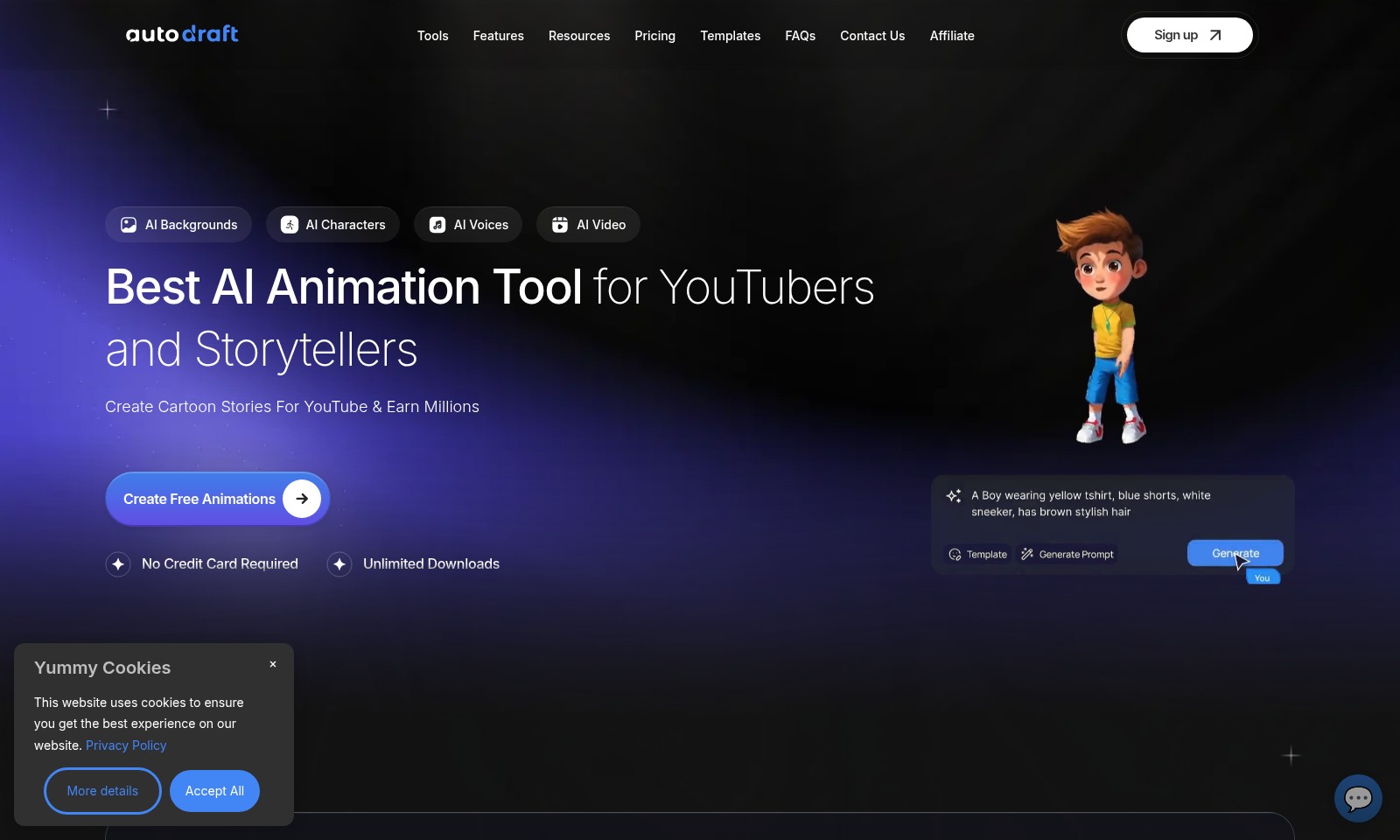
Autodraft AI Introduction
Experience the Future of Animation
Autodraft is revolutionizing the way storytellers and content creators produce high-quality animations and assets. By leveraging advanced AI technologies, our platform offers intuitive tools that empower users to create stunning cartoon stories for YouTube and beyond. With features tailored to both novice and seasoned creators, Autodraft provides everything you need to transform your ideas into animated reality.
Autodraft AI Features
AI Backgrounds - Tailored Visuals for Every Scene
Create stunning, consistent-style backgrounds that perfectly match your storyboards or sketches. Our AI intelligently adapts images to your narrative, ensuring a visually cohesive animation experience.
AI Characters - Dynamic Creatures Brought to Life
Effortlessly generate animated characters with high accuracy and detail using simple prompts. Our AI character generation allows for a wide variety of styles, catering to the specific needs of storytellers and YouTubers.
AI Voices - Enhanced Storytelling with Realistic Voiceovers
Transform your animations with lifelike voiceovers derived from hundreds of presets. Autodraft's advanced AI voice technology provides seamless narration, enhancing engagement and emotional connection with your audience.
Best AI Animation Tool for YouTubers - Boost Your Channel's Creativity
Designed with YouTube content creators in mind, our animation tool helps turn ideas into visual stories. With no credit card required for free trials, you can explore infinite creative possibilities to captivate your viewers.
Unlimited Downloads - Creativity Without Limitations
Enjoy the freedom of unlimited downloads on all your animations and assets. This feature guarantees creators can experiment and iterate freely, ensuring the final product meets their creative vision fully.
Frequently Asked Questions About Autodraft AI
Frequently Asked Questions
1. What tools does Autodraft offer for creating animations?
Autodraft provides a variety of advanced tools designed for storytellers and YouTubers. You can create cartoon stories, generate AI voiceovers, and produce animations with unlimited downloads and no credit card required.
2. How can I generate assets for my animations?
You can create assets by using Autodraft’s AI tools, which allow you to generate backgrounds, characters, and voiceovers. Simply input prompts or reference images to get started on creating premium quality content.
3. Is there a limit to the number of animations I can download?
No, there is no limit to the number of animations you can download from Autodraft. Once you create your animations, you can download them as needed without any extra charges or sign-ups.
4. Can I use Autodraft if I’m not a professional animator?
Absolutely! Autodraft is built for everyone, from beginners to seasoned animators. Its intuitive tools facilitate easy asset generation, making animation accessible to all skill levels.
5. What makes Autodraft different from other animation tools?
Autodraft sets itself apart with its advanced AI technologies that offer creative controls and generate assets consistently. With high-quality outputs and a focus on storytelling, it caters specifically to YouTubers and content creators.
6. Are there any costs involved in using Autodraft?
You can start using Autodraft for free with access to various features. Additional premium features may be available for a price, but basic tools and unlimited downloads are accessible without any payment.
How to Use Autodraft AI
Step 1: Sign Up for an Account
To begin your journey, click on the 'Sign up' button on the homepage. Fill in the required fields with your email address and a secure password to create your account.
Step 2: Verify Your Email
Check your inbox for a verification email and click on the link provided. This step ensures the security of your account and activates your profile.
Step 3: Set Up Your Profile
Once logged in, navigate to the profile settings. Add your name and a profile picture to make your account feel personal and inviting.
Step 4: Explore the Dashboard
Familiarize yourself with the main dashboard where you can see all available tools and features. Take a moment to explore different options available for content creation.
Step 5: Choose a Tool to Get Started
Select from various tools such as AI Backgrounds, AI Characters, or AI Voices. Click on the tool that interests you to start creating.
Step 6: Generate your First Asset
Follow the prompts to generate your first asset. For example, if you've chosen AI Characters, input your ideas and watch as the tool creates animated characters based on your descriptions.
Step 7: Edit Your Creations
After generating your asset, use the advanced editing tools to refine it. Adjust colors, sizes, or add special effects to tailor your creation completely.
Step 8: Create Your First Animation
Combine your generated assets into an animation. Use the intuitive drag-and-drop functionality to arrange elements on the timeline for your project.
Step 9: Preview Your Animation
Before finalizing, preview your animation to see how all elements work together. Make any necessary adjustments to enhance the flow and quality of the animation.
Step 10: Download Your Work
Once satisfied with your animation, download it by clicking the 'Download' button. Enjoy unlimited downloads as part of your account benefits.
Step 11: Share and Earn
If your animation is intended for platforms like YouTube, share it directly from the platform. Utilize your social media channels to promote your work and potentially earn income from your animations.
Reviews
Pros
- Easy to use
- Fast processing
- Great results
- Affordable pricing
Cons
- Limited free version
- Requires internet connection
Comments
No comments yet. Be the first to share your thoughts!
Autodraft AI - Alternative Platforms
For some alternatives to Autodraft AI that you may need, we provide you with sites divided by features.

Login to Logo Diffusion with various methods or register. The site uses cookies for personalization and traffic analysis.
The AI SVG Generator transforms text into scalable vector graphics, enabling effortless logo creation, illustrations, and more for modern web and branding.
Patternaly is an online AI pattern generator for creating stunning seamless patterns effortlessly, suited for various design needs.