Fooocus AI
Fooocus AI allows users to generate impressive images from text prompts with an intuitive interface and commitment to data security.
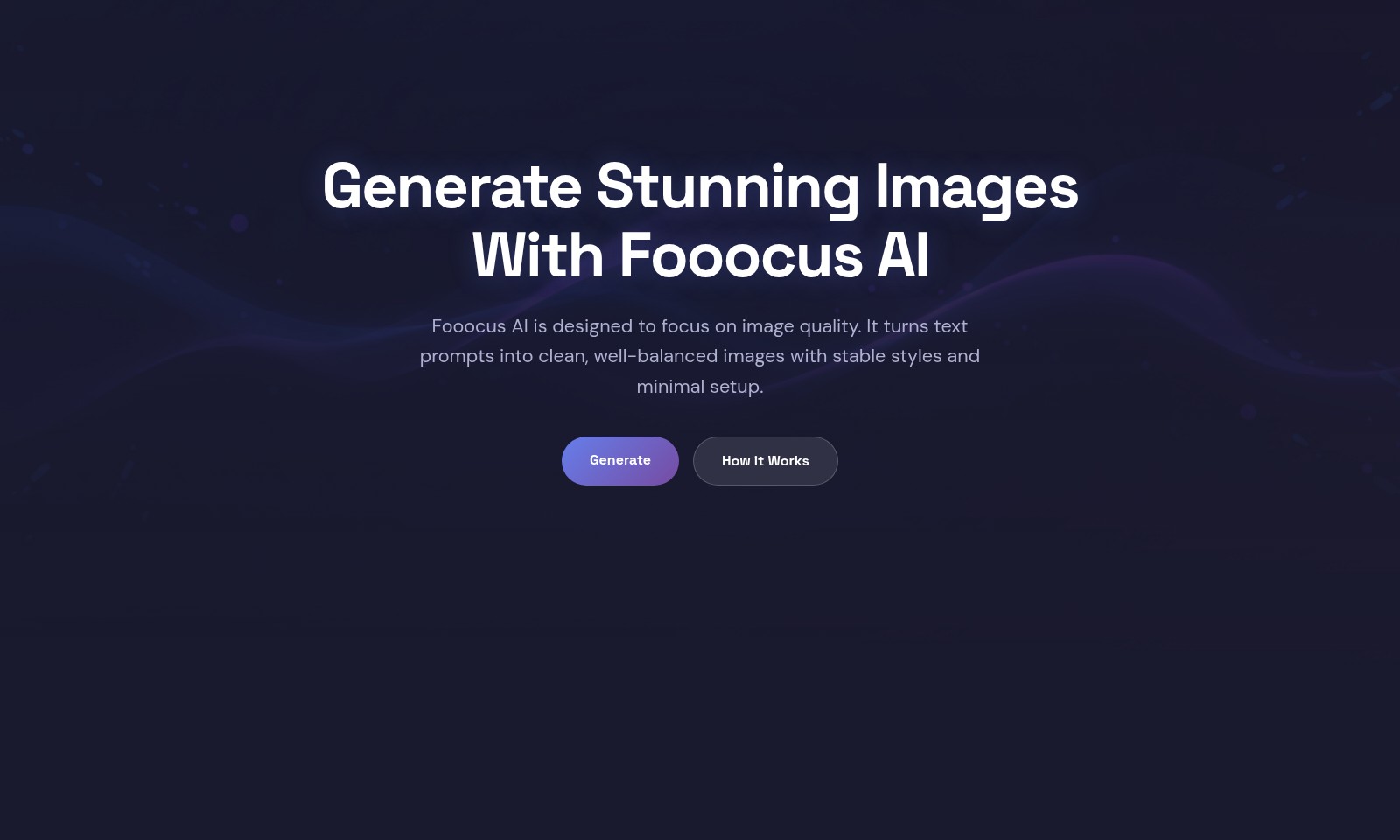
Fooocus AI Introduction
Generate Stunning Images With Fooocus AI
Fooocus AI focuses on delivering exceptional image quality. Our platform effortlessly transforms text prompts into clean, well-balanced visuals with minimal setup, ensuring that your creative vision comes to life.
Fooocus AI Features
Image Quality Focus - Superior Visuals
Fooocus AI is engineered with a strong emphasis on delivering high-quality images. By transforming text prompts into visually appealing outputs, users can enjoy clean, well-balanced images. Our technology ensures minimal setup time, optimizing your creative process.
Text-to-Image Transformation - Detailed Output
The capability of Fooocus AI to turn textual descriptions into images ensures that every detail is captured. Maintain structural integrity and style consistency in your visuals for a reliable outcome every time. This feature is crucial for artists, marketers, and designers looking to enhance their presentations.
User-Friendly Interface - Effortless Navigation
Fooocus AI offers an intuitive interface that facilitates ease of use for all skill levels. Users can seamlessly upload their images or simply write a description to generate stunning visuals. This accessibility is vital for businesses looking to streamline workflows.
Rapid Generation - Time-Efficient Creativity
The 'Generate' feature of Fooocus AI allows users to create images in a matter of seconds. This rapid output gives businesses an edge in time-sensitive projects, enabling timely delivery of marketing materials and digital assets.
Format Support - Versatile Usage
Supporting JPG and PNG file formats, Fooocus AI caters to various needs, whether for web use or print. This compatibility ensures that users can utilize their images across multiple platforms without hassle. Ideal for digital marketing professionals and content creators.
Image Upload Capability - Customized Iteration
Users can upload existing images and apply enhancements using our Google Nano Banana Pro technology. This feature enriches the original content and allows for tailored modifications, meeting the specific demands of users looking for iterative improvements in their visuals.
Frequently Asked Questions About Fooocus AI
Frequently Asked Questions
1. How does Fooocus AI generate images from text prompts? Fooocus AI utilizes advanced algorithms to analyze the text prompts you provide and create highly detailed images based on your descriptions. The system focuses on maintaining structural integrity and style consistency throughout the image generation process.
2. What file formats does Fooocus AI support for image uploads? Currently, Fooocus AI supports JPG and PNG formats for image uploads. You can easily upload an image and use our Google Nano Banana Pro generator to enhance your visuals.
3. How can I improve the quality of the images generated? To achieve the best results, provide clear and detailed descriptions in your prompts. The more information you include about colors, themes, and styles, the better Fooocus AI can capture your vision and produce a stunning image.
4. Is there a limit to how long my text prompt can be? While there is no strict character limit, we recommend keeping your prompts concise yet descriptive. Aim for a few sentences that clearly articulate your vision to help the AI better understand your requirements.
5. Can I use Fooocus AI for commercial purposes? Yes, images generated by Fooocus AI can be used for commercial projects, provided you comply with our terms of service. Ensure that the content you create adheres to copyright regulations, especially if you incorporate other images into your work.
6. How does the image generation process work step-by-step? To create an image, first, describe your vision in a few words or sentences. Then, click the 'Generate' button. The AI will interpret your description and craft a unique visual based on your input, which you can review and download once completed.
How to Use Fooocus AI
Get Started with Fooocus AI
Follow these simple steps to begin your journey of creating stunning visuals using Fooocus AI.
Step 1: Register an Account
Visit the Fooocus AI website and click on the 'Get Started' button. Fill out the registration form with your email and create a secure password. Check your email for a verification link and click on it to activate your account.
Step 2: Set Up Your Profile
Once logged in, navigate to your profile settings. Complete your profile by adding your name and preferences. This information helps personalize your experience when generating images.
Step 3: Explore the Dashboard
After setting up your profile, familiarize yourself with the dashboard. Here, you can access all key features, including the image generator, gallery, and your account settings.
Step 4: Upload an Image
To use an image as a reference, click on the 'Upload Image' button. Select a JPG or PNG file from your device. This image can help guide the AI in creating your desired result.
Step 5: Describe Your Vision
In the text input area, type a concise description of the image you want. Be as detailed as possible; this helps the AI better understand your creative vision.
Step 6: Generate the Image
Click the 'Generate' button to initiate the image creation process. The AI will analyze your text prompt and start crafting a unique image based on your description.
Step 7: Review and Download
Once the image is generated, take a moment to review it. If it meets your expectations, click the download button to save it to your device. You can also share your creations directly from the platform.
Step 8: Provide Feedback
Consider providing feedback on your generated images. Your reviews help enhance the AI's abilities and improve the overall user experience.
Step 9: Experiment with Features
Don’t hesitate to explore various features, such as modifying existing images or experimenting with different text prompts. The more you play around with the tools, the more intriguing images you can create!
Reviews
Pros
- Easy to use
- Fast processing
- Great results
- Affordable pricing
Cons
- Limited free version
- Requires internet connection
Comments
No comments yet. Be the first to share your thoughts!
Fooocus AI - Alternative Platforms
For some alternatives to Fooocus AI that you may need, we provide you with sites divided by features.

Login to Logo Diffusion with various methods or register. The site uses cookies for personalization and traffic analysis.
The AI SVG Generator transforms text into scalable vector graphics, enabling effortless logo creation, illustrations, and more for modern web and branding.
Patternaly is an online AI pattern generator for creating stunning seamless patterns effortlessly, suited for various design needs.