Kaiber
Superstudio empowers creators with tools for image, video, and sound, enabling seamless artistic expression and collaboration.
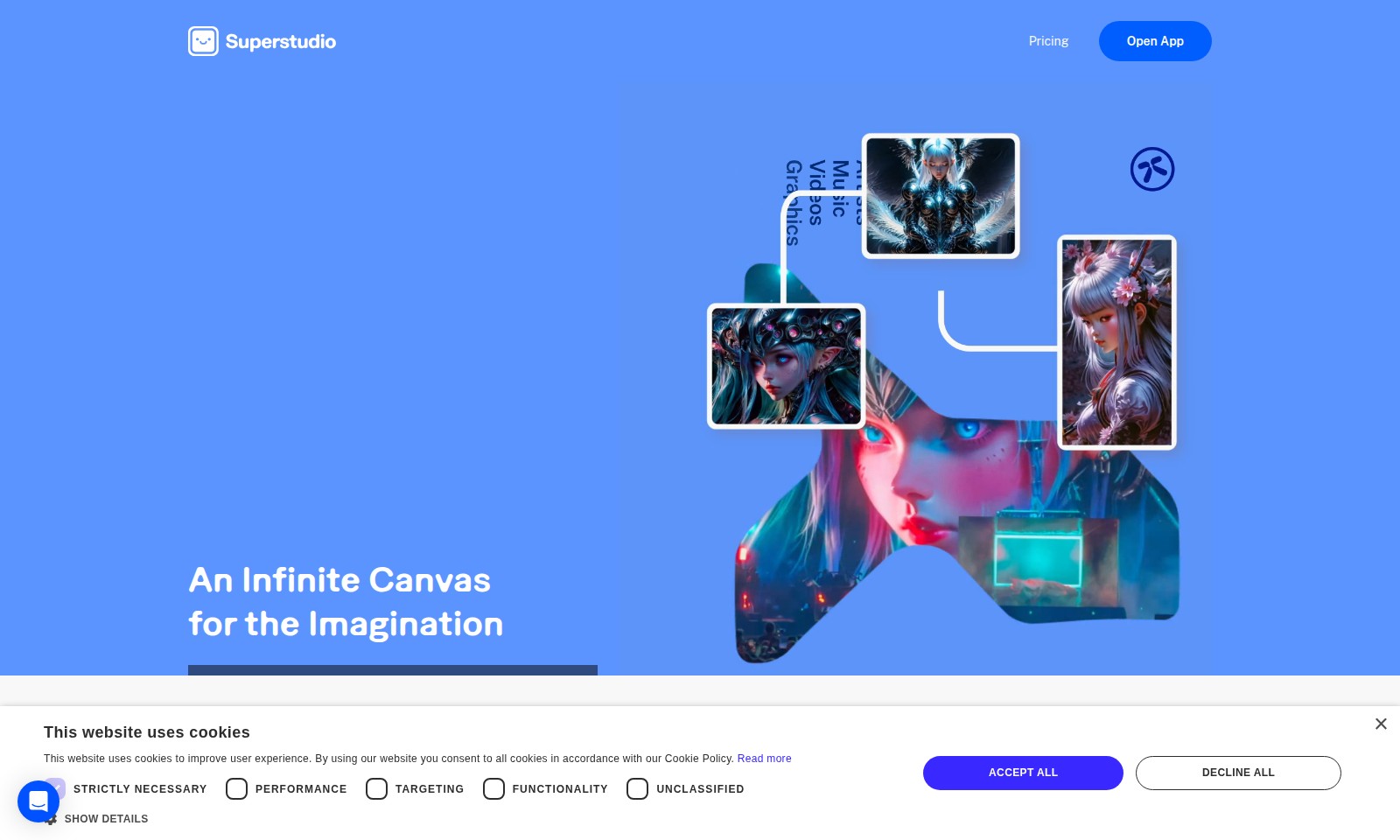
Kaiber Introduction
Superstudio: An Infinite Canvas for the Imagination
Superstudio empowers artists, designers, musicians, and creators to bring their ideas to life with an expansive canvas and a comprehensive suite of tools for image, video, and sound creation. This innovative platform integrates best-in-class AI models into a seamless, intuitive interface, enabling users to craft stunning visuals and narratives effortlessly.
Kaiber Features
Infinite Canvas - Unbounded Creativity
Unlock your imagination with Superstudio's limitless canvas, allowing you to create without boundaries. Our responsive interface accommodates your creative flow seamlessly.
Custom Models - Personalized Visual Identity
Craft unique custom models tailored to your artistic voice, ensuring your visual projects maintain consistency and originality. Maximize your creative potential with our advanced training algorithms.
Multi-Media Integration - Comprehensive Toolset
Combine images, videos, and sound within a single platform, streamlining your creative process and reducing the need for multiple applications. Enjoy a cohesive workflow that fosters creativity across various media.
AI-Powered Enhancements - Automated Efficiency
Leverage state-of-the-art AI models that elevate your projects through smart features like auto-suggestions and style transfer. Save time and enhance your productivity with intelligent tools designed for today’s creators.
Collaboration Features - Seamless Teamwork
Work collaboratively in real-time with team members or clients, providing a platform for instant feedback and revisions. Enhance productivity with integrated communication tools that keep everyone on the same page.
Frequently Asked Questions About Kaiber
What is Superstudio?
Superstudio is an innovative platform designed to empower artists, designers, musicians, and creators by providing them with an infinite canvas for their imagination. Users can harness a suite of tools for image, video, and sound, integrating top-tier AI models into a seamless and intuitive interface.
How to Use Kaiber
Register for an Account
Visit the Superstudio website and click on the 'Sign Up' button. Fill in your details such as your name, email, and create a password. Make sure to verify your email to activate your account.
Set up your profile
Once registered, log in and navigate to your profile settings. Upload a profile picture and fill out any additional information to personalize your account, making it easier for others to connect with you.
Explore the Tools
Familiarize yourself with the Superstudio interface. Click on the different tools available for image, video, and sound creation. Take time to hover over icons for tooltips and learn what each feature does.
Start a New Project
Click on 'Start Creating' to begin a new project. Choose the type of project you want to work on, whether it's a music video, animation, or any other creative format. Name your project and select the canvas size.
Train Custom Models
In your project dashboard, look for the option to 'Train Custom Models'. Follow the instructions to upload images or sounds that resonate with your style. This will help generate customized visuals or audio that are unique to your creative vision.
Create Using Key Features
Utilize the wide range of features at your disposal. Start integrating graphics, logos, and sound to create dynamic projects. Use drag-and-drop functionality to easily rearrange and layer your creative elements.
Save and Share Your Work
Periodically save your work by clicking on the 'Save' button in the top right corner. When you're satisfied with your project, use the 'Share' feature to publish your creation. You can share it directly to social media platforms or generate a link to share with others.
Reviews
Pros
- Easy to use
- Fast processing
- Great results
- Affordable pricing
Cons
- Limited free version
- Requires internet connection
Comments
No comments yet. Be the first to share your thoughts!