Katalon
Explore Katalon's all-in-one test automation platform offering AI-powered testing, flexible execution, and user-friendly features to enhance software quality.
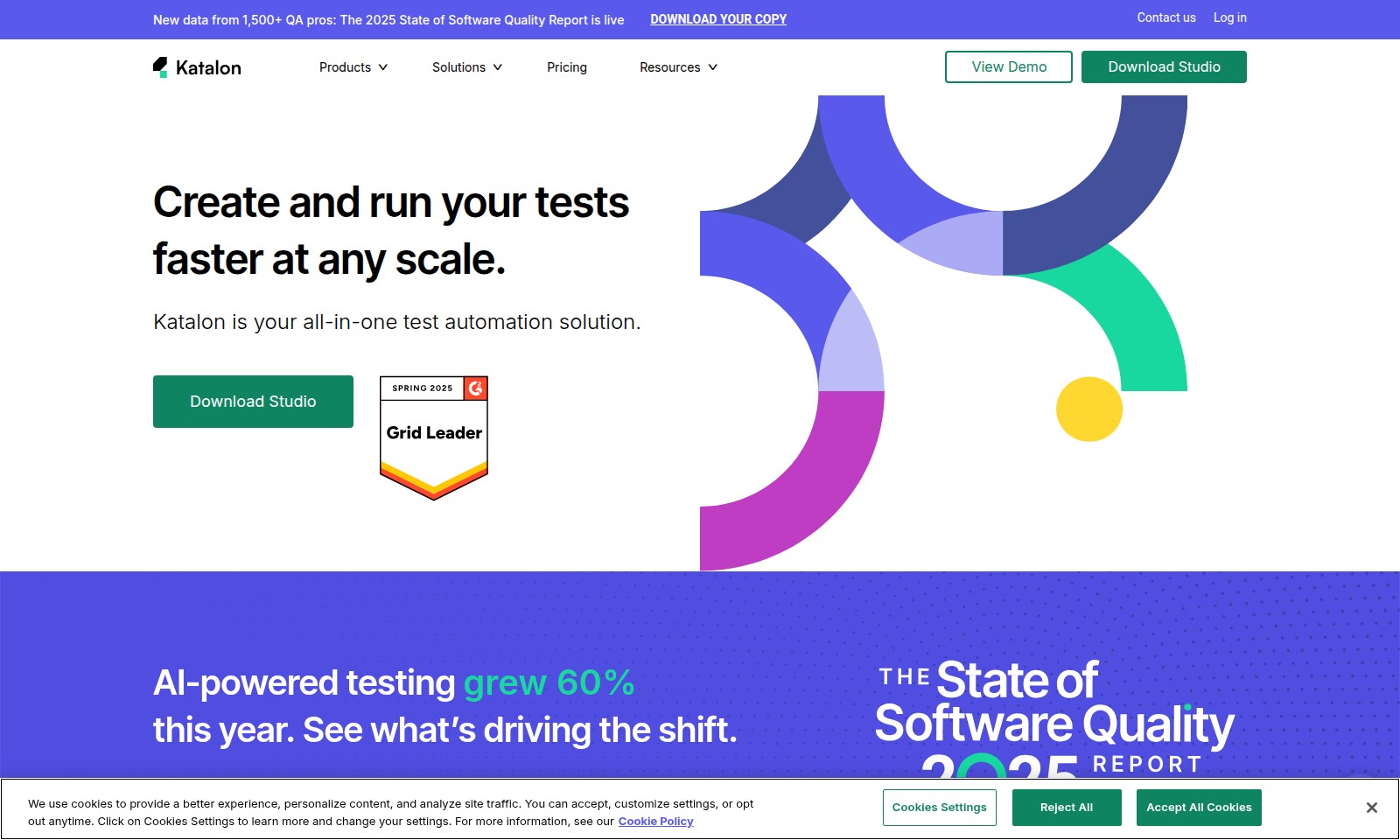
Katalon Introduction
Katalon: Your Comprehensive Test Automation Solution
Katalon provides an all-in-one test automation solution tailored for various testing needs in software development. With features designed to simplify the testing process, Katalon empowers QA professionals to create and execute tests efficiently at any scale. Experience rapid test creation through no-code test recording, alongside the ability to run tests across web, mobile, desktop, and API platforms seamlessly.
Katalon Features
Create and Run Tests Faster at Any Scale
Katalon empowers you with an all-in-one test automation solution, allowing you to create and execute your tests efficiently, regardless of the scale. Leveraging an intuitive interface and robust features, you can improve your testing productivity exponentially.
Easy Test Automation with Katalon Studio
Experience seamless test automation with Katalon Studio, designed to cater to both beginners and seasoned testers. The no-code test recording feature, combined with drag-and-drop functionalities, enables rapid test creation without compromising flexibility or control.
Cross-Application Testing Capability
With Katalon, you can write tests for web, mobile, desktop, and API applications using a single tool. This cross-platform functionality reduces the need for multiple testing solutions, thereby saving time and resources while ensuring comprehensive test coverage.
Flexible Test Execution
Run your tests locally within Studio for quick feedback or scale your testing efforts by integrating with your CI/CD pipeline. The ability to execute tests in instant, on-demand cloud environments further enhances your operational efficiencies and ensures that your deployment is always at peak quality.
AI-Powered Insights for Continuous Improvement
Katalon's incorporation of AI-powered testing tools has shown a remarkable 60% growth this year. This innovative feature analyzes historical test data, identifies areas for improvement, and optimizes your testing processes, assuring ongoing advancements in software quality.
Frequently Asked Questions About Katalon
Frequently Asked Questions
What is Katalon Studio?
Katalon Studio is an all-in-one test automation solution designed to simplify software testing processes. It allows users to create and run tests across various applications including web, mobile, and API without needing extensive coding knowledge.
How can I create tests faster with Katalon?
Katalon Studio offers features like no-code test recording, drag-and-drop test objects, and a flexible editor to help you start creating tests quickly. Users can also implement full scripting, custom keywords, and data-driven testing for more complex scenarios.
What types of applications can I test with Katalon Studio?
You can test web applications, mobile applications, desktop applications, and APIs all using Katalon Studio. This versatility allows users to combine, extend, and reuse tests and keywords effectively.
How can I run tests in Katalon Studio?
Tests can be run locally within Katalon Studio for immediate feedback. For larger scale testing, you can connect to CI/CD pipelines or use Katalon’s cloud environments for quick and scalable test execution.
What is the significance of AI-powered testing in Katalon?
AI-powered testing within Katalon has seen a 60% increase this year, indicating a shift towards more intelligent and efficient testing methods. This feature helps in accelerating test development and improving the overall quality assurance process.
How to Use Katalon
Step 1: Register for an Account
Visit the Katalon website and click on the 'Sign Up' button. Fill in the required fields including your name, email, and password to create your account.
Step 2: Verify Your Email
Check your inbox for a verification email from Katalon. Click the link provided to confirm your email address and activate your account.
Step 3: Log In to Your Account
Return to the Katalon website and click on the 'Log In' button. Enter your email and password to access your account dashboard.
Step 4: Download Katalon Studio
From the dashboard, navigate to the 'Download Studio' section. Choose the appropriate version for your operating system and follow the installation instructions.
Step 5: Set Up Your Profile
Once installed, open Katalon Studio and set up your profile. This includes configuring your testing environment and preferences, ensuring it meets the needs of your projects.
Step 6: Explore Key Features
Familiarize yourself with Katalon Studio's interface. Take a tour of the main features, including test recording, test object management, and the scripting editor.
Step 7: Create Your First Test
Utilize the no-code test recording feature to create your first automated test. Follow the prompts in Katalon Studio to record the actions you want to automate.
Step 8: Run Tests
After creating your test, run it locally within Katalon Studio. Review the results to ensure your test functions as expected and make adjustments as necessary.
Step 9: Integrate with CI/CD
For further scalability and efficiency, connect Katalon Studio to your CI/CD pipeline. This will allow you to run tests automatically as part of your development process.
Step 10: Leverage Cloud Execution
Explore the option of running tests in Katalon's on-demand cloud environments for faster execution. This allows you to scale testing efforts without local limitations.
Reviews
Pros
- Easy to use
- Fast processing
- Great results
- Affordable pricing
Cons
- Limited free version
- Requires internet connection
Comments
No comments yet. Be the first to share your thoughts!
Katalon - Alternative Platforms
For some alternatives to Katalon that you may need, we provide you with sites divided by features.

Discover how Hello Audio enables course creators and coaches to engage their audiences by turning content into private podcasts accessible anytime, anywhere.
Tines offers a secure platform to build intelligent workflows, integrating various tools and enhancing operational efficiency.
LIKN Studio simplifies launching and trading unique digital assets through AI, bridging Web2 content with Web3 technology for creators.
TestMu AI enhances quality engineering with AI-native solutions for testing, automation, and analytics, trusted by millions globally.