PDF Guru
PDF Guru simplifies PDF editing and management with an intuitive interface and a suite of powerful tools for various document tasks.
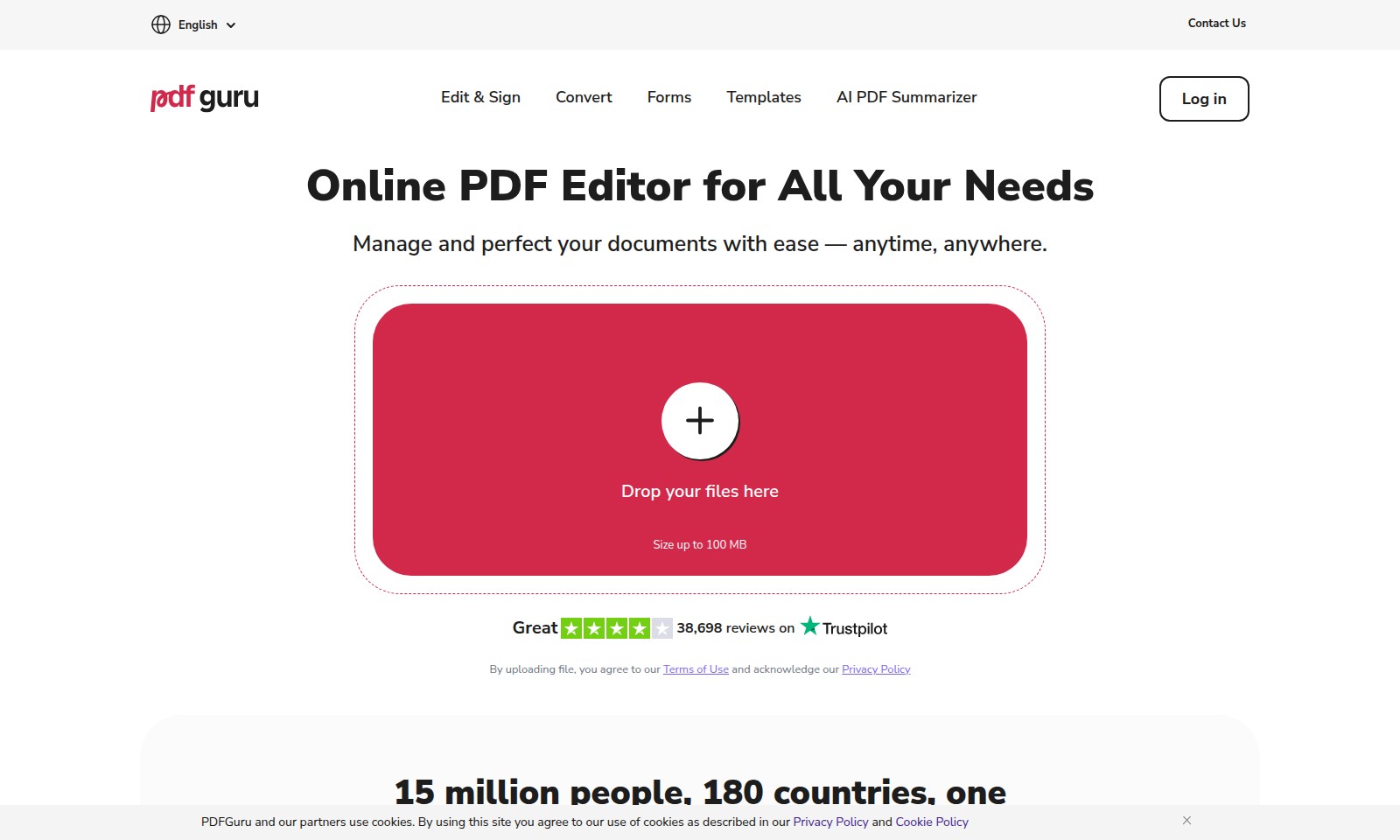
PDF Guru Introduction
Online PDF Editor for All Your Needs
PDF Guru is your go-to solution for managing and perfecting all your document needs. With a user-friendly interface and robust features, our platform empowers you to edit, convert, and organize your PDF files effortlessly, anytime and anywhere. Whether you’re a professional needing to annotate business documents or a student organizing academic papers, PDF Guru is designed with you in mind.
PDF Guru Features
Online PDF Editor - Seamless Document Management
Experience unparalleled efficiency in document editing with our Online PDF Editor. Effortlessly edit, annotate, and organize your PDF files from anywhere, anytime. This tool supports various formats and allows for easy conversions, catering to professionals in need of quick and reliable document solutions.
Comprehensive PDF Conversion - Versatile File Handling
Convert to and from PDF with ease, ensuring your documents retain their integrity across formats. Our advanced algorithms optimize file quality, making it an essential feature for businesses and individuals who require consistent and high-quality document exchange.
Form Filling and Management - Streamlined Processes
Simplify your workflow with our intuitive form filling feature. Easily fill out and sign documents without the hassle of printing and scanning. This is particularly beneficial for professionals in legal and administrative roles who rely on efficiency to meet deadlines.
Advanced PDF Annotation - Enhanced Collaboration
Enhance team collaboration with our advanced PDF annotation tools. Whether you’re commenting, highlighting, or drawing, your feedback becomes an integral part of document review, supporting remote work and teams that prioritize communication and productivity.
Secure PDF Handling - Confidence in Compliance
Maintain control over your sensitive documents with our password protection and encryption features. Trust our solutions to comply with industry standards, making it the go-to choice for sectors that handle confidential information, such as finance and healthcare.
Frequently Asked Questions About PDF Guru
FAQ
Q: What file formats can I upload?
A: Currently, we support various formats for uploading, including PDF, Word documents, and images. Ensure that your file complies with our size limit of 100 MB.
Q: How can I edit my PDF documents?
A: You can easily edit your PDF using our online editor. Simply upload your document, and use our robust set of tools for text editing, annotating, and modifying the content as needed.
Q: Is my document secure when I upload it?
A: Yes, your privacy is important to us. We follow strict security protocols and our privacy policy ensures that your documents are handled safely and confidentially.
Q: Can I convert different formats to PDF?
A: Absolutely! Our platform allows you to convert various file formats like Word or images into PDF easily. Just select the format and upload your file to start the conversion process.
Q: What if I encounter issues while uploading?
A: If you experience any problems, please check that your file format is supported and confirm you haven't exceeded the size limit. For persistent issues, feel free to contact our support team for assistance.
How to Use PDF Guru
Register Your Account
To get started, click the 'Sign Up' button visible on the homepage. Fill out the registration form with your email address and create a password. Make sure your password is strong, containing numbers and special characters for security.
Verify Your Email
Check your inbox for a verification email. Click the link in the email to confirm your account and activate your login credentials.
Log In to Your Account
Return to the homepage and click the 'Log In' button. Enter your registered email and password to access your account.
Set Up Your Profile
After logging in, navigate to your profile settings. Upload a profile picture and fill in your personal details. This helps personalize your experience on the platform.
Explore Key Features
Take a moment to explore the dashboard. Familiarize yourself with key features like document editing, PDF conversion, and the AI PDF Summarizer. Each tool is designed to enhance your document management tasks.
Upload Your Documents
To start editing, upload your documents by dragging them into the designated area or using the 'Upload' button. Ensure your files are within the size limit of 100 MB.
Edit and Sign Your Documents
Once your document is uploaded, select it to open the editing tools. Make necessary changes, add annotations, and utilize the 'Edit & Sign' feature to sign your documents electronically.
Convert Your Files
Need to switch file formats? Use the 'Convert' tool to change your documents to or from PDF easily. Select the format you wish to convert to and follow the prompts.
Save Your Changes
After completing your edits or conversions, don't forget to save your changes. Click on the 'Save' button and choose where to save your document on your device or cloud storage.
Download Your Files
Once saved, you can download your files directly to your computer. Click on the 'Download' button to begin the process, and choose your preferred storage location.
Get Help and Support
If you encounter any issues, visit the 'Contact Us' section for support. You can find FAQs or reach out to customer service for assistance. We're here to help you succeed with your document management tasks.
Reviews
Pros
- Easy to use
- Fast processing
- Great results
- Affordable pricing
Cons
- Limited free version
- Requires internet connection
Comments
No comments yet. Be the first to share your thoughts!
PDF Guru - Alternative Platforms
For some alternatives to PDF Guru that you may need, we provide you with sites divided by features.

ThetaWave AI simplifies note-taking by turning lectures, files, and videos into structured notes, quizzes, and flashcards for effective studying.
Impel offers a powerful AI platform that streamlines dealership processes, improves customer interactions, and boosts performance across the automotive industry.
MYND offers an AI-driven app designed for personal mental wellness, featuring custom meditations and supportive conversations for users.
Alya is an AI-powered app that supports mental health and personal growth, providing tools for organization, goal setting, and emotional tracking.