Smodin
Smodin offers a suite of AI tools for writers, including detectors, rewriters, and plagiarism checkers, to enhance and secure your content.
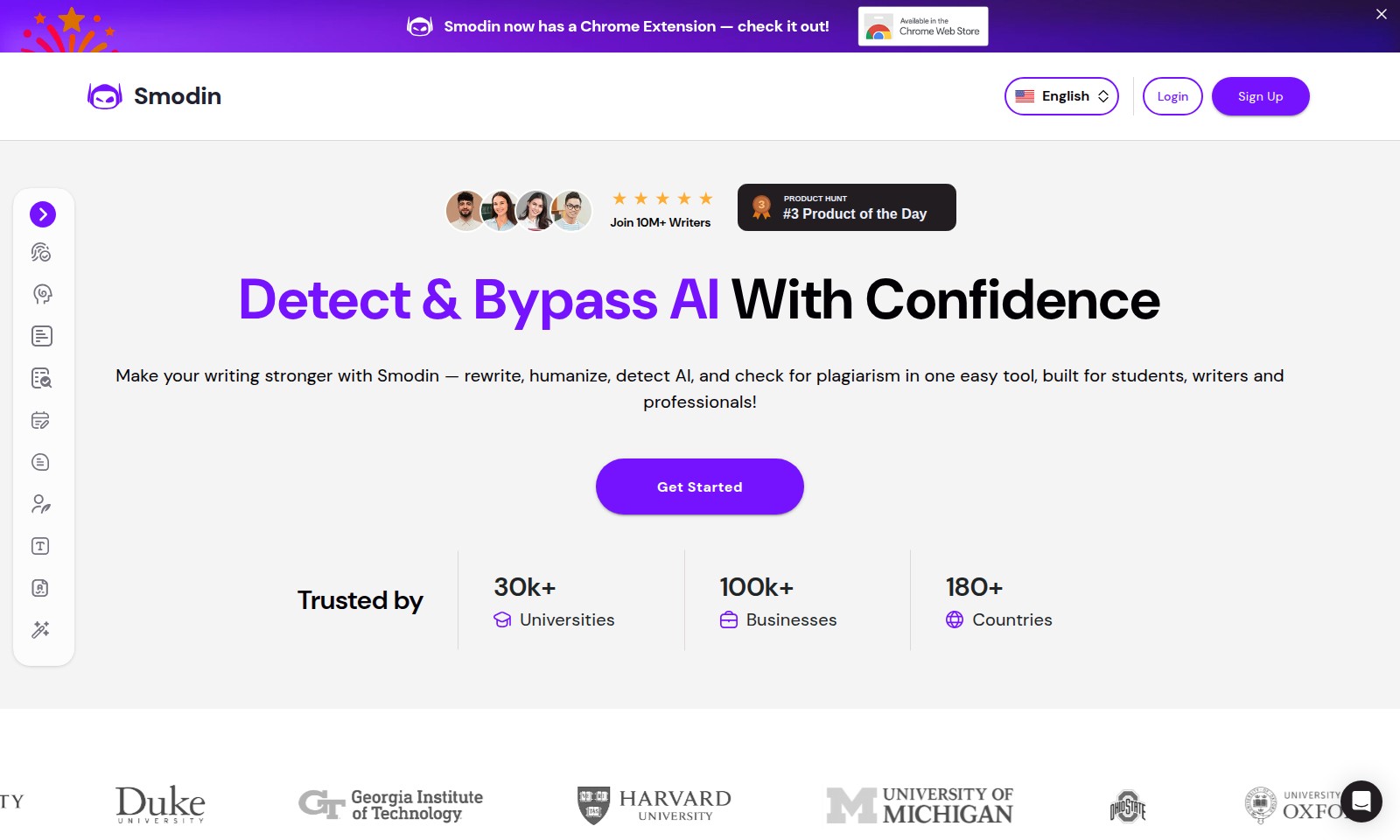
Smodin Introduction
Smodin: Empowering Writers with Intelligent AI Solutions
Smodin is a comprehensive platform designed to enhance your writing experience through a suite of advanced AI tools. Our features cater specifically to students, writers, and professionals, enabling you to write with confidence, efficiency, and originality, all in one convenient location.
Smodin Features
AI Content Detector - Empower Your Writing
The AI Content Detector helps users identify AI-generated elements in their text, ensuring originality and authenticity. It scans your writing within seconds, providing a detailed analysis of any AI contributions, making it particularly beneficial for students and professionals who prioritize originality in their work.
AI Humanizer - Make Your Writing Shine
The AI Humanizer tool goes beyond mere rewriting. It enhances your text by infusing it with a more human touch, ensuring that it resonates with readers while retaining the intended message. This is essential for writers and marketers who need to capture attention and engage audiences effectively.
AI Plagiarism Checker - Safeguard Your Integrity
With the AI Plagiarism Checker, users can quickly verify their work against millions of sources, ensuring academic honesty and intellectual property protection. This tool is invaluable for students and researchers who must submit original work and avoid any potential plagiarism issues.
AI Rewriter - Polish and Transform
The AI Rewriter allows for seamless revisions, transforming your existing text into a refined piece. Users can save time while ensuring their writing meets high-quality standards, an ideal solution for busy professionals and students looking to improve their assignments or reports.
AI Essay Grader - Enhance Feedback Mechanisms
The AI Essay Grader provides immediate and insightful evaluations of essays and reports, giving users constructive feedback on their writing quality. This feature is especially beneficial for educators and students, facilitating learning and improvement through detailed scoring on various writing aspects.
AI Homework Solver - Get Assistance When You Need It
The AI Homework Solver assists students in tackling complex assignments, offering step-by-step solutions. This tool is designed to support learners who require extra help in subjects ranging from mathematics to science, promoting a deeper understanding of challenging concepts.
Text and Website Summarizer - Crunch the Content
The Text and Website Summarizer tool condenses lengthy articles and websites into digestible summaries. This feature is perfect for researchers, students, and professionals needing to grasp essential information quickly without sifting through extensive text.
Frequently Asked Questions About Smodin
Frequently Asked Questions
1. What is Smodin, and how can it help me?
Smodin is an innovative AI-powered writing tool designed to assist writers, students, and professionals in improving their writing. It offers features like text rewriting, AI detection, plagiarism checking, and more, all aimed at enhancing the quality of your written work.
2. How does the AI Detector work?
The AI Detector analyzes your text for elements typical of machine-generated content. It scans your writing at the sentence level, providing quick results that help you assess whether your work contains AI-generated material.
3. Can I use Smodin for academic writing?
Absolutely! Smodin is widely used by students to ensure the originality and quality of their academic papers. The tools available, such as the AI Detector and Plagiarism Checker, are perfect for identifying any issues before submission.
4. Is Smodin’s Chrome Extension useful?
Yes, the Smodin Chrome Extension enhances your writing experience by allowing you to access Smodin's tools directly from your browser. This convenience makes it easy to improve your writing on any platform, be it an email, document, or social media post.
5. How secure is my data with Smodin?
Your privacy and data security are our top priorities. Smodin employs robust security measures to ensure your information remains confidential and protected while using our tools.
6. Is there a limit to how many times I can use Smodin tools?
Smodin offers flexible usage options, including free and subscription-based plans. Users on the free plan have some limitations, while subscription users enjoy enhanced features and unlimited access to our tools.
How to Use Smodin
Step 1: Sign Up for Smodin
Visit the Smodin website and click on the 'Sign Up' button. Fill out the registration form with your email and create a password. Once completed, check your email for a confirmation link to activate your account.
Step 2: Log In to Your Account
After activating your account, return to the Smodin website and click on the 'Login' button. Enter your registered email and password to access your personal dashboard.
Step 3: Set Up Your Profile
Once logged in, navigate to your profile settings. Add your name and other relevant information to personalize your experience. This will help the platform tailor its services to meet your needs.
Step 4: Explore AI Tools
On your dashboard, find the variety of AI tools available, such as the AI Content Detector and Text Rewriter. Familiarize yourself with each tool to understand their functionalities and how they can assist you in your writing tasks.
Step 5: Utilize the AI Content Detector
To check if your writing contains AI-generated content, select the AI Content Detector tool. Copy and paste your text into the provided field and click 'Detect'. Review the results and take actions as needed to enhance the originality of your work.
Step 6: Use the Humanizer
If you want to make your text sound more natural, utilize the Humanizer tool. Input your written content and let the AI optimize it for better readability and engagement. It’s perfect for students and professionals looking to improve their writing quality.
Step 7: Check for Plagiarism
Before submitting your work, use the Plagiarism Checker to ensure your text is original. Paste your document in the tool, click 'Check', and review any flagged areas that need citation or reworking.
Step 8: Enhance Your Writing with the AI Writer
When in need of inspiration or assistance in crafting new content, leverage the AI Writer. Provide a topic or prompt, and allow the AI to generate well-structured written pieces for you. Edit the output to match your style before finalizing.
Step 9: Save and Organize Your Work
Make sure to save your projects regularly. Create folders or use tags to organize your content for easier access later on. This is especially helpful if you’re managing multiple writing assignments.
Step 10: Connect with the Community
Join Smodin’s community by accessing forums or social media channels. Engage with other writers, share your experiences, and learn from others. This collaborative environment can enrich your writing journey.
Reviews
Pros
- Easy to use
- Fast processing
- Great results
- Affordable pricing
Cons
- Limited free version
- Requires internet connection
Comments
No comments yet. Be the first to share your thoughts!
Smodin - Alternative Platforms
For some alternatives to Smodin that you may need, we provide you with sites divided by features.

Uhmegle is a new chat platform that allows users to connect with strangers based on shared interests while ensuring a safe and moderated environment.