Camtasia
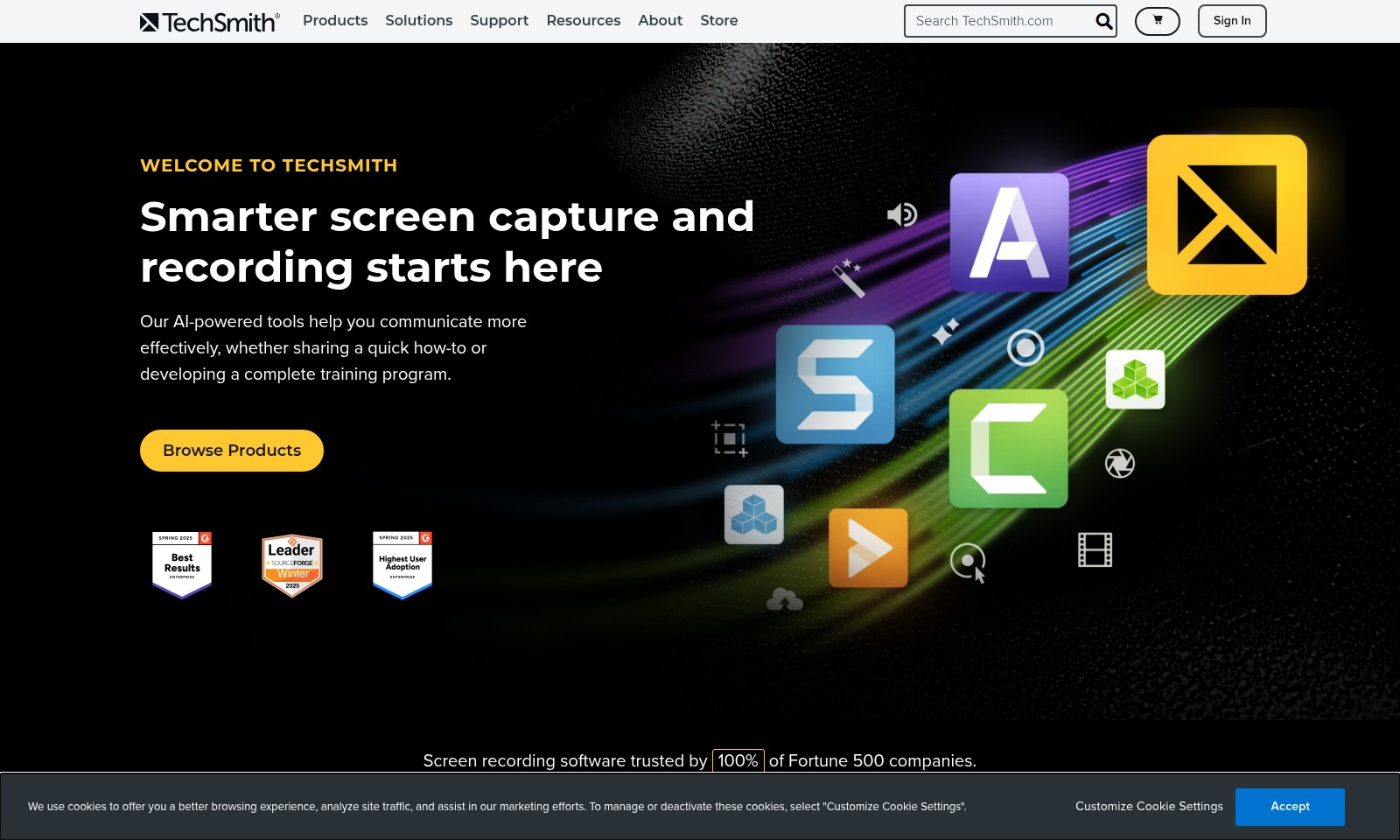
TechSmith offers innovative screen recording software and AI features to enhance content creation and team communication.
Camtasia Introduction
TechSmith: Empowering Your Visual Communication
TechSmith offers innovative screen capture and recording solutions that enable users to communicate their ideas and information more effectively. With our suite of AI-powered tools, you can create tutorials, presentations, and training programs with ease, customized to meet the needs of your audience. Our products are designed to streamline your workflow, ensuring you maintain control over your content while incorporating advanced technology to enhance its quality.
Camtasia Features
TechSmith AI - Enhance Your Content Creation
TechSmith AI leverages artificial intelligence to optimize your workflow, allowing users to produce high-quality content efficiently. Our integration with leading AI providers ensures the protection of your data while enhancing your creative capabilities, empowering content creators to focus on storytelling rather than tedious tasks.
Camtasia Editing Suite - Streamline Your Video Production
Camtasia provides an intuitive editing suite that makes video production seamless and efficient for professionals across various industries. With features like timeline editing and instant media integration, users can craft impactful training videos and presentations that resonate with audiences.
Snagit Guide Creation - Transform Clicks into Guides
Snagit makes it simple for users to capture and convert their actions into comprehensive step-by-step guides, enhancing user experience and facilitating knowledge sharing. This feature reduces the time employees spend on training, directly contributing to improved productivity.
Instant Data Redaction - Safeguard Sensitive Information
Snagit's instant data redaction capabilities allow users to effortlessly protect sensitive information in screenshots, making it ideal for professionals dealing with private data. By automating the redaction process, Snagit ensures compliance and security, essential for maintaining trust with clients.
Collaborative Workflows - Enhance Team Efficiency
TechSmith’s suite of products fosters collaboration among teams, enabling multiple users to work on projects simultaneously. With real-time feedback tools, teams can enhance their productivity and ensure that content is delivered faster without sacrificing quality.
Comprehensive Support Resources - Empower Users with Knowledge
TechSmith provides extensive support resources, including tutorials and how-to guides, aimed at empowering users to maximize their use of the software. Access to these resources can significantly shorten the learning curve, enabling users to produce results more quickly and effectively.
Regular Updates - Stay Ahead in Your Field
TechSmith is committed to continuous improvement, regularly releasing updates with new features based on user feedback. This commitment to innovation ensures that users always have access to cutting-edge tools for efficient content creation.
Frequently Asked Questions About Camtasia
FAQs
1. What is TechSmith's primary focus?
TechSmith specializes in smarter screen capture and recording solutions. Our AI-powered tools are designed to enhance communication, whether it's for quick tutorials or comprehensive training programs.
2. How does TechSmith use AI in its tools?
Our AI features integrate seamlessly with your workflow, allowing you to create high-quality content while maintaining full control over your projects. We partner with reputable AI providers to ensure data security throughout the process.
3. What are the main products offered by TechSmith?
TechSmith offers a range of products, including Camtasia for screen recording and video editing, and Snagit for screen capture and annotation. These tools are trusted by Fortune 500 companies for their reliability and efficiency.
4. Can TechSmith tools help with creating tutorials?
Yes! Our tools are specifically designed to help you create engaging tutorials. For instance, Snagit's features allow you to turn clicks into step-by-step guides instantly, making the tutorial creation process more efficient.
5. What’s new with TechSmith's products?
We regularly update our products to enhance functionality and user experience. For example, Camtasia now offers editable media on the timeline and streamlined options for recording either a single window or an entire application.
6. Where can I find support for TechSmith products?
Support is readily available through our website. Visit the Support section for comprehensive resources, including tutorials, user guides, and customer service contact options.
How to Use Camtasia
Register for an Account
Visit the TechSmith website and click on the 'Sign In' option. Choose 'Create an Account' to begin the registration process. Fill in the required fields with your personal information and submit the form.
Verify Your Email
Check your email inbox for a verification message from TechSmith. Click the link within the email to verify your account. This step is crucial to ensure that you have provided a valid email address.
Set up Your Profile
Once verified, sign in to your new account. Go to your profile settings and fill in any additional information required to personalize your account experience. This may include your preferences and profile picture.
Explore Available Products
Browse the products offered by TechSmith. Familiarize yourself with the features of various tools, like Camtasia and Snagit. Take notes on which products meet your needs best.
Download and Install Software
After selecting a product, click on the download button to retrieve the software. Follow the installation prompts to set it up on your device. Make sure to review the system requirements beforehand.
Start with Tutorials
Access the tutorial section on the TechSmith website. Watch introductory videos or read guides to understand how to use the software effectively. This will enhance your learning curve and help you utilize the tools efficiently.
Utilize Key Features
Explore the key features of the selected software. For Camtasia, learn how to record your screen and edit videos. For Snagit, practice capturing screenshots and creating step-by-step guides. Implement these features in your projects for better results.
Save and Share Your Work
Learn how to save your completed projects in various formats. Use the sharing features to distribute your content via email or social media. This allows you to showcase your work to a broader audience and receive feedback.
Reviews
Pros
- Easy to use
- Fast processing
- Great results
- Affordable pricing
Cons
- Limited free version
- Requires internet connection
Comments
No comments yet. Be the first to share your thoughts!
Camtasia - Alternative Platforms
For some alternatives to Camtasia that you may need, we provide you with sites divided by features.

Arcade empowers teams to create on-brand demos and visuals quickly, enhancing storytelling and engagement for better conversion rates.
Get the GoDaddy Airo Plus™ logo maker to create a stunning logo for your business and enhance your brand identity.
Focal offers AI-driven video creation and editing, providing various plans for personal or commercial use.
Synthesia is the leading AI video platform that allows users to generate high-quality videos quickly and efficiently, with features like real-time collaboration and multilingual support.