Tinybird
Tinybird provides tools for building and deploying scalable analytics APIs using ClickHouse, ensuring fast performance and easy integration.
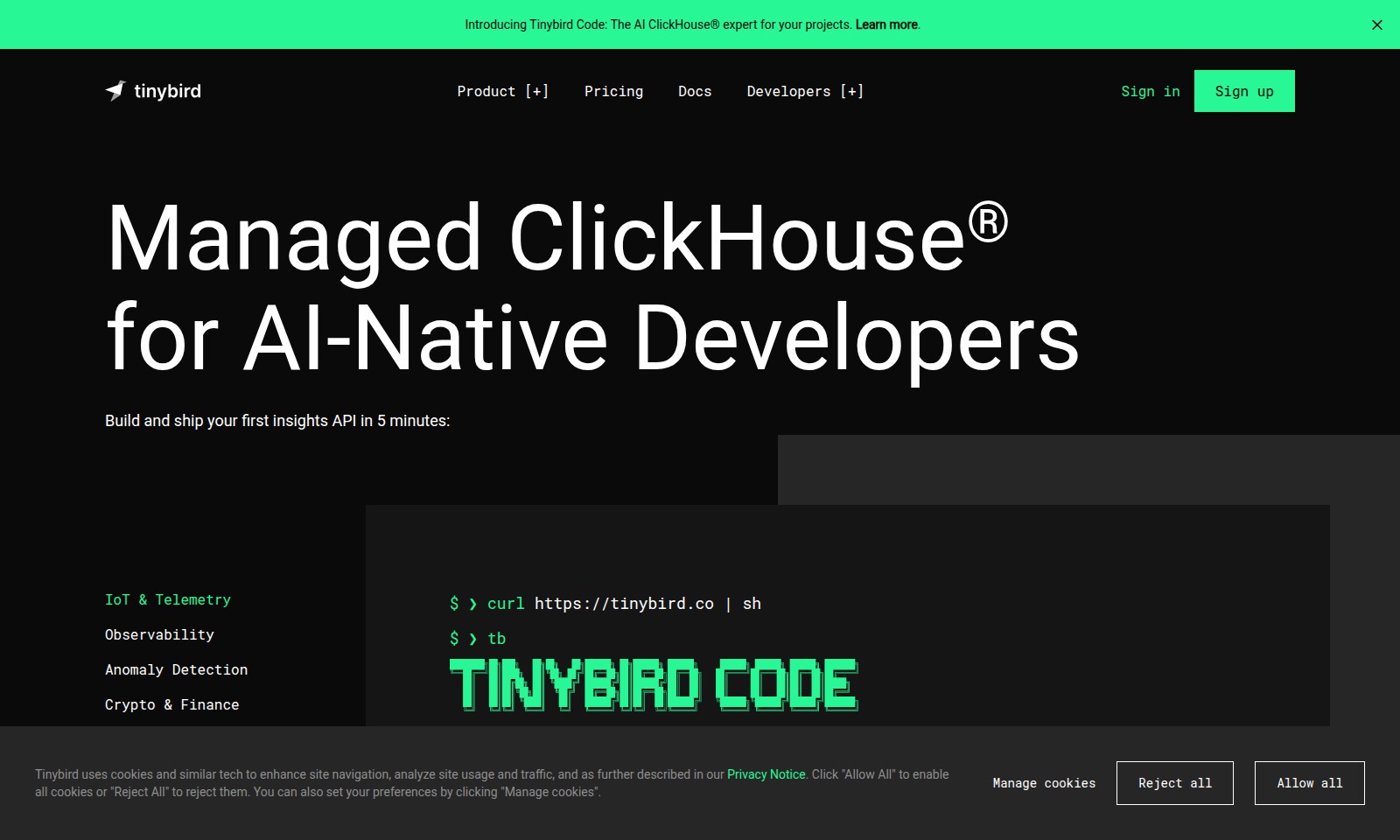
Tinybird Introduction
Introducing Tinybird Code
Tinybird Code is your AI-powered ClickHouse® expert, designed to empower developers and analysts in building and deploying robust analytics backends for their applications. Whether you're a seasoned data engineer or an emerging tech enthusiast, Tinybird Code simplifies the process of leveraging real-time analytics with unmatched speed and security.
Tinybird Features
Tinybird Code - Empower Your Analytics
Tinybird Code is designed for AI-native developers who want to leverage ClickHouse® for their projects. It offers a seamless integration with your development workflow, allowing you to create analytics systems effortlessly. With automated configuration management, building a robust real-time analytics API has never been easier.
Hosted OLAP Database - Lightning-Fast Analytics
The world's fastest analytics database is hosted by Tinybird, removing the complexities of setup and maintenance. This means you can focus on insights rather than infrastructure, providing your team with an efficient environment to analyze vast datasets in real-time.
API Integration - Scalable and Secure
Every query you perform becomes a scalable and secure REST API. This allows for reliability and flexibility in how you retrieve and manage your data, ensuring that developers can rely on a consistent performance and security framework as they build their applications.
Events API - Streamlined Data Handling
With the Events API, stream JSON data at over 1000 requests per second. This makes it ideal for applications requiring high-throughput data handling, allowing developers to push data seamlessly into their analytics pipelines without any bottlenecks.
Tinybird Local - On-Premise Flexibility
Run Tinybird on your own infrastructure or machine with Tinybird Local. This feature provides essential deployment flexibility, making it suited for projects where data locality, compliance, or specific organizational needs are paramount. Developers gain full control over their environment while still benefiting from the powerful Tinybird capabilities.
OpenTelemetry - Real-Time Telemetry Made Easy
Real-time telemetry implementation is simplified with OpenTelemetry integration. Developers can easily ship telemetry data without the plumbing, reducing the overhead involved in tracking application performance and enabling quicker diagnostics and feedback loops.
CLI Support - Development at Your Fingertips
With the command-line interface (CLI), developers can create, build, test, and deploy applications directly from their terminal. This approach streamlines the development process, allowing for efficient adjustments and rapid deployment, accelerating the time-to-market for new features and updates.
Frequently Asked Questions About Tinybird
Frequently Asked Questions
What is Tinybird Code?
Tinybird Code is an AI ClickHouse® expert designed to streamline and enhance your data analytics projects. It provides a command-line interface that facilitates the creation, testing, and deployment of analytics applications quickly and efficiently.
How can I integrate Tinybird with my existing applications?
Tinybird offers a range of APIs that can easily integrate with your existing applications. You can connect to various data sources and development tools, enabling you to set up analytics without disrupting your workflow.
Is Tinybird suitable for real-time data analytics?
Yes, Tinybird is optimized for real-time data analytics, boasting features such as a high-performance events API that can handle over 1,000 requests per second. This capability makes it ideal for applications that require immediate insights from live data.
What do I need to get started with Tinybird?
To start using Tinybird, all you need is a terminal and a vision for your analytics project. You can quickly set up an environment using our command-line instructions that guide you through the setup process and help you build your first insights API within minutes.
Can I run Tinybird on my own infrastructure?
Absolutely! Tinybird Local allows you to run the platform on your machine or your own infrastructure. This flexibility ensures that you maintain control over your data while leveraging Tinybird's powerful analytics capabilities.
How to Use Tinybird
Step 1: Sign up for Tinybird
Register on the Tinybird website by clicking the 'Sign up' button. Fill in the necessary details such as your email and password to create your account.
Step 2: Verify Your Email
After signing up, check your email for a verification message from Tinybird. Click the link in the email to verify your account and gain access to the platform.
Step 3: Log In to Your Account
Return to the Tinybird website and log in using your registered email and password. Ensure that your credentials are correct to avoid any login issues.
Step 4: Set Up Your Profile
Once logged in, navigate to your profile settings. Here, you can update your personal information, set preferences, and configure notifications.
Step 5: Explore the Dashboard
Take a moment to familiarize yourself with the Tinybird dashboard. This is where you'll find key features, analytics tools, and access to your projects.
Step 6: Create Your First Project
Click on the 'New Project' button to start a new analytics project. Follow the prompts to name your project and set its parameters.
Step 7: Add Data Sources
In your new project, you'll need to add data sources. Use the 'Add Data Source' feature to connect to your existing databases or upload CSV files directly.
Step 8: Build Your First API
Utilize the API Builder to create your first analytics API. Follow the on-screen instructions, describe the type of API you want to create, and Tinybird will assist you in the process.
Step 9: Test the API
After building your API, it's crucial to test its functionality. Use your terminal to run curl commands to interact with your API and ensure it's returning the expected data.
Step 10: Deploy Your API
Once you're satisfied with the testing phase, deploy your API directly from the dashboard. Click the 'Deploy' button to make your API publicly accessible to users.
Step 11: Integrate with Other Tools
To enhance your workflow, consider integrating Tinybird with other development tools. Explore integrations available within Tinybird to streamline your data management processes.
Step 12: Utilize Documentation and Support
Whenever you have questions or need assistance, refer to the Tinybird documentation. You can find detailed guides and support resources to help you navigate complex features.
Reviews
Pros
- Easy to use
- Fast processing
- Great results
- Affordable pricing
Cons
- Limited free version
- Requires internet connection
Comments
No comments yet. Be the first to share your thoughts!
Tinybird - Alternative Platforms
For some alternatives to Tinybird that you may need, we provide you with sites divided by features.

Comprehensive guide to the best hosting options for OpenClaw, featuring expert reviews and a side-by-side comparison of top providers.
ARC offers holistic AI solutions that prioritize user privacy and efficiency. Discover the Matrix and Reactor, designed to protect your data while enhancing your AI experience.
A visual design tool that simplifies frontend development through AI, allowing users to edit and integrate code seamlessly.
OceSha Ventures transforms ideas into AI-driven products, emphasizing collaboration and impact in technology.