Katalog
Katalog is an innovative app allowing users to save articles from the web, listen to them narrated by AI, and search through their saved content.
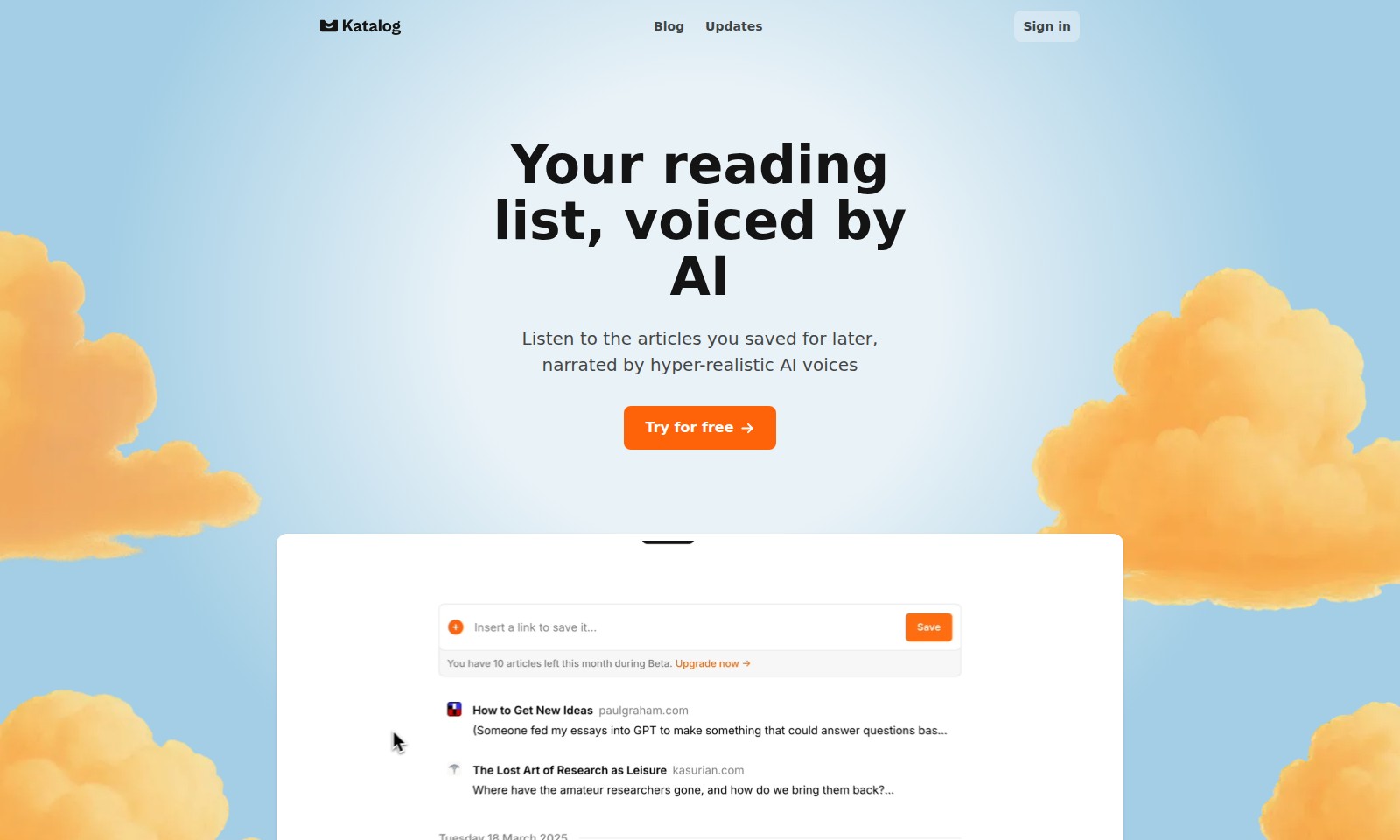
Katalog Introduction
Discover a Revolutionary Way to Engage with Articles
Introducing Katalog, an innovative platform that transforms your reading experience by allowing you to save and listen to articles whenever and wherever you choose. With hyper-realistic AI voices narrating your curated reading list, you’ll never miss an important article again. Our service is designed to enhance your engagement with content, making it easier for you to absorb information in a way that fits your lifestyle.
Katalog Features
Save Articles with Ease - Effortless Access
Never lose access to valuable content again. Simply paste the link to any article, and our system will store it for you, even if the original page goes offline. There's no need to worry about missing out on important information.
Listen to Narration - Engaging Experience
Transform your reading into an immersive listening journey. Katalog uses advanced audio technology to enhance article transcripts, providing a superior narration experience that goes beyond basic text-to-speech. Enjoy powerful and realistic AI voices that bring content to life.
Semantic AI Search - Smart Retrieval
Never forget your reading material. Leverage our semantic AI-search capability to effortlessly find articles, notes, insights, and authors within your saved collection. This feature ensures that you can quickly access relevant information when you need it most.
Your Reading List, Voiced by AI - Personalized Consumption
Enhance your content consumption experience. Our AI-driven audio narration not only saves you time but also allows you to absorb information in a more personalized and enjoyable way. Access your reading list anytime, anywhere, without the constraints of traditional reading.
Future-Proof Your Learning - Ongoing Updates
Stay ahead of the curve by having the latest articles saved and narrated for you. As new content emerges, Katalog ensures that your reading list evolves, helping you remain informed and engaged with the topics that matter to you.
User-Centric Design - Focus on You
Designed with user experience in mind, Katalog places your needs at the forefront. The intuitive interface and seamless integration with your workflow mean that you can spend less time managing articles and more time consuming knowledge effectively.
Frequently Asked Questions About Katalog
FAQs
Q: How do I save articles for later?
A: You can save any article by simply pasting the link into our 'Listen-it-Later' app. This feature allows you to access the content even if the original page is no longer available.
Q: What can I expect from the narration feature?
A: Our narration isn’t just simple text-to-speech. Katalog enhances the transcripts for a high-quality listening experience, utilizing hyper-realistic AI voices that make it feel like you’re being read to by a professional narrator.
Q: Can I search through my saved articles?
A: Yes! Our semantic AI-search allows you to look through all the articles you've saved. You can search by specific topics, notes, insights, authors, and publications, making it easy to find exactly what you need.
Q: Is there a trial period for the service?
A: Yes, you can try our service for free. Simply sign up and explore the features without any commitment to start.
Q: What happens if I save an article and the original site goes down?
A: No need to worry! Once you save an article in our app, you'll always have access to the content, regardless of the status of the original page.
How to Use Katalog
Step 1: Register an Account
Create a new account by visiting our website and clicking on the 'Sign in' button. Fill in your details to complete your registration.
Step 2: Set up Your Profile
Once registered, navigate to your profile settings. Upload a photo and add a brief description to personalize your account.
Step 3: Explore the Dashboard
After setting up your profile, check out the main dashboard. This is where you will find your saved articles and key features available to you.
Step 4: Save Articles for Later
To save an article, simply copy the link and paste it into the designated space on our site. This allows you to access the article later, even if the source is no longer available.
Step 5: Listen to Narrated Articles
Select an article from your reading list. Click the 'Listen' button to enjoy a narrated version. Our AI voices provide a top-notch listening experience.
Step 6: Search Your Collection
Use our semantic AI-search to find specific articles or topics you've saved. This feature simplifies navigating through your content.
Step 7: Utilize Notes and Insights
After reading, you can add notes to articles. This helps you remember key points and reflect on your insights later.
Step 8: Stay Updated
Regularly check the 'Updates' section. This is where you will find new features and improvements to enhance your experience on our platform.
Step 9: Give Feedback
Share your experience with us. Constructive feedback helps us improve and serve you better in the future.
Reviews
Pros
- Easy to use
- Fast processing
- Great results
- Affordable pricing
Cons
- Limited free version
- Requires internet connection
Comments
No comments yet. Be the first to share your thoughts!