AI Picture Generator
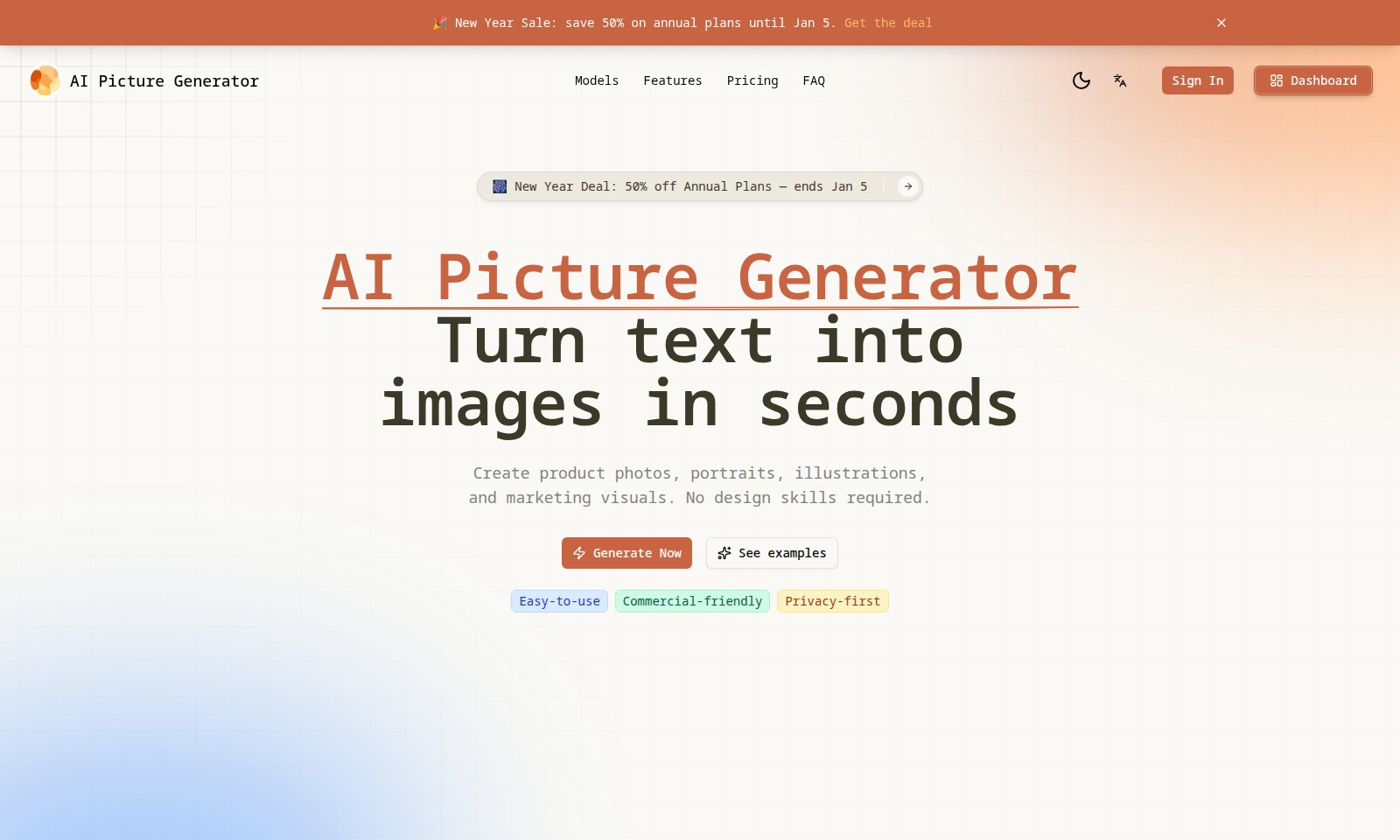
AI Picture Generator allows users to create images quickly using text or image prompts, offering various features and pricing plans.
AI Picture Generator Introduction
Transform Your Ideas into Stunning Visuals
The AI Picture Generator empowers users to effortlessly convert text into vivid images in just seconds. With its intuitive interface, individuals can create product photos, portraits, illustrations, and marketing visuals without any prior design experience. This innovative tool not only enhances creativity but also significantly streamlines the visual content creation process, making it an invaluable resource for businesses, marketers, and artists alike.
AI Picture Generator Features
AI Picture Generator - Effortless Creativity
Unleash your imagination with the AI Picture Generator, allowing users to turn text into stunning images in seconds. Ideal for marketers, artists, and content creators, this tool requires no design skills, making visual storytelling accessible for all.
Versatile Image Generation - Multi-Purpose Use
Generate product photos, portraits, and illustrations tailored for various marketing needs. The ability to create multiple image types from a single prompt maximizes efficiency and ensures high-quality visuals for both commercial and personal projects.
User-Friendly Interface - Simplified Experience
The intuitive drag-and-drop interface allows users to upload reference images easily. With support for multiple image formats and sizes, anyone can create beautiful imagery without technical hurdles, catering perfectly to non-designers.
Customizable Output Settings - Precision Control
With adjustable aspect ratios and the option to choose from various output quantities, users can generate images that fit specific dimensions and requirements, streamlining the workflow for different platforms, such as social media or print.
Privacy-First Approach - Data Security
Our commitment to privacy ensures that your uploaded images and generated outputs remain secure. This feature is particularly beneficial for businesses that prioritize data confidentiality while exploring AI-driven creativity.
New Year Sale - Affordable Solutions
Take advantage of our exclusive New Year Deal, offering 50% off annual plans until January 5. This promotion makes advanced AI image generation accessible for companies on a budget, enabling them to enhance their marketing strategies at a fraction of the cost.
Frequently Asked Questions About AI Picture Generator
What is the AI Picture Generator?
The AI Picture Generator is a user-friendly tool that allows you to create stunning images from text prompts in mere seconds. Whether you need product photos, portraits, illustrations, or marketing visuals, this generator does it all without requiring any design skills.
How does the AI Picture Generator work?
You simply enter a description of the image you want to create, and the AI model takes care of the rest. You can also upload reference images to guide the generation process for more accurate results.
What types of images can I create?
With the AI Picture Generator, you can create diverse images such as fantasy portraits, seaside sunsets, or even product still lifes. The tool offers a variety of popular scene templates to help spark your creativity.
Are there any limitations on the file size for uploads?
Yes, you can upload image files with a maximum size of 5MB. The generator supports multiple uploads, allowing you to use various images as references in your creations.
Is there a cost associated with using the AI Picture Generator?
The AI Picture Generator offers different pricing plans. Currently, there is a New Year Sale where you can save 50% on annual plans until January 5. Be sure to check the pricing section for more details on subscription options.
How can I start using the AI Picture Generator?
To start using the AI Picture Generator, simply sign up for a free account on the website. You can then access the dashboard to create your images right away, exploring various features at your fingertips.
How to Use AI Picture Generator
Step 1: Register an Account
Visit the AI Picture Generator website and click on the 'Sign In' button. Choose the 'Sign Up' option to create a new account. Fill in your details like your email and password, then confirm your registration via the email sent to you.
Step 2: Access Your Dashboard
Once registered, log in with your credentials and navigate to your dashboard. Here, you'll find all the tools and features available for you to start generating images.
Step 3: Set Up Your Profile
Personalize your experience by setting up your profile. Click on your account icon and fill out your profile information to ensure that the generated image outputs can be customized to your needs.
Step 4: Upload Reference Images
To get started with image generation, upload any reference images. Click on 'Upload' in the 'Reference Image' section, drag and drop your files, or click to select images from your device. Remember, you can upload up to 9 images, with a maximum size of 5MB each.
Step 5: Create Your First Image
Now that your images are uploaded, it's time to generate! Navigate to the prompt box and describe what you want to see. Be specific, and feel free to explore popular scenes for inspiration.
Step 6: Choose Your Model
Select the image generation model that best suits your project. Consider using the 'Turbo' model for faster results if you're in a hurry, or explore other options depending on your needs.
Step 7: Set Image Specifications
Determine the specifications for your generated image. Choose the desired aspect ratio and the number of outputs. Options include various dimensions like 1:1, 2:3, and up to 16:9.
Step 8: Generate Your Images
Hit the 'Generate Now' button and wait for your images to be created. This process typically takes just a few seconds to complete, enabling you to see the results promptly.
Step 9: Review and Download Your Images
Once your images are ready, review them on the dashboard. If they meet your expectations, download them directly to your device for immediate use. If not, consider adjusting your prompts or settings for another attempt.
Step 10: Explore Further Features
Don’t forget to explore additional features like creating product photos or illustrations. Each feature is user-friendly and designed to enable quick creation without any design skills required.
Reviews
Pros
- Easy to use
- Fast processing
- Great results
- Affordable pricing
Cons
- Limited free version
- Requires internet connection
Comments
No comments yet. Be the first to share your thoughts!
AI Picture Generator - Alternative Platforms
For some alternatives to AI Picture Generator that you may need, we provide you with sites divided by features.

Login to Logo Diffusion with various methods or register. The site uses cookies for personalization and traffic analysis.
The AI SVG Generator transforms text into scalable vector graphics, enabling effortless logo creation, illustrations, and more for modern web and branding.
Patternaly is an online AI pattern generator for creating stunning seamless patterns effortlessly, suited for various design needs.