Asksia
AskSia helps students streamline studying by uploading readings, transcribing lectures, and organizing notes, making education easier.
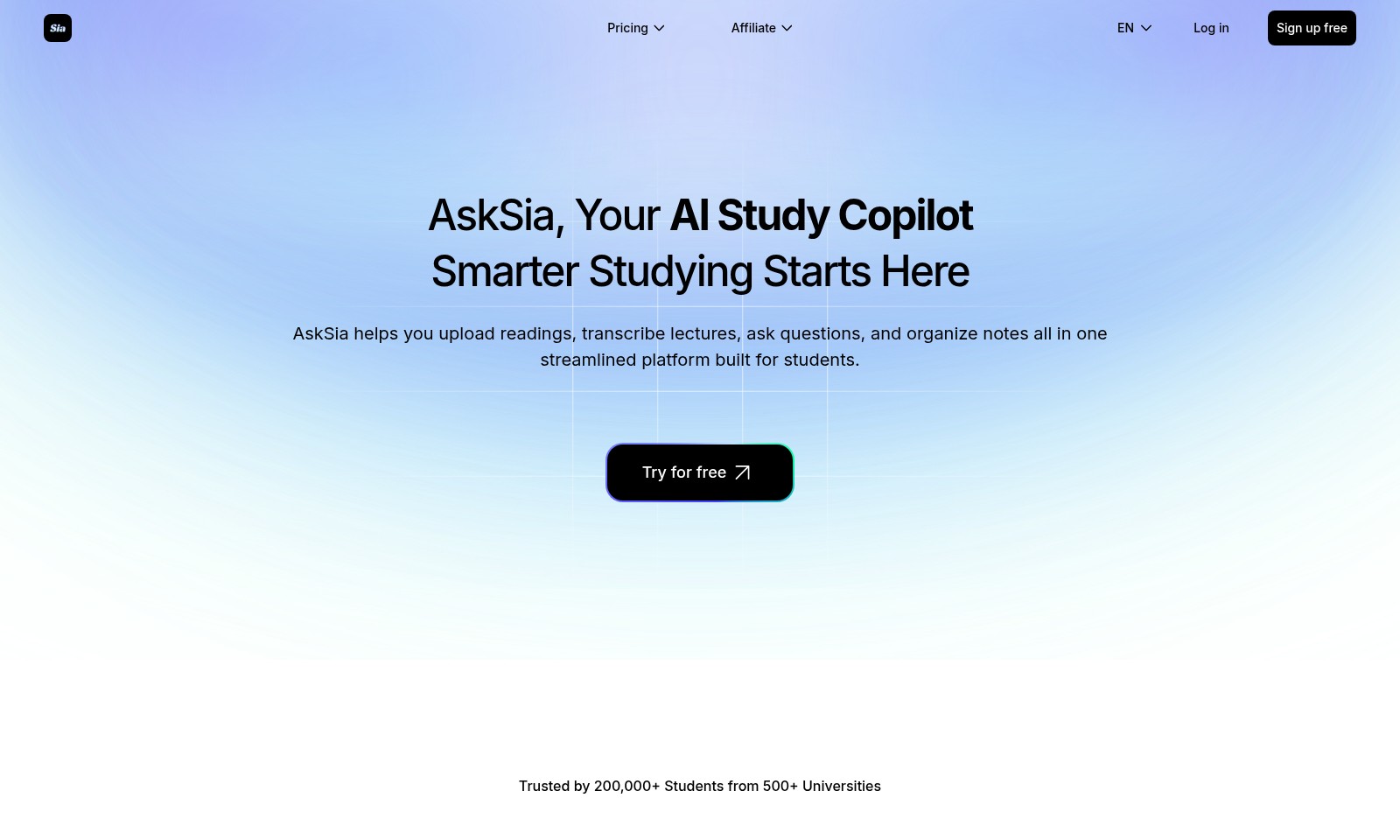
Asksia Introduction
Elevate Your Study Experience
AskSia serves as your AI Study Copilot, transforming the way students approach their academic journey. With its innovative platform, you can seamlessly upload readings, transcribe lectures, ask insightful questions, and organize your notes, all in one convenient location designed specifically for students. This powerful tool caters to the needs of over 200,000 students from more than 500 universities, empowering them to achieve mastery in their studies and maximize their potential.
Asksia Features
Smart Tagging System - Enhanced Note-Taking Efficiency
Experience the power of real-time tagging while recording or uploading audio lectures. Our smart tagging system identifies and marks core ideas, key points, and essential next steps, helping you focus on what truly matters in your studies.
Class Moment Recorder - Comprehensive Lecture Coverage
With Sia, every vital class moment gets recorded, ensuring you never miss important discussions. Every class recording is transformed into text, making it easy for you to chat, translate, or take notes at your convenience.
One-Click Note Preservation - Simplified Study Sessions
Integrate a seamless study experience with our one-click note preservation feature. While reading or listening, you can save crucial information instantly, allowing you to maintain your flow without interruption.
Organized Note Structuring - Streamlined Information Access
Sia takes the hassle out of note organization. Our technology restructures your notes into clear, labeled sections, providing immediate access to the information you need without the clutter of uninformed notes.
AI-Powered File Transcription - Transformative Learning
Our advanced AI transcribes your files and lectures accurately, ensuring you retain key insights from your study materials. Enhance your learning experience by converting audio content into text, assisting in retention and comprehension of complex topics.
Frequently Asked Questions About Asksia
Frequently Asked Questions
What is AskSia? AskSia is an AI-powered study copilot designed to enhance your studying experience. It allows you to upload readings, transcribe lectures, ask questions, and organize notes seamlessly.
How can I benefit from using AskSia? Using AskSia can streamline your learning process. The platform transcribes classes and highlights key information, which helps you focus on what matters most in your studies.
Is AskSia secure? Yes, AskSia takes data security seriously. Your uploaded materials and personal information are protected with advanced encryption to ensure your privacy and security.
How does the note-taking feature work? With one click, Sia lets you take notes while reading or listening. The system restructures your notes into clear outlines, making it easier to review and access the information later.
Can I try AskSia for free? Absolutely! AskSia offers a free trial for new users. You can sign up and start using its features right away without any commitment.
How does Sia support class recordings? Sia records important moments of your classes and turns them into text. This helps you easily reference key points and concepts without missing any critical information.
How to Use Asksia
Step 1: Sign Up for Free
Visit the AskSia website and click on the 'Sign up free' button. Follow the prompts to create your account by providing your email address and a secure password.
Step 2: Verify Your Email
After signing up, check your inbox for a verification email from AskSia. Click the verification link to confirm your email address and activate your account.
Step 3: Log In
Return to the AskSia website and log in using your newly created email and password. This will take you to your dashboard where all features are accessible.
Step 4: Set Up Your Profile
Once logged in, navigate to your profile settings. Fill out necessary details such as your name, university, and areas of study to personalize your experience.
Step 5: Familiarize Yourself with the Dashboard
Explore the dashboard. You will find different tools for uploading readings, transcribing lectures, and organizing notes. Take a moment to understand where everything is located.
Step 6: Upload Reading Materials
To utilize AskSia's reading features, click on the 'Upload' button and select the files you want to upload. Formats like PDF and Word are supported for easy access and study.
Step 7: Start a Lecture Recording
During your lectures, use the record feature. Simply click on the record button on your dashboard, and Sia will capture every important moment, converting speech into text in real-time.
Step 8: Use Smart Tags
As Sia records your lecture, it automatically tags key points, concepts, and next steps. Make sure to review these tags post-lecture for effective study.
Step 9: Take Notes with One Click
While listening, if you hear something important, click the note button. This feature allows you to save critical information with just one click for easy reference later.
Step 10: Organize Your Notes
Once your lecture is done, go to the notes section. Sia will have restructured your notes into clear sections and outlines, ready for you to review and study effectively.
Step 11: Engage with the Community
Don’t forget to leverage the community forum. Ask questions, share insights, and collaborate with fellow students for enhanced learning experiences.
Step 12: Explore Advanced Features
To get the most out of AskSia, explore advanced features like translation and collaboration tools. These can further enhance your studying efficiency and effectiveness.
Reviews
Pros
- Easy to use
- Fast processing
- Great results
- Affordable pricing
Cons
- Limited free version
- Requires internet connection
Comments
No comments yet. Be the first to share your thoughts!
Asksia - Alternative Platforms
For some alternatives to Asksia that you may need, we provide you with sites divided by features.

Jungle helps students generate custom study questions quickly from various materials, enhancing their learning experience.
Achievable provides personalized, flexible exam preparation solutions backed by learning science, with a focus on student success.
ThetaWise offers a comprehensive AI tool for math study, providing personalized solutions, video lessons, and extensive practice resources to enhance learning.
MagicSchool offers innovative AI solutions for educators and students, focusing on time-saving tools, personalized learning, and robust support.