Maestro
Maestro is a comprehensive testing solution that enables developers and non-technical users to perform end-to-end testing efficiently and reliably.
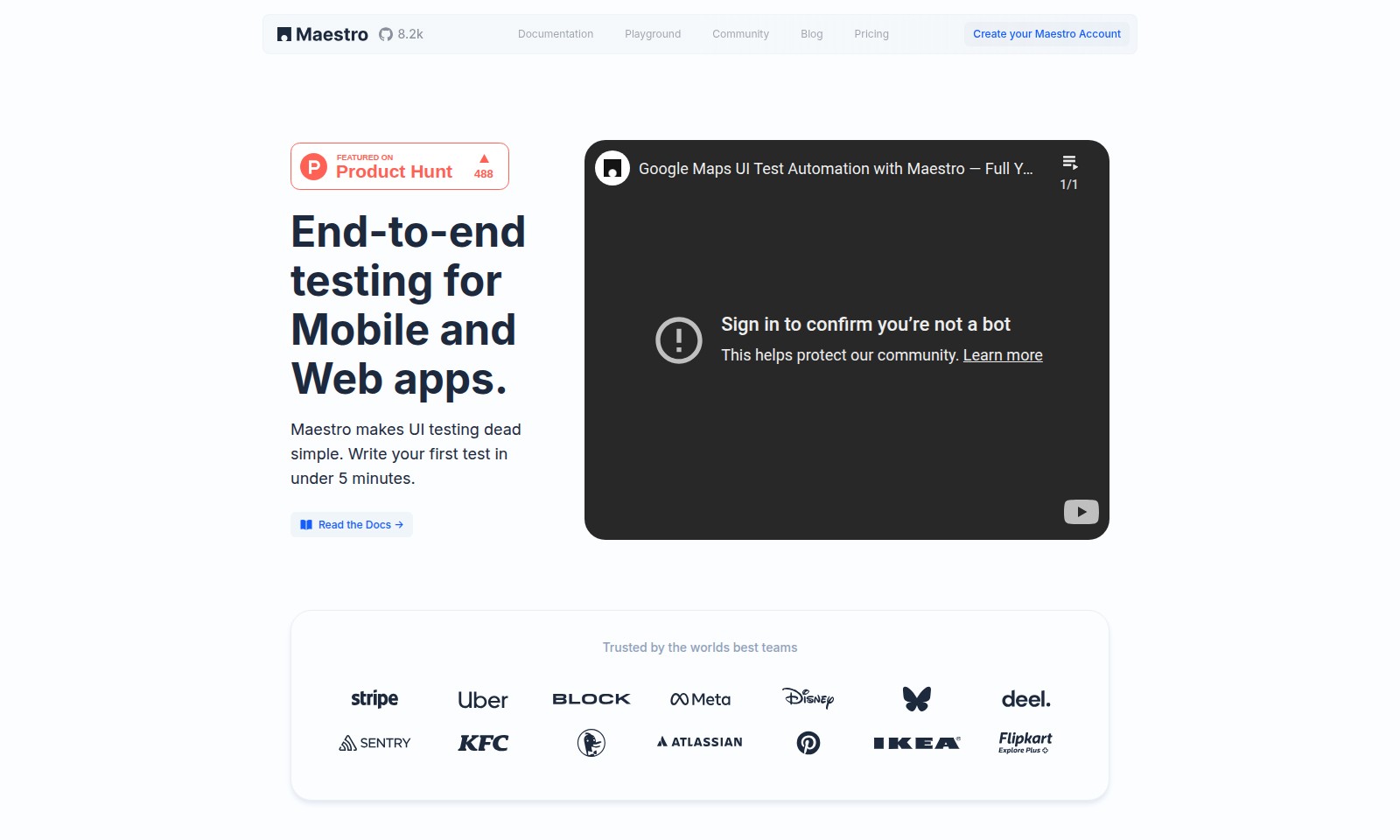
Maestro Introduction
Maestro: Simplifying End-to-End Testing for Mobile and Web Apps
Maestro is designed to revolutionize the way you approach UI testing, offering a robust platform that allows teams to streamline their testing process. With the ability to create your first test in under five minutes, Maestro prioritizes efficiency without compromising on quality.
Maestro Features
All-in-one IDE for Testers - Simplify Your UI Testing
Maestro provides an integrated development environment designed specifically for testers, streamlining the process of writing and managing tests. With features like visual testing and cross-platform compatibility, Maestro enables quick and efficient testing across iOS, Android, and web applications.
Visual Testing - Build Tests with Ease
Utilize Maestro's visual testing tools to locate elements and create tests without needing extensive technical knowledge. This feature allows anyone, irrespective of their technical background, to contribute to the testing process, enhancing team collaboration.
Cross-platform Capability - Test All Your Apps
Maestro supports testing across multiple platforms including iOS, Android, and web apps. This unified approach ensures that teams can maintain a consistent testing framework regardless of the technologies in use, saving time and reducing complexity.
AI-Assisted Testing - Accelerate Your Testing Process
Leverage the power of AI integration within Maestro for improved testing efficiency. AI-driven suggestions help reduce test development time, enabling teams to run tests faster and more reliably.
Cloud Scalability - Seamlessly Scale Your Testing
Easily scale your testing endeavors with our cloud capabilities, accommodating fluctuating workloads. Maestro's cloud infrastructure ensures that you can execute tests anytime and from anywhere, optimizing team productivity.
Frequently Asked Questions About Maestro
FAQs
What is Maestro?
Maestro is an end-to-end testing platform for mobile and web applications that simplifies the UI testing process. It allows users to create and run tests quickly and efficiently, ensuring high quality in application performance.
How can I create my Maestro account?
Creating a Maestro account is straightforward. Simply visit our website, click on 'Create your Maestro Account', and follow the prompts to register using your email and password. You can start testing your apps in no time!
What platforms does Maestro support?
Maestro is designed to test all mobile and web apps regardless of the framework used. This includes iOS, Android, React Native, and Flutter, making it a versatile tool for various development environments.
How does the visual testing feature work?
With Maestro's visual testing, you can find elements and build tests visually, which simplifies the process for everyone, from developers to non-technical users. This feature helps in identifying UI components quickly and accurately.
Is Maestro suitable for non-technical users?
Absolutely! Maestro Studio empowers users of all technical backgrounds to write tests without sacrificing maintainability or reliability. The intuitive interface makes it accessible for testers and developers alike.
Can I run tests for free?
Yes, you can run tests for free using our Command Line Interface (CLI) or the Maestro Studio Desktop. It’s a great way to get started and experience firsthand the efficiency of our testing tools.
How to Use Maestro
Create your Maestro Account
To get started, go to the Maestro website and click on the 'Create Account' button. Fill in the necessary details such as your email address and password, then verify your email to activate your account.
Download Maestro Studio
Once your account is created, navigate to the downloads section. Select the appropriate version for your operating system—Mac, Windows, or Linux—and download the installer to your device.
Install Maestro Studio
Locate the downloaded installer file and double-click to begin the installation process. Follow the on-screen instructions to complete the installation. Open the application once the installation is complete.
Set up your profile
Upon launching Maestro Studio, you will be prompted to log in. Enter your credentials to access your account. Take a moment to fill out your profile to enhance your testing experience.
Explore the Interface
Familiarize yourself with the Maestro Studio interface. Explore the various tabs, tools, and features available, including the visual testing and AI-assisted functionalities.
Create Your First Test
Start by clicking on the ‘New Test’ button. You will find options to write your first test using the visual testing feature. Follow the prompts to select elements intuitively using the visual builder.
Run Your Test
After creating your test, execute it by clicking the 'Run' button. Monitor the test results in real-time. If adjustments are needed, you can refine your test directly within the studio.
Scale with Cloud Testing
To maximize efficiency, consider utilizing the cloud feature for running tests across multiple devices simultaneously. This will help ensure your apps work perfectly in various environments.
Join the Community
Engage with other users by joining the Maestro community. Share experiences, ask for help, and contribute insights to make the most of your testing endeavors.
Access Documentation
For further assistance, refer to the extensive documentation available on the website. Here, you can find in-depth guides and troubleshooting tips to enhance your testing skills.
Reviews
Pros
- Easy to use
- Fast processing
- Great results
- Affordable pricing
Cons
- Limited free version
- Requires internet connection
Comments
No comments yet. Be the first to share your thoughts!
Maestro - Alternative Platforms
For some alternatives to Maestro that you may need, we provide you with sites divided by features.

Discover how Hello Audio enables course creators and coaches to engage their audiences by turning content into private podcasts accessible anytime, anywhere.
Tines offers a secure platform to build intelligent workflows, integrating various tools and enhancing operational efficiency.
LIKN Studio simplifies launching and trading unique digital assets through AI, bridging Web2 content with Web3 technology for creators.
TestMu AI enhances quality engineering with AI-native solutions for testing, automation, and analytics, trusted by millions globally.