OCMaker AI
OCMaker AI offers tools for designing and animating anime characters through text-to-image generation and scene creation.
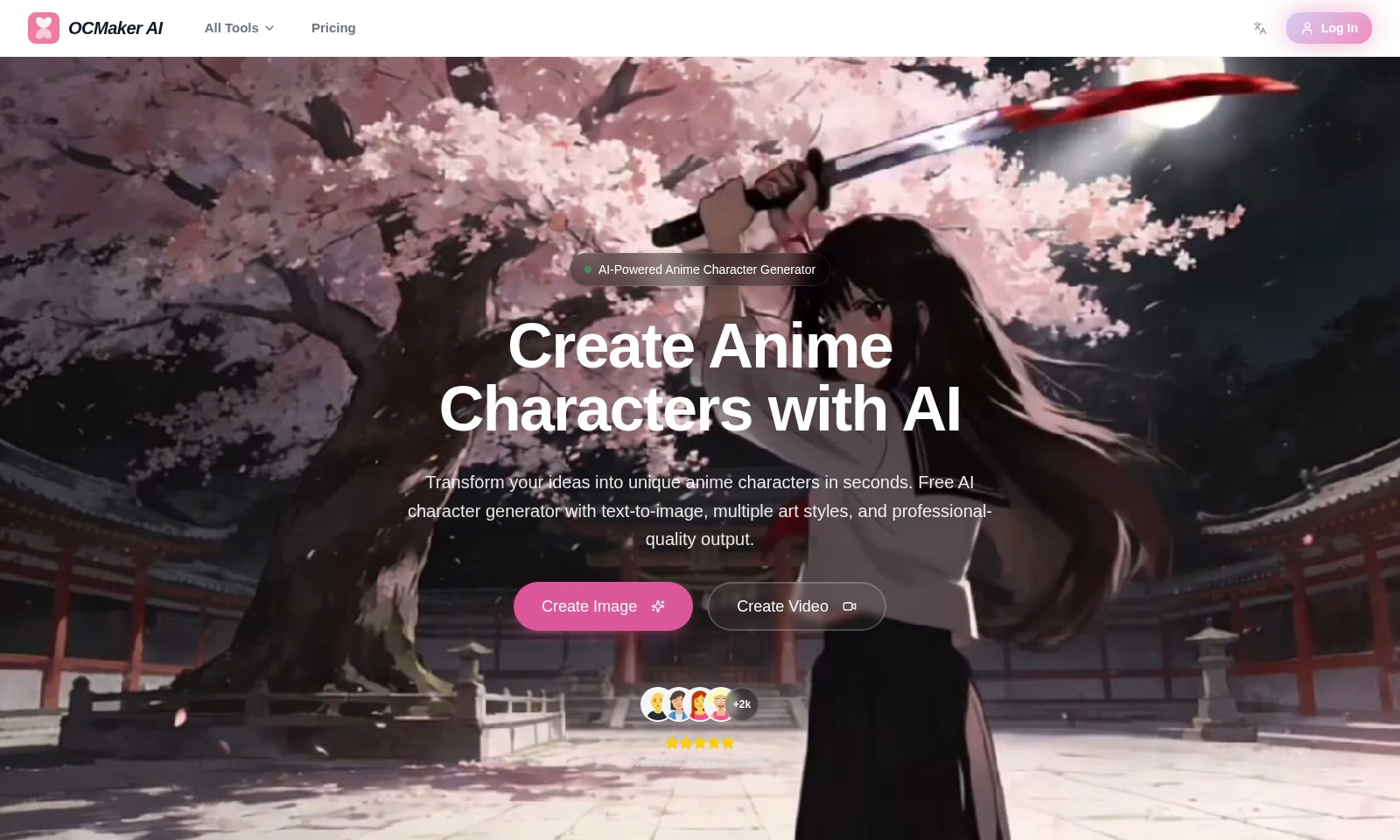
OCMaker AI Introduction
AI-Powered Anime Character Generation
OCMaker AI offers a state-of-the-art platform that allows creators to effortlessly bring their anime character ideas to life. With our powerful AI-driven tools, users can generate stunning, unique characters in just a matter of seconds. This innovative character generator utilizes advanced text-to-image technology, providing multiple art styles and ensuring professional-quality output that meets the creative needs of both amateur and seasoned artists alike.
OCMaker AI Features
AI-Powered Anime Character Generator - Rapid Creation
Instantly transform your concepts into bespoke anime characters in mere seconds. This generator utilizes advanced AI technology to produce images that meet professional standards, ensuring quality output for both hobbyists and seasoned content creators.
Text to Image - Customized Artistry
Our text-to-image feature allows users to create unique anime characters based on detailed descriptions. This tool supports various artistic styles, making it possible for users to choose and adjust aesthetics tailored to specific projects.
Outpainting - Expanding Imagination
With outpainting functionality, users can extend character backgrounds intelligently. This feature facilitates the creation of complete anime scenes, thereby enriching the storytelling aspect of each character and enhancing the overall visual experience.
Inpainting - Precision Modification
Inpainting capability allows users to modify specific character segments effortlessly. Adjust expressions, attire, and intricate details to perfect your creations, providing an unparalleled level of control that meets the demands of custom animation projects.
Character Reference - Dynamic Posing
Our character reference tool enables users to adjust poses and actions efficiently. This feature is particularly useful for animators looking to create fluid movements, ensuring that characters can be portrayed accurately in diverse scenarios.
Frequently Asked Questions About OCMaker AI
FAQ
1. What is OCMaker AI?
OCMaker AI is an AI-powered tool that allows users to create unique anime characters quickly and effortlessly. With our technology, you can transform your ideas into stunning animations using a text-to-image generator that offers various art styles and professional-quality outputs.
2. How does the character generation process work?
The character generation process at OCMaker AI is simple and user-friendly. By providing a detailed description or keywords, our AI model interprets the text and generates an anime character based on the provided inputs. This feature supports multiple styles and allows for detailed customization.
3. Can I modify the generated characters?
Yes, you can modify generated characters using our inpainting feature. This allows you to adjust specific areas, including expressions, clothing, and other details, ensuring that your character aligns perfectly with your vision.
4. What is outpainting, and how can I use it?
Outpainting is a feature that intelligently expands the backgrounds of your characters into complete anime scenes. You can use it to enhance the storytelling aspect of your creations by developing comprehensive world views around your characters.
5. Are there any costs associated with using OCMaker AI?
OCMaker AI provides both free and premium options. While you can access basic features without any charge, premium tools and advanced functionalities may require a subscription. For specific pricing details, please visit our pricing page.
6. How can I access OCMaker AI?
You can easily access OCMaker AI by visiting our website. Simply log in or create a new account to start crafting your unique anime characters immediately.
How to Use OCMaker AI
Register an Account
Create an account by visiting the OCMaker AI website. Click on the 'Log In' button and select the 'Register' option. Fill in your personal details and choose a secure password to complete the registration.
Set Up Your Profile
Once registered, log into your account. Navigate to your profile settings to add a profile picture and complete your bio. This helps personalize your experience and allows the community to recognize you.
Explore the Dashboard
After setting up your profile, take a moment to familiarize yourself with the dashboard. Check out the different tools available, such as the AI-Powered Anime Character Generator and various options for creating images and videos. Explore the features to understand how they can assist you in your projects.
Generate Your First Character
To create your first anime character, navigate to the 'Create Anime Characters with AI' section. Input a text description of your character, specifying features like hair color, outfit, and personality traits. Click 'Create Image' to see your character come to life!
Customize Your Creation
After generating an image, use the customization features like Inpainting to fine-tune specific parts of your character. Adjust details such as expressions or clothing to match your vision perfectly before saving or sharing your character.
Create Dynamic Videos
If you want to bring your characters to life, explore video creation. Use the tools available to generate animated scenes. Start by selecting a background or setting, and then incorporate your character to create engaging videos that tell a story.
Save and Share Your Work
Once satisfied with your creations, save your projects to your account. Use the sharing features to showcase your anime characters and videos with others in the community. Engage with fellow creators for feedback and inspiration.
Reviews
Pros
- Easy to use
- Fast processing
- Great results
- Affordable pricing
Cons
- Limited free version
- Requires internet connection
Comments
No comments yet. Be the first to share your thoughts!
OCMaker AI - Alternative Platforms
For some alternatives to OCMaker AI that you may need, we provide you with sites divided by features.

Kovvid AI offers a user-friendly platform for generating AI images and videos, with the ability to compare multiple models in one place.
Discover the advanced AI tools at MakeShot.ai for creating stunning videos and images with a limited-time 50% discount.
Photo Animate allows users to easily animate photos to video using AI, creating realistic movements for portraits and cherished memories.
Image to Video AI allows quick, high-quality video creation from images, integrating with tools like Google Chrome and Figma for seamless workflows.