PPT AI
PPT AI offers a fast and efficient way to create professional presentations from text, documents, and videos, empowering users with intelligent design tools.
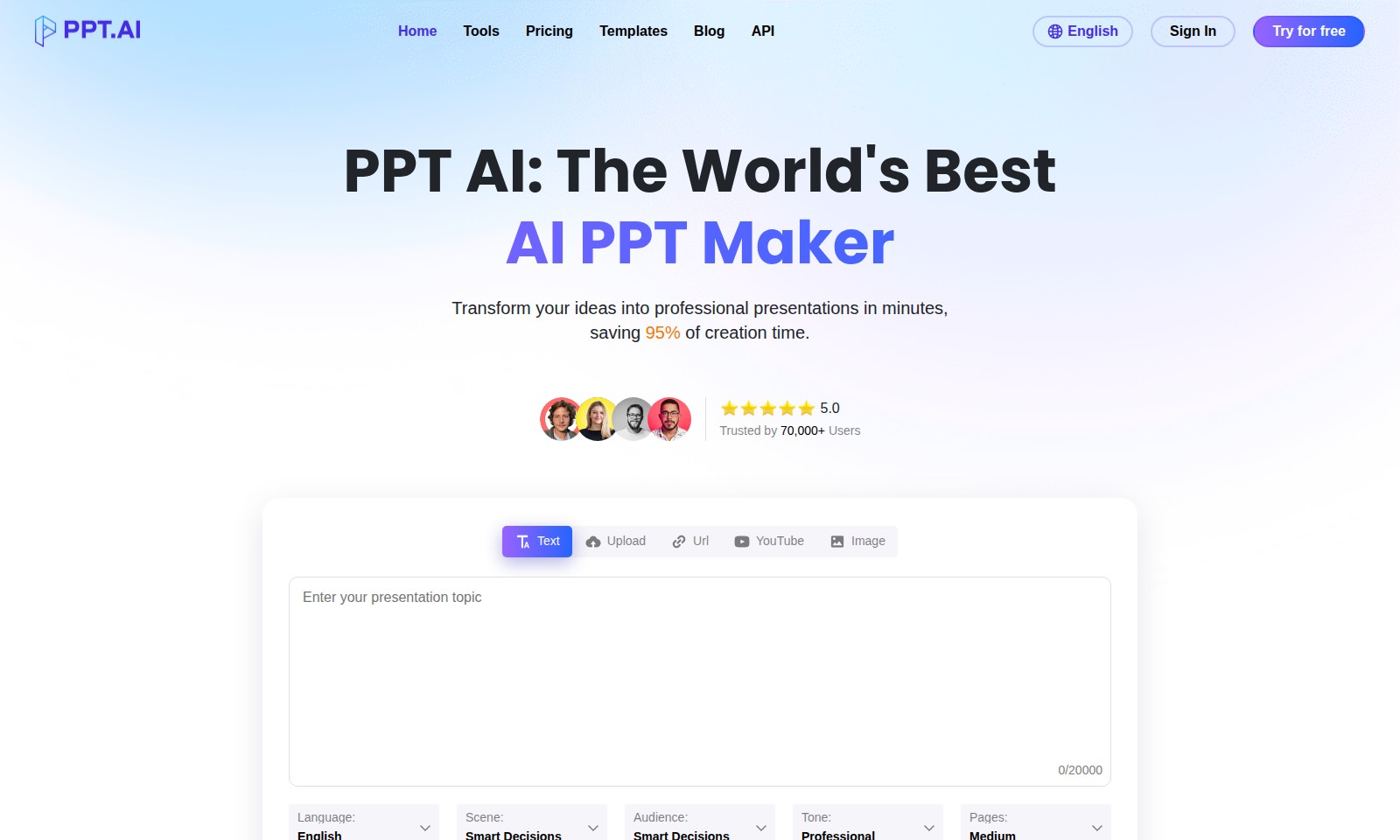
PPT AI Introduction
Revolutionizing Presentation Creation with PPT AI
PPT AI is at the forefront of transforming how presentations are crafted, harnessing advanced artificial intelligence to deliver remarkable results. Offering a seamless way to convert text, documents, PDFs, websites, and videos into stunning presentations, PPT AI not only enhances efficiency but also empowers users to create impactful visual content in record time.
PPT AI Features
AI-Powered Presentation Creation - Unmatched Efficiency
Create professional presentations in minutes, saving 95% of your creation time. With advanced AI algorithms, our system automates the transformation of your ideas into captivating slides.
Instant Conversion - Rapid Content Transformation
Convert documents, spreadsheets, audio, or video into over 20 professional slides in mere seconds. This rapid processing enables users to focus more on content and less on formatting.
Multi-Model Intelligence Engine - Superior Analysis
Leveraging the capabilities of DeepSeek, GPT-4o, Claude 3.5, and Gemini 2.0, our platform offers intelligent content analysis and slide creation, ensuring your presentations are not just quick but also sophisticated.
Comprehensive Template Library - Enhanced Customization
Access a vast collection of expertly designed templates tailored for various industries. These templates ensure that your presentations are visually appealing while saving you significant design time.
User-Centric Design - Streamlined User Experience
Our platform is designed with the user in mind, offering intuitive navigation and a seamless interface. This allows users from all backgrounds to create presentations without the steep learning curve typical of traditional software.
Frequently Asked Questions About PPT AI
Frequently Asked Questions
1. How does PPT AI help in creating presentations?
PPT AI simplifies the presentation-making process by utilizing advanced technology to transform your text, documents, and even videos into polished slides in just minutes. This efficiency allows you to focus on delivering your ideas rather than getting bogged down by formatting.
2. Is PPT AI suitable for beginners?
Absolutely! PPT AI is designed to be user-friendly, making it accessible to everyone from beginners to experienced professionals. The intuitive interface allows you to create impressive presentations without needing extensive technical skills.
3. What types of files can I use with PPT AI?
You can upload various formats, including text files, PDFs, images, and even video links. This flexibility ensures that you can use your existing materials and generate a professional presentation quickly and easily.
4. Are there templates available, and how do they improve my presentations?
Yes, PPT AI offers a collection of free professional templates. These templates are expertly designed to enhance the visual appeal of your presentations, saving you time on design and allowing you to focus on your content.
5. Can I customize the presentations after using PPT AI?
Yes, once your presentation is generated, you have the ability to customize and tweak it further. You can add personal touches, modify text, and adjust the layout to better suit your specific requirements.
6. How does PPT AI ensure the quality of the slides it creates?
PPT AI employs a multi-model intelligence engine that leverages cutting-edge technologies like DeepSeek and GPT-4o for intelligent content analysis. This ensures that the generated slides are coherent, visually appealing, and effectively convey your ideas.
How to Use PPT AI
Register Your Account
Visit the website and click on the 'Sign In' button. If you don’t have an account, select 'Try for free' to start your registration process. Fill in the required information such as your email and password, then submit your registration form.
Verify Your Email
Check your email inbox for a verification email. Click on the link provided to confirm your email address. This step is crucial to activate your account and ensure you can receive further communications.
Complete Your Profile
Once logged in, navigate to your profile settings. Here, you can add more details about yourself, including your name and professional background. Completing your profile helps enhance your experience on the site and allows you to access personalized features.
Explore the Dashboard
Familiarize yourself with the site dashboard. Check out the different sections such as Tools, Templates, and Blog. Understanding where everything is will streamline your user experience and help you locate features more easily.
Start a New Presentation
To create your first presentation, click on the 'Create New Presentation' button. You will be guided to choose a template or start from scratch. This is your opportunity to bring your ideas to life.
Upload Your Content
Utilize the upload feature to import your text documents, images, or videos. Select the content you would like to transform into slides. The system will process your uploads to facilitate the next steps.
Choose a Template
Browse through the free professional templates available on our site. Select one that suits your presentation style and goals. A well-chosen template will enhance the overall aesthetic and effectiveness of your presentation.
Customize Your Slides
Once your content is uploaded and a template is chosen, you can begin customizing your slides. Edit the text, adjust the layout, and add any images or media. Utilize the AI features for suggestions and enhancements to make your presentation more engaging.
Review and Finalize
Before publishing, review your presentation. Make sure that the content flows logically and that all elements are properly formatted. This step is crucial to ensure clarity and professionalism.
Present Your Work
After finalizing your presentation, you can choose to present it live or share it digitally. Use the sharing options available to distribute your work effectively, whether in meetings or online platforms.
Reviews
Pros
- Easy to use
- Fast processing
- Great results
- Affordable pricing
Cons
- Limited free version
- Requires internet connection
Comments
No comments yet. Be the first to share your thoughts!
PPT AI - Alternative Platforms
For some alternatives to PPT AI that you may need, we provide you with sites divided by features.

MyMap.AI helps users create visual content through AI-generated diagrams, enhancing productivity for students, professionals, and creators.
Felo provides a consolidated workspace for managing documents, utilizing AI tools, and improving team collaboration.
TeraBox offers 1024GB of cloud storage with easy backup, file sharing, premium features, and strong data security, catering to individual and business needs.
Mapify is an innovative AI tool that helps users summarize various content types into organized mind maps to simplify learning and work.