Clideo
Clideo offers a comprehensive suite of video editing tools designed to simplify video creation and unleash your creativity.
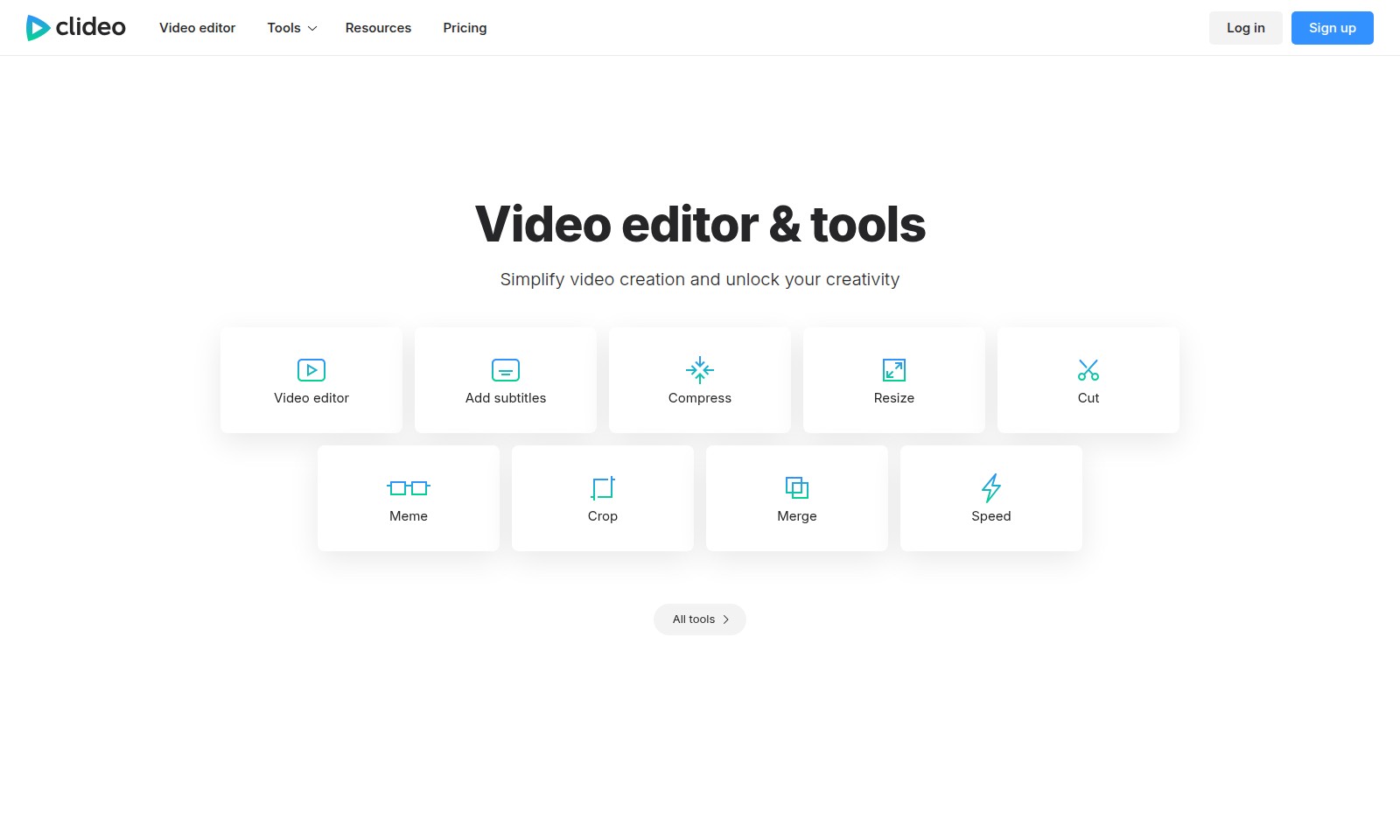
Clideo Introduction
Simplify Your Video Creation Process
Discover the ultimate video editing tools and resources designed to unleash your creativity and enhance your projects. Our platform offers a comprehensive suite of features including subtitle addition, video compression, resizing, and cutting, amongst many more, ensuring your video content is not only high-quality but also easy to produce.
Clideo Features
Video Editor - Simplify Your Creative Process
Our video editor streamlines the video creation workflow, allowing users to unlock their creativity effortlessly. With intuitive drag-and-drop functionality, users can easily arrange clips and add effects without prior editing experience.
Add Subtitles - Enhance Accessibility
Adding subtitles can appeal to a broader audience, ensuring your content is accessible to all viewers. Our tool features automatic subtitle generation, which significantly reduces the time required to make videos more inclusive.
Compress Video - Optimize Performance
Compressing videos ensures faster loading times and reduced storage space, leading to a smoother user experience. Our smart compression algorithm maintains high quality while effectively shrinking file sizes, making it ideal for online sharing.
Resize Video - Adapt to Any Platform
This feature allows users to resize videos for various social media platforms effortlessly. With preset dimensions for popular channels, users can ensure their content fits perfectly without compromising quality.
Meme Maker - Engage Your Audience
Creating memes from your videos has never been easier. This feature enables users to select clips and overlay text to produce shareable content, perfect for enhancing viewer engagement and social sharing.
Crop Video - Focus on the Important Parts
The crop video tool simplifies the editing process by allowing users to remove unwanted parts of their footage. This feature ensures that the most compelling aspects of the video are highlighted, keeping the audience engaged.
Merge Video - Seamless Transitions
Merging clips into a single video is a fundamental feature for storytellers. Users can effortlessly combine multiple videos with smooth transitions, providing a polished final product that captivates viewers.
Frequently Asked Questions About Clideo
FAQ
What tools does your video editor offer?
Our video editor provides a wide array of tools to simplify video creation. You can add subtitles, cut and merge clips, resize videos, compress files, crop frames, and even create memes. Each feature is designed to enhance your video editing experience.
How can I add music to my videos?
You can easily add music to your videos by using the 'Add Music to Video' feature. Simply upload your audio file, adjust the timing to fit your video, and you're set. This allows you to customize your project and set the right mood for your content.
Is there a way to reverse my video?
Yes! Our video editor has a 'Reverse Video' function that allows you to play your clips backwards. This feature can add a unique twist to your videos, making them stand out on social media.
Can I create GIFs or slideshows with your tools?
Absolutely! Besides video editing, our platform includes a GIF maker and a slideshow maker. You can use these tools to create engaging visual content that can be shared across various platforms.
What are the pricing options available?
We offer flexible pricing plans to cater to different user needs. Whether you are a casual user or a professional, you can choose a plan that fits your budget while enjoying all premium features. Sign up today to explore our offerings!
How to Use Clideo
Sign up for an account
To get started, click on the 'Sign up' button located at the top right corner of the homepage. Fill in the required information, including your email and a secure password. Verify your email address to activate your account.
Set up your profile
Once registered, log in to your account and navigate to the profile settings. Upload a profile picture and fill in your details to personalize your experience. This helps in creating tailored suggestions for your video projects.
Explore the video editor
After setting up your profile, head to the video editor. Familiarize yourself with the interface; explore the various tools available such as 'Add Subtitles', 'Compress Video', and 'Cut Video'. Take note of their placements on the screen for easier access later.
Create your first video
To create a new video, click on the 'Video Maker' option and choose a template or start from scratch. Upload any video clips you want to use and drag them into the timeline. You can add or edit your clips as needed.
Use key features
Utilize tools like 'Add Music to Video' to enhance your edits. Browse the music library, and select a track that complements your video. Adjust the volume levels to ensure it doesn't overpower the visuals.
Export your video
When you're satisfied with your edits, click on the 'Export' button. Select your desired video quality and format. Once the export is complete, you'll receive a download link to save your video.
Share your creation
Finally, share your newly created video on social media platforms. Use direct sharing options available after the export, or download the video and manually upload it to your accounts. Promote your work and invite feedback to improve your skills.
Reviews
Pros
- Easy to use
- Fast processing
- Great results
- Affordable pricing
Cons
- Limited free version
- Requires internet connection
Comments
No comments yet. Be the first to share your thoughts!
Clideo - Alternative Platforms
For some alternatives to Clideo that you may need, we provide you with sites divided by features.

Meme Maker lets users create and share viral memes easily, offering a large community and various resources for meme creation.