EzRemove
Easily create transparent images with our AI-powered background remover. Fast, accurate, and accessible for all users.
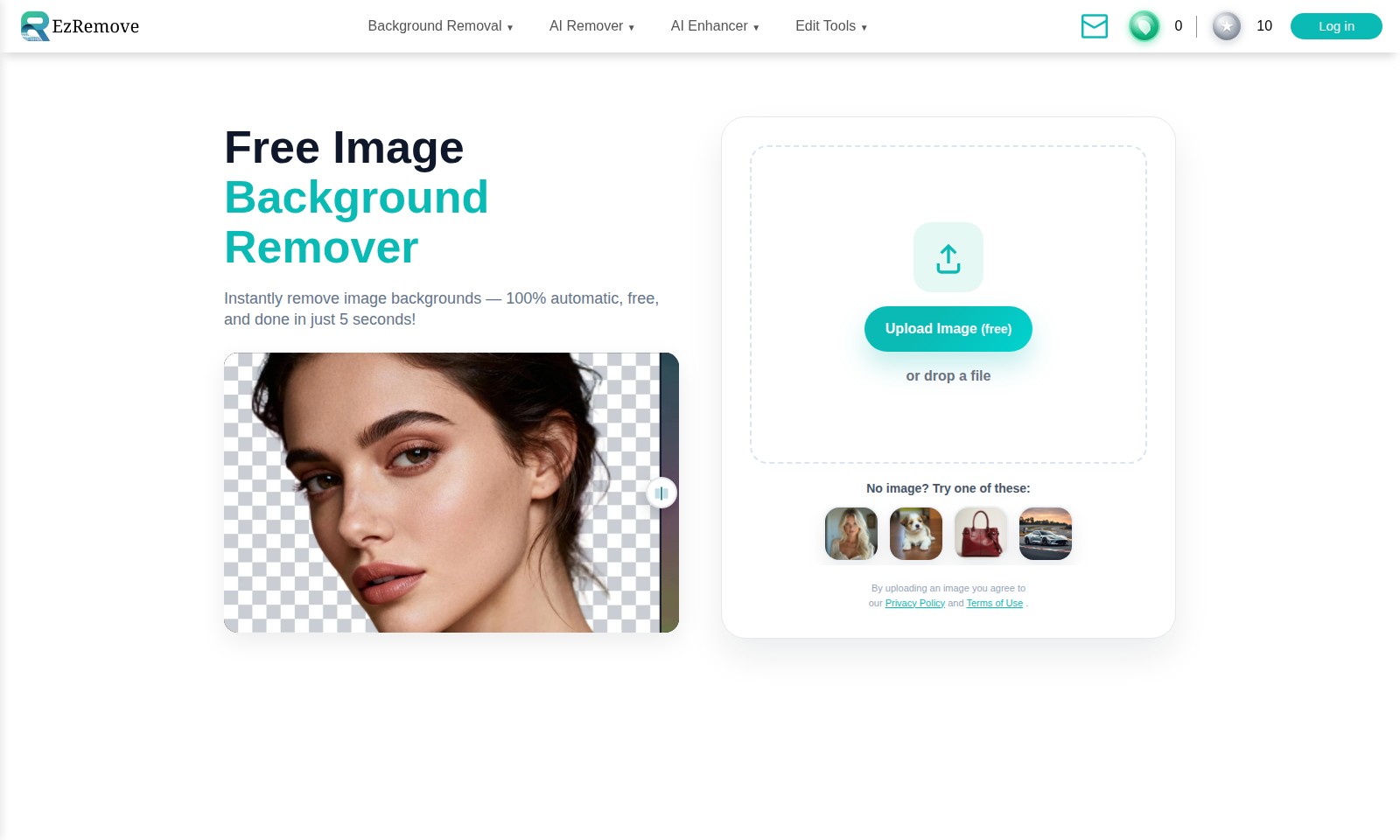
EzRemove Introduction
Remove Image Backgrounds Instantly
Our website offers a revolutionary tool to remove image backgrounds in just 5 seconds, completely free of charge. Utilizing advanced AI technology, our image background remover allows you to remove unwanted backgrounds from your photos with ease, making it an essential tool for designers, marketers, and anyone looking to enhance their visual content.
With features like the AI Background Editor, Image Background Changer, and Logo Background Remover, you can transform your images effortlessly. Whether you need a transparent background for a professional logo or just want to swap out the background of a personal photo, our platform ensures a seamless experience.
In addition to background removal, we also provide a variety of edit tools, including Magic Eraser, Text Remover, and Object Remover. These features empower users to clean up their images and achieve the desired look without needing extensive editing skills.
Experience the future of image editing today with our intuitive platform that prioritizes speed and efficiency, allowing you to focus on creativity rather than technical hurdles.
EzRemove Features
Background Removal - Instant and Effortless
Remove distractions and focus on your subject with our free image background remover. This feature completes the task in just 5 seconds, providing users a quick and efficient way to enhance their photos.
AI Remover - Precision at Your Fingertips
Utilize AI technology to remove unwanted elements effortlessly. Unlike traditional methods, our AI remover is capable of accurately detecting and eliminating various items, ensuring a clean image without artifacts.
AI Enhancer - Elevate Your Imagery
Transform your low-resolution images into stunning visuals with our AI photo enhancer. This tool enhances details while maintaining the original quality, making it essential for professionals needing high-definition outputs.
Edit Tools - Comprehensive Image Customization
Gain full control over your images with our suite of advanced edit tools. From basic adjustments to complex edits, these tools allow you to tailor your visuals to meet specific requirements, catering to both novice and experienced users.
PNG Maker - Perfect for Professionals
Create high-quality PNG images with transparent backgrounds efficiently. This is indispensable for graphic designers and marketers who need versatile images for various applications without losing quality.
AI Models - Advanced Image Generation
Explore cutting-edge technology with our AI models like Nano Banana and Seedream 4.0. These models provide state-of-the-art capabilities for image generation, opening new possibilities for creative projects and commercial use.
Frequently Asked Questions About EzRemove
FAQ
1. How can I remove the background from my image?
You can easily remove the background from your image using our free and automatic Image Background Remover tool. Just upload your image, and within 5 seconds, the background will be completely removed for you.
2. Is it really free to use the background remover?
Yes, our background removal tool is 100% free to use. You don't need to sign up or provide any credit card information — simply upload your image and get started!
3. Are there any image formats that are supported for background removal?
Our tool supports various image formats including JPEG, PNG, and GIF. You can upload images in any of these formats to remove backgrounds effortlessly.
4. What should I do if I want to change the background of my image?
To change the background of your image, you can use our Image Background Changer tool. After removing the old background, simply upload a new background image to blend with your subject smoothly.
5. Can I enhance my images after removing the background?
Absolutely! After using our background remover, you can enhance your images with our AI Photo Enhancer. This tool provides various options to improve the quality and clarity of your images with just a few clicks.
6. What are the limitations of the background remover?
While our background remover is highly effective, please note that very complex images may require some manual adjustments. Additionally, the tool works best with clear subjects and contrasting backgrounds for optimal results.
How to Use EzRemove
Register an Account
Visit the website and click on the 'Sign Up' button. Fill in your details such as email and password, then confirm your email to activate your account.
Log in to Your Account
After registration, return to the homepage and click 'Log in'. Input your email and password. Click 'Submit' to access your dashboard.
Set Up Your Profile
Once logged in, navigate to your profile settings. Upload a profile picture and fill out any additional information to personalize your account.
Explore the Overview
Take a moment to familiarize yourself with the dashboard layout. Look for key features like Background Removal and AI Enhancer to get an idea of what tools are available.
Try Background Removal
Click on 'Background Removal', then select 'Image Background Remover'. Upload your image by dragging it into the upload section or selecting it from your files. Your background will be removed automatically within seconds.
Customize Your Image
After using the background remover, you can choose to change the background color or texture. Click on 'Image Background Changer' to explore various options.
Utilize AI Enhancer
Go back to the main menu and select 'AI Enhancer'. Choose 'AI Photo Enhancer' for improving image quality. Upload your previously edited image and click 'Enhance' to apply improvements.
Save Your Work
Always remember to save your changes. Click the 'Save' button after using any tool to ensure your edits are not lost.
Download Your Edited Image
After editing, go to the download section. Click on 'Download Image' to save your final creation to your device.
Share Your Results
If you want, share your edited image directly on social media or through email by clicking on the share buttons provided.
Reviews
Pros
- Easy to use
- Fast processing
- Great results
- Affordable pricing
Cons
- Limited free version
- Requires internet connection
Comments
No comments yet. Be the first to share your thoughts!
EzRemove - Alternative Platforms
For some alternatives to EzRemove that you may need, we provide you with sites divided by features.

PicWish offers an easy-to-use AI photo editor with tools for background removal, image enhancement, and more, suitable for all users.
Discover the future of photo editing with AI Image to Image. Upload, describe your vision, and download high-quality transformations instantly.
Pixelcut offers a comprehensive suite of AI-driven tools for editing images and videos, catering to creators and businesses for seamless collaboration.
Dynamic Mockups offers an easy way to generate high-quality mockups in seconds for print-on-demand products, beneficial for e-commerce sellers.