Face GPT
Face GPT offers an intuitive platform for face swapping, leveraging cutting-edge AI to deliver realistic results in seconds with high customization options.
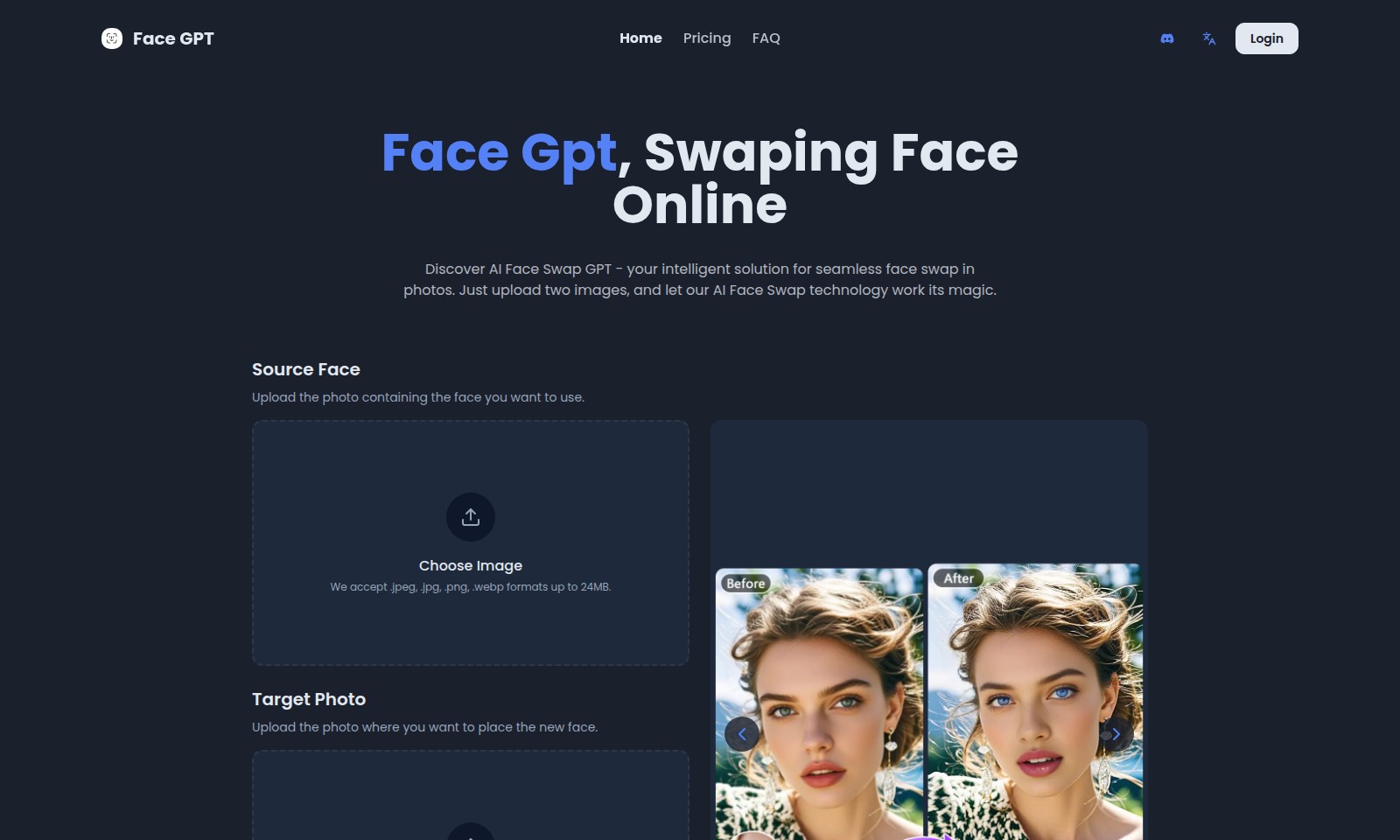
Face GPT Introduction
Discover the Power of Face GPT
Face GPT offers an intelligent solution for seamless face swapping in photos, allowing users to create stunning visual content with ease. Simply upload two images, and let our advanced AI technology transform your photos effortlessly.
Face GPT Features
Advanced AI Technology - Enhance Your Experience
Our AI Face Swap utilizes cutting-edge algorithms to deliver precise and seamless face swaps in your photos. Enjoy user-friendly functionality that does not require technical expertise.
Realistic Face Swapping - Achieve Authentic Results
The technology behind AI Face Swap is optimized for natural face swapping, ensuring high accuracy and a realistic appearance, making your edits look effortless.
High-Resolution Outputs - Perfect for All Uses
With AI Face Swap, you can export your swapped images in high resolution, making them ideal for personal sharing, social media, or professional use, ensuring every detail is captured beautifully.
Easy Customization - Tailor Your Images
Our platform allows for easy customization of your edits, letting you manipulate the position and size of the swapped face, ensuring that your final image meets your vision.
Fast Processing - Save Time
Experience swift processing times with AI Face Swap, allowing you to acquire high-quality results in just seconds, making it an efficient tool for both casual users and professionals alike.
Frequently Asked Questions About Face GPT
FAQ about Face GPT
1. What is Face GPT and how does it work? Face GPT is an AI-powered face-swapping tool that allows users to seamlessly exchange faces between two images. Simply upload a source photo that contains the face you want to use and a target photo where you want to place that face, and our advanced AI technology will handle the rest.
2. What image formats are accepted for uploads? You can upload images in .jpeg, .jpg, .png, or .webp formats, with a maximum size of 24MB for each file. This flexibility allows users to work with various image types and ensures the tool can accommodate most common formats.
3. Is there a limit on the size of the images I can upload? Yes, each uploaded image must not exceed 24MB. This size limit helps maintain optimal performance and processing speed for the face-swapping algorithm, ensuring quick and efficient results.
4. What can I do with the swapped images after processing? Once you have swapped the faces, you can export the final image in high resolution. This output is suitable for various uses, including social media sharing, personal projects, or any creative endeavors.
5. How realistic are the face swaps produced by Face GPT? Our AI Face Swap technology utilizes cutting-edge algorithms to ensure high accuracy and natural-looking results. The realistic face-swapping feature is optimized to maintain the integrity of both images, so the final output blends seamlessly.
6. Do I need any technical skills to use Face GPT? No technical skills are required to use Face GPT! Our interface is designed to be user-friendly, allowing anyone to easily upload images and swap faces with just a few clicks. All you need is an internet connection and your images ready to go.
How to Use Face GPT
Register Your Account
To start using Face GPT, visit our homepage and click on the 'Login' button. Then select 'Register'. Fill in your email, create a password, and confirm your password to create an account.
Verify Your Email
Check your email inbox for a confirmation email from Face GPT. Click the verification link to activate your account and gain full access to our features.
Log in to Your Account
Once your account is verified, go back to the homepage. Click on 'Login' and enter your registered email and password to sign in to your account.
Set up Your Profile
After logging in, navigate to your profile settings. Add or update your personal information such as your name and profile picture to make your experience more personalized.
Upload Source Face
To swap faces, you need a source image. Click on 'Source Face' and use the 'Choose Image' button to upload a photo containing the face you wish to use. Ensure the image is in .jpeg, .jpg, .png, or .webp format and does not exceed 24MB.
Upload Target Photo
Next, upload the target photo where you want the new face to appear. Click on 'Target Photo' and use the 'Choose Image' button to select another image following the same file format and size rules.
Swap Faces
With both images uploaded, click on the 'Swap Face' button. Our AI technology will process your images and deliver a seamless result within moments. Download the final image to your device.
Explore More Features
After mastering face swapping, explore more features available on Face GPT, such as high-resolution outputs and realistic face adjustments. Review the FAQ section for additional tips and tricks to enhance your photos.
Reviews
Pros
- Easy to use
- Fast processing
- Great results
- Affordable pricing
Cons
- Limited free version
- Requires internet connection
Comments
No comments yet. Be the first to share your thoughts!
Face GPT - Alternative Platforms
For some alternatives to Face GPT that you may need, we provide you with sites divided by features.

Deepfake Maker offers a Christmas sale with 60% OFF while providing a free, user-friendly platform for endless face swap creations.
Kirkified AI allows users to effortlessly create and share viral memes using an advanced face swap tool, emphasizing an authentic neon aesthetic.