Freed
Freed transforms EHR documentation with AI, saving time and improving clinician experiences while ensuring data security and accuracy.
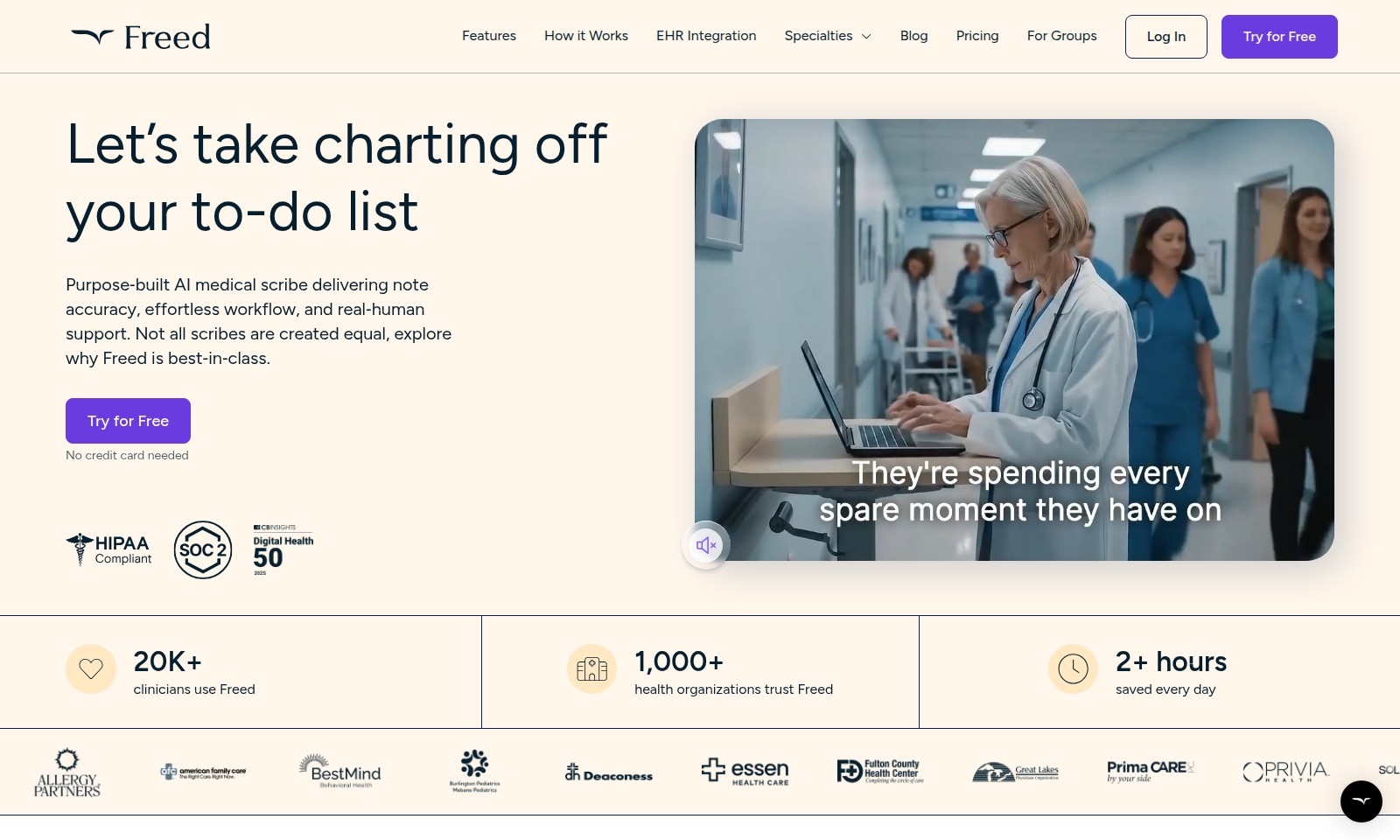
Freed Introduction
Experience Revolutionary Medical Charting
Freed offers a purpose-built AI medical scribe designed specifically for healthcare professionals. With our advanced technology, clinicians can achieve unparalleled note accuracy and an effortless workflow while receiving real human support. Our platform integrates smoothly with EHR systems, ensuring that the healthcare process remains efficient and streamlined. Discover how Freed stands out among medical scribes and why thousands of healthcare professionals rely on our services daily.
Freed Features
AI-Powered Medical Scribe - Enhanced Clinical Efficiency
Freed's AI medical scribe transforms the documentation process, allowing clinicians to focus on what truly matters—their patients. With over 20,000 clinicians utilizing Freed, we bring proven efficiency to your practice.
Seamless EHR Integration - Streamlined Data Entry
Our scribe integrates effortlessly with your existing Electronic Health Records (EHR) system. This means no more transitions or learning curves; just smooth, reliable documentation from day one.
Frequently Asked Questions About Freed
FAQs about Freed AI Medical Scribe
1. What is Freed and how does it work?
Freed is a purpose-built AI medical scribe designed to enhance your clinical documentation process. It effortlessly integrates with your EHR system, allowing you to focus on patient interactions instead of administrative tasks.
2. Why should I choose Freed over other medical scribes?
Freed stands out due to its best-in-class accuracy and seamless workflow integration. Our technology is built to provide reliable notes while maintaining a natural interaction with patients, ultimately improving your practice's efficiency.
3. How much time can Freed save me daily?
Many clinicians report saving over 2 hours each day by using Freed. This additional time can be redirected towards patient care or personal activities, enhancing both professional and personal life.
4. Is there a free trial available?
Yes! We offer a free trial with no credit card required, so you can experience the benefits of Freed risk-free before making a commitment.
5. How do other clinicians feel about Freed?
Freed is trusted by over 20K clinicians who love the time it saves them and how it allows them to focus on what truly matters—patient care. Many have expressed sentiments about having more time for their families and personal pursuits thanks to Freed’s efficiency.
6. Does Freed work with my existing EHR?
Absolutely! Freed is designed to integrate smoothly with a wide range of EHR systems, so you can start enjoying its features without a complete system overhaul.
How to Use Freed
Register for an Account
Begin your journey by visiting the site and clicking on the 'Try for Free' button. Fill out the required fields such as your name, email, and password to create your account. Once submitted, check your email for a verification link to activate your account.
Set up your Profile
After logging in, complete your profile by adding your professional details. Include your specialty, practice location, and any relevant qualifications. This information helps tailor the platform's features to your needs.
Explore Key Features
Take some time to familiarize yourself with the site's key features. Navigate through options like EHR Integration, Charting, and Support. Each feature is designed to enhance your workflow and improve patient interactions.
Integrate EHR Systems
To fully utilize Freed, integrate your Electronic Health Record (EHR) system. Go to the EHR Integration section and follow the step-by-step instructions. This allows Freed to pull data seamlessly, saving you time and ensuring accuracy in documentation.
Start Using Freed
Begin using Freed by initiating your first note session. Click on the 'Start Session' button and follow along as Freed creates accurate notes based on your conversation with the patient. Enjoy the real-time support that allows you to focus entirely on your patient.
Utilize Support Resources
If you encounter any issues or have questions, access the support resources provided on the website. The Blog and Help sections contain valuable information and guidance tailored for clinicians to maximize their use of Freed.
Provide Feedback
After using the platform for a while, consider providing feedback. Your insights help improve the system and can even lead to new features being added. Look for the feedback option in your account menu.
Reviews
Pros
- Easy to use
- Fast processing
- Great results
- Affordable pricing
Cons
- Limited free version
- Requires internet connection
Comments
No comments yet. Be the first to share your thoughts!