Julius AI
Julius is an AI-powered data analyst that connects with your data sources, allowing you to ask questions in plain English and receive instant insights.
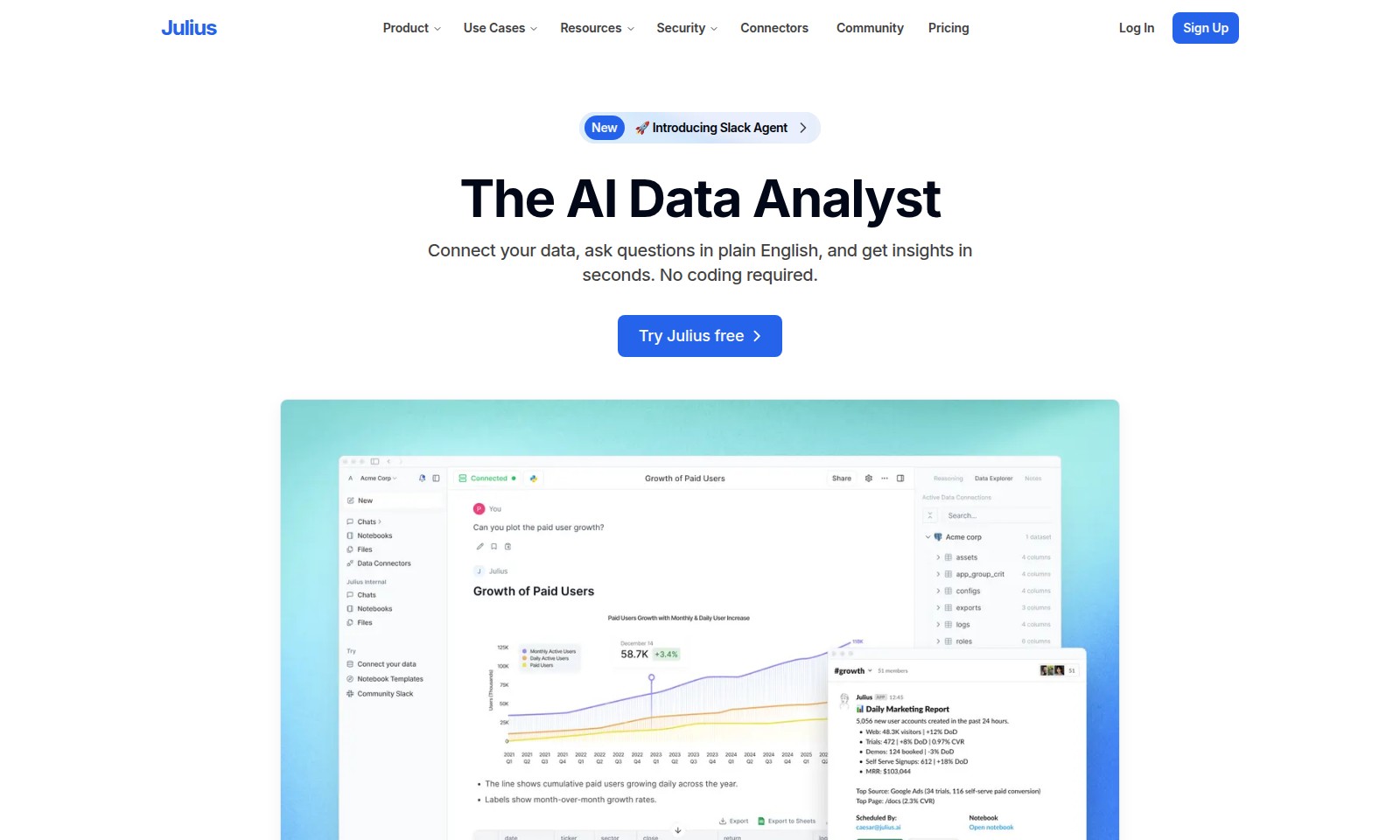
Julius AI Introduction
Unlock the Power of Your Data
Julius revolutionizes the way you interact with data by enabling you to connect your data sources, ask insightful questions, and receive analyses within seconds—all without any coding skills. This intelligent AI Data Analyst is designed to cater to organizations of all sizes, providing an accessible pathway to data-driven decision-making.
Julius AI Features
Feature 1 - Data Source Connectivity
Julius offers seamless integration with various data sources, enabling you to connect databases, spreadsheets, and more effortlessly. This feature allows for a comprehensive data analysis without the hassles of multiple data entry points.
Feature 2 - Natural Language Queries
With Julius, you can ask your questions in plain English, streamlining the data analysis process. This user-centric approach helps users focus on insights rather than technical jargon, making data accessible to everyone.
Feature 3 - Instant Insights
Julius delivers results in real-time, providing you with charts, tables, or detailed reports based on your analysis needs. This feature is designed to cater to users who require immediate data-driven decisions to enhance their business strategies.
Feature 4 - Predictive Analysis
Utilizing historical data, Julius can predict key metrics like customer churn based on purchase history, giving you actionable insights. This ability to forecast trends enables teams to proactively address potential issues and capitalize on opportunities.
Feature 5 - User-Friendly Interface
The intuitive layout of the Julius platform ensures that users can navigate easily, regardless of their technical background. This focus on usability enhances the overall experience, making complex analyses straightforward and manageable for all users.
Frequently Asked Questions About Julius AI
Frequently Asked Questions
What is Julius and how can it help me? Julius is an AI-powered data analyst that allows you to connect your data, ask questions in plain English, and receive insights in seconds. It's designed to eliminate the need for coding or prior data analysis experience.
How do I connect my data sources with Julius? You can easily connect Julius to various data sources such as databases and spreadsheets. Simply follow the user-friendly interface to integrate your data sources and start gaining insights.
Can I analyze customer churn using Julius? Yes, one of the powerful features of Julius is its ability to predict customer churn based on past purchase history. By asking targeted questions, you can leverage Julius to explore customer behavior and trends.
What types of results can I obtain from Julius? Julius allows you to retrieve results in various formats including charts, tables, and full reports. You can customize the output based on your data and specific analysis needs, making it easier to present to your team or stakeholders.
Is there a free trial available for Julius? Absolutely! You can try Julius for free. This trial will give you the opportunity to explore its features and capabilities before committing to a subscription.
How to Use Julius AI
Register an Account
To get started with Julius, click on the 'Sign Up' button on the homepage. Fill in your email address and create a secure password. Once you submit your information, check your email for a verification link to activate your account.
Log In to Your Account
After verifying your email, return to the website and click on 'Log In'. Enter your registered email and password to access your dashboard where you can begin your journey with Julius.
Set Up Your Profile
Once logged in, navigate to your profile settings. Update your personal information and preferences to tailor your experience. This ensures that Julius can provide the most relevant insights based on your specific needs.
Connect Your Data Sources
To utilize Julius effectively, connect your data sources. Click on the 'Connectors' option and choose the relevant databases or spreadsheets. Follow the prompts to link your data securely. This step allows Julius to access the data it needs to generate insights.
Ask for Analysis
Now that your data is connected, you can start asking questions. Use the plain English interface to type in queries about your data. For instance, you can ask Julius to analyze trends or predict customer behavior based on historical data.
Review Instant Results
Within seconds, Julius will provide you with insightful responses. Choose how you want to view the results—charts, tables, or detailed reports. This immediate feedback helps you make informed decisions quickly.
Explore Advanced Features
To make the most out of Julius, familiarize yourself with advanced features. Dive into community resources to learn about predictive analytics and other powerful capabilities. Don't hesitate to reach out through the support options if you need assistance navigating these tools.
Share Insights
Once you have gathered data insights, share your findings with your team. Utilize the sharing options available within the platform to export reports or collaborate in real-time. This enhances teamwork and allows everyone to benefit from the data analysis.
Continuous Learning and Support
Stay updated with the latest features by regularly checking the 'Resources' section. Here, you can find tutorials, case studies, and community forums to enhance your understanding of Julius. Should you encounter any issues, the support team is readily available to help you troubleshoot any problems.
Reviews
Pros
- Easy to use
- Fast processing
- Great results
- Affordable pricing
Cons
- Limited free version
- Requires internet connection
Comments
No comments yet. Be the first to share your thoughts!
Julius AI - Alternative Platforms
For some alternatives to Julius AI that you may need, we provide you with sites divided by features.

Pane is an AI-enhanced spreadsheet tool that simplifies data management and collaboration for teams.
Graphy enables users to easily create beautiful graphs from various data sources, enhancing storytelling and decision-making with AI-driven insights.
Mermaid offers a powerful platform for creating various diagrams quickly and collaboratively, leveraging AI and easy-to-use features.
Discover your personal destiny through the Destiny Matrix, offering tools for analysis, chakra assessment, and relationship compatibility.