Language Reactor
Language Reactor enhances language learning through immersive media tools, including bilingual subtitles, speech recognition, and interactive vocabulary features.
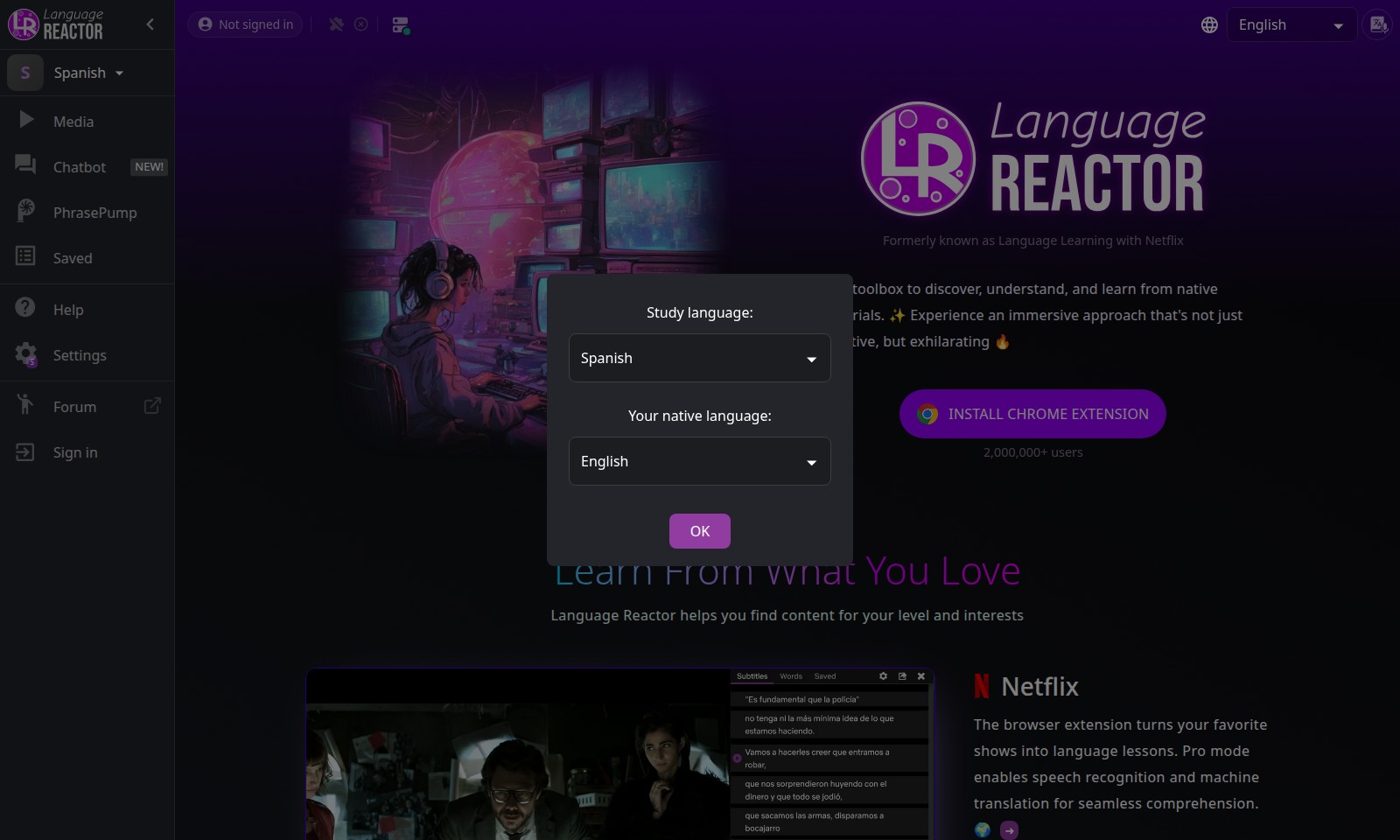
Language Reactor Introduction
Discover the Power of Language Reactor
Language Reactor transforms your favorite shows and media into dynamic language lessons that engage your senses and enhance your learning experience. With a user-friendly browser extension, you can immerse yourself in Spanish through authentic content tailored to your interests and proficiency level.
Language Reactor Features
Feature 1 - Enhanced Vocabulary Acquisition
Improve your language skills while watching your favorite Netflix shows with our Bilingual Subtitles feature.
This offers a synchronized view of subtitles in your target language along with your native language, allowing for contextual understanding of vocabulary and phrases. Designed for language learners at all levels, it facilitates real-time vocabulary acquisition while enjoying native media.
Feature 2 - Immersive Learning Experience
Transform your entertainment into educational moments with our unique Pro Mode.
This feature enables speech recognition and machine translation, helping you to comprehend dialogues effortlessly. Perfect for individuals who consume media regularly and want to enhance their listening skills by immersing in authentic conversations.
Feature 3 - Curated Content Selection
Customized content recommendations based on your interests and proficiency are just a few clicks away.
With access to thousands of YouTube channels and podcasts, our platform ensures you can study language through materials that truly engage you. This targeted approach caters specifically to those wanting to improve their comprehension with content that excites them.
Feature 4 - Text-to-Speech Functionality
Bring your reading to life with our Text-to-Speech feature.
This allows you to import any webpage or book into our system and listen as the text is read aloud. Ideal for busy professionals or learners who benefit from auditory inputs, ensuring that language acquisition occurs in an effective, hands-free manner.
Feature 5 - Versatile Learning Platforms
Leverage different media types for a holistic language experience.
Our tool supports a variety of formats, be it Netflix shows, YouTube videos, or personal documents. This multi-platform compatibility allows you to tailor your learning experience according to your personal style and schedule. Suitable for students, professionals, or anyone interested in efficiently learning a new language.
Frequently Asked Questions About Language Reactor
Frequently Asked Questions
How does Language Reactor work for Netflix?
Language Reactor transforms your favorite Netflix shows into language learning experiences. By adding bilingual subtitles and enabling features like speech recognition, you can effortlessly improve your comprehension while enjoying your favorite content.
What type of content can I use with Language Reactor?
You can use Language Reactor with a variety of media, including Netflix, YouTube, podcasts, and even books. The extension allows you to import web pages or upload books, making it a versatile toolkit for language learning.
Is there a cost to use Language Reactor?
Language Reactor offers a free version with substantial features. For users looking for advanced functionalities like Pro mode, which includes machine translation, a subscription may be required. Check our website for the pricing details.
Can I learn multiple languages with Language Reactor?
Absolutely! Language Reactor supports various languages, allowing users to immerse themselves in their preferred learning languages. Whether you're learning Spanish, French, or any other language, the platform is equipped to help you succeed.
How do I install the Language Reactor extension?
To install, simply visit the Chrome Web Store, search for Language Reactor, and click on 'Add to Chrome'. The installation process is quick and easy, and you can begin enhancing your language skills almost immediately.
How to Use Language Reactor
Register for an Account
Visit the website and locate the registration button. Fill in the required fields with your email address and a secure password. Confirm your email address through the link sent to your inbox to activate your account.
Install the Chrome Extension
Go to the Chrome Web Store and search for the Language Reactor extension. Click on 'Add to Chrome' and follow the prompts to install it. Once installed, ensure it is enabled in your browser settings for the best performance.
Set Up Your Profile
Navigate to your profile settings once logged in. Add your preferred language for learning and any other personal details that will enhance your experience, such as interests and goals.
Explore Content
Browse the home page to discover various content categories such as Netflix, YouTube, and Podcasts. Start by clicking on the content that interests you the most, taking note of the available language features.
Utilize Bilingual Subtitles
When watching a video, activate the bilingual subtitles option. This feature allows you to see both your target language and your native language for a better understanding while watching.
Engage with Pro Mode
For advanced users, enable Pro mode in the extension settings. This mode offers speech recognition and machine translation, which aids in comprehending difficult passages and enhances your listening skills.
Import Favorite Content
If you have specific websites or books, use the import feature to upload them into Language Reactor. Utilize the Text-to-Speech function to listen along while reading, reinforcing your language acquisition.
Connect with the Community
Join the forum to connect with other learners and share experiences. Ask questions and participate in discussions to enhance your learning journey and make new friends with similar interests.
Reviews
Pros
- Easy to use
- Fast processing
- Great results
- Affordable pricing
Cons
- Limited free version
- Requires internet connection
Comments
No comments yet. Be the first to share your thoughts!
Language Reactor - Alternative Platforms
For some alternatives to Language Reactor that you may need, we provide you with sites divided by features.

Unleash the potential of voice AI with expressive text-to-speech, voice cloning, and conversational AI designed for creators and enterprises.
Yoodli introduces a comprehensive playbook to enhance sales training and communication skills through AI-driven roleplays.
An AI-powered TTS platform enabling precise emotional speech and multi-voice generation for various projects.
Experience a wide range of audio stories, roleplays, and guides designed to enrich intimacy and promote personal pleasure.