Pitch
Pitch is an AI-driven platform for creating, collaborating, and delivering presentations, making it easier for teams to stay on-brand.
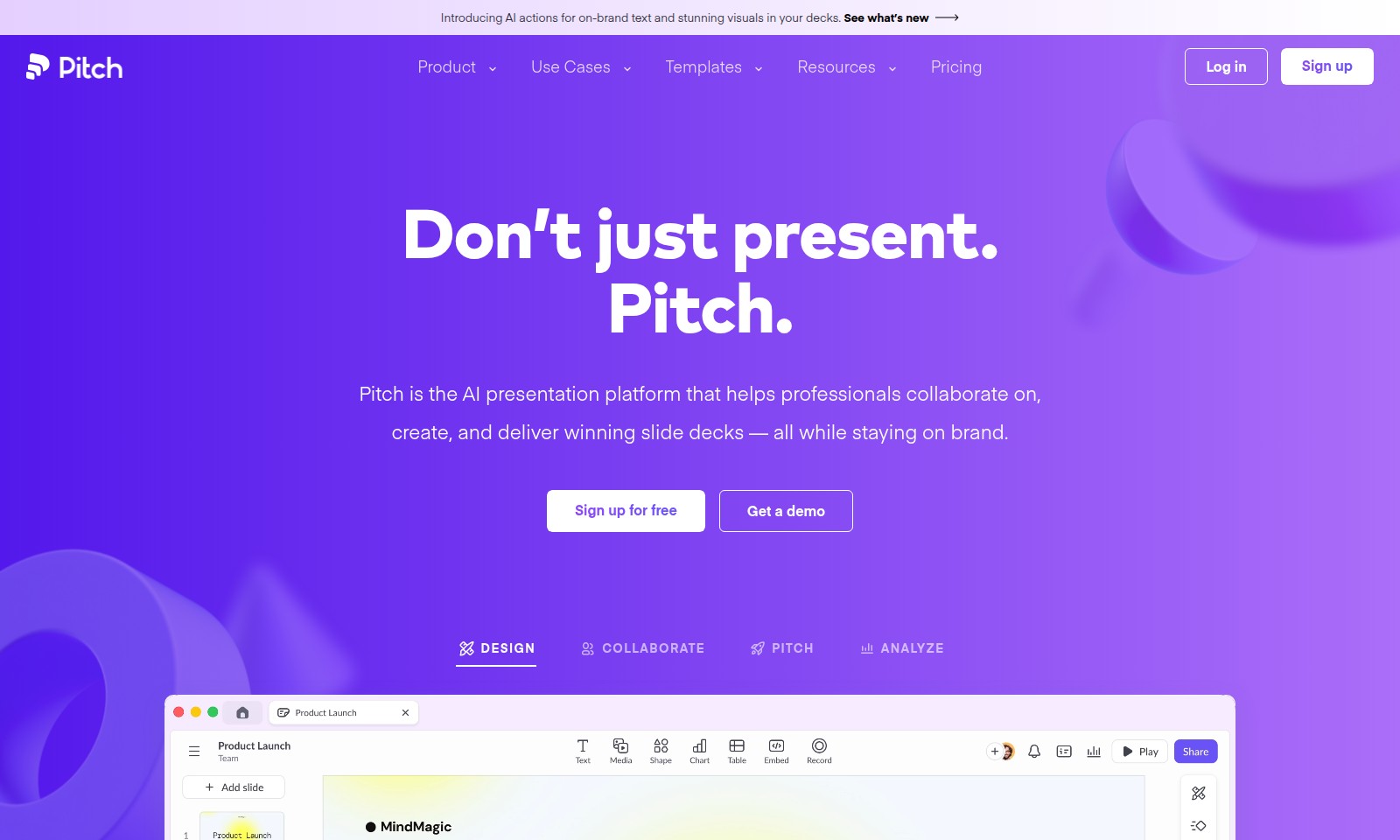
Pitch Introduction
Elevate Your Presentations with Pitch
Pitch is an innovative AI presentation platform designed to empower professionals in creating, collaborating, and delivering exceptional slide decks that resonate with their brand identity. By harnessing advanced AI actions, users can easily transform their ideas into compelling narratives paired with stunning visuals, ensuring that every presentation captivates the audience.
With Pitch, you have the tools to not only present but to pitch effectively. It provides a seamless experience, allowing teams to work together in real time while staying aligned with brand guidelines.
Pitch Features
Seamless Collaboration - Unmatched Team Productivity
Pitch allows teams to collaborate in real-time, enhancing productivity and ensuring consistency in branding. The platform's intuitive comment and feedback system streamlines communication, keeping all team members aligned.
AI-Powered Design Assistance - Effortless Creation
With Pitch's AI actions, users can generate on-brand text and visually stunning designs instantly. This feature minimizes design time and ensures adherence to brand guidelines, allowing professionals to focus on their core message.
Advanced Template Library - Boost Presentation Quality
Gain access to over 100 customizable templates crafted by experts in the field. This extensive library helps users elevate their presentations while saving time and effort on design.
Data-Driven Insights - Informed Decision-Making
Pitch provides analytics tools that help users understand how their presentations are performing. These insights inform future strategies, enhancing the effectiveness of communication and engagement.
Comprehensive Media Integration - Enhance Engagement
Easily integrate various media types into presentations, including images, videos, and charts. This flexibility in content sourcing enhances audience engagement and creates a more interactive experience.
Frequently Asked Questions About Pitch
Frequently Asked Questions
1. What is Pitch and how does it help in creating presentations?
Pitch is an AI-driven presentation platform designed for professionals to collaborate on, create, and present slide decks that are visually stunning and on-brand. With Pitch, you can leverage customizable templates and AI tools to streamline your presentation process, ensuring consistency and quality.
2. How can I get started with Pitch?
Getting started with Pitch is easy. You can sign up for free on our website, where you'll find a plethora of resources including guidelines, templates, and a demo to familiarize yourself with the platform. Once you're signed up, you can explore the platform and begin creating presentations right away.
3. Does Pitch offer templates for presentations?
Yes, Pitch offers over 100 customizable templates designed by experts in presentation design. You can select from these templates or upload your existing PPTX file to create a presentation that meets your needs while maintaining brand consistency.
4. Can multiple users collaborate on a single presentation in Pitch?
Absolutely! Pitch is built for collaboration, allowing multiple users to work on a single presentation simultaneously. You can leave comments, edit slides, and share insights in real-time, making it the perfect platform for team efforts.
5. How does Pitch ensure that presentations remain on-brand?
Pitch provides tools that help maintain brand integrity, such as customizable templates and brand kits. This prevents inconsistencies in design and messaging, so every presentation aligns with your brand’s standards and identity.
6. Is there a cost associated with using Pitch?
Pitch offers a free version to get you started and explore its features. For advanced functionalities, team collaboration tools, and access to premium templates, we offer various pricing plans to suit different needs and team sizes. Visit our pricing page for more details.
How to Use Pitch
Sign up for Pitch
To begin your journey with Pitch, go to the sign-up page on the website. Fill out the necessary information including your email and password, then confirm your account through the verification email sent to you.
Log in to Your Account
Once you’ve confirmed your email, return to the Pitch website and log in using your credentials. This will take you to your personalized dashboard where you can start creating presentations and explore templates.
Set up Your Profile
After logging in, it’s time to customize your profile. Go to the profile settings and add a profile picture, enter your company details, and set your preferences to personalize your experience.
Explore Templates
Navigate to the templates section to view over 100 unique and customizable templates. These templates are crafted by professionals and are a great starting point for your presentations.
Create Your First Presentation
To create a new presentation, select a template that suits your theme or purpose. Utilize the AI features to generate content or inputs where necessary, making the most of Pitch’s capabilities.
Collaborate with Your Team
Use the collaboration tools within Pitch to invite team members. Share the presentation link, and allow them to edit or comment on the slides, ensuring everyone is aligned and on brand.
Add Visuals and Text
Utilize the AI actions to enhance the text and visuals in your deck. This feature suggests on-brand images and text layouts, making your presentations visually stunning and cohesive.
Analyze Your Presentation
Once your presentation is ready, utilize Pitch’s analysis tools to gather feedback from your team or audience. This step is crucial to refine your presentation before delivery.
Present with Confidence
Finally, when everything is set, present your deck confidently. Use Pitch’s delivery features to ensure a smooth presentation, allowing you to focus on engaging your audience.
Reviews
Pros
- Easy to use
- Fast processing
- Great results
- Affordable pricing
Cons
- Limited free version
- Requires internet connection
Comments
No comments yet. Be the first to share your thoughts!
Pitch - Alternative Platforms
For some alternatives to Pitch that you may need, we provide you with sites divided by features.

Cradle's innovative platform enhances protein engineering, offering accelerated optimization and data security for biopharma and industrial applications.
Discover the top AI models in design, ranked by user votes and performance ratings, including leaderboards and community tournaments.
Discover how Maket democratizes architecture with AI-driven tools for floorplan generation, regulatory assistance, and design exploration.
Interior AI is an innovative app that allows users to upload images of their interiors and receive instant, photorealistic redesigns in various styles.