Plus AI
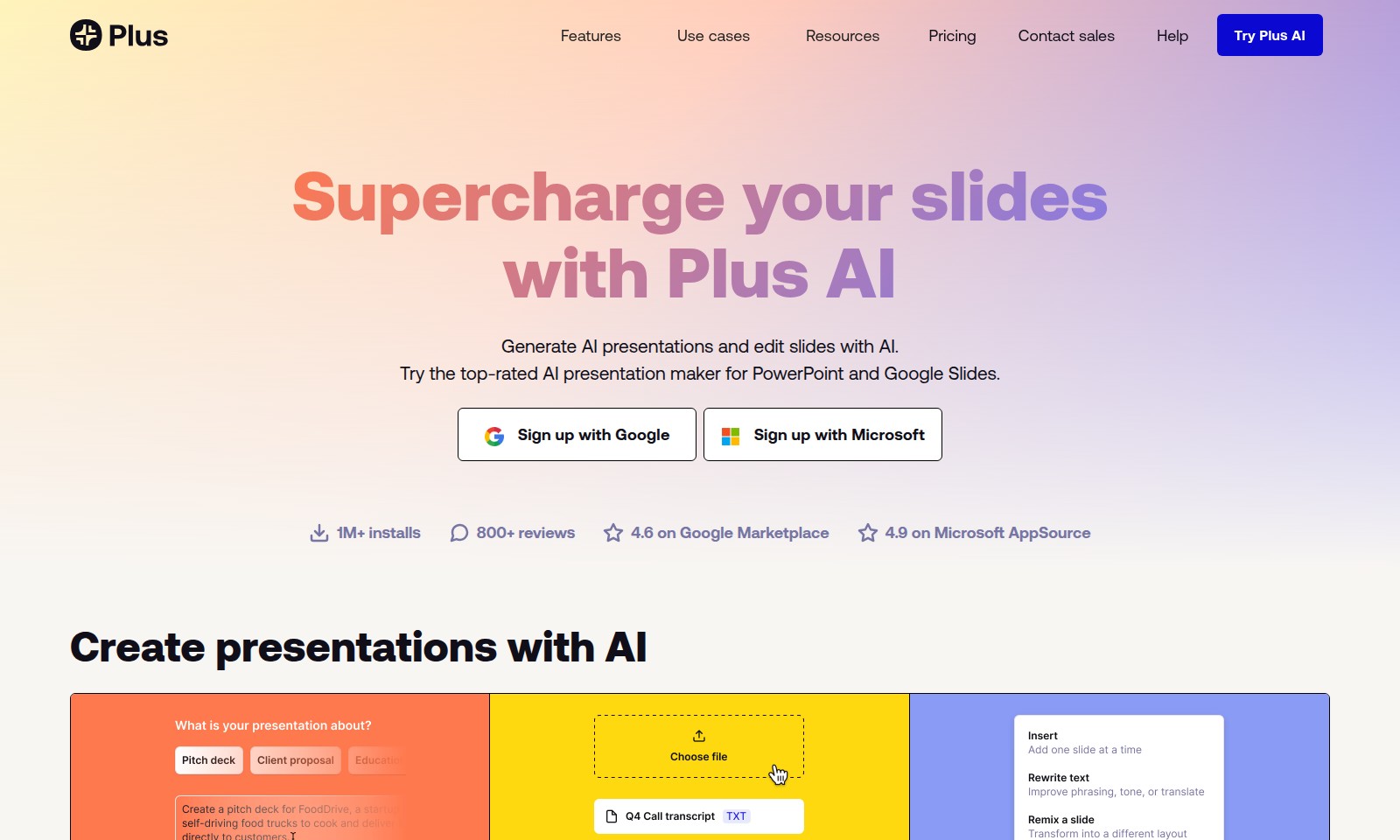
Plus AI enhances your presentations with features like AI-driven slide creation, direct integration in PowerPoint and Google Slides, and customizable templates for teams.
Plus AI Introduction
Unlock the Power of AI for Your Presentations
Plus AI revolutionizes the way you create and edit presentations by integrating advanced artificial intelligence directly into PowerPoint and Google Slides. With Plus AI, you can supercharge your slides and enhance your workflow, making it easier and faster to generate visually stunning and impactful presentations that captivate your audience.
Plus AI Features
AI-Powered Slide Generation - Effortless Presentations
Enhance your presentation process with AI-driven slide creation. This feature allows users to generate presentations from simple prompts or predefined templates, saving valuable time and effort.
Instant Document Upload - Seamless Integration
Easily upload various document types, including PDFs, Word documents, and PowerPoint files, to kickstart your presentation. This functionality supports multiple formats, ensuring that users can integrate existing content into their projects effortlessly.
One-Click Slide Refinement - Streamlined Editing
Revise and enhance your slides with ease using one-click refinement options. Enhance visuals by adding images, icons, and charts, transforming your presentations into engaging narratives swiftly.
Direct Compatibility with Google Slides and PowerPoint - Uninterrupted Workflow
Work within your favorite platforms without the need for additional applications. Enjoy the convenience of creating and editing presentations directly in Google Slides and PowerPoint, ensuring a smooth and efficient workflow.
Ownership of Generated Content - Lifetime Benefits
Everything created using Plus AI is yours to keep. Enjoy the peace of mind that comes with knowing your content is permanently accessible, allowing for continuous refinement and reuse in future projects.
Frequently Asked Questions About Plus AI
Frequently Asked Questions
1. What is Plus AI and how does it work?
Plus AI is an AI-driven presentation tool that simplifies the creation and editing of presentations in PowerPoint and Google Slides. You can start with a prompt or upload existing files like PDFs and Word documents to generate tailored slides effortlessly.
2. Can I use Plus AI to enhance existing presentations?
Absolutely! Plus AI allows you to refine and remix your slides in just one click. You can add images, icons, and charts to make your presentations more engaging and visually appealing.
3. Is Plus AI available for free?
Yes, you can start a free trial of Plus AI to experience its features. With over 1 million installs and high user ratings, many find it invaluable for their presentation needs.
4. How can I sign up for Plus AI?
You can easily sign up using your Google or Microsoft account. This streamlined process allows you to quickly start creating presentations without missing a beat.
5. What formats can I upload for creating presentations?
Plus AI supports various formats including PDF, Word documents (.docx), PowerPoint (.pptx), and text files, making it flexible to cater to your existing content.
6. Do I retain ownership of my presentations created with Plus AI?
Yes, everything you generate with Plus AI is yours forever. You can edit and use your presentations as needed, ensuring full ownership of your content.
How to Use Plus AI
Step 1: Sign Up
To get started, click on the 'Sign Up' button located on the homepage. You can choose to sign up using your Google or Microsoft account for a quicker registration process. Just follow the prompts to complete your registration.
Step 2: Set Up Your Profile
Once registered, navigate to your profile settings. Fill in your details including your name and preferences. This will help tailor the experience to your needs.
Step 3: Explore Features
Take a moment to familiarize yourself with the features available. Look for the 'Features' section in the main menu to discover tools like AI-generated presentations, file uploads, and editing capabilities.
Step 4: Start Creating Presentations
To create a presentation, click on the 'Create' button. You can start from a prompt by describing your presentation topic, or select one of the presets provided to ease your workload.
Step 5: Upload Existing Files
If you have existing content you want to work with, utilize the upload feature to bring in your PDF, Word, or PowerPoint files. This allows you to edit and enhance your current presentations with AI tools.
Step 6: Edit Slides with AI
Once your presentation is ready, use the AI editing feature to refine your slides. Click on the edit button to reformat or rewrite content quickly. You can add images, icons, and charts for a more visually appealing presentation.
Step 7: Save and Share
After editing, make sure to save your work. You can also share your presentations directly to Google Slides or PowerPoint, allowing for seamless collaboration with others.
Reviews
Pros
- Easy to use
- Fast processing
- Great results
- Affordable pricing
Cons
- Limited free version
- Requires internet connection
Comments
No comments yet. Be the first to share your thoughts!
Plus AI - Alternative Platforms
For some alternatives to Plus AI that you may need, we provide you with sites divided by features.

Pane is an AI-enhanced spreadsheet tool that simplifies data management and collaboration for teams.
Graphy enables users to easily create beautiful graphs from various data sources, enhancing storytelling and decision-making with AI-driven insights.
Mermaid offers a powerful platform for creating various diagrams quickly and collaboratively, leveraging AI and easy-to-use features.
Discover your personal destiny through the Destiny Matrix, offering tools for analysis, chakra assessment, and relationship compatibility.