Vidu AI
Vidu is a cutting-edge AI video generator that simplifies video production, allowing users to create high-quality videos from text, images, or references.
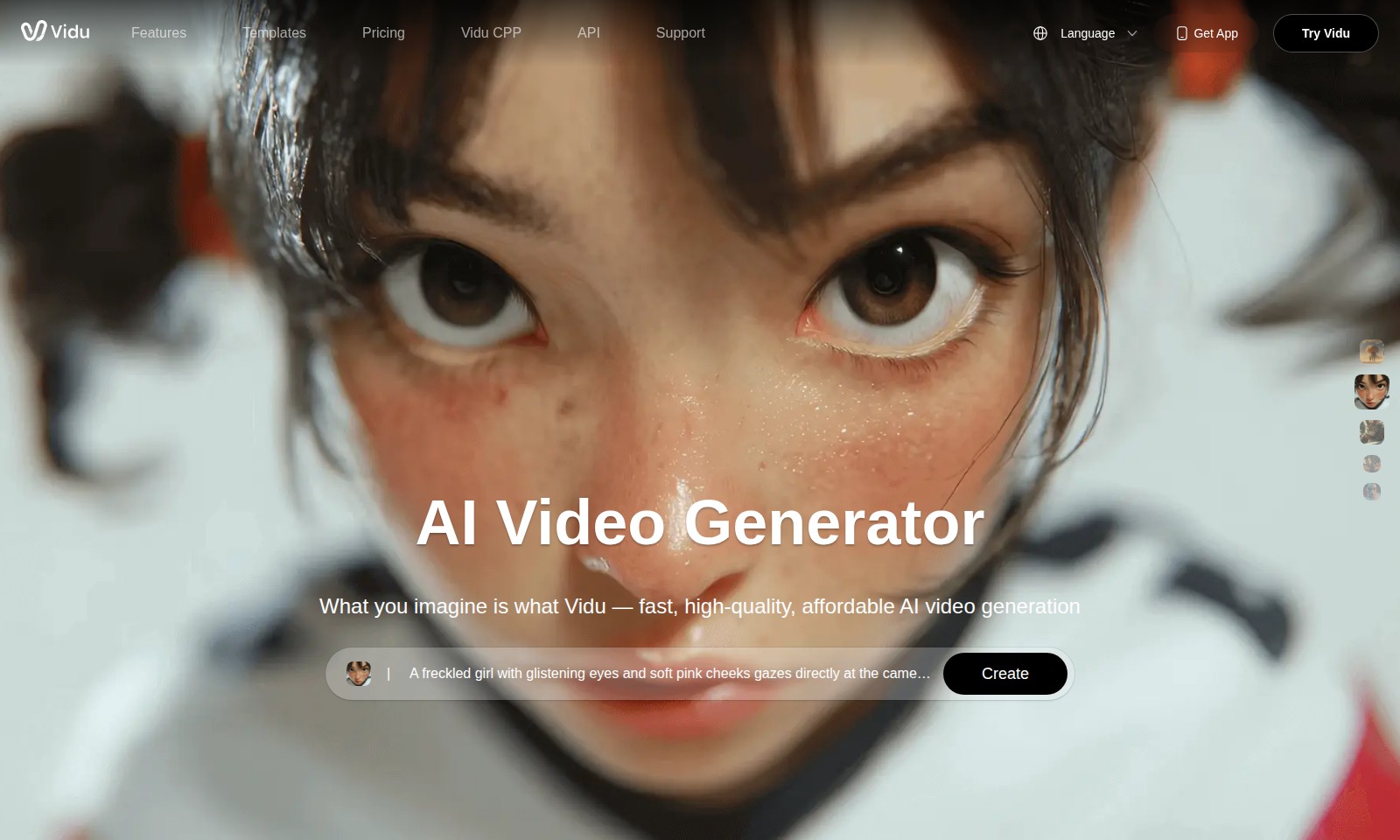
Vidu AI Introduction
Vidu: Revolutionizing AI Video Generation
Vidu is at the forefront of AI video generation, offering a powerful platform that transforms your ideas into high-quality videos swiftly and affordably. Our innovative technology integrates seamlessly with various media formats, enabling users to create engaging content effortlessly.
Vidu AI Features
Reference to Video - Enhanced Creative Alignment
Craft videos that resonate with your vision and reference material. Our innovative feature allows users to upload a reference video, ensuring the generated content matches the desired aesthetic and message.
Image to Video - Transform Visuals into Dynamic Stories
Convert static images into engaging video narratives. This capability utilizes advanced algorithms to animate images, turning a simple photo into a captivating video with minimal effort.
Text to Video - Seamless Content Creation
Transform written content into visually appealing videos in just a few clicks. By leveraging AI, our tool takes text input and generates matching visuals, enabling users to create informative videos efficiently.
AI Sound Effect Generator - Immersive Audio Experience
Enhance your videos with AI-generated sound effects tailored to match the on-screen action. This feature enriches the viewing experience, making your content more engaging and professional.
Templates - Streamlined Content Creation
Choose from a wide variety of professionally designed templates to kickstart your video creation. With this feature, users can save time and effort while ensuring high-quality, visually consistent output.
Pricing - Transparent and Flexible Plans
We offer a range of pricing options to cater to different needs and budgets, providing users the opportunity to access premium features without breaking the bank. Our affordable plans ensure accessibility for all users.
Vidu CPP - Comprehensive Production Platform
Utilize our all-in-one production platform for a smooth video creation process, from concept to completion. This feature is designed to support users at every step, facilitating a seamless workflow.
Frequently Asked Questions About Vidu AI
What features does Vidu offer?
Vidu provides a variety of features including video creation from references, AI sound effect generation, and customizable templates. Whether you want to transform an image into a video or convert text to video, Vidu has the tools to help streamline your process.
How to Use Vidu AI
Step 1: Register for an Account
Visit the Vidu website and click on the 'Get App' button. Fill in the registration form with your email and a secure password. Once completed, check your email for a verification link and confirm your account.
Step 2: Set up Your Profile
After verifying your account, log in and navigate to your profile settings. Add a profile picture and fill in your personal details to customize your user experience. Make sure to save your changes before proceeding.
Step 3: Explore Features
Explore the various features offered by Vidu, such as the AI Video Generator and the AI Sound Effect Generator. Familiarize yourself with the templates and tools available to help you create high-quality videos with ease.
Step 4: Create Your First Video
Click on 'Create' to start making your video. Choose a template that fits your project and upload any necessary media, such as images or text. Utilize the AI tools to enhance your video with sound effects or transitions as needed.
Step 5: Preview and Edit Your Video
Once you've created your video, preview it to see how it looks. Make adjustments as necessary, including editing text or adding new media. Take your time to ensure that your video meets your expectations.
Step 6: Publish and Share
After finalizing your video, click on the 'Publish' button. Choose your sharing options, whether to download the video or share it directly to social media. Celebrate your successful video creation!
Reviews
Pros
- Easy to use
- Fast processing
- Great results
- Affordable pricing
Cons
- Limited free version
- Requires internet connection
Comments
No comments yet. Be the first to share your thoughts!
Vidu AI - Alternative Platforms
For some alternatives to Vidu AI that you may need, we provide you with sites divided by features.

Seedance 2.0 revolutionizes video creation by offering a multimodal AI platform that allows users to generate high-quality videos from text and image inputs.
AI Baby Dance enables parents to transform baby photos into trending dance videos for TikTok, Instagram, and more, with no editing skills needed.
Medeo is a platform for creating professional videos by chatting with AI, offering multiple video formats and features.
Golpo AI enables users to create high-quality whiteboard videos in minutes, offering various pricing plans and a user-friendly interface.