Coral AI
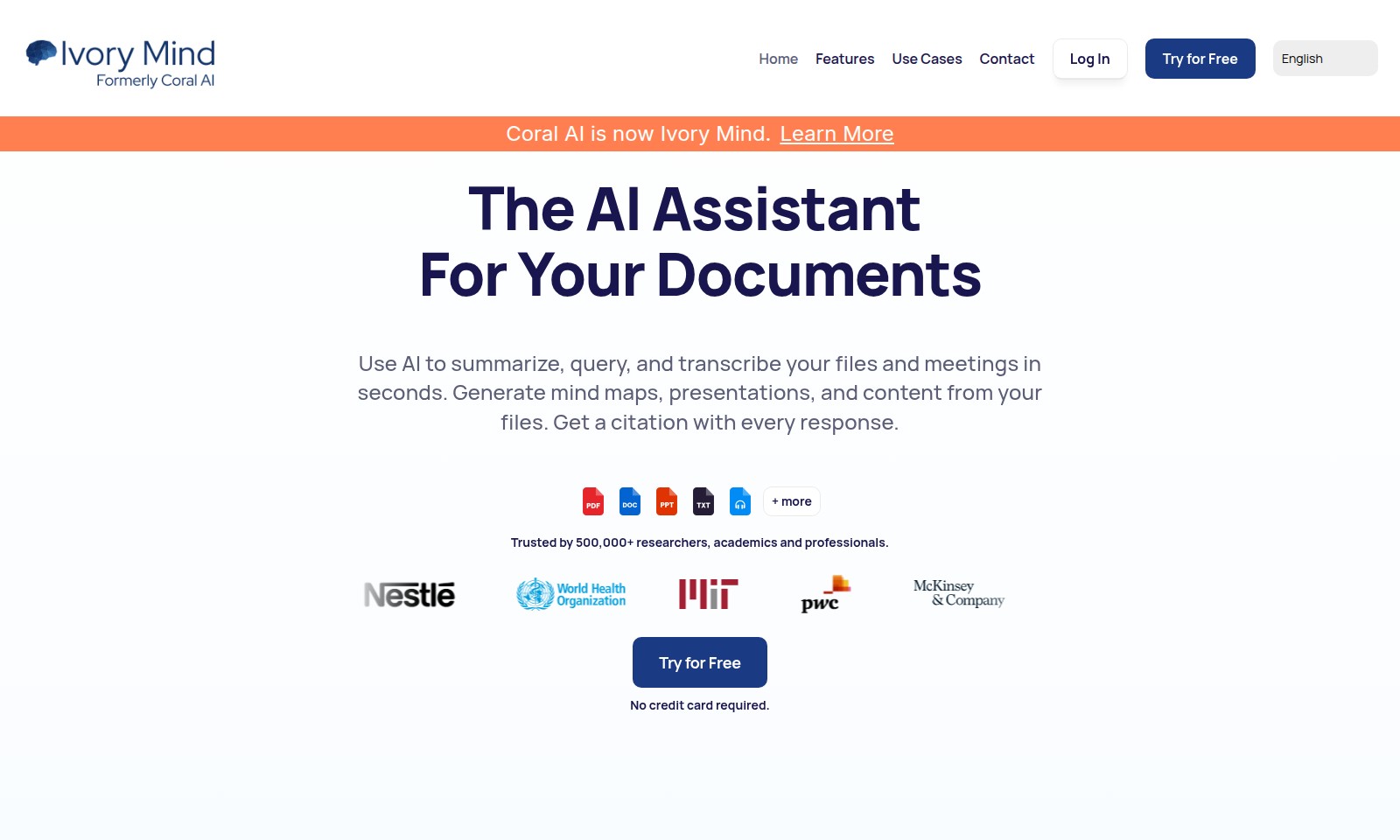
Ivory Mind offers an AI platform for researchers and students to efficiently manage documents, allowing quick access to information, citations, and content generation.
Coral AI Introduction
Make the Most of Your Documents with Ivory Mind
Ivory Mind transforms the way you interact with your documents by leveraging AI to summarize, query, and transcribe your files and meetings in mere seconds. Our platform allows you to generate mind maps, presentations, and comprehensive content based on your existing files, ensuring you get the most out of your research and professional tasks.
Coral AI Features
Summarize Content - Save Time and Effort
Ivory Mind quickly summarizes documents, helping users to grasp essential insights in a fraction of the time. With the ability to process long research papers and reports within seconds, this feature enables professionals and researchers to focus on more strategic tasks rather than sifting through endless pages of text.
Generate Deliverables - Streamline Your Workflow
This feature allows users to seamlessly create a variety of outputs, such as mind maps, presentations, and practice quizzes. By automating the generation of these resources, professionals can ensure consistency and save valuable time on repetitive tasks, enhancing productivity across all project phases.
Find Information - Effortless Document Search
Ivory Mind empowers users to search through all their documents with ease. By extracting key information and insights from a multitude of files, it offers a centralized resource for researchers and academics seeking quick access to specific data that can inform their work.
Citation with Every Response - Ensure Academic Integrity
Every time you utilize Ivory Mind’s summarization or content generation capabilities, a citation is automatically included. This feature is especially important for academics and professionals, as it not only saves time but also ensures that all generated content maintains high standards of academic integrity and proper sourcing.
Instant Transcriptions - Capture Every Detail
The AI Assistant provides users with instant transcriptions of meetings, lectures, and presentations. This feature is crucial for professionals who need to document discussions accurately and efficiently, helping teams maintain detailed records and improve follow-up communication.
User-Centric Experience - Tailored for Professionals
Ivory Mind's features are designed with the user's needs in mind, focusing on enhancing productivity and efficiency in critical use cases such as research, presentations, and team collaborations. By addressing the specific challenges faced by researchers and academics, the platform delivers unparalleled support in navigating complex information landscapes.
Frequently Asked Questions About Coral AI
Frequently Asked Questions
What can I do with Ivory Mind?
Ivory Mind allows you to summarize, query, and transcribe your files and meetings in seconds. You can generate mind maps, presentations, and other content, making your document management much easier.
How does the document summarization feature work?
The summarization feature leverages advanced AI algorithms to process your documents quickly. You simply upload your research papers, reports, or other files, and within seconds, you'll receive concise summaries, saving you hours of reading time.
Is there a free trial available?
Yes, you can try Ivory Mind for free without a credit card required. This allows you to explore our features and see how they can benefit your workflow before making a commitment.
Who can benefit from using Ivory Mind?
Ivory Mind is trusted by over 500,000 researchers, academics, and professionals across various fields. Whether you're a student, a business professional, or an academic, our tools can help streamline your documentation process.
Can I search through multiple documents at once?
Absolutely! Our Find Information feature allows users to search through all their documents at once, quickly extracting key insights and information from multiple sources simultaneously.
How to Use Coral AI
Step 1: Register Your Account
To start using Ivory Mind, visit the homepage and click on the 'Try for Free' button. Fill in the required information including your email and password to create an account. Confirm your registration via the email link sent to you.
Step 2: Log In
Once you have confirmed your email, return to the website and click on 'Log In'. Enter your credentials to access your personalized dashboard, where you can manage all your documents and settings.
Step 3: Set Up Your Profile
After logging in, navigate to your account settings to set up your profile. This is your chance to add a profile picture and any additional information that helps customize your experience.
Step 4: Explore Features
Take some time to familiarize yourself with the key features offered by Ivory Mind. These include document summarization, note-taking from lectures, generating presentations, and mind maps.
Step 5: Upload Your Documents
To utilize the AI features, begin by uploading documents you wish to work with. Click on 'Find Information' and easily drag and drop your files or select them to upload.
Step 6: Summarize Content
Once your documents are uploaded, use the summarization feature to condense the information. This can be useful for quickly understanding lengthy articles or reports.
Step 7: Generate Deliverables
For presenting your findings or preparing for meetings, use the 'Generate Deliverables' option. This allows you to create professional documents like reports, cover letters, and practice quizzes instantly.
Step 8: Utilize AI Assistant
Make full use of the AI Assistant by asking it to summarize, query, or even transcribe your documents. It helps save time during research by providing quick insights.
Step 9: Search Through Documents
If you need specific information, utilize the search function. Type keywords related to the content you're looking for, and the system will pull relevant findings quickly.
Step 10: Continuous Learning
Experiment with the platform and keep learning. As you use Ivory Mind's features more, you'll discover new ways to enhance your productivity and organization.
Reviews
Pros
- Easy to use
- Fast processing
- Great results
- Affordable pricing
Cons
- Limited free version
- Requires internet connection
Comments
No comments yet. Be the first to share your thoughts!
Coral AI - Alternative Platforms
For some alternatives to Coral AI that you may need, we provide you with sites divided by features.