Offset
Offset automates Excel tasks to save time and enhance productivity, allowing users to create DCF models effortlessly.
Offset Introduction
Offset: Your Ultimate Excel Assistant
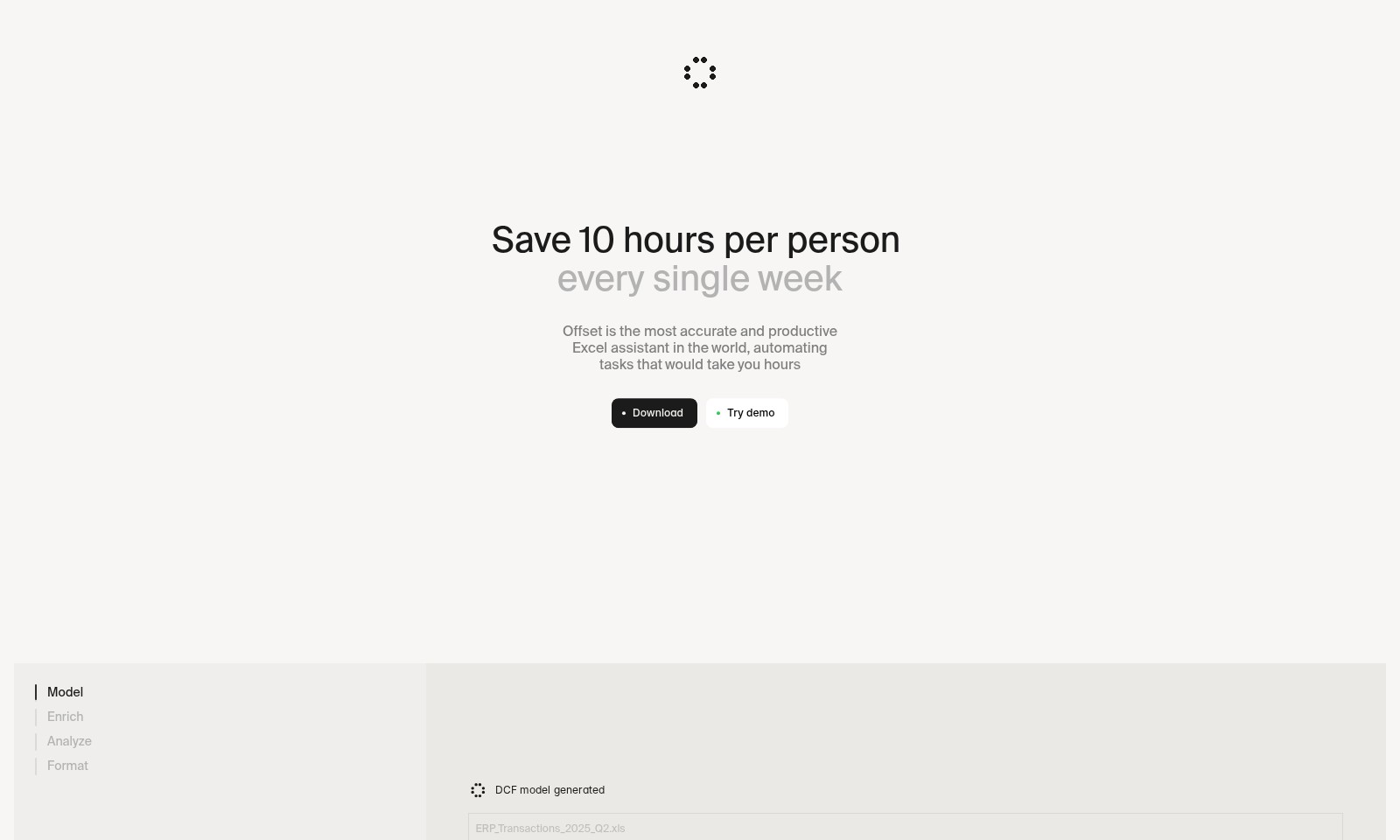
Offset is designed to transform the way you manage your financial modeling tasks. By automating what traditionally takes hours, it saves you 10 hours per person every single week. With robust features like automatic DCF model generation, comprehensive analysis, and efficient formatting, Offset is not just an Excel tool; it's a strategic partner in your financial journey.
Offset Features
Save Time with Offset - Enhance Productivity
Offset is the premier Excel assistant, designed to automate tedious tasks, saving users up to 10 hours per person every week. With its intelligent algorithms, Offset streamlines data processing, allowing professionals to focus on decision-making rather than manual inputs.
Smart DCF Generation - Intelligent Financial Modeling
Create detailed Discounted Cash Flow (DCF) models quickly and accurately. Offset leverages historical financial data, enabling the automatic generation of comprehensive DCFs without the usual complexity, hence minimizing error margins and maximizing efficiency.
Multi-Scenario Analysis - Make Informed Decisions
Conduct multiple financial scenarios with ease. Offset’s scenario modeling feature allows users to simulate various financial outcomes based on customizable assumptions, thus empowering financial analysts to plan effectively for different outcomes without extensive manual recalculating.
Automatic Formatting - Consistency Made Easy
Uniformity in presentations? Offset handles it seamlessly. Enjoy clean, professional reports with automatic formatting, ensuring consistent style and structure across all outputs, meeting high standards expected in corporate environments and saving valuable time.
Comprehensive Data Enrichment - Complete Insights
Transform raw data into actionable insights with Offset’s enriching capabilities. By integrating various data sources and applying advanced analytical techniques, users gain a broader understanding of financial metrics, leading to improved strategic decisions and clearer presentations of results.
Frequently Asked Questions About Offset
Frequently Asked Questions
-
How does Offset help save time?
Offset is designed to automate tedious Excel tasks that typically consume hours of your week. By handling calculations and generating reports, it can save up to 10 hours per person every week. -
What features does Offset offer?
Offset provides a range of features, including DCF model generation, data analysis, and formatting. These tools allow users to create complex financial models and scenarios without being bogged down by manual data entry. -
Is there a trial version available?
Yes, you can try a demo of Offset before committing. This allows you to experience its capabilities and see how it can streamline your Excel tasks. -
How do I download Offset?
You can easily download Offset directly from our website. Simply click on the download button, and the installation process will guide you through the setup. -
Can Offset handle large datasets?
Absolutely! Offset is optimized for performance, allowing it to efficiently manage and process large amounts of data without compromising speed or accuracy. -
What kind of support is available for users?
We offer extensive user support, including tutorials, documentation, and a customer service team ready to assist you with any queries regarding software functionality.
How to Use Offset
Step 1: Create Your Account
To get started with Offset, visit the homepage and click on the 'Download' button. Follow the prompts to fill in your details and create your account by confirming your email.
Step 2: Set up your profile
Once you've registered, log into your account and navigate to your profile settings. Here, add relevant information about your business or role to tailor the experience to your needs.
Step 3: Explore the Dashboard
After setting up your profile, familiarize yourself with the dashboard. Take a look at the main functionalities available and see quick links to the most used features like 'Model', 'Analyze', and 'Format'.
Step 4: Start Your First Project
To begin a new project, click on the 'Model' option in the dashboard. Choose from pre-built templates or start from scratch to create your DCF model, making sure to have your company's historical financials ready.
Step 5: Input Financial Data
Input your financial data into the designated fields. For DCF modeling, include parameters like Free Cash Flow, growth assumptions, and discount factors to ensure accuracy in valuations. This minimizes manual calculations and enhances productivity.
Step 6: Generate Insights
Once data is entered, click the 'Analyze' button to generate analytics and insights. Use this information to guide your financial decisions based on accurate forecasts and projected scenarios.
Step 7: Format Your Results
To create a professional report, click on the 'Format' section. Customize your charts and tables for clarity and presentation. Export these results to share with your team or stakeholders, showcasing the value of your analysis.
Step 8: Utilize Support Resources
If you encounter issues or need additional guidance, check out the 'FAQ' section for common queries. You can also contact support directly for more complex inquiries to get the most out of your Offset experience.
Reviews
Pros
- Easy to use
- Fast processing
- Great results
- Affordable pricing
Cons
- Limited free version
- Requires internet connection
Comments
No comments yet. Be the first to share your thoughts!
Offset - Alternative Platforms
For some alternatives to Offset that you may need, we provide you with sites divided by features.

Discover GPT for Work, the ultimate AI tool for bulk processing tasks in Google Sheets and Excel, designed for efficiency and ease of use.