Solid
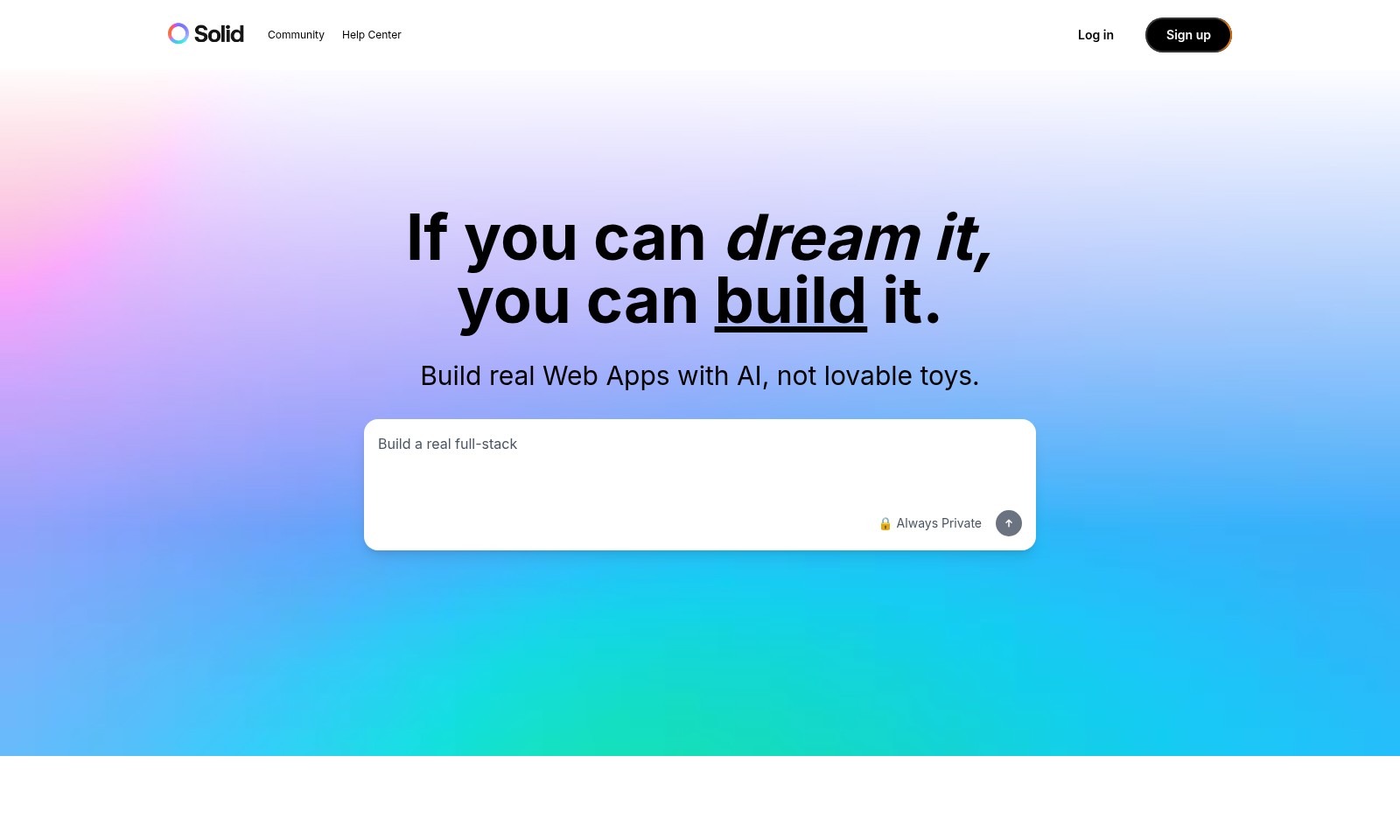
Solid empowers both technical and non-technical users to build authentic web applications easily and securely, offering extensive tools and integrations.
Solid Introduction
Build Your Vision into Reality
Solid empowers you to create robust web applications without the need for extensive coding knowledge. While other platforms may offer simplistic solutions for quick prototypes, we provide tools that enable you to construct fully functional, scalable applications that resemble what expert developers would create. With our platform, if you can envision it, you can build it.
Solid Features
Seamless Integration - Empower Your Workflow
Integrate with any tool via real code to streamline your operations. Solid supports popular frameworks like Node.js, React, and TypeScript, ensuring that your web apps align with industry standards.
Secure by Design - Trust in Your Data
Your data's privacy is our priority. Solid is built to be secure from the ground up, unlike other platforms that compromise on safety to offer quicker results.
Speedy Development - Build Faster, Iterate Better
Achieve rapid development cycles, allowing you to focus on refining your product rather than getting bogged down in details. With the right tools, Solid accelerates your path from concept to deployment.
Real-World Applications - Build Beyond Prototypes
Create applications with true functionality, not just toys. Solid enables developers to create robust web applications that serve a real purpose, unlike platforms that only provide limited prototype capabilities.
Scalability - Grow Without Limits
Design applications that can grow as your needs expand. Solid ensures your apps can handle increasing user demands without a hitch, providing peace of mind as you scale your operations.
Frequently Asked Questions About Solid
Frequently Asked Questions
What makes Solid different from other app development tools?
Solid builds your web apps like a real developer would, using technologies like Node.js, React, TypeScript, and Docker. Unlike other platforms that provide basic prototypes, Solid delivers full-stack applications that are robust and ready for real-world use.
Is coding knowledge required to use Solid?
No coding knowledge is needed to get started with Solid. Our platform is designed for users of all skill levels, allowing anyone to build real software without needing to write code from scratch.
How private is my data when using Solid?
Your data security is our priority. Solid is built with a secure design that keeps your applications and data private. We prioritize your privacy so you can focus on building without worrying about data exposure.
Can I integrate other tools with my Solid application?
Absolutely! Solid allows for easy integration with any tool you might need. Since it generates real code, you can connect to a variety of APIs and enhance your app's functionality seamlessly.
What kind of support is available for Solid users?
Our Help Center offers extensive documentation, tutorials, and community support. Plus, you can reach out to our dedicated support team for personalized assistance whenever you need help navigating your development journey.
How to Use Solid
Step 1: Sign Up for an Account
Visit our website and click on the 'Sign up' button. Fill in the required details such as your email address, and password, and agree to our terms of service. Once you submit the form, check your email for a confirmation link to activate your account.
Step 2: Log In to Your Account
After confirming your email, return to the website and click on 'Log in'. Enter your registered email and password to access your account. This will direct you to your personal dashboard.
Step 3: Set Up Your Profile
In your dashboard, navigate to the profile settings section. Add a profile picture, a brief bio, and any other relevant information to personalize your account. Saving these changes will help you connect better with the community.
Step 4: Explore the Help Center
Familiarize yourself with our Help Center. It contains a wealth of resources, including tutorials and FAQs, to assist you in navigating and utilizing the platform effectively. This is a great place to get started before diving into creating your first app.
Step 5: Create Your First Project
Click on the 'New Project' button in your dashboard. Choose a project template that suits your needs, and follow the guided steps to set up your web application. Remember, building with Solid allows you to create real, fully functional web apps.
Step 6: Utilize Key Features
Once your project is set up, explore our key features, such as integrating AI tools, using Node.js, React, and Docker. These tools enable you to elevate your app's functionality without requiring extensive coding knowledge.
Step 7: Test Your Application
After developing your app, use the built-in testing tools to ensure everything functions smoothly. This step is crucial to catch any potential bugs or issues before you launch your app to the public.
Step 8: Launch Your App
When you’re satisfied with your creation, it’s time to launch! Click on the launch button, and your app will be live for the world to see. Congratulations on bringing your vision to life!
Step 9: Join the Community
Don’t forget to join our community of builders. Share your experiences, get feedback, and learn from others. Networking will help you grow and improve your skills alongside like-minded individuals.
Reviews
Pros
- Easy to use
- Fast processing
- Great results
- Affordable pricing
Cons
- Limited free version
- Requires internet connection
Comments
No comments yet. Be the first to share your thoughts!
Solid - Alternative Platforms
For some alternatives to Solid that you may need, we provide you with sites divided by features.