Voicemod
Voicemod offers a free AI voice changer and soundboard for enhancing your online communication with over 200 voice effects and instant sound replay.
Voicemod Introduction
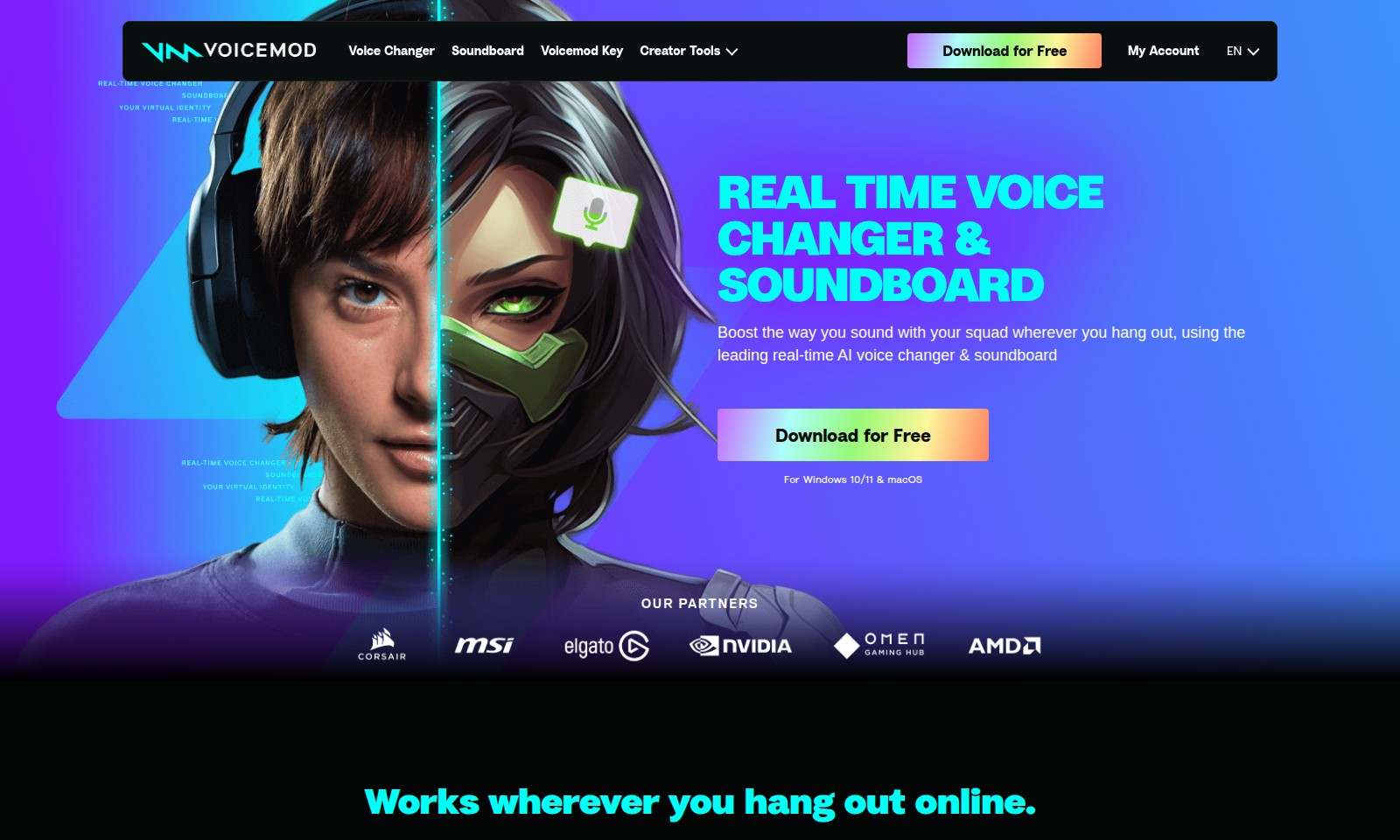
Real-Time Voice Changer & Soundboard
Experience an innovative approach to enhancing your online voice interactions with our state-of-the-art real-time voice changer and soundboard. Designed for gamers, streamers, and casual users alike, this tool allows you to transform your voice instantly, making every conversation more engaging and fun. Download our free software for Windows 10/11 and macOS, and redefine how you communicate online.
Voicemod Features
Real-Time Voice Changer - Enhance Your Voice Interactions
Transform your voice instantly with our cutting-edge technology tailored for real-time applications. Experience unprecedented quality and responsiveness, ensuring your voice matches your gaming persona or streaming character seamlessly.
Diverse Soundboard - Elevate Your Online Presence
Access a library of over 200 sound effects and voice filters that can enrich any conversation. Whether you're streaming, gaming, or chatting with friends, our soundboard provides the tools to make your interactions memorable.
Compatibility Across Platforms - Connect Wherever You Are
Utilize our features across various platforms, including Discord and popular in-game voice chats. This ensures that no matter where you are, your voice enhancement capabilities are just a click away.
Community-Driven Features - Stay Ahead of Trends
Tap into a robust community that continuously uploads new voices and memes. Our platform allows users to share and download popular content, keeping your selections fresh and relevant for all your engagements.
User-Friendly Interface - Get Started Instantly
Designed with simplicity in mind, our interface enables users of any skill level to start customizing their audio experience right away. Effortless navigation ensures that you can focus on what truly matters—your interactions.
Customization Options - Personalize Your Experience
Adjust and fine-tune voice settings to match your personal style or the vibe of your conversations. With various sliders and controls, you have the power to shape your audio identity exactly as you wish.
Secure & Reliable - Peace of Mind While You Play
Our platform prioritizes user security and data protection. Enjoy a seamless experience without worrying about your personal information being compromised while using our voice changing tools.
Frequently Asked Questions About Voicemod
Frequently Asked Questions
What is Voicemod?
Voicemod is a real-time voice changer and soundboard application that allows you to modify your voice using AI technology. It works with a variety of voice apps like Discord and in-game voice chats, providing an immersive experience while gaming or chatting with friends.
How do I download and install Voicemod?
You can easily download Voicemod for free from our website, compatible with both Windows 10/11 and macOS. Just click on the 'Download for Free' button and follow the installation instructions provided on the screen.
Can I use Voicemod in my games?
Absolutely! Voicemod is designed to work seamlessly within in-game voice chats. Whether you’re playing popular games or streaming, your voice can be altered in real-time to enhance your gaming experience.
What types of voices does Voicemod offer?
Voicemod includes over 200 unique voices ranging from AI anime characters to nostalgic Battlefield-style radios. These voices allow users to become anyone they want, making it fun and engaging for gaming or just vibing with friends.
How can I add sound effects to my chat or stream?
You can use the soundboard feature to drop sound memes and add hilarious effects during your conversations or streams. Simply choose from a library of sound effects, and you’ll be able to express yourself even better in your group chats.
Is Voicemod free to use?
Yes, Voicemod is available for free. We also offer premium features that you can unlock for a more enhanced experience, including exclusive voices and sounds. You can always start with the free version and explore its capabilities before deciding on an upgrade.
How to Use Voicemod
Register for an Account
Begin your journey by visiting our website and clicking on the 'Download for Free' button. Follow the instructions to create your unique account, ensuring you provide an accurate email address for verification.
Verify Your Email
After registration, check your inbox for an email confirmation. Click the link provided in the email to verify your account and unlock all features.
Download the Software
Return to our website and select the appropriate version for your operating system (Windows 10/11 or macOS). Click the download button and wait for the installation file to download.
Install the Software
Locate the downloaded file and follow the installation prompts. Make sure to grant any necessary permissions for the software to function correctly on your device.
Set up Your Profile
Once installed, open the Voicemod app and navigate to your profile settings. Fill in your information and customize your experience based on your preferences.
Explore Key Features
Take a few moments to familiarize yourself with the main features: the real-time voice changer and soundboard. Experiment with different voices and sounds to see what suits your style.
Join the Community
Engage with other users by visiting our Community section. Share your favorite sounds or voice filters, and discover trending options that you can use in your chats.
Start Using the Voice Changer
Now that you've set everything up, it’s time to test the voice changer. Open your preferred voice application, such as Discord, and select Voicemod as your input device.
Use the Soundboard
During your conversations, enhance the chat experience by using the soundboard feature. Choose from over 200 sounds and effects to add humor and excitement to your discussions.
Share Your Experience
Once you've experimented with the features, share your feedback on social media or in the Community forum. We value your thoughts and want to hear how Voicemod is changing the way you communicate online.
Reviews
Pros
- Easy to use
- Fast processing
- Great results
- Affordable pricing
Cons
- Limited free version
- Requires internet connection
Comments
No comments yet. Be the first to share your thoughts!