Wan 2.2 AI
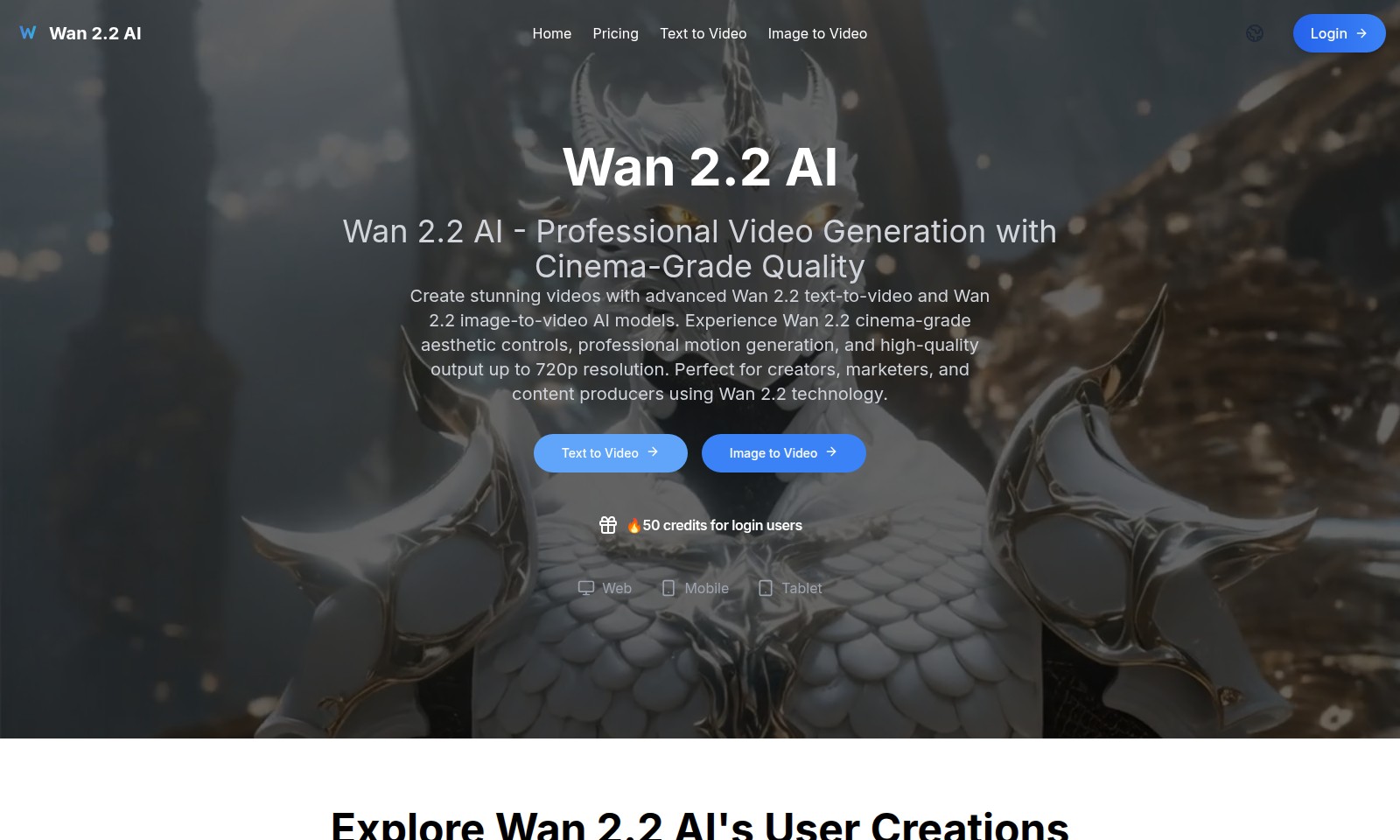
Wan 2.2 AI offers advanced video generation tools, enabling users to create professional-grade videos from text or images with exceptional quality.
Wan 2.2 AI Introduction
Unlock Your Creativity with Wan 2.2 AI
Experience the transformative power of our Wan 2.2 AI technology, designed to revolutionize the way you create professional-grade videos. With our advanced text-to-video and image-to-video capabilities, you can effortlessly transform written scripts and images into visually stunning videos that capture attention and convey your message effectively.
Wan 2.2 AI Features
Professional Video Generation with Cinema-Grade Quality
Create stunning videos effortlessly using Wan 2.2 AI's advanced text-to-video and image-to-video models. Enjoy cinema-grade aesthetic controls and professional motion generation, ensuring high-quality output up to 720p resolution, ideal for creators and marketers alike.
Frequently Asked Questions About Wan 2.2 AI
Frequently Asked Questions
What is Wan 2.2 AI?
Wan 2.2 AI is a cutting-edge platform that leverages advanced AI technology to generate high-quality videos from text and images. It provides creators, marketers, and content producers with tools to create professional-grade video content effortlessly.
How does the text-to-video feature work?
The text-to-video feature allows users to input written content, which the AI then transforms into a captivating video. It uses advanced algorithms to ensure that the visuals align closely with the narrative, producing engaging and informative video content.
What is the resolution of the videos generated?
Videos generated using Wan 2.2 AI can reach resolutions up to 720p, ensuring a high-quality viewing experience. This makes the platform suitable for both online sharing and professional presentations.
Are there any costs associated with using Wan 2.2 AI?
Users can enjoy the platform by logging in, which grants them 50 credits to start. Additional usage may require purchasing more credits, so users should check the pricing section for more details.
Can I use the generated videos on my website or social media?
Absolutely! The videos generated with Wan 2.2 AI are perfect for embedding on websites or sharing across social media platforms. This feature supports enhanced engagement and visibility for content creators.
Is there support available if I have questions or issues?
Yes, Wan 2.2 AI offers support for users encountering questions or issues. You can reach out through the designated support channels on the website for assistance.
How to Use Wan 2.2 AI
Step 1: Register for an account
To start using Wan 2.2 AI, visit the registration page and fill out the required fields. Ensure your email address is valid, as it will be used for verification.
Step 2: Verify your email
Check your inbox for a verification email from Wan 2.2 AI and click on the link provided. This will activate your account and allow you to log in.
Step 3: Log in to your account
Now that your account is verified, go to the login page. Enter your email and password, then click on the login button to access your dashboard.
Step 4: Set up your profile
Once logged in, navigate to your profile settings. Fill in the necessary information such as your name and preferences, which will enhance your user experience.
Step 5: Explore key features
Take a moment to familiarize yourself with the website's features. Explore options like text-to-video and image-to-video to understand what tools are available to you.
Step 6: Get started with a project
Choose either the text-to-video or image-to-video option to start your first project. Follow the prompts to upload your content and use the AI tools provided.
Step 7: Customize your video
Utilize Wan 2.2’s cinema-grade aesthetic controls to tailor your video. Adjust lighting, effects, and other settings to achieve your desired look.
Step 8: Preview your video
Once you’ve finished editing, preview your video to ensure it meets your expectations. Make any final adjustments as needed.
Step 9: Export your video
After finalizing your edits, export your video. Select the desired resolution, and your video will be processed for download.
Step 10: Share your creation
Share your completed video on social media or embed it in your website. Use the sharing options provided to maximize your content's reach.
Reviews
Pros
- Easy to use
- Fast processing
- Great results
- Affordable pricing
Cons
- Limited free version
- Requires internet connection
Comments
No comments yet. Be the first to share your thoughts!
Wan 2.2 AI - Alternative Platforms
For some alternatives to Wan 2.2 AI that you may need, we provide you with sites divided by features.