Flakes
Experience Flakes, the efficient browser for macOS that combines AI assistance with keyboard navigation for a focused, clutter-free workspace.
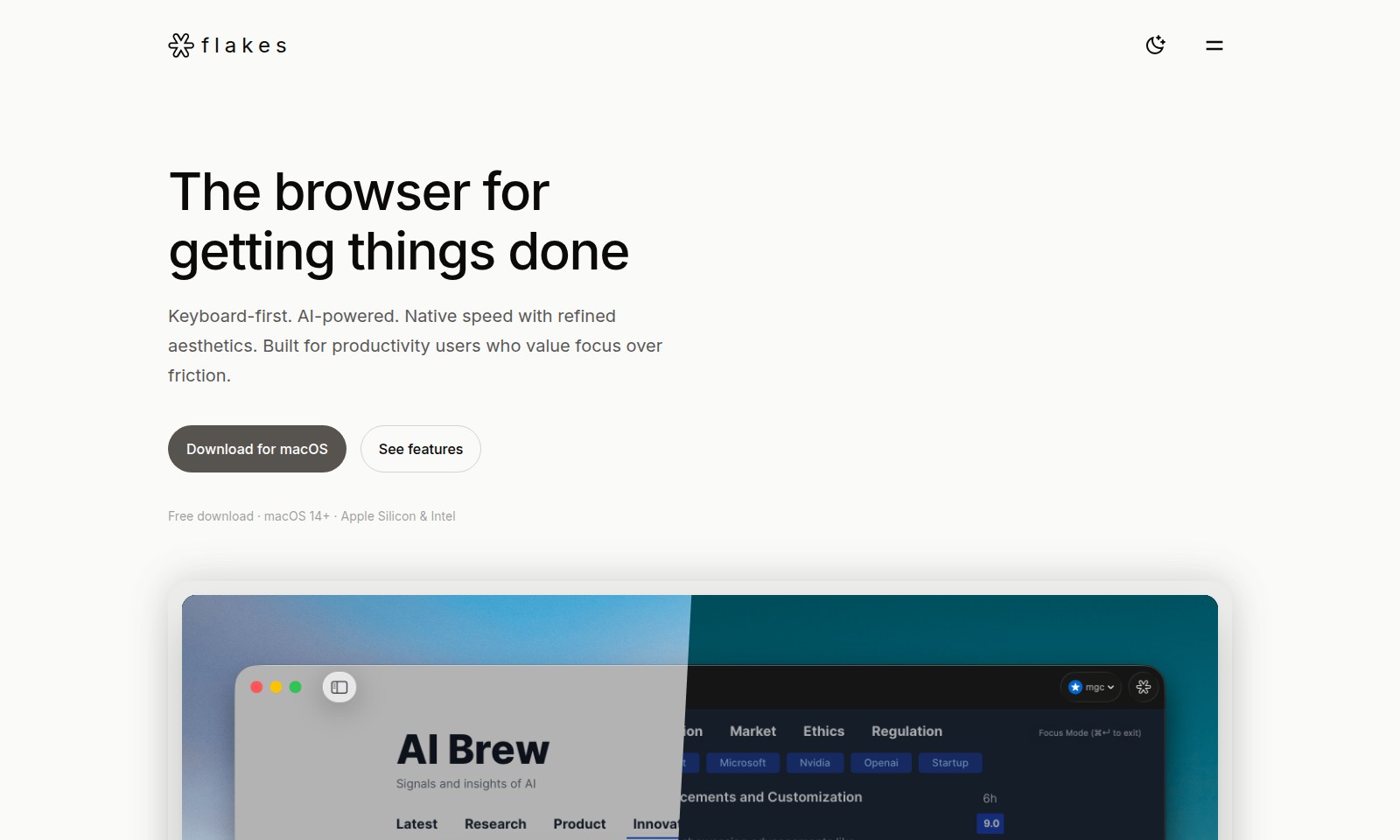
Flakes Introduction
Unlock Your Productivity with Flakes
Flakes offers a streamlined browsing experience designed specifically for productivity users. With its keyboard-first approach and AI-powered features, Flakes ensures that you can focus on what matters most—getting things done.
Flakes Features
Productivity - Maximize Your Focus
Experience a clutter-free browsing environment designed to keep you in the zone. No address bar clutter and no tab overload ensure that you can concentrate on what truly matters: your content.
Keyboard-First - Seamless Navigation
Navigate the web without ever taking your hands off the keyboard. With Vim-style navigation and a powerful command palette, manage everything from browsing pages to window management with ease.
Advanced AI - Intelligent Browsing Solutions
Drift AI enhances your browsing experience by understanding your tabs and providing direct answers across open pages. Enjoy features like real-time translation and in-depth conversations about any content for a truly interactive experience.
Native & Fast - Optimized for macOS
Built with SwiftUI and WebKit, Flakes delivers lightning-fast performance with minimal memory consumption. Experience instant cold starts and smooth scrolling for an optimal productivity experience.
Frequently Asked Questions About Flakes
Frequently Asked Questions
What is Flakes and how does it enhance productivity?
Flakes is a browser designed specifically for productivity users. It eliminates address bar clutter and tab overload, allowing users to focus solely on the content they are working with by providing features like focus mode and smart history.
How can I navigate Flakes using the keyboard?
Flakes offers Vim-style navigation, which allows users to efficiently move through pages using keys h/j/k/l. Additionally, the command palette can be accessed using ⌘K, ensuring that users can manage their browsing experience without needing to use a mouse.
What advanced AI features does Flakes provide?
Drift AI in Flakes is capable of understanding your tabs and provides direct answers across all open pages. This feature includes capabilities like real-time translation and deep conversations about any content, making your browsing experience smarter and more interactive.
Is Flakes optimized for macOS?
Yes, Flakes is built with SwiftUI and WebKit, ensuring a native and fast experience on macOS. It offers instant cold starts, smooth scrolling, and a minimal memory footprint, making it feel like a true macOS application.
How can I download Flakes?
You can download Flakes for free on macOS 14+ for both Apple Silicon and Intel processors. Visit our website to initiate the download and start enjoying an enhanced browsing experience today.
What makes Flakes different from other browsers?
Flakes stands out through its keyboard-first design and focus on productivity. While many browsers can result in distraction through excessive features, Flakes refines the user experience to prioritize concentration, speed, and efficiency in your daily tasks.
How to Use Flakes
Step 1: Download Flakes
Visit the Flakes website and click on the ‘Download’ button for macOS. Ensure your device is running macOS 14 or later and has Apple Silicon or Intel.
Step 2: Install the Application
Locate the downloaded file in your Downloads folder and double-click it. Follow the on-screen instructions to complete the installation of Flakes on your device.
Step 3: Create an Account
Open Flakes and select ‘Create Account’. Fill in the required fields like email and password. Make sure to use a strong password for security.
Step 4: Verify Your Email
Check your email inbox for a verification email from Flakes. Click the verification link to activate your account.
Step 5: Set up your Profile
Once your account is verified, log in to Flakes. Go to your account settings and complete your profile by adding your name and any other relevant information.
Step 6: Explore Key Features
Navigate the interface and familiarize yourself with Flakes’ unique features like focus mode and smart history. Utilize the keyboard-first navigation to enhance your experience.
Step 7: Customize Your Settings
Access the settings menu to customize your preferences. Adjust the theme and enable or disable notifications according to your working style.
Step 8: Start Browsing
Begin using Flakes for your browsing needs. Utilize the distraction-free browsing feature to help you maintain focus on your tasks. Make use of the advanced AI capabilities to get real-time answers and support.
Reviews
Pros
- Easy to use
- Fast processing
- Great results
- Affordable pricing
Cons
- Limited free version
- Requires internet connection
Comments
No comments yet. Be the first to share your thoughts!
Flakes - Alternative Platforms
For some alternatives to Flakes that you may need, we provide you with sites divided by features.

Dart offers innovative AI features for intelligent task management, customizable workspaces, and effective project planning to boost team efficiency.
Explore guest mode benefits, including chat saving and optimized responses through a quick sign-up.
Beam AI is an AI-driven software for accurate takeoff and estimating, helping contractors automate processes and improve bid efficiency.
Discover Clawdbot, a self-hosted AI assistant that manages tasks and integrates with various messaging platforms, with full control over your data.