Flask
Flask transforms video collaboration for creative teams with features like unlimited feedback, shared workspaces, and custom tagging.
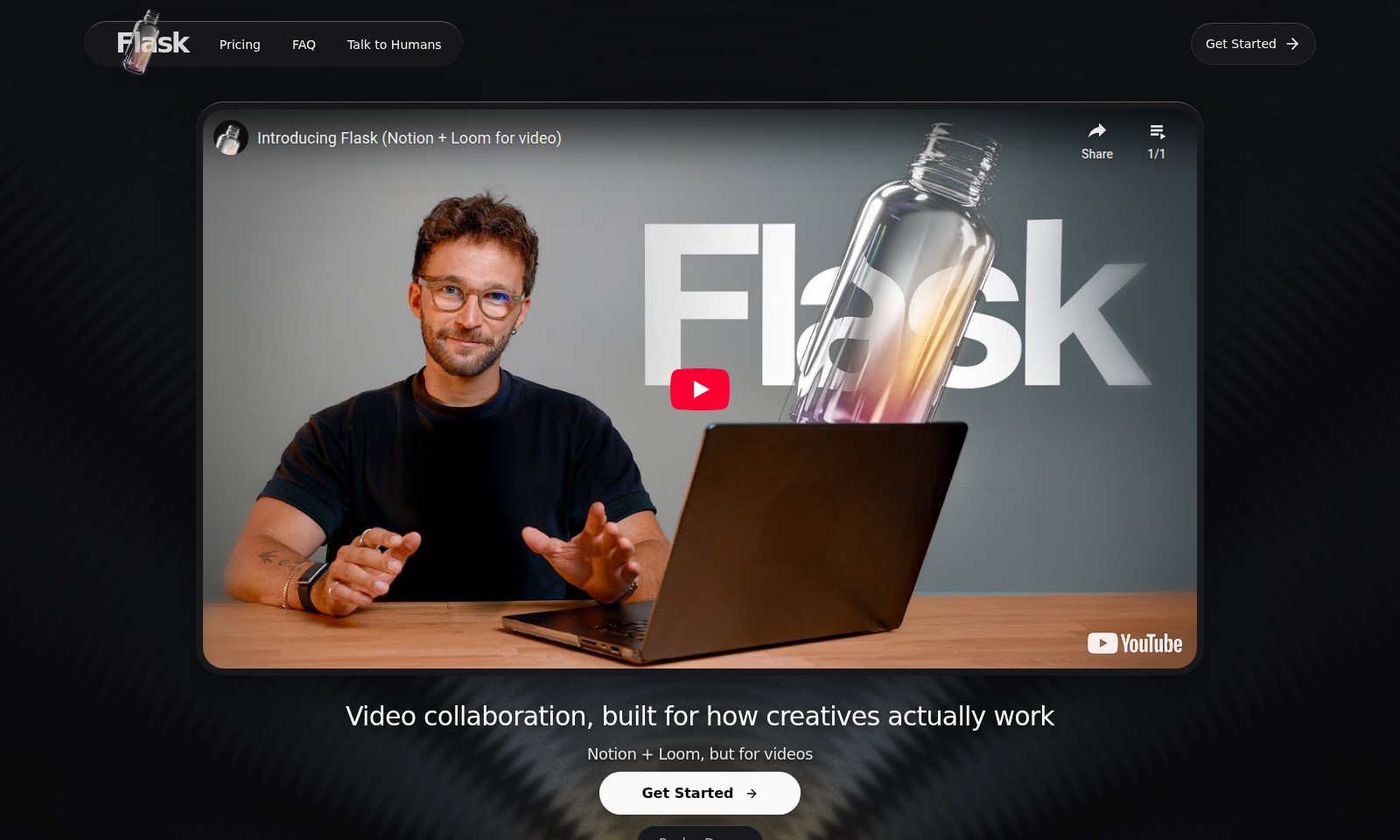
Flask Introduction
Video Collaboration Redefined
Flask revolutionizes video collaboration by providing a platform tailored specifically for creative professionals. With the integration of features traditionally found in tools like Notion and Loom, Flask offers a unique approach that addresses the needs of modern teams. It enables seamless communication, allowing users to record feedback, share screen references, and transform long-winded discussions into actionable tasks effortlessly.
Flask Features
Video Collaboration Platform - Enhanced Creative Communication
Flask revolutionizes the way teams collaborate on video projects. With seamless integration of real-time feedback, users can communicate their thoughts more effectively without the need for lengthy text explanations. This platform transforms traditional collaboration methods into a streamlined, visual experience.
Unlimited Video Sharing - No Limits on Creativity
Users can upload and share an unlimited number of videos, making it easier to create and iterate on projects without worrying about space constraints. This feature empowers content creators to express their ideas freely and with full creative control.
Integrated Feedback Tools - Actionable Insights
Flask allows users to record their feedback directly and timestamp it for easy reference. This functionality ensures that creative teams can track discussions and convert feedback into actionable tasks, minimizing the risk of miscommunication and project delays.
User-Centric Design - Tailored for Creatives
The platform is designed specifically for creative professionals, taking into account their unique workflows and collaboration needs. This focus on user experience enables teams to work more efficiently and productively.
Intuitive Interface - Simplified Collaboration
Flask’s user-friendly interface makes it easy for anyone to start collaborating immediately. Even team members who are not tech-savvy can navigate through the platform, ensuring inclusivity and maximizing team output.
Enhanced Project Management - Stay Organized
With tools for project tracking and progress monitoring integrated within the platform, teams can keep tabs on their work, ensuring that deadlines are met and projects remain on track. This way, Flask not only facilitates collaboration but also enhances overall project management.
Recording and Sharing Secrets - Effortless Communication
Finally, users can record their screens and voice to share insights with team members efficiently. This feature removes the awkwardness of written communication, enabling users to convey more context and emotion, ultimately leading to better outcomes.
Frequently Asked Questions About Flask
FAQs
What is Flask and how does it work?
Flask is a video collaboration tool designed to improve creative communication among teams. It combines features of Notion and Loom, allowing users to record their feedback while sharing their screen, thus transforming discussions into actionable tasks efficiently.
Is Flask free to use?
Yes, Flask offers free, unlimited video collaboration features. This allows users to create and share as many videos as they need without worrying about costs, making it accessible for all types of creative projects.
How does Flask enhance team collaboration?
Flask modernizes video collaboration by enabling users to record their ideas and feedback instantly. This approach not only saves time but also ensures that everyone in the team is on the same page, facilitating better project outcomes.
Can I integrate Flask with other tools?
Flask is designed to work alongside various creative tools, enhancing your workflow. While it primarily focuses on video collaboration, its ease of use makes it a perfect fit for existing creative ecosystems, improving overall productivity.
What are the benefits of using Flask over other video collaboration tools?
Flask stands out by providing unlimited video sharing and seamless integration with team workflows. Users have reported that it significantly enhances creative communication and helps turn complex ideas into clear, management-ready tasks, something that traditional tools often fail to do.
How can I get started with Flask?
Getting started is simple! You can visit the Flask website and sign up for free. Once registered, you'll have access to all key features and can start collaborating effectively with your team right away.
How to Use Flask
Step 1: Register for an Account
Visit the Flask homepage and click on the 'Get Started' button. Fill in the required fields with your email and create a secure password to establish your account.
Step 2: Verify Your Email
Check your email inbox for a verification email from Flask. Click the link inside to confirm your account, ensuring you can access all of Flask's features.
Step 3: Set Up Your Profile
Once verified, log into your account and complete your profile. Add your name, role, and a profile picture to personalize your experience and connect with your team effectively.
Step 4: Familiarize Yourself with the Dashboard
Explore the user-friendly dashboard. Take a moment to familiarize yourself with the layout, including where to find the video collaboration tools and project management features.
Step 5: Create a New Project
Click on 'New Project' to start your first collaboration. Name your project and set it up to reflect your team's goals, making it easier to track progress and manage tasks.
Step 6: Invite Team Members
Utilize the 'Invite Team Members' feature to add colleagues to your project. Enter their email addresses to send invitations, promoting efficient collaboration from the start.
Step 7: Record Your First Video
Start recording by selecting the video feature. Share your screen to give feedback or present ideas by turning your thoughts into actionable tasks effortlessly.
Step 8: Utilize Project Management Tools
Leverage the integrated project management tools. Assign tasks, set deadlines, and track your team’s progress all in one place, streamlining your workflow.
Step 9: Share and Collaborate
Use the sharing options to send your recorded videos to your team. Collaborate in real-time, ensuring everyone is on the same page and contributing to the project.
Step 10: Access Help and Support
If you have questions or need assistance, visit the 'FAQ' section or use the 'Talk to Humans' feature to get personalized help from the Flask support team.
Reviews
Pros
- Easy to use
- Fast processing
- Great results
- Affordable pricing
Cons
- Limited free version
- Requires internet connection
Comments
No comments yet. Be the first to share your thoughts!
Flask - Alternative Platforms
For some alternatives to Flask that you may need, we provide you with sites divided by features.

Dart offers innovative AI features for intelligent task management, customizable workspaces, and effective project planning to boost team efficiency.
Explore guest mode benefits, including chat saving and optimized responses through a quick sign-up.
Beam AI is an AI-driven software for accurate takeoff and estimating, helping contractors automate processes and improve bid efficiency.
Discover Clawdbot, a self-hosted AI assistant that manages tasks and integrates with various messaging platforms, with full control over your data.