MojoMake
MojoMake offers advanced AI tools for video and image creation, providing commercial rights and professional quality, all in one platform.
MojoMake Introduction
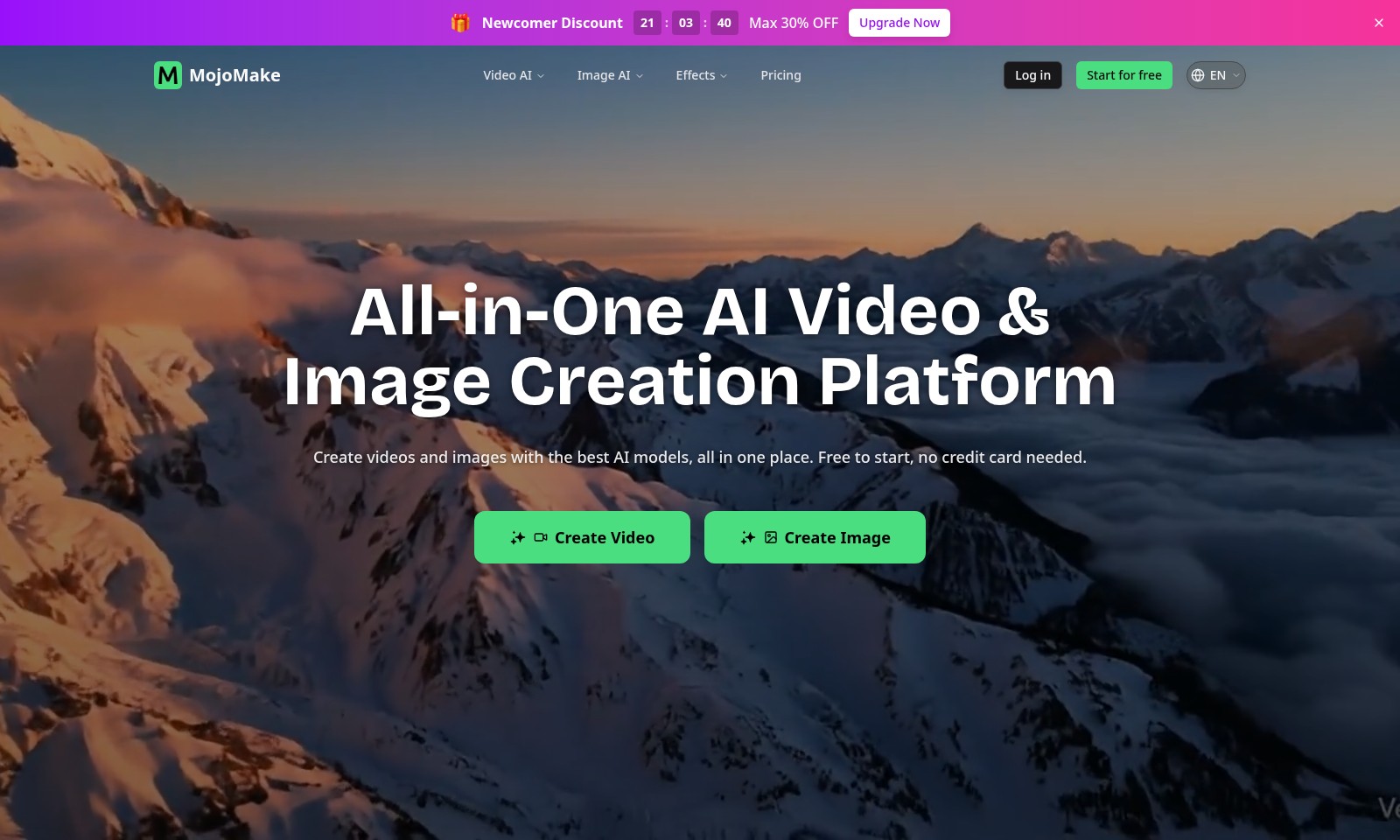
All-in-One AI Video & Image Creation Platform
MojoMake simplifies the creation of videos and images by offering the best AI models in one integrated platform. With the ability to start for free and no credit card required, users can dive right in and begin exploring their creative potential.
MojoMake Features
Newcomer Discount - Immediate Savings for New Users
As a newcomer to MojoMake, users can take advantage of an exclusive discount of up to 30%. This feature ensures that you can start creating high-quality videos and images without breaking the bank. The discount not only incentivizes new users to explore the platform but also aids in budget management during the trial phase.
All-in-One AI Video & Image Creation Platform - Streamlined Creative Process
MojoMake offers a comprehensive suite that integrates both video and image creation tools into a single platform. This feature eliminates the need for users to manage multiple subscriptions and logins across various tools. By centralizing resources, users can save time and enhance productivity while focusing on their creative projects.
Top AI Models Access - Quality Outputs Delivered Easily
With MojoMake, users gain access to the best AI models, such as Veo, Sora, Kling, and Runway, all from one dashboard. This feature is designed for creators who prioritize both ease of use and high-quality outputs. Switching between models is seamless, allowing users to select the best tool for each specific task without any hassle.
Cost-effective Subscription Model - Maximize Your Creative Budget
In today’s competitive environment, managing costs is crucial. MojoMake's subscription model allows users to replace multiple expensive pro accounts with a single plan, resulting in savings of up to 80%. This unique differentiator empowers freelancers and small businesses to access professional tools without the stress of high costs.
100% Commercial Rights - Empowering Your Creations
Every image and video created with MojoMake comes with 100% commercial rights, meaning users own their content completely. This feature is vital for businesses that require flexibility and ownership over their marketing materials. Users can freely utilize their generated assets for advertising, YouTube channels, and other commercial ventures without concern.
Professional Quality Outputs - Enhancing Your Content
MojoMake delivers professional-grade outputs, supporting exports in 4K and 1080P HD quality. This technical capability is essential for creators who want their work to look polished and high-end, suitable for social media and various professional editing applications. The guarantee of high-quality renders ensures that every project meets the standards expected in today’s digital landscape.
Zero Skill Barrier - Accessible for Everyone
MojoMake is designed to cater to users of all skill levels, making advanced video and image creation accessible to everyone—regardless of prior experience. This feature is particularly beneficial for small business owners and aspiring creators who may feel intimidated by complex design software. The user-friendly interface and automated processes reduce barriers to entry, allowing creativity to flourish without technical constraints.
Frequently Asked Questions About MojoMake
FAQs
1. What is the Newcomer Discount?
The Newcomer Discount provides a limited-time offer of up to 30% off for new users signing up for MojoMake. This offer is designed to encourage you to explore our all-in-one video and image creation platform.
2. How do I start using MojoMake?
Simply click on 'Start for free' on our homepage. You won't need a credit card, and you'll gain instant access to create videos and images using our advanced AI models.
3. What AI tools are included in the MojoMake platform?
MojoMake combines various AI models such as Veo, Sora, Kling, and Runway all accessible from a single dashboard. This means you can easily switch between tools without having to log in multiple times.
4. Can I use the content I create commercially?
Absolutely! All generated videos and images come with 100% commercial rights. You’re free to use them for advertising, YouTube, or any business purpose without worries.
5. What quality can I expect from the videos and images?
You can export videos in 1080P HD and images in 4K quality, making them ideal for both social media and professional editing requirements. Enjoy creating high-quality content effortlessly!
6. Are there subscription costs, and how do they compare to other services?
MojoMake offers a single plan that replaces multiple expensive pro accounts. This approach allows users to save up to 80% on subscriptions while accessing all necessary tools in one place.
How to Use MojoMake
Step 1: Register an Account
Start by clicking on the 'Start for free' button. Fill in your email address and create a password to set up your personal account. Confirm your email to activate your account fully.
Step 2: Log In
Use your newly created credentials to log in to your MojoMake account. Enter your email and password on the login page to access the dashboard.
Step 3: Set Up Your Profile
Once logged in, navigate to the profile settings. Upload a profile picture and provide your details to personalize your account for a better user experience.
Step 4: Explore the Dashboard
Take a moment to familiarize yourself with the MojoMake dashboard. Notice the various AI tools available: Video AI, Image AI, and Effects. Each tool has a dedicated section for ease of access.
Step 5: Create Your First Video
Click on the 'Create Video' button. Select an AI model like Veo or Sora, and begin crafting your video. Follow the prompts to add media, text, and effects.
Step 6: Generate Images
After creating a video, shift your focus to image creation. Click on 'Create Image'. Choose your desired AI model, and upload images or use the existing templates available.
Step 7: Apply Effects
Enhance your creation by adding effects. Select the 'Effects' tab and choose from various options. Apply effects to your video and images to elevate their visual appeal.
Step 8: Preview Your Work
Once your video or image is ready, click the preview option. Watch your video or see your edited image to ensure everything aligns with your vision.
Step 9: Export Your Creation
When satisfied, it's time to export your masterpiece. Choose your preferred quality (4K for images, 1080P for videos), and click on the export button to save your work.
Step 10: Commercial Usage
Remember, all content you create can be used freely for your projects, including ads and business purposes. Ensure you check the licensing details if needed.
Step 11: Upgrade Your Plan
To access more features, consider upgrading your plan. You'll save on costly subscriptions while gaining access to premium AI capabilities. Click on 'Upgrade Now' for options.
Step 12: Seek Help and Support
If you run into issues or have questions, don’t hesitate to reach out for support. Navigate to the help section for FAQs or contact support for direct assistance.
Reviews
Pros
- Easy to use
- Fast processing
- Great results
- Affordable pricing
Cons
- Limited free version
- Requires internet connection
Comments
No comments yet. Be the first to share your thoughts!
MojoMake - Alternative Platforms
For some alternatives to MojoMake that you may need, we provide you with sites divided by features.

Yevideo is an all-in-one platform for AI-generated videos and images, offering various models for enhanced creativity and efficiency.
Easily generate dancing pet videos or GIFs by uploading photos and choosing templates, perfect for social media sharing.
Pixalice offers a powerful AI tool for generating high-quality images and videos from text or photos, featuring a vast style library and user-friendly interface.
Kive enables fast, accurate visual content creation, helping brands produce high-end marketing assets with ease.