Runbear
Runbear offers AI agents that integrate into your existing collaboration tools like Slack and Teams, automating repetitive tasks and improving team efficiency.
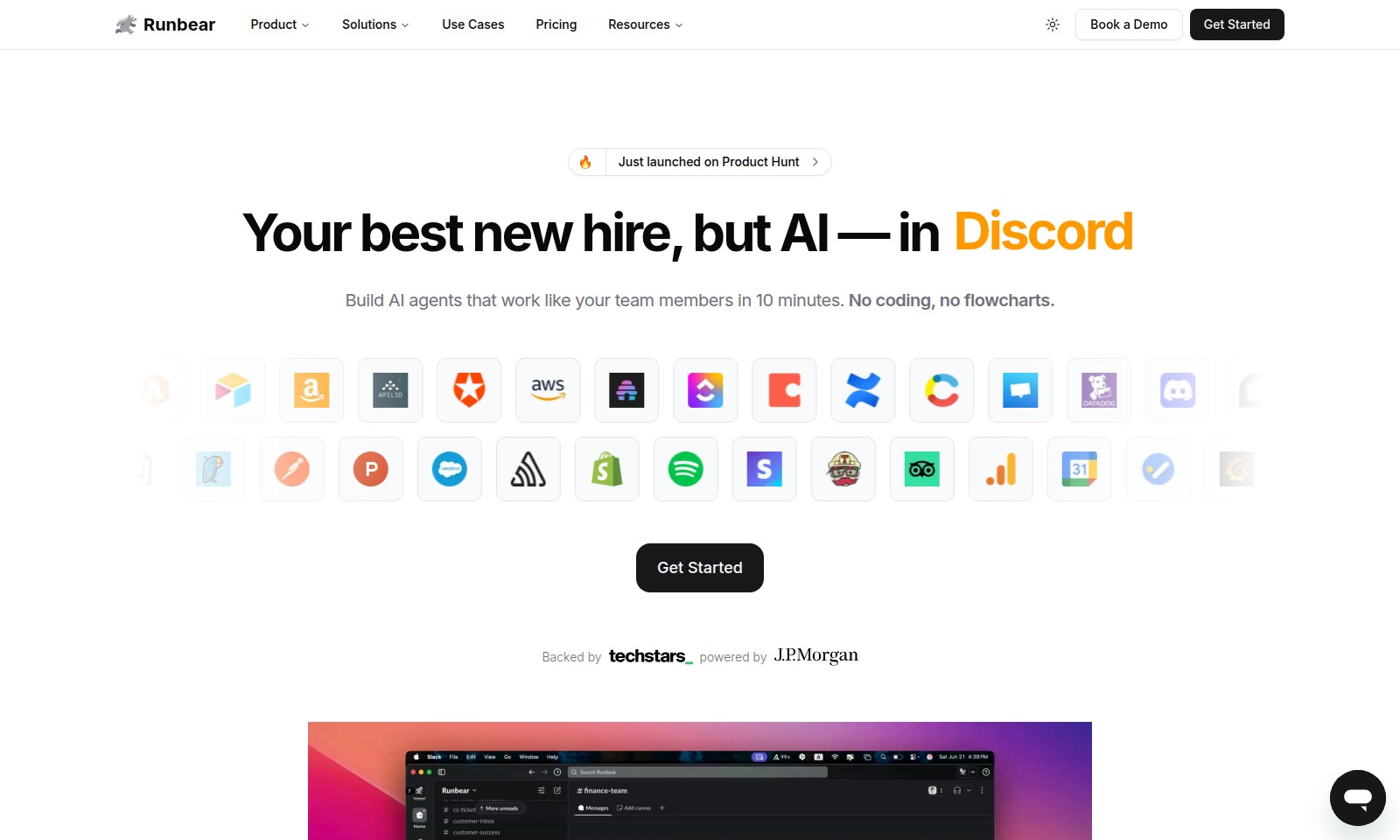
Runbear Introduction
Unlock the Power of AI Agents
Runbear empowers teams to create intelligent AI agents that seamlessly integrate into their existing workflows, enhancing productivity and efficiency. Say goodbye to repetitive tasks and hello to a new era of teamwork where your AI agents support your team just like a real colleague, ready to assist whenever needed. Experience the revolutionary approach to task management and team collaboration with Runbear.
Runbear Features
Seamless Integration - Effortless Collaboration
Experience enhanced productivity with Runbear's seamless integration into tools your team already uses. From Slack to Teams, there's no need to switch tabs, allowing more focus on your core tasks.
Rapid Deployment - Hit the Ground Running
Build your AI agents in just 10 minutes without any coding or complicated setups. This means you can start reaping the benefits of automation faster than ever before.
Customizable Agents - Personalization at Your Fingertips
Name and teach each AI agent to align closely with your team's workflow. This personalization ensures that the AI works for you, adapting to your needs and preferences.
Continuous Learning - Intelligence That Grows
Runbear's AI agents learn from each interaction, meaning they become smarter the more you work with them. This ensures that your agents remain relevant and efficient in meeting your evolving needs.
Designed for Teams - Enhancing Human Potential
With a focus on user-centric design, Runbear offers AI agents that not only supplement your team but also enhance their capabilities, ensuring maximum productivity while handling repetitive tasks.
Frequently Asked Questions About Runbear
FAQs
What is Runbear?
Runbear is an innovative AI-driven platform designed to help teams automate repetitive tasks by building AI agents that operate seamlessly within existing communication tools like Slack, Teams, and Discord. This allows users to focus more on strategic work without the distraction of mundane duties.
How do I get started with Runbear?
Getting started is simple! You can create your AI agents in just 10 minutes with no coding required. Visit our website, sign up for an account, and begin the onboarding process to build your first agent today.
Can Runbear's AI agents integrate with other platforms?
Yes! Runbear’s AI agents can integrate with various collaboration tools such as HubSpot and Zendesk, which enhances productivity by enabling agents to function where your team already communicates. This means no need for additional software or switching between tabs.
Do I need any technical skills to create an AI agent with Runbear?
No, Runbear is designed for everyone, regardless of technical expertise. The platform provides a user-friendly interface that guides you through the process of creating and deploying your AI agents without coding or flowchart requirements.
How does Runbear ensure that its AI agents learn effectively?
Runbear AI agents utilize machine learning techniques that allow them to learn from interactions. The more you engage with them, the smarter and more efficient they become, continuously improving their ability to assist your team.
Is there a cost associated with using Runbear?
While Runbear offers various pricing options based on the scale and needs of your team, we provide a demo so you can explore the platform before committing. Visit our Pricing section for detailed information on plans and features.
How to Use Runbear
Step 1: Register Your Account
Visit the Runbear website and hit the 'Get Started' button. Fill in the required information to create your account, ensuring that you provide a valid email address for verification.
Step 2: Verify Your Email
Check your inbox for a verification email from Runbear. Click the link provided to confirm your email address and activate your account.
Step 3: Set Up Your Profile
Log in to your new account and navigate to the profile settings. Fill in your details, such as your name, job title, and preferred communication preferences to personalize your experience.
Step 4: Explore the Dashboard
Once your profile is set up, take a moment to familiarize yourself with the dashboard. This area provides an overview of the key features available to you, including options to create AI agents and manage your settings.
Step 5: Create Your AI Agent
Click on the 'Create AI Agent' button. Choose a template that fits your needs and start customizing your agent by defining its name and the tasks it will perform, such as scheduling meetings or answering FAQs.
Step 6: Configure Your Agent's Capabilities
After naming your agent, it's time to assign it capabilities. You can select various tasks that the AI agent can undertake based on your team's requirements.
Step 7: Test Your AI Agent
Conduct a test run by interacting with your new AI agent within Slack or your preferred platform. This allows you to see how well it performs the assigned tasks and make any necessary adjustments.
Step 8: Integrate with Your Workflow
Ensure that your AI agent is seamlessly integrated into your existing workflow. Adjust settings as necessary to have it operate directly within your teams, like Slack or Discord, avoiding unnecessary tab switching.
Step 9: Monitor Performance
Regularly check the performance analytics provided in your dashboard. Monitor your agent's effectiveness and gather insights on how it can be improved over time.
Step 10: Provide Feedback and Adapt
As you use your AI agent, give feedback on its performance. Help it learn by continuously interacting with it, allowing it to become more efficient and accurate in performing its tasks.
Reviews
Pros
- Easy to use
- Fast processing
- Great results
- Affordable pricing
Cons
- Limited free version
- Requires internet connection
Comments
No comments yet. Be the first to share your thoughts!
Runbear - Alternative Platforms
For some alternatives to Runbear that you may need, we provide you with sites divided by features.

Discover how Hello Audio enables course creators and coaches to engage their audiences by turning content into private podcasts accessible anytime, anywhere.
Tines offers a secure platform to build intelligent workflows, integrating various tools and enhancing operational efficiency.
LIKN Studio simplifies launching and trading unique digital assets through AI, bridging Web2 content with Web3 technology for creators.
TestMu AI enhances quality engineering with AI-native solutions for testing, automation, and analytics, trusted by millions globally.