Twistly
Twistly enables users to generate high-quality PowerPoint slides instantly using AI, enhancing productivity for students and professionals.
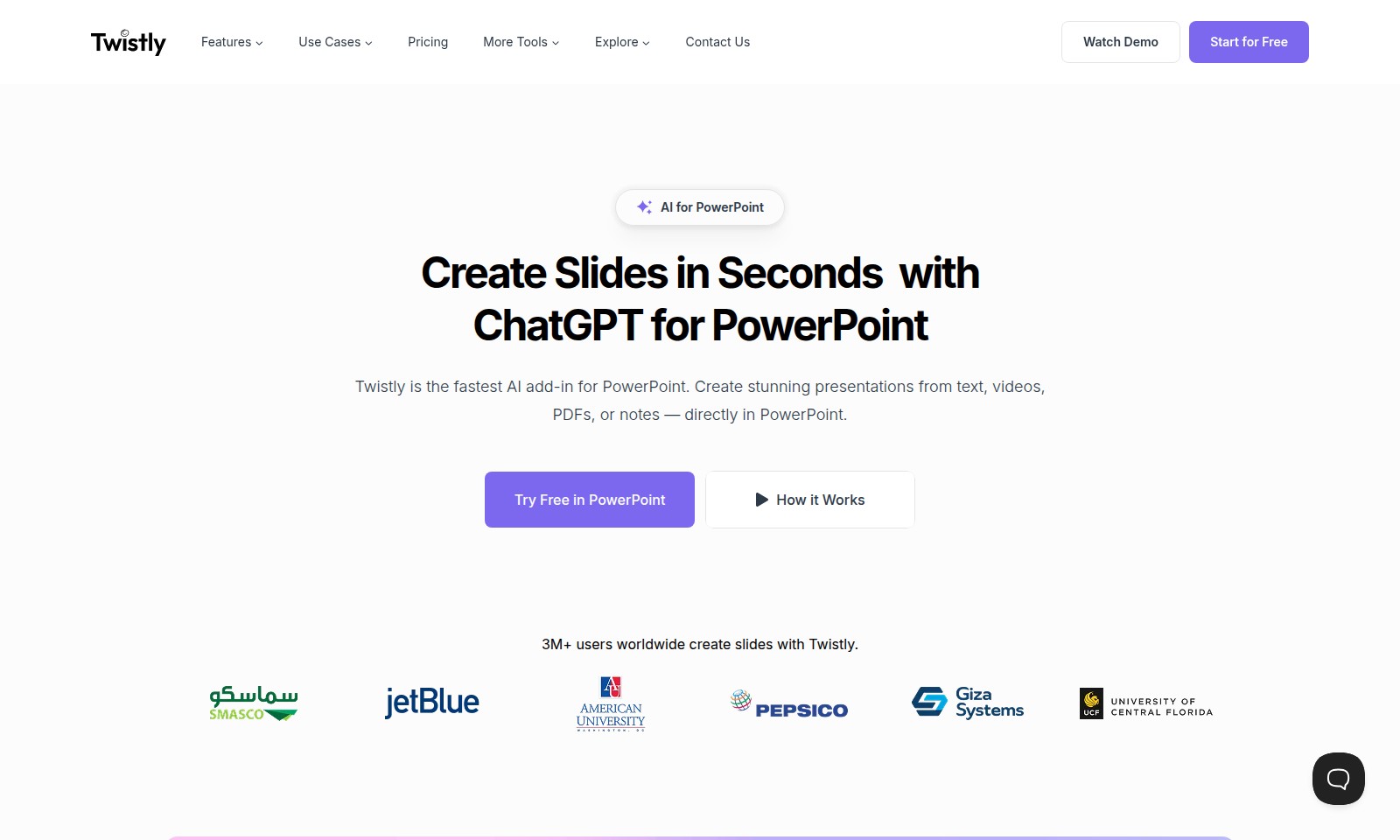
Twistly Introduction
Create Stunning Presentations in Seconds
Twistly is the fastest AI add-in for PowerPoint, designed to streamline your presentation creation process. Whether you’re working with text, videos, PDFs, or notes, our tool integrates directly into PowerPoint, allowing for seamless slide generation without the hassle of switching between tabs or exporting files. With more than 3 million users worldwide, Twistly stands out as the premier AI PowerPoint generator.
Twistly Features
AI for PowerPoint - Effortless Presentation Creation
Twistly empowers users to create professional presentations within seconds. By integrating AI capabilities directly in PowerPoint, users can effortlessly generate slides that impress audiences and communicate messages effectively. This feature is perfect for students, educators, and professionals who require rapid slide generation without sacrificing quality.
Seamless Integration - Work Without Interruptions
Unlike other browser-based tools, Twistly operates directly within PowerPoint. This integration eliminates the need for switching between tabs or exporting files, allowing users to focus entirely on their presentations. Users can harness the full power of AI instantly, making the process more efficient and streamlined.
Versatile Content Conversion - Transform Various Inputs
Twistly offers powerful content conversion capabilities that allow users to convert various formats, including PDFs, DOCX files, and YouTube videos into slide content. This versatility caters to a wide range of use cases, ensuring users can pull information from different sources and compile them flawlessly into their presentations.
Enhanced Slide Generation - Perfect Your Presentations
With the help of ChatGPT, Twistly not only creates slides but also improves existing ones. Users can enhance their current presentations by utilizing AI suggestions to refine text, improve visuals, and optimize the overall design. This feature ensures that every slide is polished and professional, capturing the audience's attention effectively.
Ideal for All - A User-Centric Approach
Twistly is designed with the needs of various users in mind. Whether you're a student preparing for a class presentation, an educator creating lecture materials, or a corporate professional developing pitches, Twistly caters to all. Its user-friendly interface and robust functionality make it accessible to everyone from novices to advanced users.
Community of Creators - Join 3M+ Users
Join the ranks of over 3 million users globally who have optimized their presentation creation experience with Twistly. This community engagement not only enhances the tool’s features through user feedback but also provides users with a wealth of tips and shared experiences to maximize their presentation potential.
Try It Free - Experience the Benefits Yourself
Start your free trial today and witness the transformative power of AI in your presentation creation workflows. With no obligations, users can explore Twistly's full range of features and discover how it can elevate their presentation game. Don't miss out on the future of presentation design.
Frequently Asked Questions About Twistly
FAQs about Twistly
What is Twistly?
Twistly is an AI-powered add-in for PowerPoint that enables users to create stunning presentations quickly using text, videos, PDFs, or notes directly within the PowerPoint application.
How does Twistly work?
Twistly makes use of the advanced capabilities of ChatGPT to generate and improve slide content. Unlike browser-based tools, it operates seamlessly within PowerPoint, allowing users to create high-quality slides without the need to switch tabs or export files.
Who can benefit from using Twistly?
Twistly is ideal for students, educators, and professionals who need to create presentations efficiently. Its user-friendly interface and powerful features help anyone looking to enhance their presentation skills and save time.
Can I try Twistly for free?
Yes! Users can start for free and experience the full functionality of Twistly. This ensures that you can see firsthand how it can elevate your presentation game before committing to a paid plan.
What types of content can I integrate using Twistly?
With Twistly, you can convert various types of content, including PDFs, DOCX files, and even YouTube videos, into engaging slides. This makes it a versatile tool for all your presentation needs.
Is Twistly suitable for collaborative projects?
Absolutely! Twistly's integration with PowerPoint allows for easy collaboration among team members. You can share presentations, gather feedback, and make real-time edits, ensuring your project is polished and ready for delivery.
How to Use Twistly
Register for an Account
Visit our website and click on the 'Start for Free' button. Fill in your details, including your email and password, to create your account.
Set up Your Profile
Once registered, log in to your account. Navigate to the profile settings to upload a profile picture and fill in any additional information to personalize your experience.
Explore Our Features
Familiarize yourself with the various features available. Click on the 'Features' section to see how Twistly can enhance your PowerPoint experience with AI-generated slides.
Start Creating Presentations
Open PowerPoint and look for the Twistly add-in. Begin by selecting text or files you want to convert into presentations. Use prompts to generate slides efficiently.
Enhance Your Slides
Utilize AI tools to improve existing slides. Just upload your current PowerPoint presentation and let Twistly suggest enhancements to your content, ensuring it's engaging and professional.
Reviews
Pros
- Easy to use
- Fast processing
- Great results
- Affordable pricing
Cons
- Limited free version
- Requires internet connection
Comments
No comments yet. Be the first to share your thoughts!
Twistly - Alternative Platforms
For some alternatives to Twistly that you may need, we provide you with sites divided by features.

MyMap.AI helps users create visual content through AI-generated diagrams, enhancing productivity for students, professionals, and creators.
Felo provides a consolidated workspace for managing documents, utilizing AI tools, and improving team collaboration.
TeraBox offers 1024GB of cloud storage with easy backup, file sharing, premium features, and strong data security, catering to individual and business needs.
PPT AI offers a fast and efficient way to create professional presentations from text, documents, and videos, empowering users with intelligent design tools.