Verdent AI
Verdent offers innovative AI-driven solutions for developers, featuring the Deck app and VS Code extension to tackle complex projects efficiently.
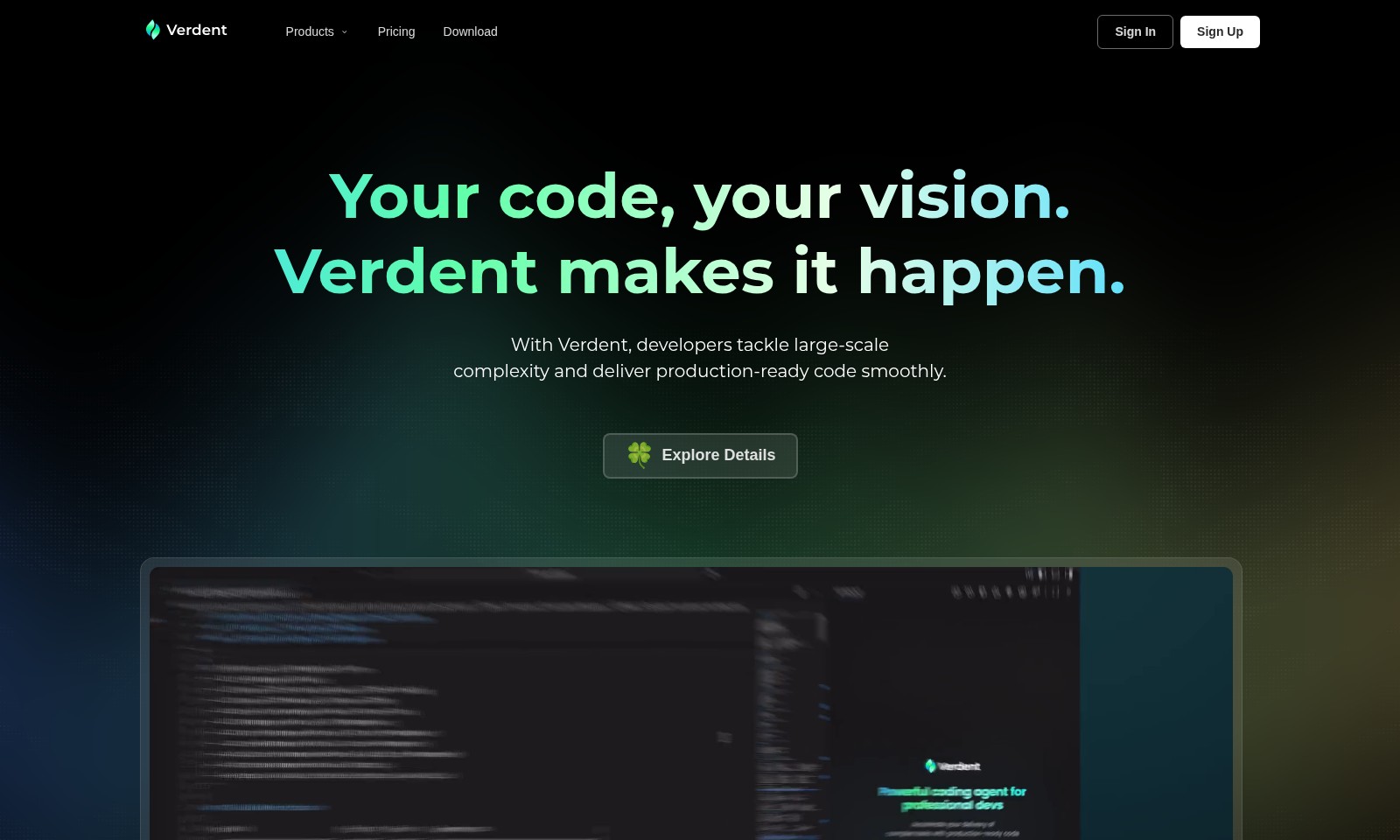
Verdent AI Introduction
Verdent: Empowering Developers for Success
Verdent provides developers with the tools they need to tackle large-scale complexity and deliver production-ready code efficiently. With a focus on enhancing creativity and productivity, Verdent combines intelligent solutions that streamline the coding process and facilitate the management of complex projects. By adopting our platform, you unlock your full potential in today's AI-driven environment, where innovative solutions and smart tools become your greatest allies.
Verdent AI Features
Feature: Verdent Deck - Enhanced Project Management
Unlocks your full potential in managing large-scale projects. The Verdent Deck MacOS Desktop App allows developers to run multiple tasks concurrently while overseeing agent management in isolated contexts.
Feature: Code Review with GPT-5 - Intelligent Insights
Provides thorough code review capabilities to enhance code quality. By leveraging GPT-5, developers receive AI-driven suggestions that accelerate the review process and ensure adherence to best practices.
Feature: Run Multiple Agents in Parallel - Boosted Productivity
Enables simultaneous task execution for superior efficiency. By managing multiple agents concurrently, developers can streamline workflows and focus on multiple coding challenges without the usual bottlenecks.
Feature: DiffLens - Clear Code Change Visibility
Offers insights into code diffs by displaying both what has changed and why. This feature promotes better understanding and quicker resolution of code issues, reinforcing the collaborative aspect of development workflows.
Feature: Plan-first Alignment - Structured Development Approach
Empowers developers to align their tasks with project goals effectively. By implementing a plan-first strategy, teams can ensure all efforts are directed towards achieving desired outcomes in their development cycle.
Frequently Asked Questions About Verdent AI
FAQ for Verdent
Q: What are the main products offered by Verdent?
A: Verdent offers two main products: Verdent Deck, which is a MacOS desktop application, and a VS Code extension. Both products are designed to help developers tackle large-scale complexities in their coding tasks efficiently.
Q: How does the Verdent Deck differ from the VS Code extension?
A: The Verdent Deck allows you to run multiple tasks with complete oversight, managing agents in isolated contexts. In contrast, the VS Code extension integrates directly into your development environment, providing features like code review with GPT-5 and the ability to run multiple agents in parallel.
Q: Can I use Verdent for large-scale projects?
A: Absolutely! Verdent is specifically designed to assist developers in managing large-scale projects by providing tools for full control over agents and efficient task management, helping to streamline complex coding challenges.
Q: What is the role of DiffLens in Verdent?
A: DiffLens is a unique feature that explains code diffs by showing both what changed in the code and why those changes were made. This enhances understanding during the code review process and promotes better collaboration among developers.
Q: How can I download Verdent?
A: You can download Verdent through our website. Simply navigate to the 'Download' section, where you can choose your preferred product, whether it’s the MacOS application or the VS Code extension, and follow the prompts to install it on your machine.
How to Use Verdent AI
Sign Up
Start by creating an account on Verdent. Click on the 'Sign Up' button and fill in the required information.
Download the App
Once registered, proceed to download Verdent. Select the appropriate version for your operating system, whether it's for MacOS or the VS Code extension.
Set up Your Profile
After downloading the app, open it and set up your profile. Make sure to complete all the necessary fields to personalize your experience.
Explore Features
Familiarize yourself with Verdent’s features. Take time to explore options like running multiple agents and the Code Review with GPT-5.
Create Your First Project
Initiate your first project by creating a new task. Use the intuitive interface to manage agents and monitor their progress.
Utilize Documentation
Refer to Verdent's documentation for detailed guides and tips on maximizing your use of the app. This will enhance your understanding of complex features.
Engage with Community
Join the Verdent community to share experiences and seek advice. Engaging with fellow users can provide insights and help you overcome challenges.
Start Coding
Finally, start coding! Utilize the tools provided by Verdent to tackle large-scale projects efficiently.
Reviews
Pros
- Easy to use
- Fast processing
- Great results
- Affordable pricing
Cons
- Limited free version
- Requires internet connection
Comments
No comments yet. Be the first to share your thoughts!
Verdent AI - Alternative Platforms
For some alternatives to Verdent AI that you may need, we provide you with sites divided by features.

Comprehensive guide to the best hosting options for OpenClaw, featuring expert reviews and a side-by-side comparison of top providers.
ARC offers holistic AI solutions that prioritize user privacy and efficiency. Discover the Matrix and Reactor, designed to protect your data while enhancing your AI experience.
A visual design tool that simplifies frontend development through AI, allowing users to edit and integrate code seamlessly.
OceSha Ventures transforms ideas into AI-driven products, emphasizing collaboration and impact in technology.