ai flowchart maker
An AI tool for generating editable flowcharts from text, notes, or sketches, ideal for streamlining workflow visualization with export options.
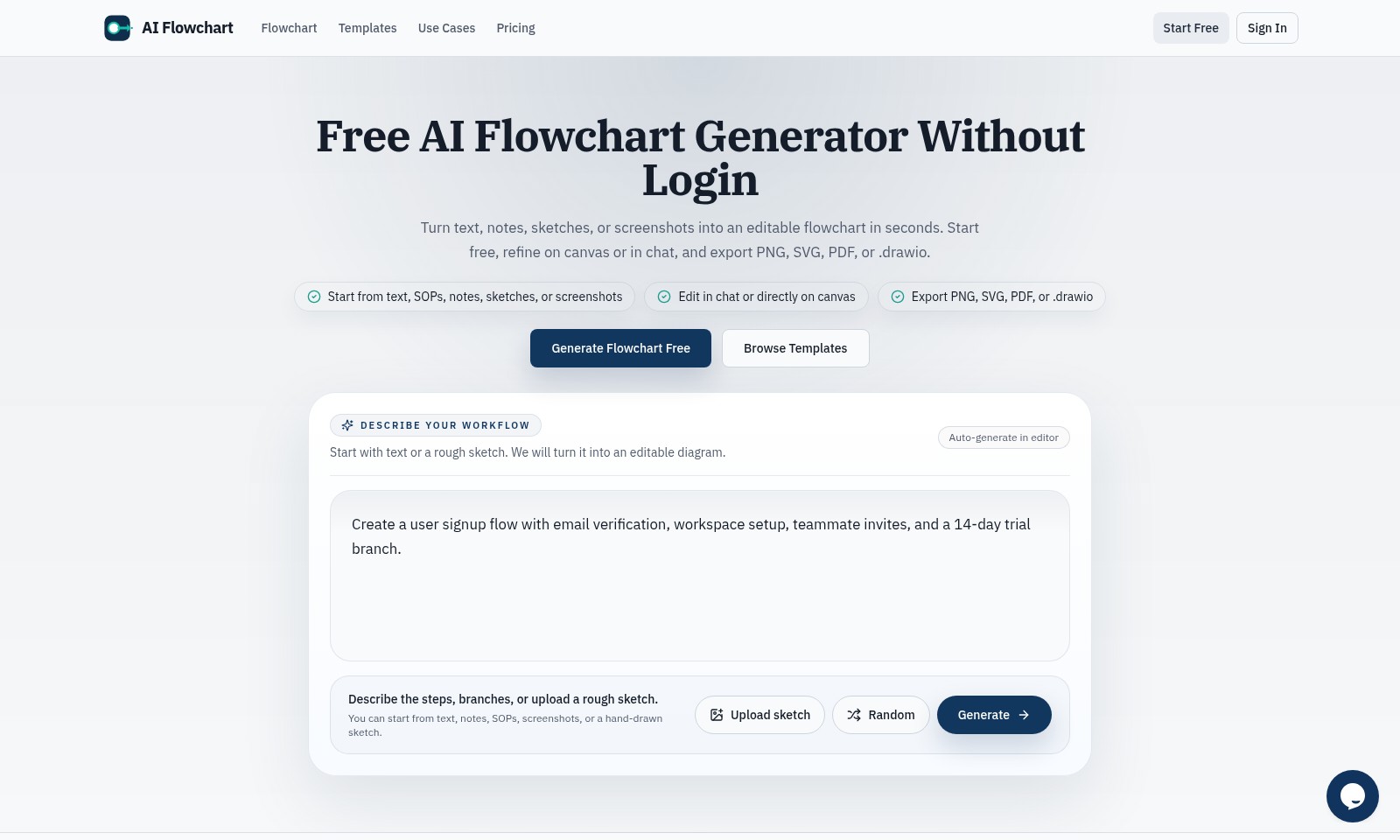
ai flowchart maker Introduction
AI Flowchart: Transforming Ideas into Actionable Plans
Harness the power of AI to seamlessly convert your ideas, notes, and sketches into editable flowcharts with our innovative tool.
ai flowchart maker Features
Feature 1 - Effortless Flowchart Generation
Transform your workflow descriptions into editable flowcharts with ease. Our tool automatically converts text or sketches into clear diagrams, saving valuable time and enhancing productivity.
Feature 2 - Collaborative Editing
Foster teamwork with our real-time collaborative editing feature. Multiple users can work simultaneously on the same flowchart, ensuring that all team members can contribute ideas and adjustments efficiently.
Feature 3 - Versatile Export Options
Export your completed flowcharts in various formats such as PNG, SVG, PDF, or .drawio. This flexibility allows for seamless sharing and integration into reports or presentations, catering to diverse user needs.
Feature 4 - User-Friendly Interface
Navigate the intuitive interface designed for both novices and experts. With a minimal learning curve, anyone can start creating professional flowcharts right from their first use, ensuring a quick onboarding experience.
Feature 5 - Customizable Templates
Explore a library of pre-designed templates that can be tailored to fit your specific requirements. These templates provide a great starting point for users looking to create complex workflows without starting from scratch.
Feature 6 - Step-by-Step Workflow Descriptions
Easily describe each part of your workflow with our guided input system. By breaking down steps and branches, users can focus on the details that matter most, leading to clearer, more comprehensive flowcharts.
Feature 7 - Free Trial Access
Experience our premium features risk-free with a 14-day trial, enabling users to assess the full capabilities of our flowchart generator. With no login required, onboarding new users is straightforward and efficient.
Frequently Asked Questions About ai flowchart maker
FAQ
Q1: How can I create a flowchart using your tool?
A: To create a flowchart, simply start by entering text, notes, or sketches in our tool. You can refine it directly on the canvas or through our chat interface.
Q2: Is it necessary to log in to access the flowchart generator?
A: No, you can use our AI flowchart generator for free without needing to log in. Just start creating your flowchart right away!
Q3: What file formats can I export my flowcharts to?
A: You can export your flowcharts in multiple formats including PNG, SVG, PDF, or .drawio, making it convenient to use in various applications.
Q4: Can I start with a sketch for my flowchart?
A: Yes! You can upload a rough sketch, and our tool will help convert it into an editable flowchart for you.
Q5: What kind of use cases can your flowchart generator handle?
A: Our tool is flexible for many use cases, including user onboarding flows, project planning, and process documentation.
How to Use ai flowchart maker
Step 1: Sign Up for an Account
Click on the 'Start Free' button to begin your registration. Fill in your email and create a password to set up your account quickly.
Step 2: Verify Your Email
Check your email for a verification link. Click the link within the email to confirm your registration and activate your account.
Step 3: Set Up Your Profile
Once logged in, navigate to your profile settings. Add your name and any relevant information to personalize your experience.
Step 4: Explore Flowchart Templates
Visit the 'Templates' section to browse through various pre-designed flowchart templates. Select one that fits your needs to get started more efficiently.
Step 5: Create Your First Flowchart
Click on 'Generate Flowchart Free'. You can start from text, notes, or even sketches. Input your initial ideas in the provided space.
Step 6: Edit on Canvas
Use the interactive canvas to refine your flowchart. Drag and drop elements to create clear paths and connections.
Step 7: Collaborate with Teammates
If you have a workspace set up, invite your teammates to collaborate on the project. Share your flowchart and gather feedback in real-time.
Step 8: Export Your Flowchart
Once satisfied with your flowchart, it's time to export. Choose from PNG, SVG, PDF, or .drawio formats to download your work for sharing or presentation.
Reviews
Pros
- Easy to use
- Fast processing
- Great results
- Affordable pricing
Cons
- Limited free version
- Requires internet connection
Comments
No comments yet. Be the first to share your thoughts!