HeyGen
An all-in-one platform for generating talking avatar videos using AI technology.
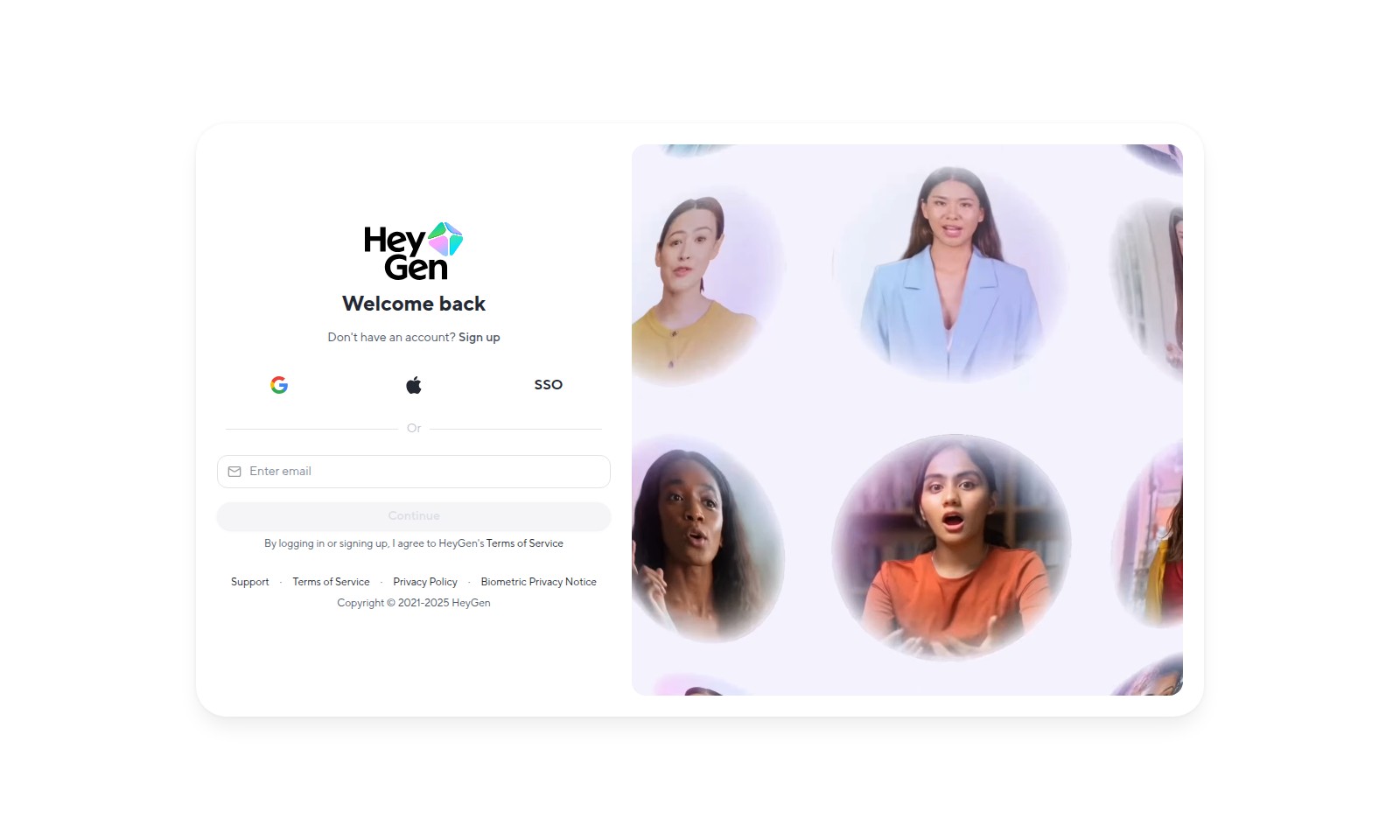
HeyGen Introduction
Create Engaging Talking Avatar Videos Online
Our platform offers a state-of-the-art AI video generator that enables users to create captivating talking avatar videos effortlessly. With the help of advanced technology, you can craft videos that enhance communication, boost engagement, and convey messages effectively. Apprehensive about the complexity? Fear not—our all-in-one solution makes video creation accessible to everyone, whether you're a marketer looking to elevate your campaigns, an educator aiming to create instructional content, or simply someone wanting to express creativity in a unique way.
HeyGen Features
Talking Avatar Video Creation - Enhance Engagement
Creating talking avatar videos allows users to enrich their content by adding a personal touch. This engaging feature leverages advanced AI technology to animate avatars in real-time, making narratives more relatable to audiences.
All-in-One AI Video Generator - Simplify Production
Our all-in-one AI video generator streamlines video production for users, particularly independent creators and small businesses. This tool combines video editing, voiceover, and animation in one platform, reducing the time needed for content creation.
User-Friendly Interface - Elevate Accessibility
The user-friendly interface is designed with accessibility in mind, ensuring that users of all skill levels can produce high-quality videos. This negates the steep learning curve typically associated with video production software, making it ideal for marketing professionals.
Real-Time Customization - Boost Personalization
Real-time customization options allow users to tailor their avatar videos instantly, meeting specific audience requirements or branding guidelines. This not only enhances personalization but also facilitates rapid adjustments to meet changing needs.
Cloud-Based Storage - Ensure Convenience
With cloud-based storage, users can securely save and retrieve their videos from anywhere, ensuring convenience and flexibility. This feature is particularly crucial for remote teams needing access to shared assets while collaborating on projects.
Multi-Platform Sharing - Increase Visibility
Multi-platform sharing capabilities enable seamless distribution of finished projects across various social media. This feature helps users maximize their reach and engage with wider audiences effectively.
High-Quality Output - Guarantee Professionalism
Our platform guarantees high-quality video output, ensuring that users can present their brand in a professional manner. This commitment to quality helps independent creators and businesses alike establish trust and credibility with their viewers.
Frequently Asked Questions About HeyGen
Frequently Asked Questions
1. How can I create a talking avatar video online?
To create a talking avatar video, simply sign up or log into your account on our platform. Once you're in, follow the intuitive interface to select your avatar, customize its features, and upload or type in your script. Finally, hit the generate button to create your video seamlessly.
2. Is it necessary to have an account to use the video generator?
Yes, you need to create an account to access our all-in-one AI video generator. Signing up is quick and free, and it allows you to save your projects and access previously created videos anytime.
3. What types of avatars can I create?
Our platform offers a wide range of avatars, from realistic human figures to animated characters. You can choose from different styles and customize various aspects such as skin tone, hair color, and clothing to better match your specific needs.
4. What formats can I export the finished video in?
You can export your video in multiple formats including MP4, which is widely supported across various devices and platforms. Other formats may also be available, so you can select the one that best fits your presentation or social media requirements.
5. Can I use the avatar video for commercial purposes?
Absolutely! Once you create a talking avatar video, you have the rights to use it for personal, educational, or commercial purposes. However, please review our Terms of Service to ensure compliance with any specific guidelines.
6. What if I encounter technical issues while using the site?
If you experience any technical issues, our support team is here to help. You can find assistance through the support section on our website, where you can submit a ticket or access our help documentation for troubleshooting tips.
How to Use HeyGen
Register an Account
Visit the registration page and fill in the required fields. Provide your email address and create a strong password to ensure account security.
Sign in to Your Account
After registration, you can sign in to your account. Use your email and password, or choose to sign in with Google for a quicker process.
Set Up Your Profile
Once you are logged in, navigate to your profile settings. Here, you can upload a profile picture and fill in your personal details to complete your profile.
Explore the Dashboard
Familiarize yourself with the dashboard where you can access various features. Take a moment to locate options for creating videos, accessing templates, and managing your preferences.
Create Your First Talking Avatar Video
Click on the ‘Create Video’ button to begin. Follow the prompts to select an avatar, input your text, and customize aspects like voice and background.
Preview and Edit Your Video
Before finalizing, preview your video. Make any necessary changes to text or visuals to ensure it meets your expectations.
Download or Share Your Video
Once satisfied, choose to download your video or share it directly on social media platforms. Make sure to explore different formats if needed.
Reviews
Pros
- Easy to use
- Fast processing
- Great results
- Affordable pricing
Cons
- Limited free version
- Requires internet connection
Comments
No comments yet. Be the first to share your thoughts!
HeyGen - Alternative Platforms
For some alternatives to HeyGen that you may need, we provide you with sites divided by features.

Meme PFP offers a vast collection of customizable profile pictures for various platforms, including categories and latest trends.
D-ID provides a digital human platform for creating personalized videos and avatars, enhancing engagement and messaging for businesses.
Photo AI allows users to upload selfies, create personalized AI models, and generate impressive photos and videos effortlessly.
Generate custom emojis using AI by uploading a photo and selecting a style. Fast, fun, and unique emoticon creation made easy!