Meshy
Discover how Meshy AI enhances 3D content creation through user stories and community engagement.
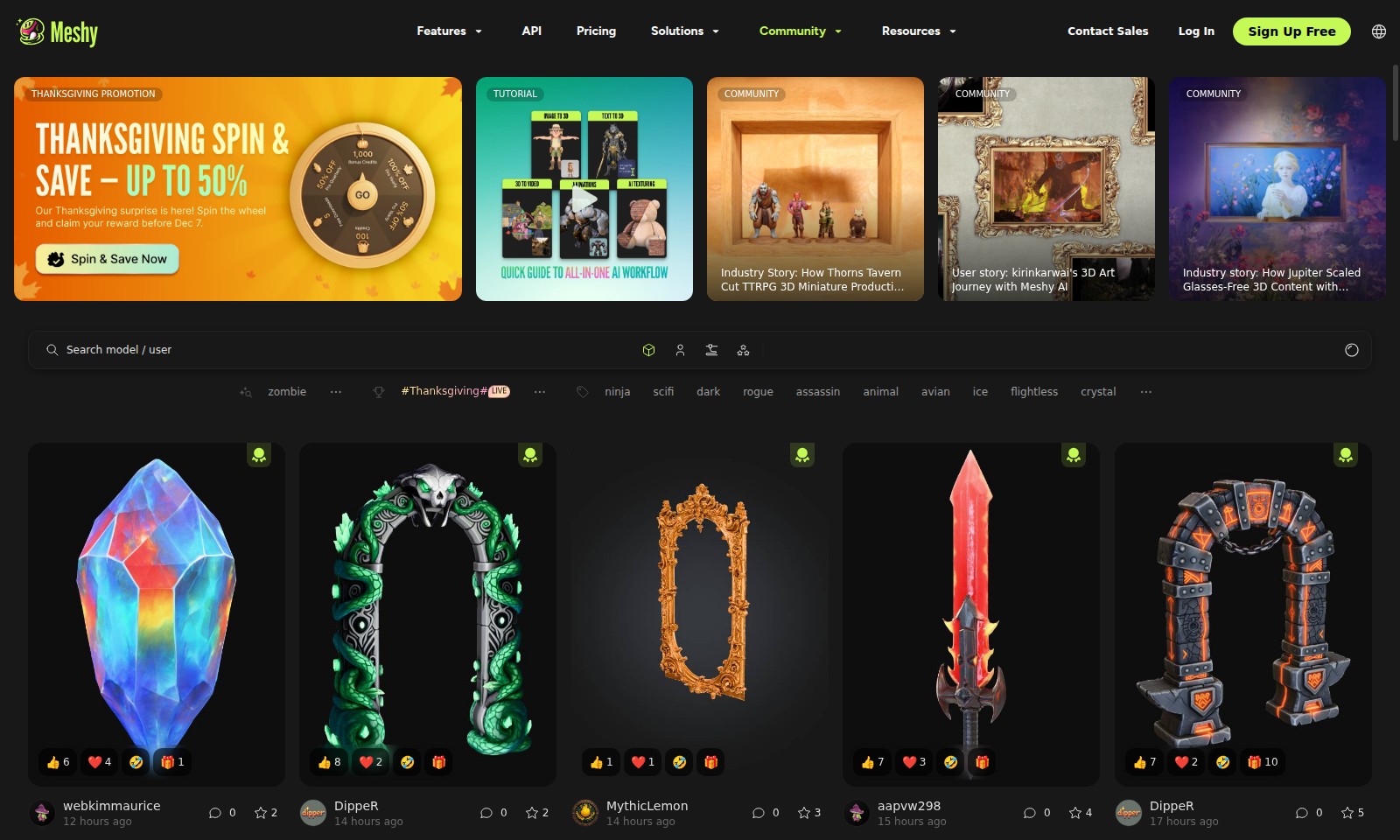
Meshy Introduction
Transforming 3D Content Creation
Unleash your creativity with our innovative platform that streamlines the process of 3D content creation. Whether you're interested in transforming images into stunning 3D models or generating complex designs from text, our advanced tools make it accessible for everyone. Dive into our range of features, including powerful APIs, tailored pricing options, and a vibrant community that supports your journey in mastering 3D art.
Meshy Features
API - Streamlined Integration
Our API facilitates seamless integration, allowing developers to easily connect their applications with our 3D modeling services. This ensures a more efficient workflow without the steep learning curve.
Pricing - Flexible Options for Every User
We offer tiered pricing plans tailored to different user needs, from hobbyists to professional studios, ensuring accessible state-of-the-art technology for everyone.
Solutions - Tailored Approaches for Diverse Industries
Our platform provides specialized solutions that cater to various industries including gaming, education, and e-commerce, enhancing productivity and effectiveness across sectors.
Community - Engaged Users Supporting Each Other
The strong user community allows for knowledge sharing and collaboration, providing users access to resources and support, fostering a culture of growth and innovation.
Resources - Comprehensive Learning Materials
Our extensive library of tutorials, case studies, and user stories equips users with the knowledge and skills needed to maximize their use of our technology, enhancing their creative projects.
Frequently Asked Questions About Meshy
Frequently Asked Questions
What features does Meshy offer for creating 3D models?
Meshy provides a variety of features to simplify the creation of 3D models from images and text. Users can easily convert 2D images into 3D objects, making it a versatile tool for artists and designers alike.
How does the API integration work?
Our API allows developers to seamlessly integrate Meshy's functionalities into their applications. This facilitates smooth workflows for creating 3D content, ensuring scalability for businesses utilizing the service.
What are the pricing plans for using Meshy?
Meshy offers flexible pricing options to cater to different user needs, including free trials and subscription plans. Users can choose a plan that best fits their budget and project requirements.
Is there a community where I can get support?
Yes, Meshy features an active community where users can share tips, experiences, and seek advice. You can join discussions, ask questions, and learn from other 3D content creators.
What resources are available for learning how to use Meshy?
We provide a comprehensive range of tutorials and documentation to help users get started with Meshy. Whether you're a beginner or an experienced user, our resources will assist you in maximizing your use of the platform.
How can I contact sales for more information?
For detailed inquiries regarding our offerings or to explore tailored solutions, you can reach out to our sales team directly through the 'Contact Sales' section on our website. They will provide you with the information you need to get started.
How to Use Meshy
Register an Account
Visit the homepage and click on the 'Sign Up Free' button. Fill in your details to create your account effortlessly.
Verify Your Email
Check your inbox for a verification email. Click the link provided to confirm your email address and ensure account security.
Log In
Return to the homepage and click on the 'Log In' button. Enter your registered email and password to access your account.
Set Up Your Profile
Once logged in, navigate to your profile settings. Upload a profile picture and fill in your information to personalize your account.
Explore Features
Take a moment to familiarize yourself with the platform's features. Look for tutorials that explain how to use various tools effectively.
Start a New Project
Click on 'New Project' from the dashboard. Choose whether you want to use 'Image to 3D' or 'Text to 3D', depending on your needs.
Upload Your Content
For 'Image to 3D', upload your images directly. If you are using 'Text to 3D', enter the text prompt clearly outlining your vision.
Customize Your Model
After the model is generated, use the editing tools to customize it. Adjust textures, colors, and other elements to meet your requirements.
Save and Share Your Work
Once satisfied with your model, save it to your profile. Share your creation with the community for feedback and support.
Reviews
Pros
- Easy to use
- Fast processing
- Great results
- Affordable pricing
Cons
- Limited free version
- Requires internet connection
Comments
No comments yet. Be the first to share your thoughts!
Meshy - Alternative Platforms
For some alternatives to Meshy that you may need, we provide you with sites divided by features.

Meshy AI offers powerful AI-driven tools to instantly generate game-ready 3D models from text or images, catering to creators and developers.
Fastin3D offers an easy-to-use platform for transforming images into 3D models, featuring tools like Image Studio and Texture Generator.
Project Genie allows users to create, navigate, and remix photorealistic 3D environments in real-time, no design skills needed.
Transform your creative ideas into professional 3D assets quickly and easily using Hunyuan 3D's cutting-edge AI technology.