Image to Excel
An online tool that enables quick conversion of images containing tables into editable Excel files with high accuracy and batch processing capability.
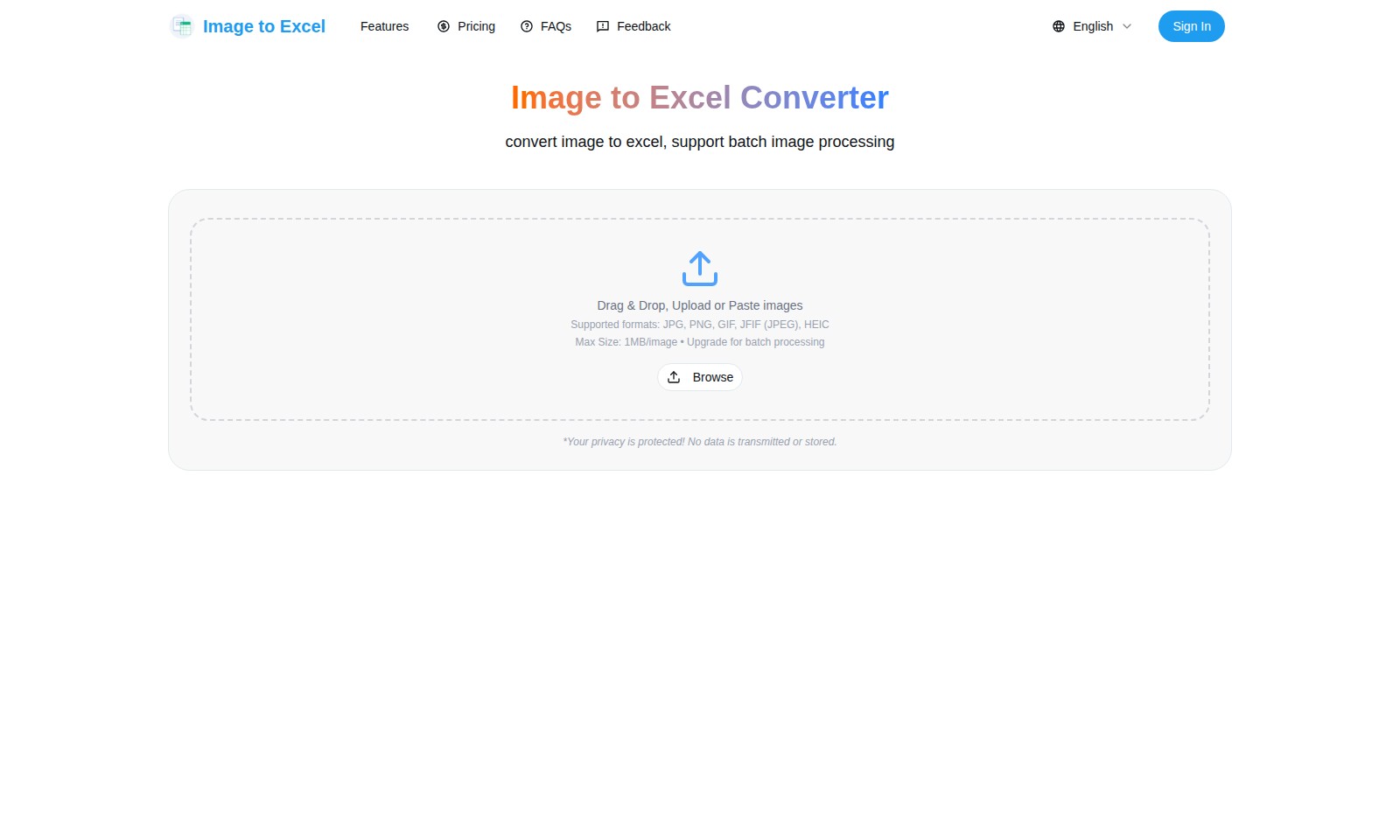
Image to Excel Introduction
Image to Excel Converter
Our Image to Excel converter streamlines the process of extracting data from images with remarkable precision and speed. Designed for professionals who demand efficiency, this online tool allows users to convert images into Excel spreadsheets effortlessly, enabling quick data organization and management.
Image to Excel Features
Fast Image to Excel Conversion - Save Time and Effort
Our tool converts images to Excel in under a minute, eliminating the need for manual data entry. With robust algorithms, it processes multiple images simultaneously, making batch conversion a breeze.
High Accuracy Guaranteed - Get Exact Data
Enjoy a 99% accuracy rate with our AI-powered technology, ensuring that every detail from your image is captured. The smart detection feature minimizes errors in table extraction, providing users with reliable results.
User-Friendly Interface - Simplified Experience
The drag-and-drop feature allows for effortless uploads of images, including JPG, PNG, GIF, JFIF, and HEIC formats. This ensures that users of all technical levels can easily navigate the conversion process without needing advanced skills.
Secure Data Handling - Your Privacy Matters
Our service guarantees that your data remains private with zero transmission or storage of images on our servers.
Feel secure knowing your sensitive documents will not be stored, ensuring peace of mind while converting.
Instant Excel Export - Ready When You Are
Download your extracted data immediately after conversion, streamlining your workflow.
This quick access to your data means no delays, enabling users to efficiently integrate the information into their projects.
Batch Processing Available - Scale Your Productivity
Upgrade options allow for batch processing, perfect for businesses requiring bulk conversions.
This feature supports large volumes of images, catering to academic researchers, data analysts, and professionals alike.
Comprehensive Support for Various Formats - Flexibility at Your Fingertips
Whatever your source format, our tool ensures compatibility, giving users the flexibility to work with multiple image types without hassle.
This adaptability helps users focus on their tasks rather than worrying about format limitations.
Frequently Asked Questions About Image to Excel
How does the Image to Excel Converter work?
Our Image to Excel Converter uses advanced AI technology to quickly and accurately convert images into editable Excel documents. Simply upload your image in supported formats like JPG or PNG, and our tool will automatically detect and extract the relevant data, allowing you to download it as an Excel file in seconds.
What formats does your converter support?
The converter supports various image formats including JPG, PNG, GIF, JFIF, and HEIC. This means you can upload multiple types of images without worrying about compatibility issues.
What is the maximum size of images I can upload?
You can upload images up to 1MB in size for free. If you need to process larger images or batch convert multiple images at once, consider upgrading your account for enhanced features.
Is my data safe when using your converter?
Absolutely! We prioritize user privacy, which means no data is transmitted or stored on our servers. Your images are processed on the fly, ensuring complete confidentiality during the conversion process.
How accurate is the conversion?
Our Image to Excel Converter boasts a 99% accuracy rate. This means that the tool efficiently detects and extracts data, preserving the structure and format of your tables, allowing for seamless edits in Excel after conversion.
Can I try the tool for free?
Yes! Our Image to Excel Converter is free and easy to use. You can start converting images to Excel documents instantly without any signup required.
How to Use Image to Excel
Register an Account
To start using our Image to Excel Converter, you need to register for an account. Click on the 'Sign In' button and select 'Register'. Fill in the required details such as your email and password. Confirm your email through the link we send you to activate your account.
Log In to Your Account
Once your account is registered, return to the homepage and click on 'Sign In'. Enter your email and password to access your account dashboard. Make sure your credentials are correct to avoid any login issues.
Upload Images
After logging in, you can start uploading images for conversion. Click on the 'Browse' button to select images from your device or drag and drop images directly into the upload area. You can upload images in formats such as JPG, PNG, GIF, and HEIC.
Set Up Your Conversion Preferences
Before converting, you have the option to customize your conversion preferences. Choose whether you want to process images one by one or if you wish to upgrade for batch processing. Remember, the maximum size for each image is 1MB.
Convert Images to Excel
Start the conversion process by clicking the 'Convert' button. Our AI-powered tool will automatically analyze and extract tables from your images, ensuring a lightning-fast conversion time of less than a minute. You can expect 99% accuracy in the extracted data.
Download Your Excel File
Once the conversion is complete, you will see a download link for your Excel file. Click on the link to download your file directly to your device. Review the data in your Excel sheet to ensure everything has been extracted correctly.
Explore Advanced Features
Take a moment to explore other features available on our platform. Use our smart table detection to extract data from PDFs or try out different image formats for optimal results. Our tools are designed to enhance your experience and provide you with the best results possible.
Provide Feedback
We value your experience. After using our tool, consider providing feedback. Your insights help us improve our service and cater to user needs more effectively. Use the feedback form available on the site to share your thoughts.
Reviews
Pros
- Easy to use
- Fast processing
- Great results
- Affordable pricing
Cons
- Limited free version
- Requires internet connection
Comments
No comments yet. Be the first to share your thoughts!
Image to Excel - Alternative Platforms
For some alternatives to Image to Excel that you may need, we provide you with sites divided by features.

UPDF offers a comprehensive PDF editing solution powered by AI. With tools for editing, annotating, and converting across devices, it simplifies PDF workflows.
Liner offers tools for seamless research, including source collection and survey generation, empowering users to enhance their academic work.
Manage PDFs effortlessly with PDFgear, an AI-powered, free tool that enables editing, conversion, and collaboration on all your devices.
DeepSeek OCR employs innovative optical compression to enhance document digitization and multilingual capabilities, achieving high accuracy and efficiency.