Mapify
Mapify is an innovative AI tool that helps users summarize various content types into organized mind maps to simplify learning and work.
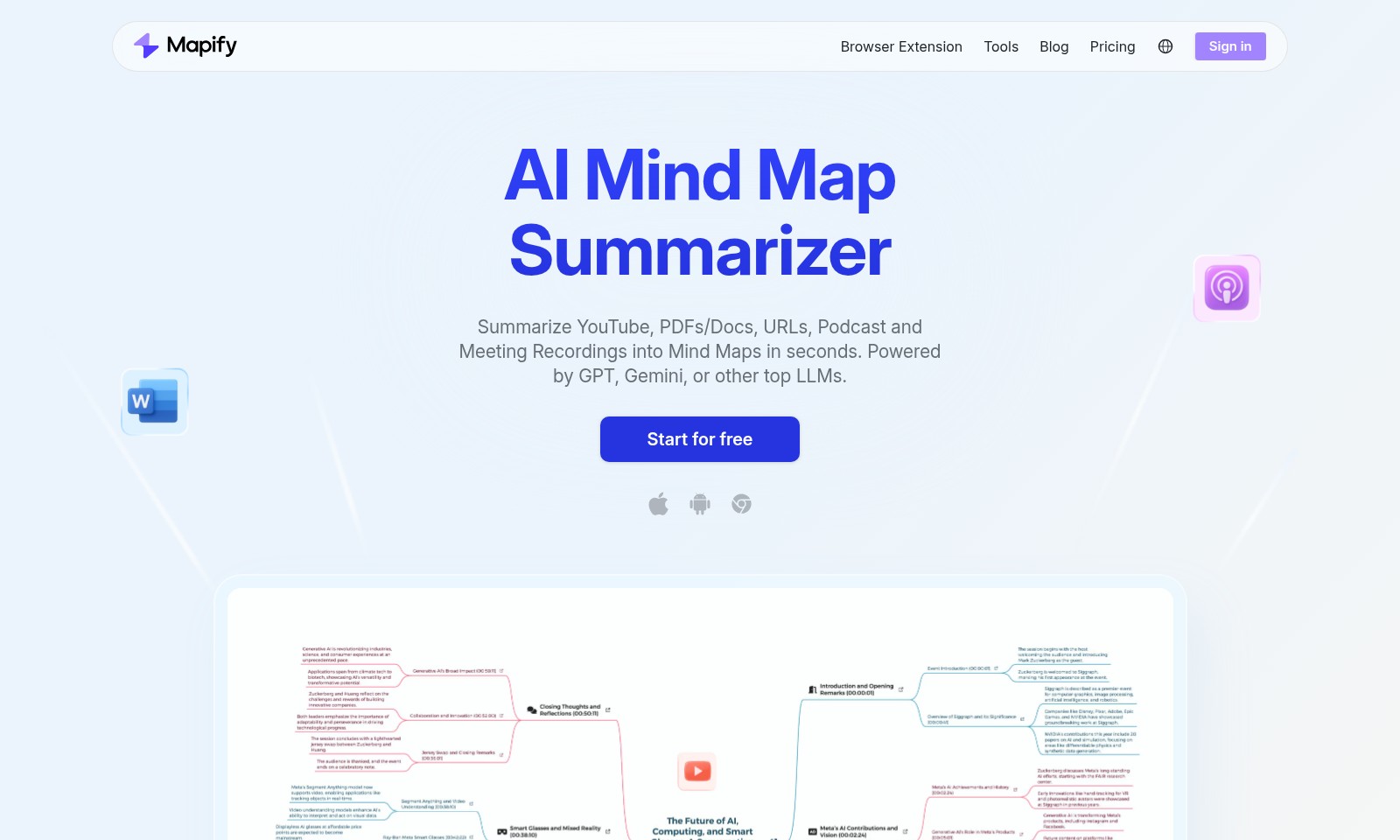
Mapify Introduction
AI Mind Map Summarizer
The AI Mind Map Summarizer empowers users to transform complex information into simple, visual mind maps within seconds. By utilizing advanced AI technologies, including GPT, Gemini, and other top LLMs, this tool provides an efficient way to summarize various types of content such as YouTube videos, PDFs, documents, URLs, podcasts, and meeting recordings. With a user-friendly interface and a host of features, it's designed to enhance productivity and learning, catering to both individual and organizational needs.
Mapify Features
AI Mind Map Summarizer - Rapid Knowledge Assimilation
Transform extensive YouTube videos, PDFs, documents, URLs, podcasts, and meeting recordings into easily digestible mind maps in mere seconds. This feature leverages cutting-edge language models such as GPT and Gemini, ensuring that users receive concise and accurate representations of complex information.
One Click to Generate AI Mind Maps - Streamlined Learning Experience
With Mapify, users can instantly extract key points and concepts from documents, webpages, or videos, saving significant time and enhancing their learning process. The simplicity of a one-click solution allows users to focus on content rather than tools, catering to professionals and students alike who seek efficient information processing.
Multi-Language Translation and Summarization - Universal Accessibility
This feature empowers users to translate and summarize foreign documents seamlessly in over 30 languages, ensuring that language barriers do not impede knowledge acquisition. Organizations with diverse teams can efficiently collaborate on documents in their preferred languages without losing context or crucial details.
Interactive Document Engagement - Enhanced Collaborative Learning
The ability to chat with your document provides a dynamic way to interact with content. Users can engage and ask specific questions about the text, leading to deeper understanding and valuable insights. This is particularly beneficial for research professionals who require nuanced comprehension of extensive materials.
Integrated YouTube Navigation - Efficient Content Consumption
Our jump with timestamps feature allows users to navigate critical moments in YouTube videos directly from the mind map. Users can jump to specific sections, thereby enhancing their learning experience and maximizing time spent on valuable content, which is essential for busy professionals.
Accurate Auto Transcription - Supportive Learning Environment
The auto transcription feature ensures that users receive full, accurate transcriptions of audio content. This thorough documentation serves as a foundation for better understanding, making it an essential resource for students, educators, and professionals who may require detailed records of discussions or lectures.
Web-Powered AI - Contextual Understanding
The underlying technology of our AI Mind Map Summarizer is powered by advanced web-based AI, which ensures contextual understanding and relevance. This feature is designed for users in fast-paced environments who need to quickly assimilate information from various online sources without compromising quality or clarity.
Frequently Asked Questions About Mapify
FAQs about AI Mind Map Summarizer
1. What can the AI Mind Map Summarizer do?
The AI Mind Map Summarizer allows users to quickly convert various types of content, such as YouTube videos, PDFs, and meeting recordings, into mind maps. It leverages powerful LLMs like GPT and Gemini for efficient summarization.
2. How accurate is the transcription feature?
Our auto-transcription feature provides full, accurate transcripts of your documents and audio sources, aiding in better understanding of the content. This feature is designed to ensure that no key detail is missed during the summarization process.
3. Can I translate documents into other languages?
Yes, the AI Mind Map Summarizer supports translation and summarization of documents in over 30 languages, making it easier for users to access and understand foreign content.
4. How do I start using AI Mind Map Summarizer?
Simply visit our website and click on 'Start for free.' You can quickly access the tools needed to generate mind maps from various types of content, streamlining your learning process.
5. Is the AI Mind Map Summarizer suitable for academic use?
Absolutely! With over 5 million users, including students and professionals from top universities and companies, the tool is tailored for educational and professional purposes, helping users summarize and organize information effectively.
6. How does the one-click generation feature work?
With a single click, you can generate mind maps that highlight key points from documents, webpages, or videos. This intuitive process saves you time and enhances your ability to grasp the essential concepts quickly.
How to Use Mapify
Step 1: Register an Account
Visit the homepage and click on the 'Start for free' button. Fill in your details to create an account. Make sure to use a valid email address for verification.
Step 2: Confirm Your Email
Check your inbox for a confirmation email. Click the link provided to verify your account and activate your access to the platform.
Step 3: Sign In
Return to the website and click on 'Sign in'. Enter your credentials (email and password) to access your account.
Step 4: Set up Your Profile
Navigate to your profile settings. Complete your profile by adding relevant information. This helps personalize your experience on the platform.
Step 5: Familiarize Yourself with the Dashboard
After signing in, take a moment to explore the dashboard. Familiarize yourself with the main features available, such as the Mind Map Summarizer and tools at your disposal.
Step 6: Start Using the AI Mind Map Summarizer
Click on the 'AI Mind Map Summarizer' feature. Choose the type of content you want to summarize (e.g., PDF, YouTube video, etc.) and upload the document or provide the URL.
Step 7: Generate Your Mind Map
Once you provide the input content, click on the 'Generate' button. The AI will process the information and generate a mind map in seconds.
Step 8: Review and Edit Your Mind Map
After generation, take time to review the mind map. You can make edits or add your insights to enhance the summary further.
Step 9: Utilize Key Features
Explore features like Auto Transcription and Chat with Your File for deeper understanding. These tools provide transcripts and allow interaction with your documents for clarity.
Step 10: Save and Share Your Mind Map
Finally, save your mind map or share it with others. Use the sharing options available to disseminate information easily.
Reviews
Pros
- Easy to use
- Fast processing
- Great results
- Affordable pricing
Cons
- Limited free version
- Requires internet connection
Comments
No comments yet. Be the first to share your thoughts!
Mapify - Alternative Platforms
For some alternatives to Mapify that you may need, we provide you with sites divided by features.

MyMap.AI helps users create visual content through AI-generated diagrams, enhancing productivity for students, professionals, and creators.
Felo provides a consolidated workspace for managing documents, utilizing AI tools, and improving team collaboration.
TeraBox offers 1024GB of cloud storage with easy backup, file sharing, premium features, and strong data security, catering to individual and business needs.
PPT AI offers a fast and efficient way to create professional presentations from text, documents, and videos, empowering users with intelligent design tools.