Qoder
Qoder CLI offers a revolutionary approach to coding with its context engine, quest mode for task delegation, and improved repository insights for developers.
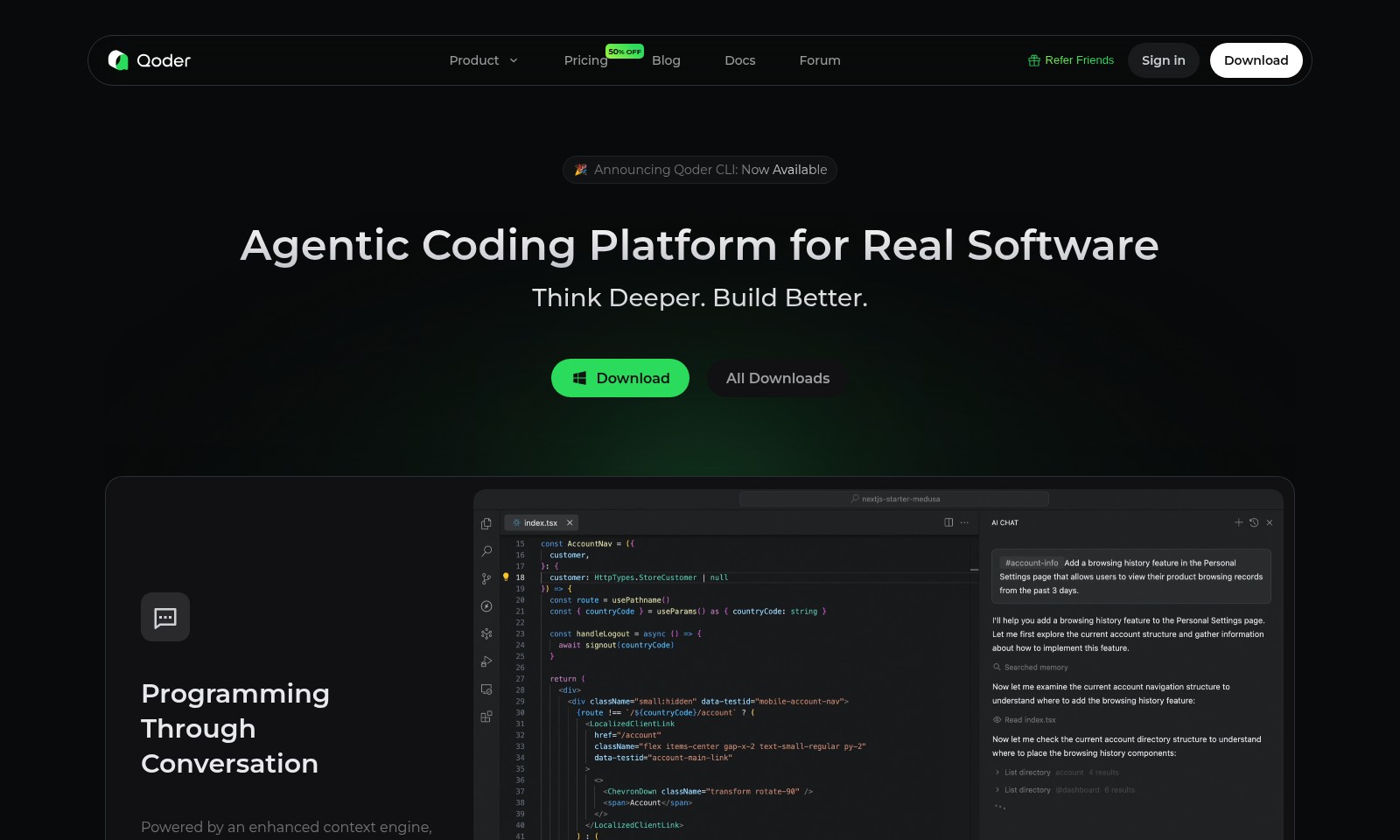
Qoder Introduction
Introducing Qoder: The Future of Software Development
Qoder is an innovative agentic coding platform designed to revolutionize the software development experience. With features that leverage advanced AI technology, Qoder empowers developers to streamline their workflows, enhance productivity, and tackle complex coding challenges with ease.
Qoder Features
Intelligent Codebase Search - Instant Relevance
Easily identify and access vital code snippets with our intelligent search feature. This tool scans your entire codebase, ensuring you can find the right code at the right time, enhancing productivity and reducing time spent on searching.
Quest Mode - Delegated Efficiency
Delegate your coding tasks to our advanced agents. When you describe a task along with its specifications, our agents autonomously handle planning, coding, and testing. Receive polished results asynchronously, allowing you to focus on higher-level project management.
Advanced Repository Insight - Precision Problem-Solving
Leverage our deep understanding of your codebase for accurate issue resolution. This feature provides insights that allow you to tackle challenges with confidence, ensuring your development process remains smooth and efficient.
Context-Driven Planning - Arrive at Solutions Faster
Utilizing a powerful context engine, our agents can autonomously plan your projects by analyzing both the codebase and existing documentation. This significantly reduces planning time and streamlines the entire development cycle.
Autonomy in Project Management - Increased Output
With our autonomous agents, you can achieve a higher output with less manual intervention. They handle the complexities of project management, allowing you to concentrate on innovation and strategic decisions.
Enhanced Collaboration - Unified Workflow
Our platform promotes better collaboration among teams by providing a shared view of your codebase and project status. This ensures all team members are aligned, reducing misunderstandings and increasing overall team effectiveness.
Frequently Asked Questions About Qoder
FAQs
What is Qoder and how can it help me?
Qoder is an advanced coding platform that utilizes an enhanced context engine to assist developers in planning, coding, and testing their software projects. By using simple prompts, Qoder's intelligent agents autonomously generate coded solutions, saving you time and reducing the complexity of task management.
How does Quest Mode work?
Quest Mode allows you to delegate specific tasks to our agents. Simply describe your task along with any specifications, and our agents will handle the entire process of planning, coding, and testing. This results in polished and effective solutions delivered to you asynchronously.
What features make Qoder stand out from other IDEs?
Unlike traditional AI IDEs, Qoder goes beyond basic functionality by employing a deep architectural understanding of your codebase. Key features include intelligent codebase search for pinpointing relevant code and advanced insight for resolving issues effectively. This depth of context sets Qoder apart in solving real software challenges.
Is Qoder suitable for beginners?
Yes, Qoder is designed to cater to users of all skill levels. Its intuitive interface and AI-driven support make it accessible for beginners while providing advanced features for experienced developers looking to enhance their workflow and project management.
How can I get started with Qoder?
Getting started with Qoder is easy. You can download the platform directly from our website, create an account, and explore the available resources like blogs and documentation to help you make the most out of your experience. Don't forget to refer your friends to earn rewards!
What support resources does Qoder offer?
Qoder provides a comprehensive range of support resources, including a blog packed with insights, documentation for understanding features, and a forum for community discussions. These resources are designed to aid users at every stage of their coding journey.
How to Use Qoder
Step 1: Register an Account
Go to the Qoder website and click on the 'Sign in' button. There, you will find an option to 'Create an account'. Fill in the required information accurately to get started.
Step 2: Verify Your Email
Check your email inbox for a verification message from Qoder. Click the verification link to activate your account and gain access to all features.
Step 3: Set Up Your Profile
Once you log in, navigate to your profile settings. Complete your profile by adding relevant details that describe your skills and interests, which can help personalize your experience.
Step 4: Explore Pricing Plans
Visit the 'Pricing' section to understand the different subscription options available. Select a plan that meets your needs, especially if you want access to advanced features.
Step 5: Download Qoder CLI
Find the 'Download' link on the homepage or the relevant section of the website. Download and install the Qoder Command Line Interface to start coding effectively.
Step 6: Familiarize Yourself with Key Features
Explore the documentation available on our site. Learn about features like 'Quest Mode' and 'Intelligent Codebase Search' to utilize Qoder’s full potential.
Step 7: Start a New Project
After setting everything up, begin your first project by clicking on 'New Project' within the platform. Describe your task clearly, specifying what you want to achieve.
Step 8: Delegate Tasks to Agents
In 'Quest Mode', provide specifications for the tasks you wish to delegate. The AI agents will plan, code, and test your project effectively, ensuring quality results.
Step 9: Monitor Progress
Keep track of your project's progress through the dashboard. You can view real-time updates and any modifications made by the AI agents.
Step 10: Engage with the Community
Join the Forum and related Blog discussions. Share your experiences and learn from other developers and users in the Qoder community to enhance your skills.
Reviews
Pros
- Easy to use
- Fast processing
- Great results
- Affordable pricing
Cons
- Limited free version
- Requires internet connection
Comments
No comments yet. Be the first to share your thoughts!
Qoder - Alternative Platforms
For some alternatives to Qoder that you may need, we provide you with sites divided by features.

Comprehensive guide to the best hosting options for OpenClaw, featuring expert reviews and a side-by-side comparison of top providers.
ARC offers holistic AI solutions that prioritize user privacy and efficiency. Discover the Matrix and Reactor, designed to protect your data while enhancing your AI experience.
A visual design tool that simplifies frontend development through AI, allowing users to edit and integrate code seamlessly.
OceSha Ventures transforms ideas into AI-driven products, emphasizing collaboration and impact in technology.