Teal
Teal offers a powerful AI Resume Builder and Job Tracker to help users organize their job search and improve their chances of landing interviews.
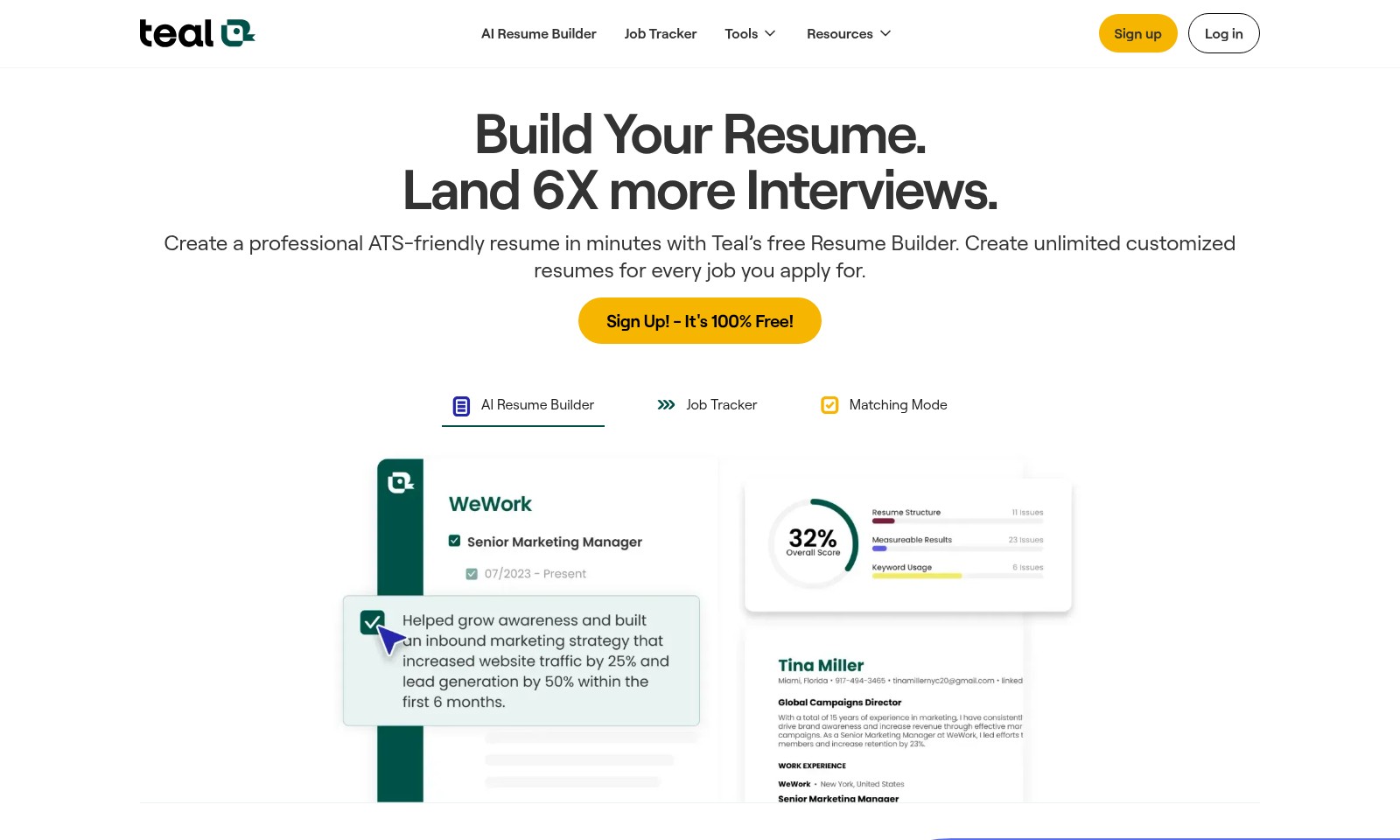
Teal Introduction
Elevate Your Job Search Experience
Teal offers an innovative platform designed to streamline your job application process and improve your chances of securing interviews. With our AI Resume Builder, you can quickly create a polished, ATS-friendly resume tailored to specific job descriptions, ensuring your qualifications shine through. Our tools, combined with insightful resources, make your job search not just easier, but significantly more effective.
Teal Features
AI Resume Builder - Create a professional ATS-friendly resume in minutes.
Teal’s AI Resume Builder enables job seekers to generate customized resumes tailored to specific job applications within minutes. By utilizing intelligent algorithms, the tool ensures that your resume meets ATS (Applicant Tracking System) criteria, significantly increasing the chances of your resume being seen by recruiters.
Job Tracker - Organize and manage your job search effortlessly.
The Job Tracker feature allows users to consolidate all job opportunities in one accessible platform. With the Chrome extension, users can bookmark jobs from any job board, streamlining the job application process and minimizing the time spent searching for roles.
Job Insights - Gain a competitive edge in your job search.
Teal provides users with valuable insights into job market trends and company-specific hiring patterns. This feature equips job seekers with the information they need to tailor applications precisely to what potential employers are seeking, thereby enhancing employability in targeted industries.
Matching Mode - Optimize your resume with job-specific keywords.
This feature analyzes job descriptions and highlights essential qualifications that align with user skill sets. By strategically placing relevant keywords into resumes, candidates can enhance their visibility and alignment with the roles they are pursuing.
Resume Recommendations - Improve your chances of landing interviews.
Teal’s system offers users personalized suggestions for resume improvements based on best practices and industry trends. This feature is tailored to ensure that each application is not only unique but also poised to attract the attention of hiring managers.
Unlimited Customized Resumes - Tailor each application for maximum impact.
With Teal, users can create and save an unlimited number of resumes, each customized for different job postings. This flexibility ensures that candidates can put their best foot forward for every opportunity they pursue.
Sign Up - It's 100% Free!
New users can access all of these features without any cost, making it easy for anyone to start their job search with the right tools at their disposal. Teal is committed to supporting job seekers in achieving their career goals.
Frequently Asked Questions About Teal
FAQs
1. How can I create a resume using your AI Resume Builder?
To create a resume, simply sign up for a free account on our website, navigate to the AI Resume Builder, and follow the prompts to input your information. Our tool will help you tailor your resume for each job application by using the right keywords and highlighting your qualifications.
2. Is the AI Resume Builder free to use?
Yes, the AI Resume Builder is completely free! You can create unlimited customized resumes without any hidden fees. Start building your professional ATS-friendly resume today!
3. Can I track my job applications using the Job Tracker?
Absolutely! Our Job Tracker is designed to help you organize and manage your job applications in one place. You can bookmark jobs from any job board using our Chrome extension, making it easier to follow up and stay on top of your applications.
4. How does the Job Insights feature work?
Job Insights provide you with valuable data about companies and job trends. This feature allows you to save time during your job search by automating parts of the process and giving you the information you need to make informed decisions.
5. What advantages does the ATS-friendly resume offer?
An ATS (Applicant Tracking System)-friendly resume is designed to be easily read by automated systems that employers use to filter applicants. With our Resume Builder, you can ensure your resume meets these standards, increasing your chances of landing interviews.
6. How does Teal help me improve my resume?
Teal analyzes job descriptions and suggests improvements to your resume. By tailoring your resume with the recommended keywords and phrases, you boost your visibility to potential employers and maximize your opportunities for interviews.
How to Use Teal
Sign Up for an Account
To begin your journey, click on the 'Sign Up' button. Fill in the required fields including your name, email address, and a secure password. Confirm your registration by checking your email for a verification link.
Log In to Your Account
Once registered, click on the 'Log In' button. Enter your email and password to access your dashboard. Ensure your credentials are correct to avoid any access issues.
Set Up Your Profile
After logging in, navigate to your profile settings. Add details such as your work experience, education, and relevant skills. This information will be used to optimize your resume for job applications.
Build Your Resume
Utilize the AI Resume Builder to create a professional resume. Input your information and let the AI provide suggestions on formatting and content. Tailor your resume to include keywords relevant to the jobs you are targeting.
Use Job Tracker
Access the Job Tracker tool to keep an organized view of your job applications. Add jobs that interest you by bookmarking them. This tool helps you manage your search efficiently and track your progress.
Explore Additional Tools
Make use of other resources available on the site, such as job insights and resume recommendations. Leverage these tools to enhance your job search experience and increase your chances of landing interviews.
Reviews
Pros
- Easy to use
- Fast processing
- Great results
- Affordable pricing
Cons
- Limited free version
- Requires internet connection
Comments
No comments yet. Be the first to share your thoughts!
Teal - Alternative Platforms
For some alternatives to Teal that you may need, we provide you with sites divided by features.

Jobright offers an AI-driven platform to enhance job searching, featuring personalized job matches, resume optimization, and networking opportunities.
Resume Worded provides personalized coaching for resumes and LinkedIn profiles, helping users improve their job prospects with expert feedback.
Quickly craft ATS-friendly resumes and cover letters with our intuitive editor and personalized feedback.