Goodnotes
Goodnotes combines handwriting, typing, and AI features for effective note-taking and collaboration across devices.
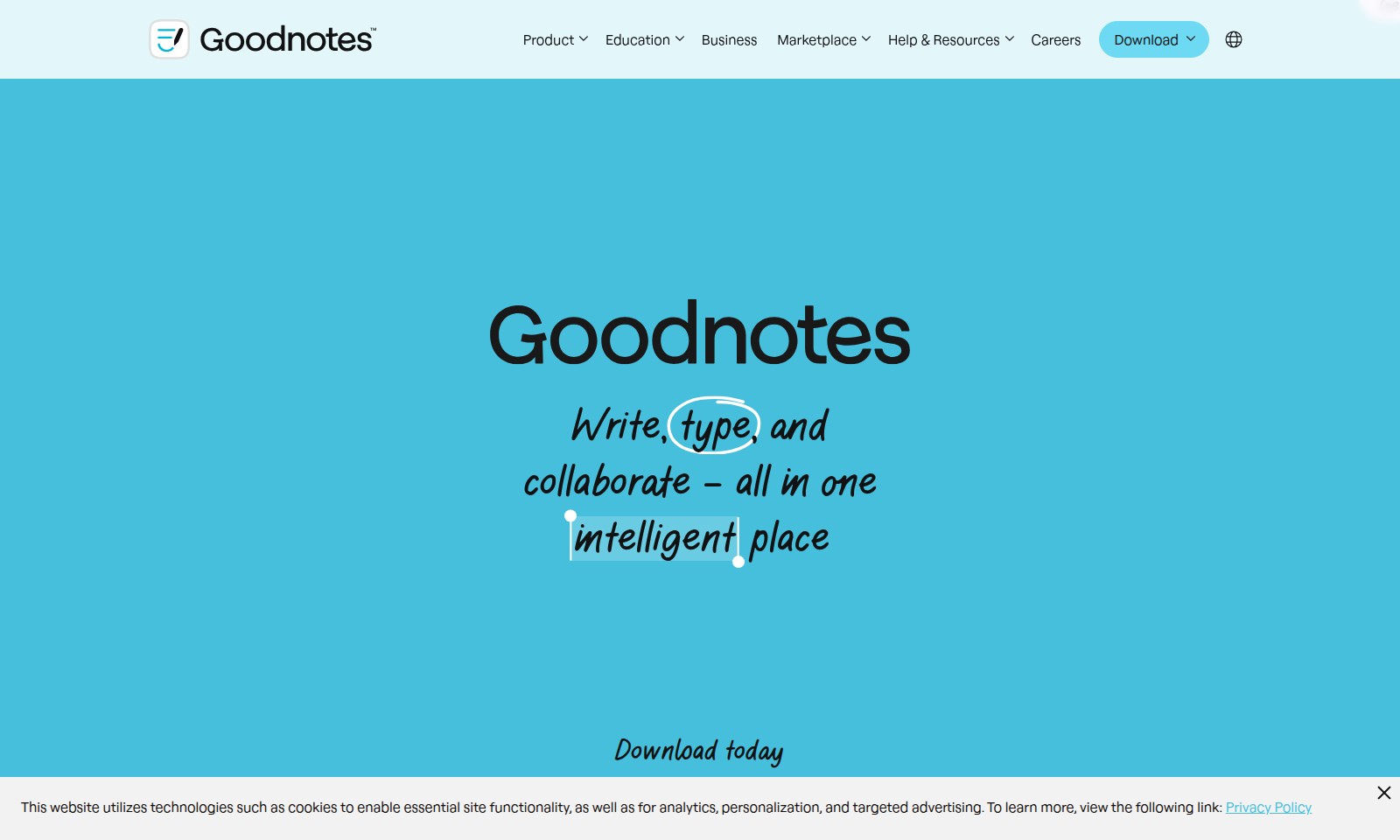
Goodnotes Introduction
Unlock Your Potential with Goodnotes
Goodnotes stands at the forefront of digital productivity, providing a versatile platform where you can seamlessly write, type, and collaborate. With features that cater to various needs—from academics to professional projects—Goodnotes revolutionizes the way you manage your notes and ideas, all in one intelligent place.
Goodnotes Features
Capture Every Detail - Empower Your Thought Process
With Goodnotes, you can flexibly utilize voice, text, or renowned digital handwriting to capture every thought, ensuring nothing important slips through the cracks. The real-time transcription feature enhances accessibility, allowing for easy searching and retrieval of your notes.
Unlock AI-Powered Productivity - Elevate Your Note-Taking Experience
Goodnotes AI seamlessly transforms chaotic meeting notes and initial drafts into organized, coherent documents, streamlining your workflow. The smart summarization tool identifies key points and highlights, saving you valuable time and effort, while also improving retention rates.
Collaboration Without Constraints - Foster Team Dynamics
Designed for collaborative efforts, Goodnotes maintains fluid communication during team brainstorms and remote workshops with live ink, text, and comment synchronization. Additionally, the multi-device support ensures all team members are connected whether they're in the same room or working from different locations.
Studying Made Efficient - Enhance Your Learning
Leverage Goodnotes' functionalities to study smarter, not harder—take searchable, handwritten notes during lectures with ease. The optical character recognition (OCR) technology ensures that your notes are not just handwritten but also text-searchable, enabling quick revision before exams.
Versatile Teaching Tools - Empower Educators
Educators can utilize Goodnotes to create dynamic lesson plans and interactive lectures, engaging students effectively. With the ability to share notes in real time, teachers can provide instant feedback and support to learners, fostering a participative learning environment.
Intuitive Journaling - Keep Your Thoughts Organized
Goodnotes offers a user-friendly journaling experience where users can integrate text, handwriting, and images cohesively. The customizable templates provide structure for personal reflections, making journaling a delightful and productive routine.
Meeting Efficiency - Optimize Discussions
Capture and organize ideas from meetings instantly with Goodnotes, ensuring clarity and focus during discussions. The ability to convert handwritten notes into digital format means actionable insights are never lost, enabling teams to track progress effectively.
Frequently Asked Questions About Goodnotes
FAQs About Goodnotes
1. What are the main features of Goodnotes?
Goodnotes offers a variety of features including digital handwriting, text typing, and voice capture. Users can create notes in digital notebooks, whiteboards, or text documents, making it flexible for various needs.
2. How does Goodnotes improve collaboration?
Goodnotes is designed for collaboration, allowing teams to brainstorm together, conduct remote workshops, and share notes in real-time. Ink, text, and comments appear instantly, ensuring everyone stays connected.
3. Is Goodnotes suitable for studying and teaching?
Yes, Goodnotes is perfect for both studying and teaching. Students can take searchable handwritten notes during lectures, while educators can create interactive lessons and engage with students effectively.
4. How does the AI feature enhance productivity?
Goodnotes AI helps organize meeting notes and speeds up the drafting process. It analyzes your notes to assist in summarizing and outlining ideas, transforming what might be chaotic into clear and useful content.
5. What device compatibility does Goodnotes offer?
Goodnotes is compatible with various devices, particularly iPads, enhancing the digital note-taking experience. Users can sync their notes across devices for seamless access.
6. How does Goodnotes handle privacy and data protection?
Goodnotes utilizes cookies for essential site functionality, analytics, personalization, and targeted advertising. For more information, you can view our Privacy Policy.
How to Use Goodnotes
Step 1: Register an Account
Visit the registration page and fill in the required fields. Provide an email address and create a strong password to secure your account.
Step 2: Verify Your Email
Check your inbox for a verification email from us. Click the link in the email to verify your account and activate it.
Step 3: Set up Your Profile
Log in to your account and navigate to the profile settings. Upload a profile picture and fill in your personal details to help personalize your experience.
Step 4: Explore Key Features
Once your profile is set up, start exploring features like digital notebooks, text documents, and whiteboards. Familiarize yourself with how to create and organize your notes.
Step 5: Capture Your Thoughts
Use voice, text, or digital handwriting to capture your thoughts. Open a digital notebook and start jotting down ideas or meeting notes by selecting your preferred method.
Step 6: Collaborate with Others
Invite team members to collaborate on a project. Share notebooks and documents, allowing multiple users to add comments and edits in real-time to streamline your teamwork.
Step 7: Utilize AI Features
Take advantage of Goodnotes AI for enhancing productivity. Use the AI tools to organize your chaotic notes and generate quicker drafts from your handwritten content.
Step 8: Study and Revise
Leverage the platform for studying by taking searchable, handwritten notes directly during lectures. Review your notes with ease and prepare effectively for exams.
Step 9: Seek Help and Resources
If you encounter any issues, visit the Help & Resources section for guides and FAQs. Don’t hesitate to reach out to our support team for personalized assistance.
Reviews
Pros
- Easy to use
- Fast processing
- Great results
- Affordable pricing
Cons
- Limited free version
- Requires internet connection
Comments
No comments yet. Be the first to share your thoughts!
Goodnotes - Alternative Platforms
For some alternatives to Goodnotes that you may need, we provide you with sites divided by features.

Join OpenVC for free to access a vast network of 16,614 investors and streamline your fundraising efforts with advanced tools and resources.
Flick is an all-in-one social marketing platform, offering AI-driven tools for scheduling, hashtag research, and analytics to help brands grow.
Discover how Jetpack enhances your WordPress experience with growth, performance, and security features tailored for simplicity and effectiveness.
DeepL offers innovative translation services and AI tools to enhance business communication, supporting 100+ languages.