GPT For Work
Discover GPT for Work, the ultimate AI tool for bulk processing tasks in Google Sheets and Excel, designed for efficiency and ease of use.
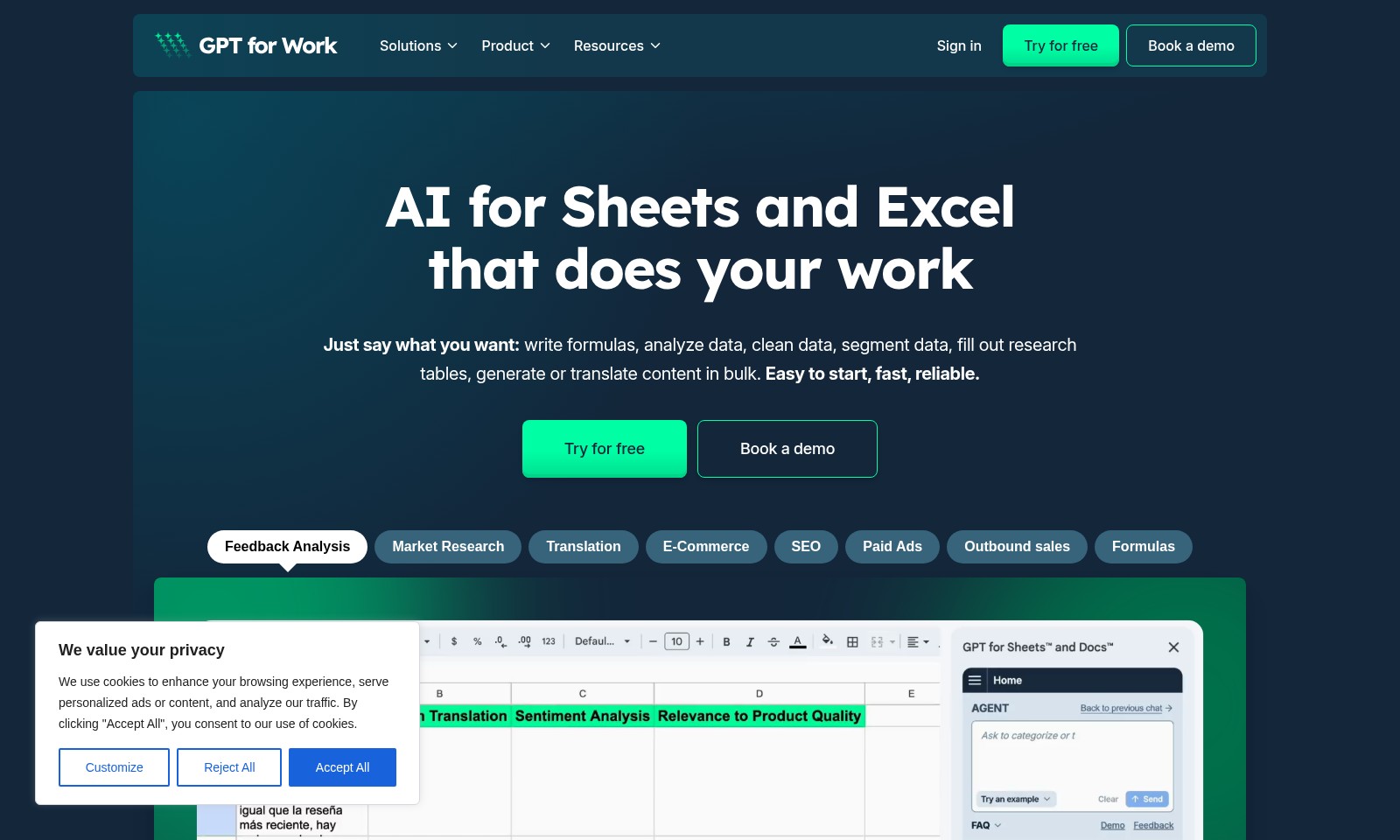
GPT For Work Introduction
Discover the Power of AI for Your Data Needs
In today's data-driven world, efficiency and accuracy are paramount. Our website offers cutting-edge AI solutions specifically designed for Sheets and Excel that empower users to harness the full potential of their data effortlessly. With features that allow you to write formulas, analyze trends, clean datasets, and generate content in bulk, our tools provide an unmatched user experience tailored for professionals across various industries.
GPT For Work Features
AI for Sheets and Excel - Streamline Your Workflow
Unlock the power of automation and optimize your productivity with our AI-driven features tailored for Sheets and Excel. Our tool offers seamless integration with existing spreadsheets, enabling users to effortlessly write formulas and analyze data with just a few commands.
Feedback Analysis - Make Data-Driven Decisions
Easily interpret customer feedback to inform your business strategies and enhance user satisfaction. Employ advanced sentiment analysis algorithms to categorize feedback and focus on key areas for improvement.
Market Research - Stay Ahead of the Competition
Gather and analyze market data to make informed business decisions and identify opportunities for growth. Utilize automated data scraping techniques to acquire real-time insights from various sources, helping you to stay ahead of industry trends.
Translation - Break Language Barriers
Translate content across multiple languages quickly and accurately, making global operations smoother. Our AI tool leverages contextual algorithms to provide nuanced translations that respect cultural differences.
E-Commerce Optimization - Boost Your Sales
Enhance your online store's performance with data-driven insights and personalized recommendations. Integrate with analytics tools to track customer behavior and optimize product listings in real time.
SEO Insights - Improve Your Online Presence
Maximize your website's visibility with intelligent SEO strategies tailored for your content. The tool provides actionable insights on keyword optimization and backlink strategies, allowing for measurable improvements in search rankings.
Paid Ads - Maximize Your Ad Spending
Optimize your advertising campaigns for better ROI and reduced spending. With automated ad analysis, get suggestions on bidding strategies and ad placements based on performance data.
Frequently Asked Questions About GPT For Work
FAQs
What does your website do with my data?
We use cookies to enhance your browsing experience and personalize ads or content. This means we collect data to analyze traffic and improve our services.
How can I manage my cookie preferences?
You can easily manage your cookie preferences by clicking the 'Customize' button. This allows you to selectively accept or reject cookies based on your comfort level.
Is my data safe with you?
Yes, we prioritize user privacy and adhere to strict data protection regulations to ensure your information is handled securely.
What features do you offer for data analysis?
Our tools allow you to write formulas, analyze data, and clean datasets efficiently. They are particularly designed for users who spend significant time in spreadsheets.
Can I try your services for free?
Yes, we offer a free trial for users to experience our capabilities without any commitment. Just click on 'Try for free' to get started.
Who can benefit from using your tools?
Our tools are beneficial for anyone working with data, including SEO professionals, marketers, and researchers, as they streamline various tasks like market research, data segmentation, and content generation.
How to Use GPT For Work
Step 1: Register an Account
To get started, click on the 'Sign in' button located at the top right corner of the homepage. Select 'Try for free' if you are a new user. Fill in the required information such as your name, email, and password, then click 'Submit'. Check your email for a confirmation link to activate your account.
Step 2: Set Up Your Profile
Once you’ve activated your account, log in and navigate to your profile settings. Fill out your profile details including preferences and interests to tailor your experience. This will help the platform provide you with personalized features and services.
Step 3: Understand the Dashboard
After setting up your profile, familiarize yourself with the dashboard. This is your main hub for accessing features. Take a moment to explore the menu options available and understand where key functionalities like AI for Sheets and Excel are located.
Step 4: Get to Know Key Features
Next, dive into the key features available on the platform. Start with the AI tools such as data analysis and formula generation. You can experiment by asking the AI to write specific formulas or clean up data sets. Use the tutorials and guides provided in the resources section for additional support.
Step 5: Utilize the AI for Sheets and Excel
Begin utilizing the AI tool for practical tasks. Simply type in your requests, like generating content or filling out research tables. Observe how the AI responds and refine your queries for better results. Remember, practice will enhance your efficiency.
Step 6: Access Additional Resources
Enhance your knowledge and skills by accessing resources on the website. Explore the documentation, watch tutorial videos, and read case studies that illustrate how others are successfully using the tools for tasks like market research and SEO. This will build your confidence in using the platform.
Step 7: Seek Feedback and Support
If you encounter any challenges or have questions, don't hesitate to reach out via the feedback analysis section. Providing feedback can help improve your experience and offers you a chance to express your thoughts on the tools. Customer support is also available if you need immediate assistance.
Step 8: Continuously Improve Your Skills
As you become more comfortable with the platform, keep exploring different features and functionalities regularly. Engage with online communities or forums related to data analysis to share insights and learn from others. Continuous learning will keep you ahead in your work.
Reviews
Pros
- Easy to use
- Fast processing
- Great results
- Affordable pricing
Cons
- Limited free version
- Requires internet connection
Comments
No comments yet. Be the first to share your thoughts!
GPT For Work - Alternative Platforms
For some alternatives to GPT For Work that you may need, we provide you with sites divided by features.

Offset automates Excel tasks to save time and enhance productivity, allowing users to create DCF models effortlessly.