LightPDF
LightPDF offers advanced PDF tools including editing, OCR, conversion, and AI chat features, ensuring productivity and ease of use.
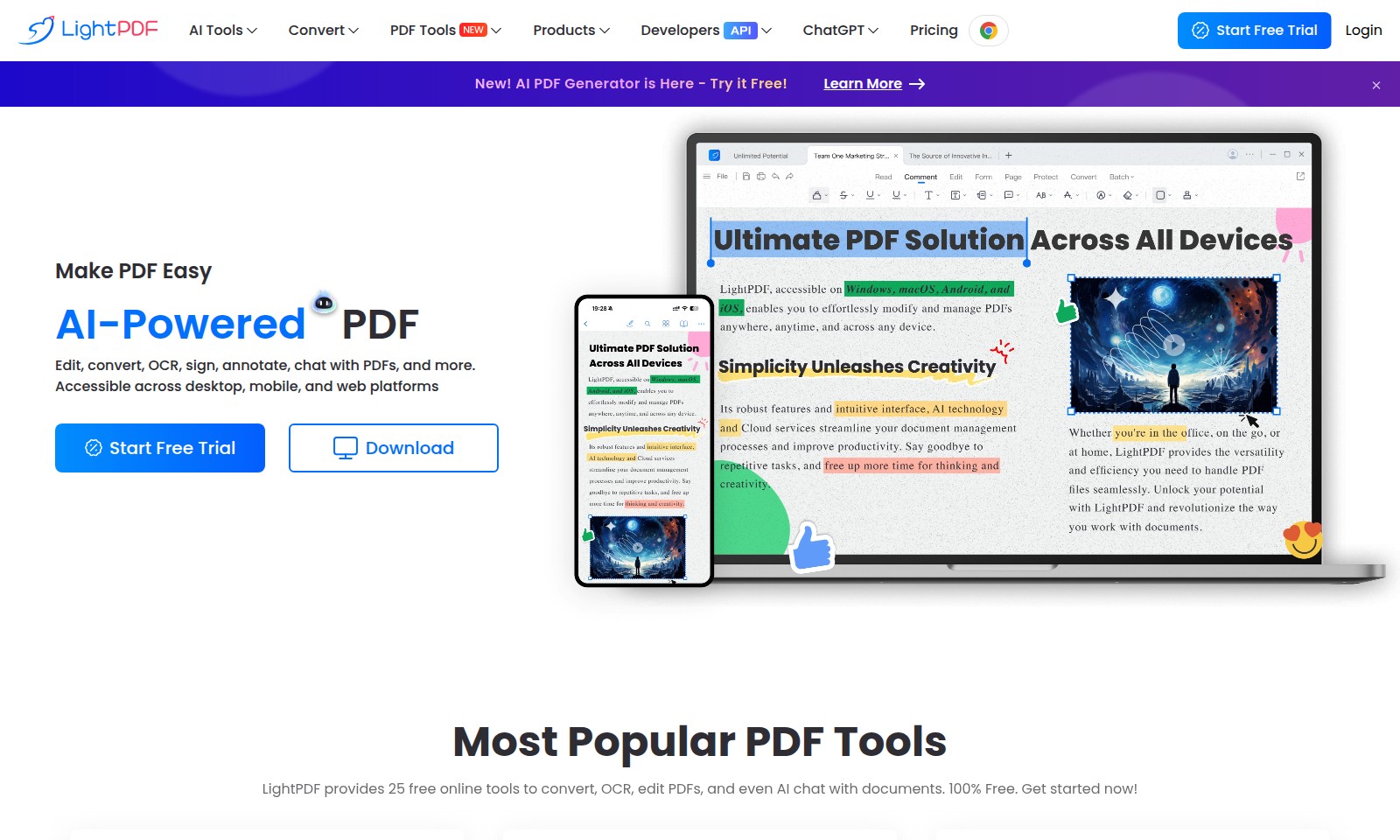
LightPDF Introduction
AI-Powered PDF Tools for Enhanced Productivity
Experience a comprehensive suite of AI-driven PDF tools designed to simplify your document management tasks and elevate your productivity. Our platform offers innovative features that allow you to easily edit, convert, annotate, and interact with PDFs on any device. With accessibility across desktop, mobile, and web platforms, managing your documents has never been easier. Sign up today and discover how our services can make handling PDFs efficient and hassle-free.
LightPDF Features
AI PDF Generator - Efficient Document Handling
Maximize your productivity with our revolutionary AI PDF Generator that streamlines document handling. This feature employs cutting-edge AI to convert, edit, and manipulate PDFs, making it essential for anyone dealing with large amounts of documentation in their daily tasks.
LightPDF Tools Suite - Comprehensive PDF Management
Utilize the LightPDF Tools Suite which encompasses 25 multifunctional tools for editing, converting, and annotating PDFs. This all-in-one solution offers seamless transitions between tasks and is particularly beneficial for professionals handling diverse document formats regularly.
OCR Technology - Intelligent Text Recognition
Our advanced Optical Character Recognition (OCR) technology swiftly transforms scanned documents and images into editable text. This feature is indispensable for businesses that rely heavily on archival documents, allowing them to quickly digitize and access information without manual data entry.
PDF Compression - Space-Saving Efficiency
Easily reduce PDF file sizes without sacrificing quality with our PDF Compression tool. This distinct feature is ideal for users looking to store or share documents efficiently, especially for those in sectors like education and publishing where file size constraints can hinder productivity.
AI Chat with PDFs - Interactive Document Engagement
Engage interactively with your documents using our AI chat feature. Users can pose questions about the contents of their PDFs and receive instant feedback, enhancing comprehension and expediting decision-making processes. This is particularly useful for academics and researchers who frequently work with complex data.
Merge PDFs - Simplified Document Consolidation
Combine multiple PDFs into a single, coherent document effortlessly with our merging tool. Tailored for legal firms and administrative sectors where document consolidation is key, this feature ensures a streamlined workflow and reduces the hassle of managing numerous files.
Cross-Platform Compatibility - Accessibility Anywhere
Enjoy complete flexibility with our tools, accessible across desktop, mobile, and web platforms. This ensures that users can manage their documents anytime, anywhere, catering to the increasing need for remote work solutions.
Frequently Asked Questions About LightPDF
Frequently Asked Questions
1. What is LightPDF and what services do you offer?
LightPDF is a comprehensive online platform that offers a variety of AI-powered PDF tools. You can edit, convert, annotate, and sign PDFs with ease, all while accessing our services from desktop, mobile, and web platforms.
2. How can I convert PDF files to Word?
To convert a PDF to an editable Word document, simply upload your PDF and select the conversion option. Our tool ensures high accuracy, retaining the original layout and formatting.
3. Is there a free trial available for your tools?
Yes, LightPDF offers a free trial for new users. You can try all our features at no cost and experience the efficiency of AI-powered PDF management.
4. Can I compress my PDF files without losing quality?
Absolutely! Our PDF compression tool reduces file size while maintaining the highest quality. This is perfect for sharing documents without worrying about large file sizes.
5. How does the AI-powered chat feature work?
With our ChatPDF feature, you can interact with your documents like never before. Just upload your PDF and ask questions about the content, and the AI will provide you with detailed responses based on the information in the document.
6. Are your tools available on all devices?
Yes, LightPDF tools are available on Windows, Mac, iPhone/iPad, and Android. You can download our app for enhanced productivity and convenience.
How to Use LightPDF
Register Your Account
To get started, visit the website and click on the 'Start Free Trial' button. Fill in your email address and create a strong password to secure your account.
Verify Your Email
Check your email inbox for a verification link sent from us. Click on the link to verify your email address, which will allow you to access all features.
Log In to Your Account
Return to the website and log in using your newly created credentials. Enter your email and password to access your dashboard.
Set Up Your Profile
Once logged in, navigate to the profile settings. Fill in your personal details and preferences to customize your experience.
Explore AI PDF Tools
Familiarize yourself with the range of tools available. Click on options like 'Edit PDF', 'Convert PDF', and 'ChatPDF' to learn how they work.
Upload Your Documents
To start utilizing the tools, upload your documents by dragging and dropping them into the designated area. Ensure they are in PDF format for compatibility.
Use Key Features
Select a tool such as 'Edit PDF' or 'OCR' to enhance your document. Follow the on-screen instructions for each tool to maximize productivity.
Save and Share Your Work
After editing or converting your PDFs, save your changes and download the final versions. You can also share them directly through email or other platforms.
Reviews
Pros
- Easy to use
- Fast processing
- Great results
- Affordable pricing
Cons
- Limited free version
- Requires internet connection
Comments
No comments yet. Be the first to share your thoughts!
LightPDF - Alternative Platforms
For some alternatives to LightPDF that you may need, we provide you with sites divided by features.

Sonic-3 offers human-like text-to-speech capabilities for various applications, providing emotional nuances and rapid response times.
Uprise offers embedded tax and advisory services, enhancing SMB platforms for business owners with personalized financial guidance and integration.
Outter offers tailored, plug-and-play AI solutions for fast integration, focusing on user engagement, privacy, and ROI enhancement.
Speak AI enhances data management by transforming meetings, interviews, and surveys into actionable insights with advanced transcription and analysis features.