Miro
Discover the capabilities of Miro's AI Innovation Workspace that facilitates teamwork, planning, and execution across various organizational functions.
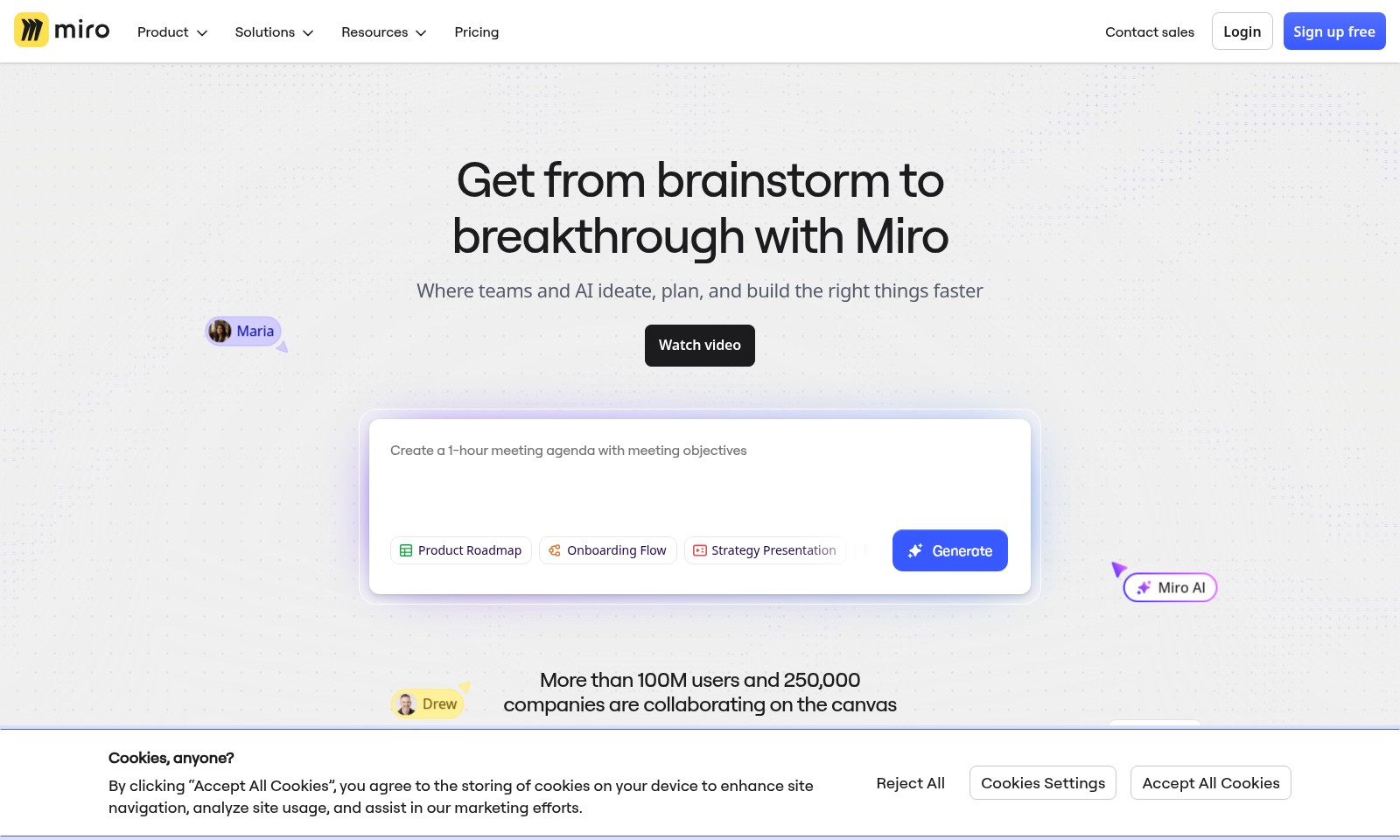
Miro Introduction
AI Innovation Workspace
The AI Innovation Workspace is designed to empower businesses and teams by integrating advanced AI capabilities into every aspect of product development and management. With a focus on seamless collaboration, our platform offers tools and features that streamline workflows, enhance productivity, and facilitate innovation. By leveraging AI, organizations can harness insights from data, prioritize customer needs, and accelerate product delivery to better meet the demands of the fast-paced market.
Miro Features
AI Innovation Workspace - Optimized Collaboration
A centralized platform designed to enhance teamwork among engineers and product managers. Integrated with advanced AI tools to streamline workflows and improve productivity across projects.
Prototypes - Accelerate Development
The prototype feature allows teams to create and test product designs rapidly, reducing time to market. Utilizes real-time feedback loops to enable iterative improvements, ensuring higher quality outcomes.
Insights - Data-Driven Decision Making
Access to powerful analytics tools that transform raw data into actionable insights. Supports informed decisions that drive business strategy and product alignment with market demands.
Digital Employee Experience - Enhancing Workforce Engagement
Enhances employee satisfaction and productivity through an intuitive digital platform. Features tailored user experiences that promote better collaboration and reduced operational friction.
Kanban - Visual Workflow Management
A robust Kanban tool that visualizes project tasks and progress, making it easier to manage workloads and deadlines. Enables teams to quickly identify bottlenecks and optimize resource allocation.
Frequently Asked Questions About Miro
Frequently Asked Questions
What is the AI Innovation Workspace?
The AI Innovation Workspace is a platform designed for integrating artificial intelligence into your workflow. It streamlines processes by leveraging AI to enhance productivity and innovation within businesses.
How can AI improve my business operations?
AI helps optimize operations through automation, predictive analytics, and improved customer interactions. By integrating AI tools, businesses can save time, reduce costs, and make data-driven decisions more effectively.
What types of industries can benefit from AI solutions?
Industries such as software, financial services, manufacturing, retail, and life sciences are already seeing significant improvements from AI implementation. These sectors can utilize AI to enhance processes and overall efficiency tailored to their specific needs.
How do I start using the AI tools available?
To get started, you can explore our product offerings and select tools like the Intelligent Canvas or the Developer Platform. We provide comprehensive tutorials and support to help you implement these tools effectively in your organization.
What are the key features of the Platform Overview?
The Platform Overview includes features like diagrams, blueprints, tables, and integration capabilities. These tools are designed to support various aspects of project management and delivery, ensuring seamless collaboration across teams.
Can I customize AI tools for my specific needs?
Yes, our AI solutions are highly customizable. You can tailor features and functionalities to meet your unique business requirements, ensuring you get the most value from your investment.
How to Use Miro
Register an Account
Begin by navigating to the registration page of the AI Innovation Workspace. Fill in your personal details such as your name, email, and create a secure password. Click on the 'Register' button to create your account.
Verify Your Email
After registration, check your inbox for a verification email. Click on the link provided to confirm your email address and activate your account.
Set up Your Profile
Log in to your account and go to the profile settings. Upload a profile picture, add additional information about yourself, and select your preferences. Save your changes to personalize your workspace.
Explore the Dashboard
Once your profile is set, take a moment to familiarize yourself with the dashboard. Here, you will find quick links to key features such as AI Overview, Flows, and Your AI & Knowledge sections.
Navigate AI Features
Dive into the AI features by exploring the AI Overview section. This will give you insights into how AI can enhance your work. Check out tools like Intelligent Canvas and MCP to see their functionalities.
Utilize Flows
Go to the Flows section to create and manage workflows. Start by selecting a template or creating a new flow from scratch. Customize it according to your project needs.
Engage with Sidekicks
Utilize the Sidekicks feature for guided assistance. Sidekicks will help you navigate through features and offer tips to optimize your productivity.
Access Product Management Tools
Visit the Product Management section to manage your projects effectively. Use tools like Prototypes and Roadmaps to outline your product strategy and track progress.
Learn from Insights
Make sure to regularly check the Insights section. This part provides analytical reports and data which are crucial for informed decision-making in your projects.
Collaborate in Teams
If you are working with a team, ensure to leverage collaborative tools available in the platform. Create shared documents and engage in discussions using the Docs feature.
Get Help and Support
If you face any issues, head to the support section for FAQs and guides. You can also reach out to customer support for personalized assistance.
Reviews
Pros
- Easy to use
- Fast processing
- Great results
- Affordable pricing
Cons
- Limited free version
- Requires internet connection
Comments
No comments yet. Be the first to share your thoughts!
Miro - Alternative Platforms
For some alternatives to Miro that you may need, we provide you with sites divided by features.

AssemblyAI offers robust Voice AI models to enable innovative voice applications, ensuring top-notch accuracy and seamless scalability for developers.
Tiptap offers an AI Toolkit for creating document-editing agents, featuring templates, collaboration tools, and extensive customizability.
Explore the platform for creating customizable AI companions, avatars, and agents that enhance business processes with full control and zero fees.
Vana is an open network for user-owned data, enabling individuals to trade data tokens, access real datasets, and build data collectives.