NB Pro
Explore NB Pro for seamless AI-powered image and video creation, offering unique tools and extensive model access for enhanced creativity.
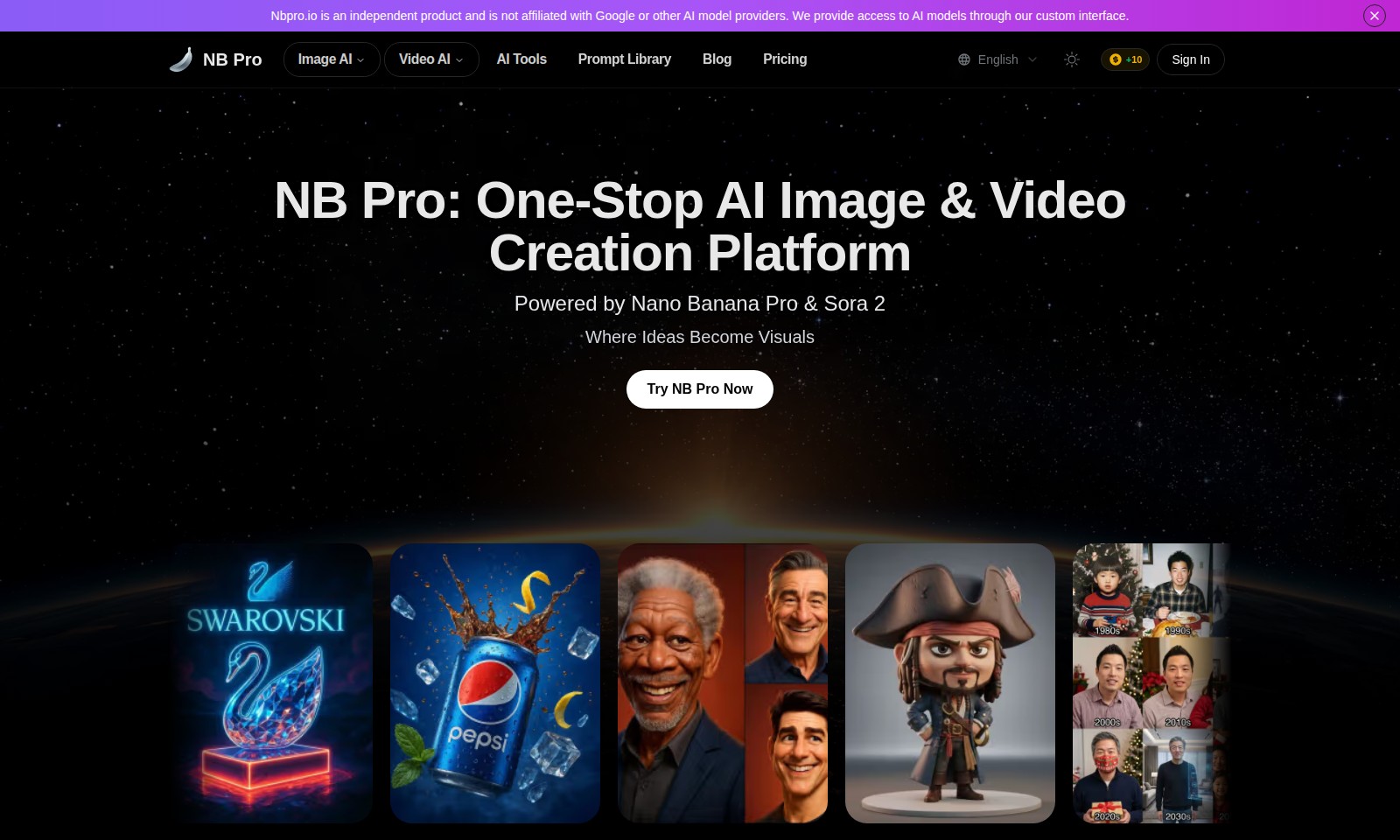
NB Pro Introduction
NB Pro: Your Comprehensive AI Image & Video Creation Hub
NB Pro is revolutionizing the creative process by providing a cutting-edge platform tailored for generating high-quality images and videos using advanced AI technologies. With features designed to simplify and enhance your creative workflow, we empower you to bring your ideas to life with ease and efficiency.
NB Pro Features
NB Pro - One-Stop AI Image & Video Creation Platform
Elevate your creative projects effortlessly with NB Pro's advanced AI tools. Our platform simplifies the process of generating stunning visuals, making it accessible for users of all skill levels.
Image AI - Transform Your Ideas into Visuals
Experience the future of creativity with our Image AI feature. Users can easily create custom images based on their prompts, allowing for endless artistic possibilities. This feature accepts a variety of formats, including JPEG, PNG, and WEBP, catering to diverse project needs.
Video AI - Enhance Your Visual Storytelling
Utilize our Video AI tools to incorporate dynamic visuals into your storytelling. Our cutting-edge technology ensures that your videos capture attention, engage viewers, and convey your message effectively.
AI Tools - Streamline Your Creative Process
Access an array of AI tools designed to enhance and upscale your visuals seamlessly. NB Pro's tools simplify various creative tasks, saving you time and effort, enabling you to focus more on your artistic vision.
Prompt Library - Fuel Your Creativity
Tap into our extensive collection of prompt suggestions. The library offers inspiration and guidance, ensuring you never run out of creative ideas. Tailored for various use cases, it supports all users, from hobbyists to professionals.
Blog - Stay Updated with AI Innovations
Our comprehensive blog provides insights into the latest trends in AI and creative processes. Stay informed about new features, industry news, and tips to maximize your creative potential on NB Pro.
Pricing - Accessible for Every User
We offer flexible pricing plans that cater to different budgets. Whether you're a casual creator or a professional, NB Pro ensures that everyone can access advanced AI technology without breaking the bank.
Frequently Asked Questions About NB Pro
Frequently Asked Questions
What is Nbpro.io?
Nbpro.io is an independent platform that provides access to various AI models for image and video creation. We are not affiliated with Google or any other AI model providers.
How can I create images using Nbpro.io?
You can create images by using our custom interface, which allows you to upload images or drag them from our gallery. We support formats like JPEG, PNG, and WEBP, with a maximum size of 50MB for each image.
What output formats does Nbpro.io support?
You can generate images in PNG or JPEG formats with resolutions ranging from 1K to 4K. This flexibility helps you to choose the quality based on your project requirements.
Are there any fees associated with using Nbpro.io?
Yes, there are usage credits required for generating images. For instance, generating an image typically costs 6 credits. You can purchase credits directly on our platform.
Does Nbpro.io offer tools for video creation as well?
Absolutely! In addition to AI image generation, Nbpro.io also provides tools for creating videos. These tools are designed to streamline your creative process and enhance your projects effectively.
What kind of prompts can I use for image generation?
You can use descriptive prompts that clearly outline the visual elements you want to incorporate. Our strongest model, Nano Banana Pro, is designed to follow prompts effectively and generate high-quality images based on your input.
How to Use NB Pro
Register an Account
To get started, navigate to the NB Pro website and click on the 'Sign In' button. Once on the login page, look for the 'Register' option. Fill in the required fields with your email and create a secure password to establish your account.
Verify Your Email
After registration, check your inbox for a verification email. Click on the confirmation link in the email to validate your account. This step ensures that you have access to all the features of the platform.
Set Up Your Profile
Once logged in, access your account settings. Complete your profile by adding optional details such as your name and profile picture, which helps personalize your experience on the platform.
Explore Key Features
Familiarize yourself with the main offerings of NB Pro. Navigate through sections like Image AI, Video AI, and the Prompt Library. Each area contains unique tools to assist your creative projects.
Upload Your First Image
To begin creating, click on the 'Image to Image' option. Drag and drop an image from your gallery or click to upload. Ensure the images are in JPEG, PNG, or WEBP format and do not exceed 50MB in size.
Generate New Content
After uploading, use the interface to modify or enhance your image. You can doodle or edit directly on the thumbnail. When ready, click on 'Generate Image' to create your new visual based on your original submission.
Use AI Tools
Explore the array of AI tools available on NB Pro. Whether you want to upscale images or generate custom visuals for your projects, these tools will streamline your creative process. Experiment with different models and settings to achieve the best results.
Save and Share Your Creations
Once you're satisfied with your generated images or videos, save them to your gallery. From there, you can share directly or download them to your device for further use in presentations or projects.
Review Your Credits
Keep an eye on your credits, which are used for generating content. You can view your balance in the account settings and refill them when necessary, ensuring you always have access to your favorite features.
Reviews
Pros
- Easy to use
- Fast processing
- Great results
- Affordable pricing
Cons
- Limited free version
- Requires internet connection
Comments
No comments yet. Be the first to share your thoughts!